Swivel Mount Kit Center Screen Rotating Holder New Upgraded V2 & V3 Version For Tesla Model 3/Y/3 Highland/ Y Juniper/Y L
Warranty-friendly installation

Check the selected Tesla model, model year, and option before checkout. If this product has a Car Model or Compatible Model selector, choose the option that matches your vehicle.
- Use the product images and variant name to confirm the correct version.
- If you are unsure about fitment, contact Tesstudio with your Tesla model and production year before ordering.
Tesstudio installation support is available for Tesla owners who need help choosing, installing, or troubleshooting accessories.
Most Tesstudio accessories are designed for straightforward DIY installation. For powered upgrades, wiring, lighting, or large exterior parts, professional installation may be recommended.
Local installation and technical support
- Address: 14761 Franklin Ave # G, Tustin, CA 92780
- Technical support: +1 (657) 543-9876 or +1 (657) 565-1007
- Support hours: Monday-Friday, 8:30 AM-5:30 PM
The phone numbers above are for technical installation support only. For orders, shipping, returns, or general customer service, contact:
- Email: support@tesstudio.com
- WhatsApp: +1 714 317 9647
Tesstudio checks fit, material, and daily-use durability before listing products for Tesla owners.
- Eligible products include warranty support for non-human damage issues.
- If a product arrives damaged or does not fit as expected, keep the packaging and contact us with photos so we can help quickly.
In-stock items are usually processed within 1-2 business days. Delivery time depends on destination, product size, and stock status.
- Orders of $99 or more qualify for free standard shipping where available.
- Oversized, remote-area, pre-order, and special-market items follow the terms shown on the product page.
- Tracking is provided after dispatch.
Need help before or after purchase?
Contact Tesstudio support:
WhatsApp
+1 714 317 9647
Choose options
Product Installation & Review
See how it fits, installs, and performs before you buy.
Tesla center screen swivel mount
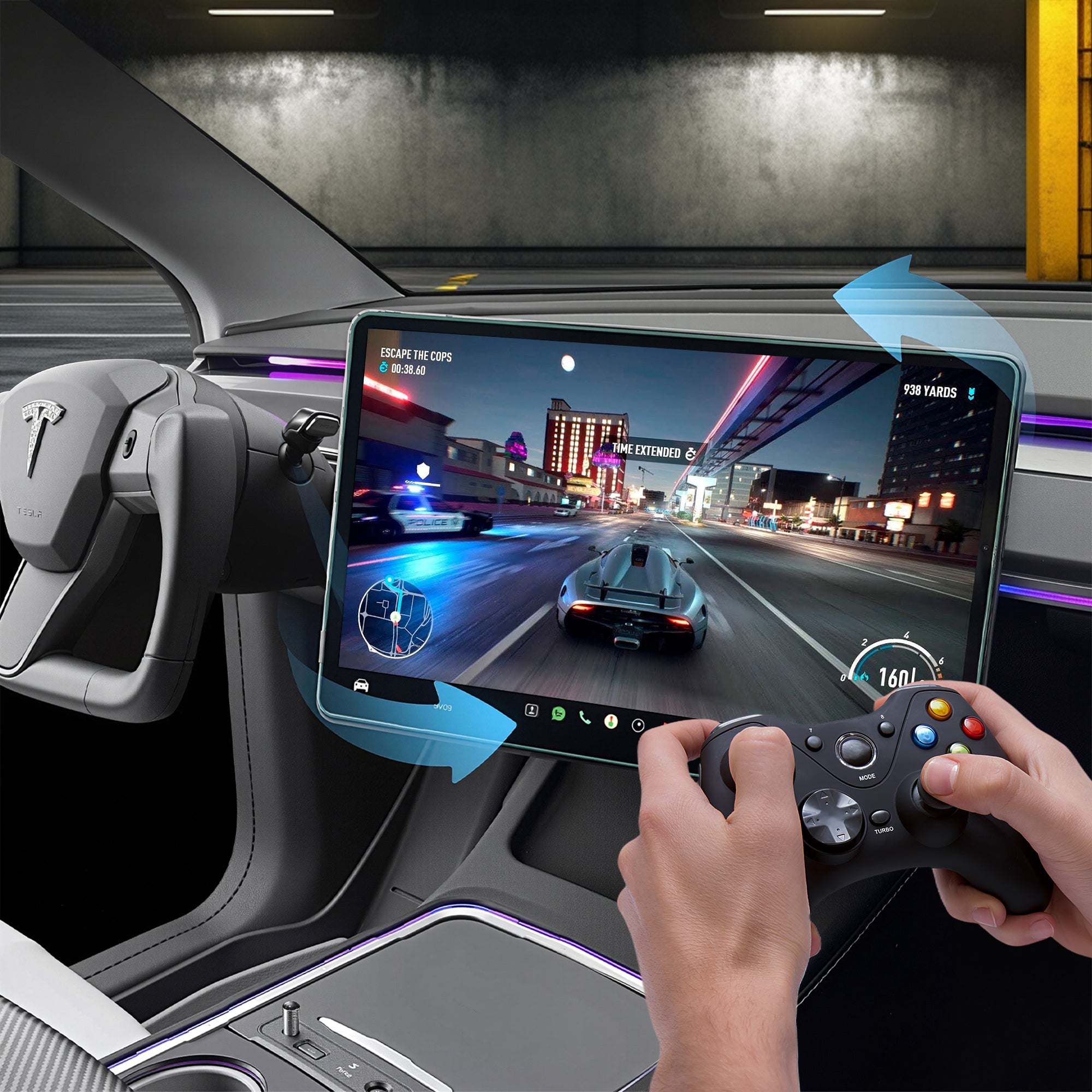
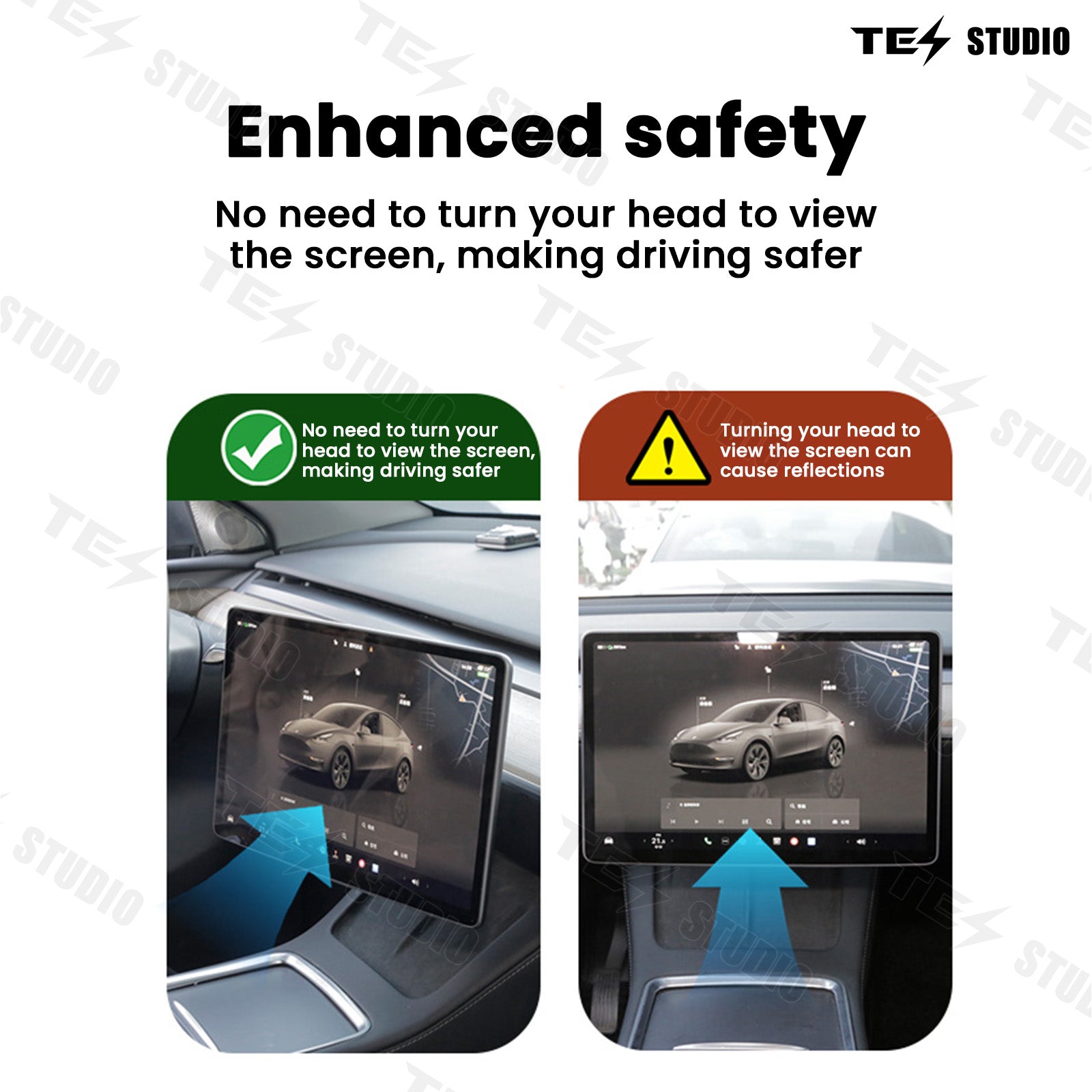
Make the Tesla center screen face the person using it.
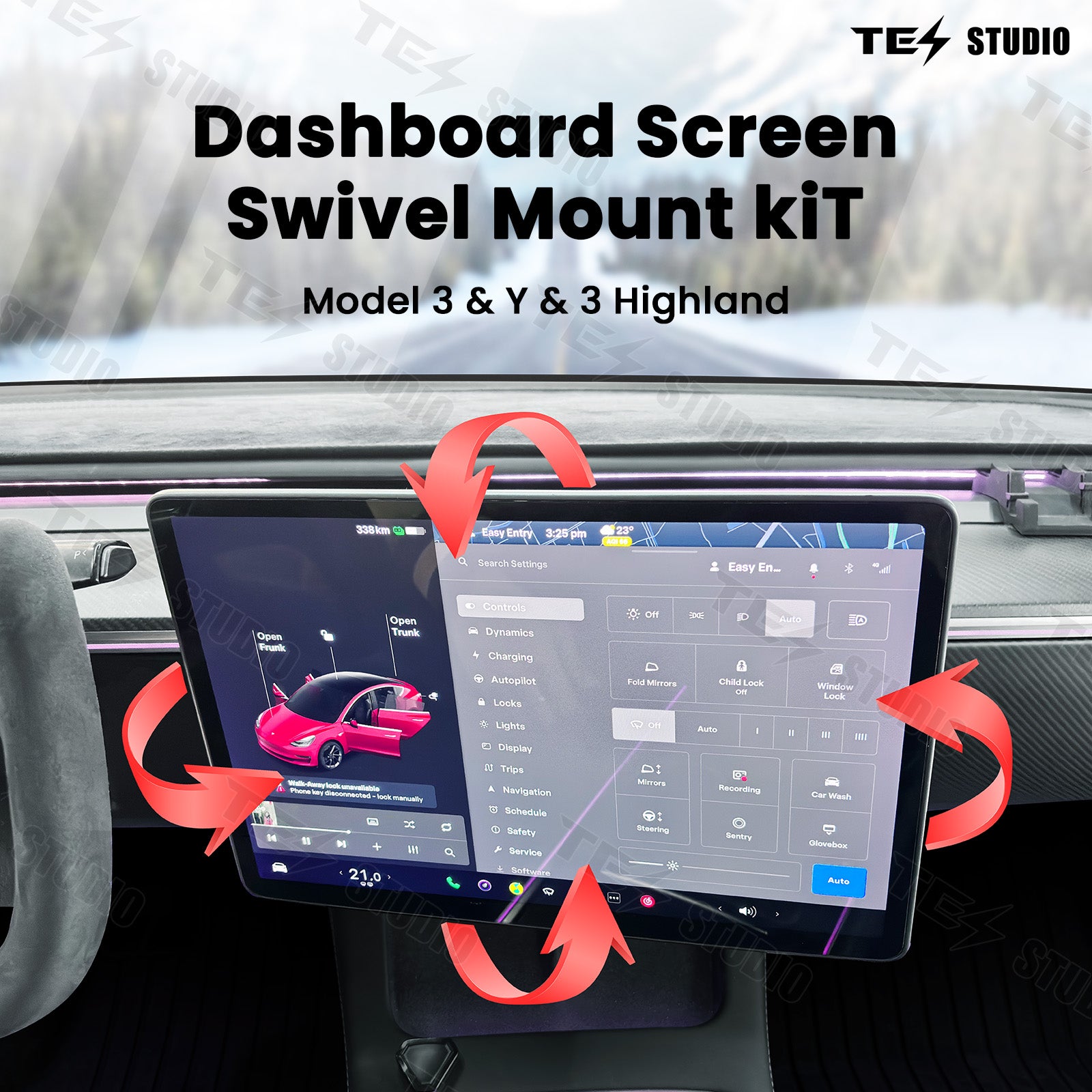
The factory screen is useful, but it stays fixed. This swivel mount kit lets the display angle toward the driver for navigation and camera views, or toward the passenger when they are helping with music, maps, charging, or settings. The result is simple: less leaning, easier viewing, and a front cabin that feels more natural to use.
Driver-first viewing
Bring key screen information closer to your line of sight without changing the Tesla screen itself.
Passenger-friendly use
Let the passenger adjust media, maps, charging, or settings more comfortably from their seat.
V2 and V3 choices
Choose the live version, model range, and driver side that match your Tesla before checkout.

Customer problem solved
What changes after installation
Without it: the screen stays fixed
A fixed screen can feel slightly off-angle during navigation, reversing-camera checks, music control, charging stops, or passenger use.
Why buy it: better control
The mount gives the center display a more usable angle, so the person interacting with the screen does not need to lean or reach awkwardly.
After install: easier cabin use
Daily screen actions feel smoother from either front seat, especially on road trips, charging breaks, and parked media use.
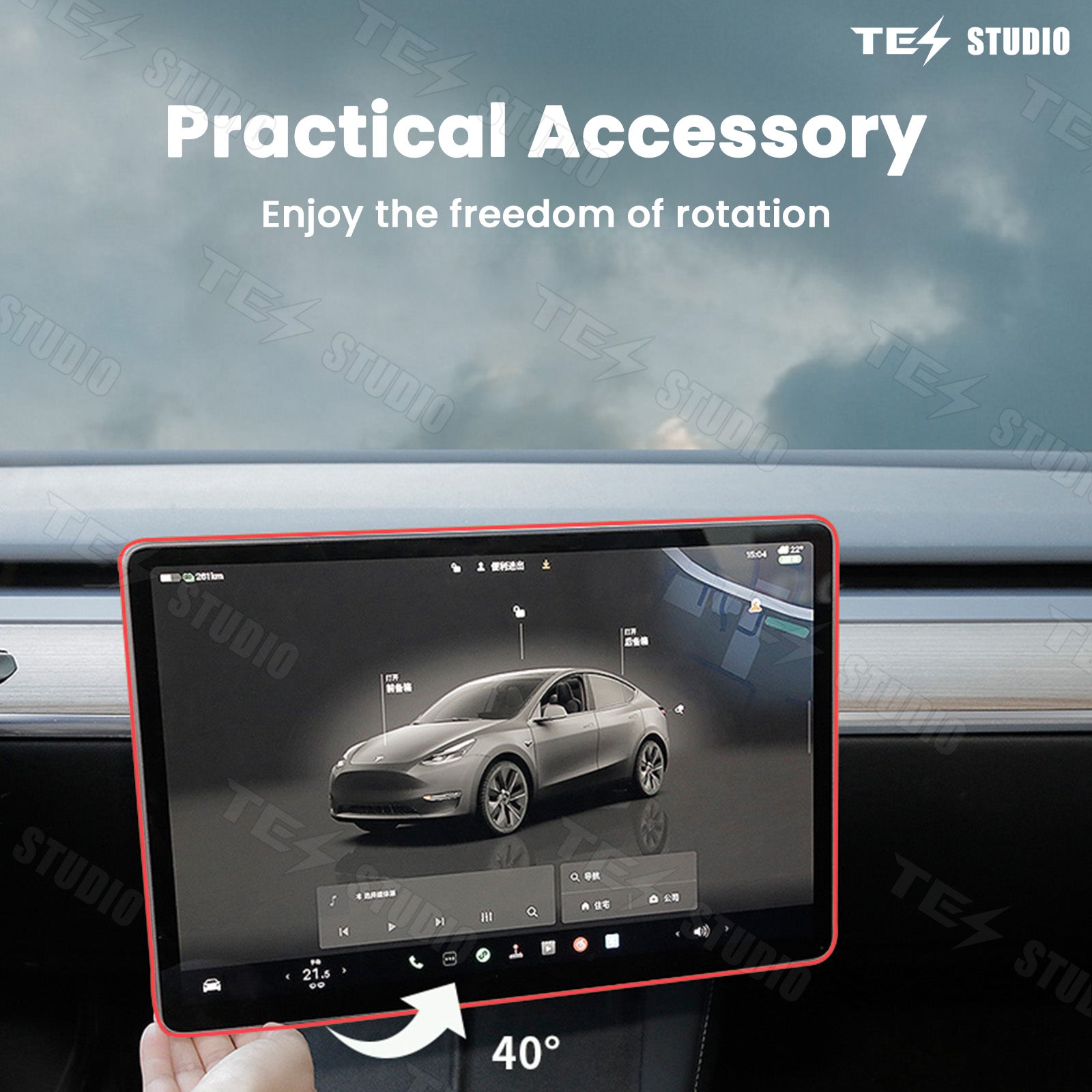
40-degree adjustment
Angle the screen without making the cabin feel modified.
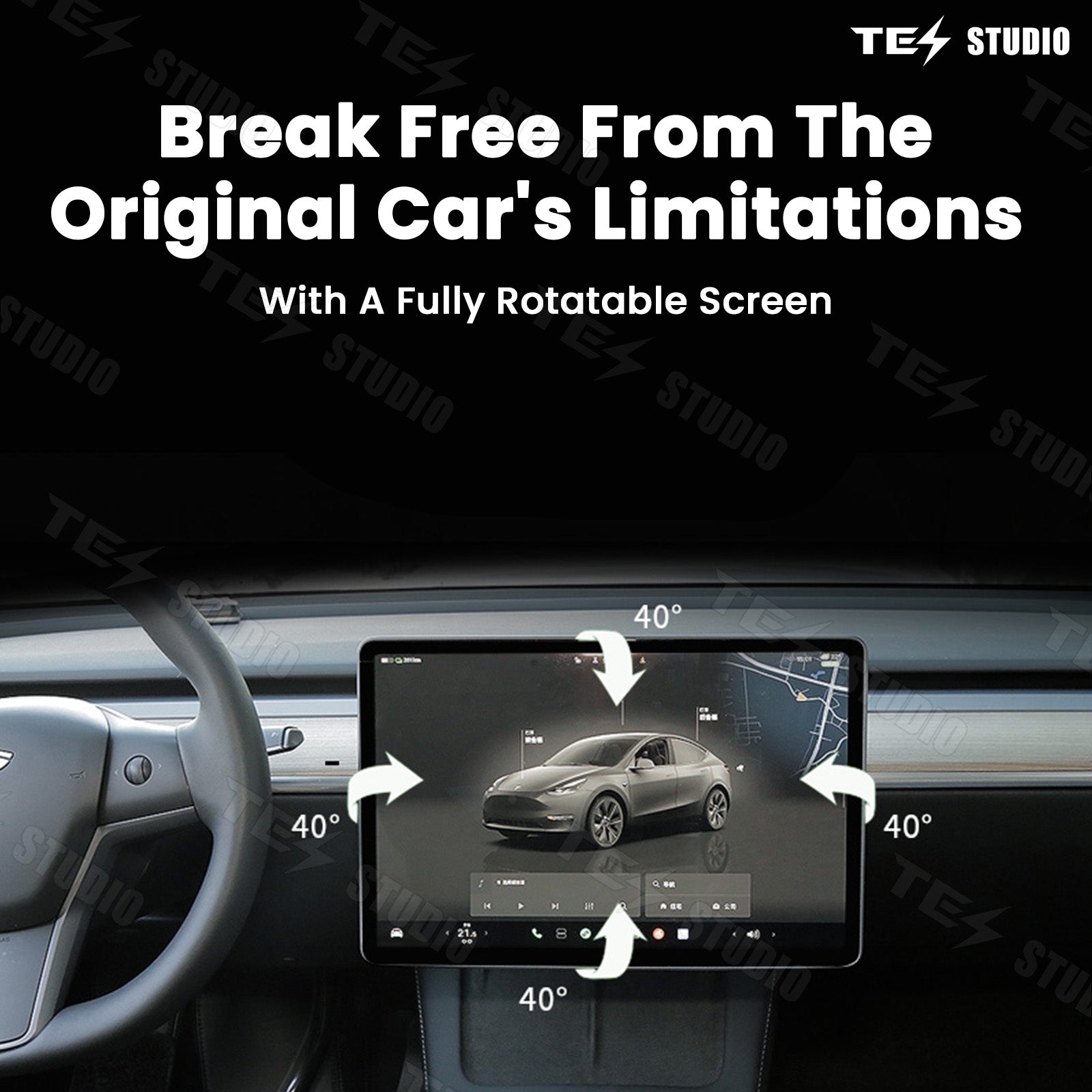
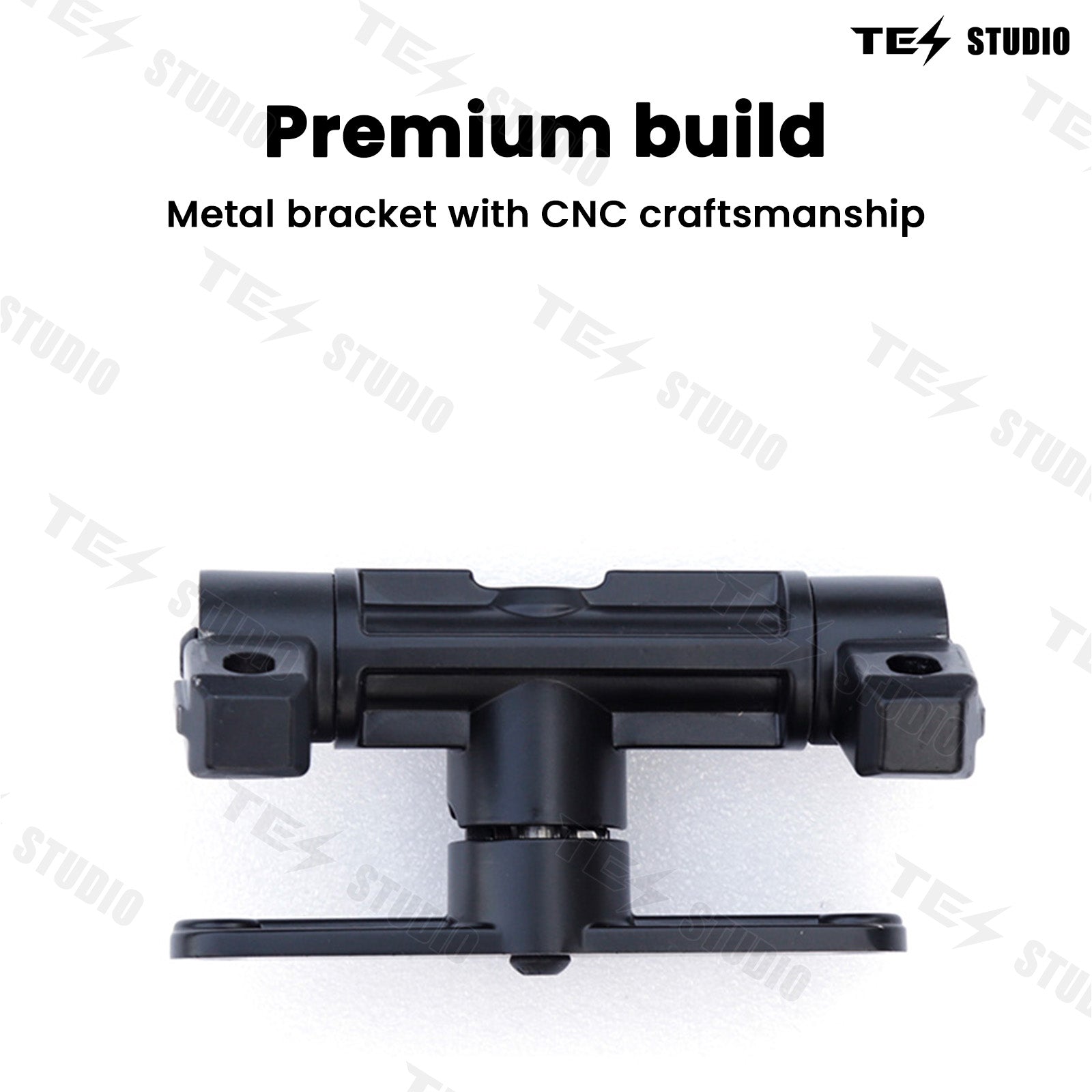
The current product page lists 40-degree movement up, down, left, and right, plus aluminum alloy construction and constant damping for smooth, stable adjustment. It is designed for a cleaner OEM-style fit instead of a bulky bracket look.
Driver angle
Helpful for maps, cameras, trip data, climate control, and charging status.
Passenger angle
Useful when the passenger manages music, route changes, calls, or settings.


Trust before you install
Built to feel stable, clean, and natural in the Tesla cabin.
A screen swivel mount only works if it feels solid after the first week of daily use. This upgrade focuses on smooth movement, a factory-like screen position, and a clean install path so the center display becomes easier to use without making the cabin feel messy or over-modified.
Smooth damping, not loose movement
The current product highlights aluminum alloy construction and constant damping, helping the screen rotate smoothly while staying controlled during normal use.
Cleaner V3 screen height option
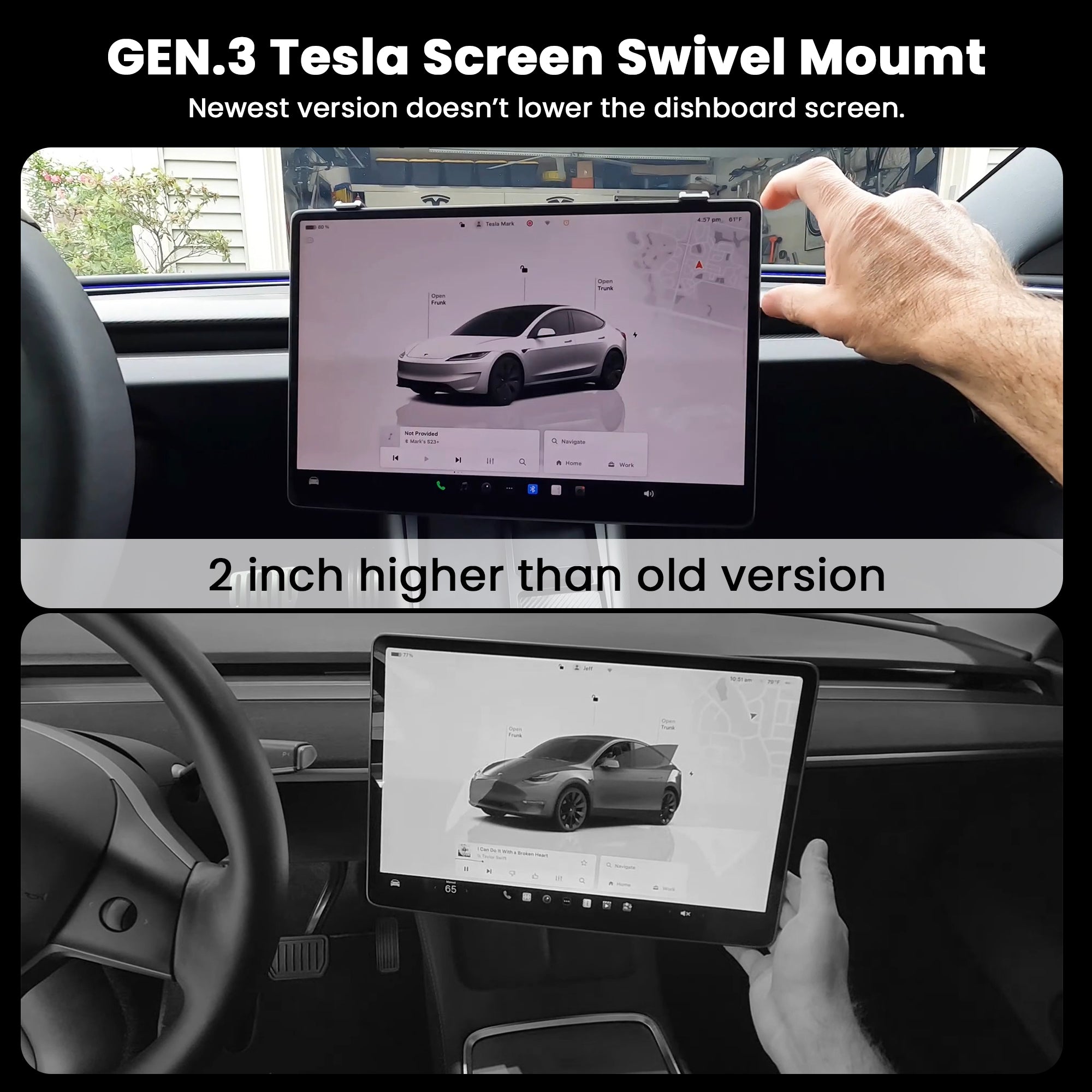
For shoppers who care about the original dashboard look, the V3 option is described as not lowering the screen height.
Better use from both front seats
Angle the display toward the driver for maps and camera views, or toward the passenger for media, charging, and settings during trips.
Clear choice before checkout
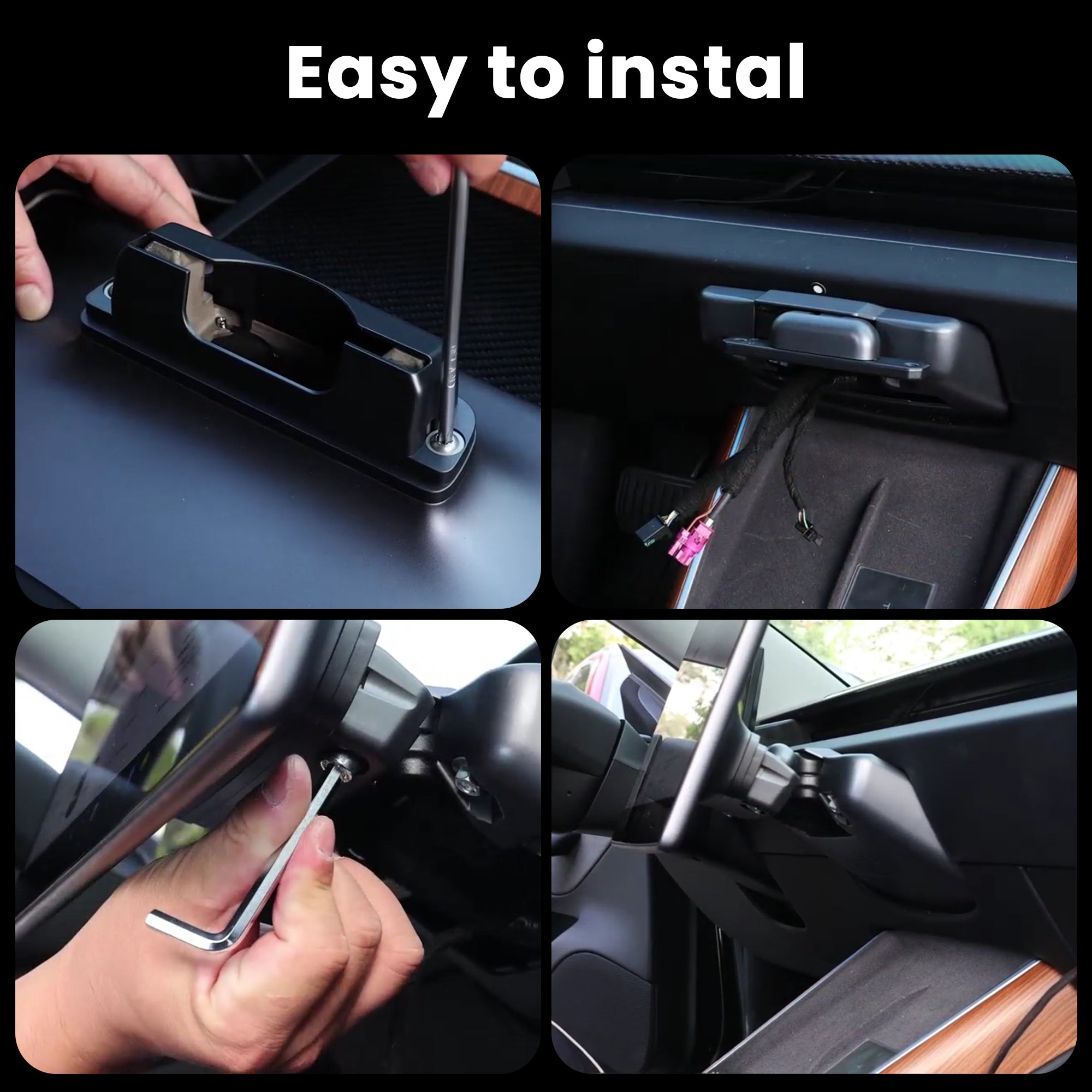
Use the selector above to confirm your version and driving side. The page also keeps the installation manual and reference video guidance available before you install.
Details before checkout
Confirm the version that fits how you use the screen.
| Product type | Tesla center screen swivel mount / rotating holder kit |
| Current fitment | Tesla Model 3, Model Y, Model 3 Highland, Model Y Juniper, and Model Y L options shown in the live selector |
| Adjustment range | Current page describes 40-degree movement up, down, left, and right |
| V3 note | New Upgraded V3 Version is described as not lowering the screen height |
| Material note | Current highlights mention premium aluminum alloy construction and constant damping |
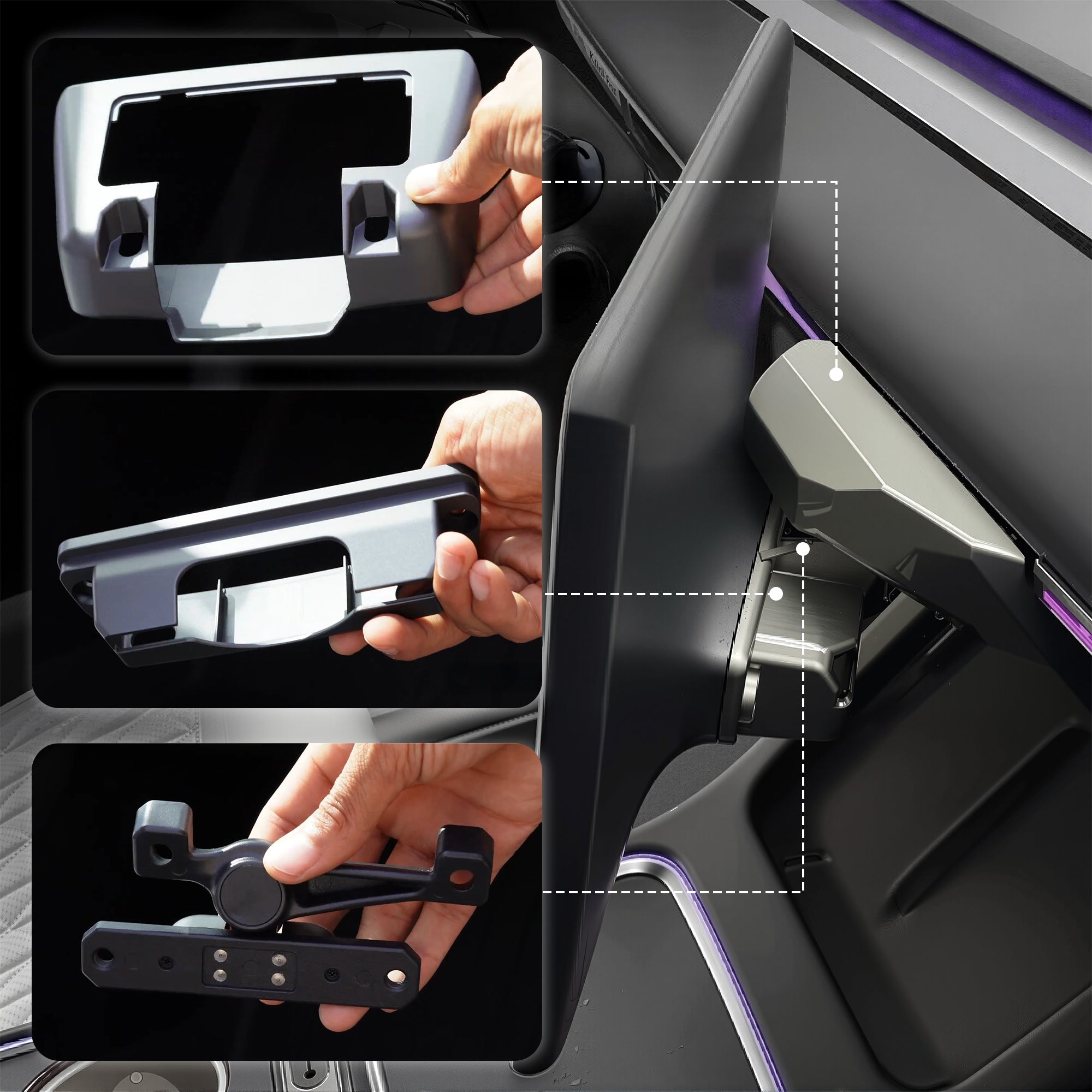
| Installation help | Open the installation manual. The page also notes that a similar installation video/manual can be used as a reference. |
Complete the front cabin setup
Useful add-ons for the same screen and console area

Wireless Charger With Ambient Light LED For Tesla Model 3 Highland /Model Y Juniper
Adds cleaner phone charging and cabin lighting for the same front-console area.
Fitment note: Strong pairing for Model 3 Highland and Model Y Juniper setups

3-in-1 Smart Center Console Charging Dock for Tesla Model 3 Highland/Model Y Juniper
Adds a cleaner charging and console setup for newer Tesla cabins.
Fitment note: Best when your build includes Highland or Juniper fitment

Tesla Model Y & Model 3 Tempered Glass Screen Protector | 9H Auto-Alignment Kit (Matte / HD Clear)
Protects the center screen surface after upgrading how often it is touched and adjusted.
Fitment note: Choose only if it matches your screen and model year
FAQ
Questions before buying a Tesla screen swivel mount
Why add a Tesla screen swivel mount if the factory center screen already works?
The factory screen is fixed. This swivel mount is for owners who want the display to face the driver or passenger more naturally for navigation, camera views, charging, music, settings, and parked use.
What is the difference between the V2 and V3 version?
The current product page lists both Upgraded V2 and New Upgraded V3 options. The V3 option is described as not lowering the screen height, which matters for owners who want a cleaner factory-like screen position.
How far can the screen adjust?
The current product page describes 40-degree adjustment up, down, left, and right, giving the screen more flexible positioning than the fixed factory mount.
Which option should I choose before checkout?
Choose the exact car model, version, and driving side shown in the live product selector. Match your Tesla model year range first, then confirm V2 or V3 and Left Hand Drive or Right Hand Drive.
Does the page include installation help?
Yes. The product page includes an installation manual link and notes that a similar Model 3/Y/3 Highland swivel mount installation video and manual can be used as a reference.
Choose your exact Tesla model, version, and driver side before checkout, then make the center screen easier to see, reach, and share from either front seat.
Good product, seems pretty solid. The instructions included in the box was pretty simple to read and it was easy to install. Only had it for a week, and so far so good. The swivel is amazing. It bring the screen a bit lower, and closer to you. Makes it easier to reach the top right corner.
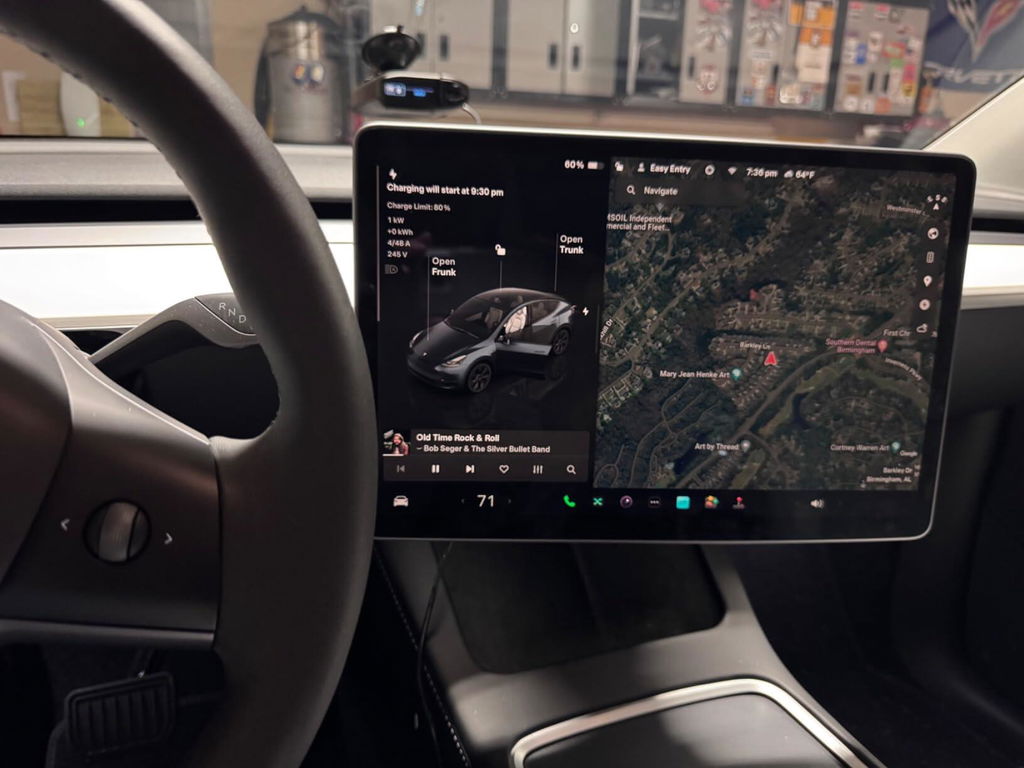
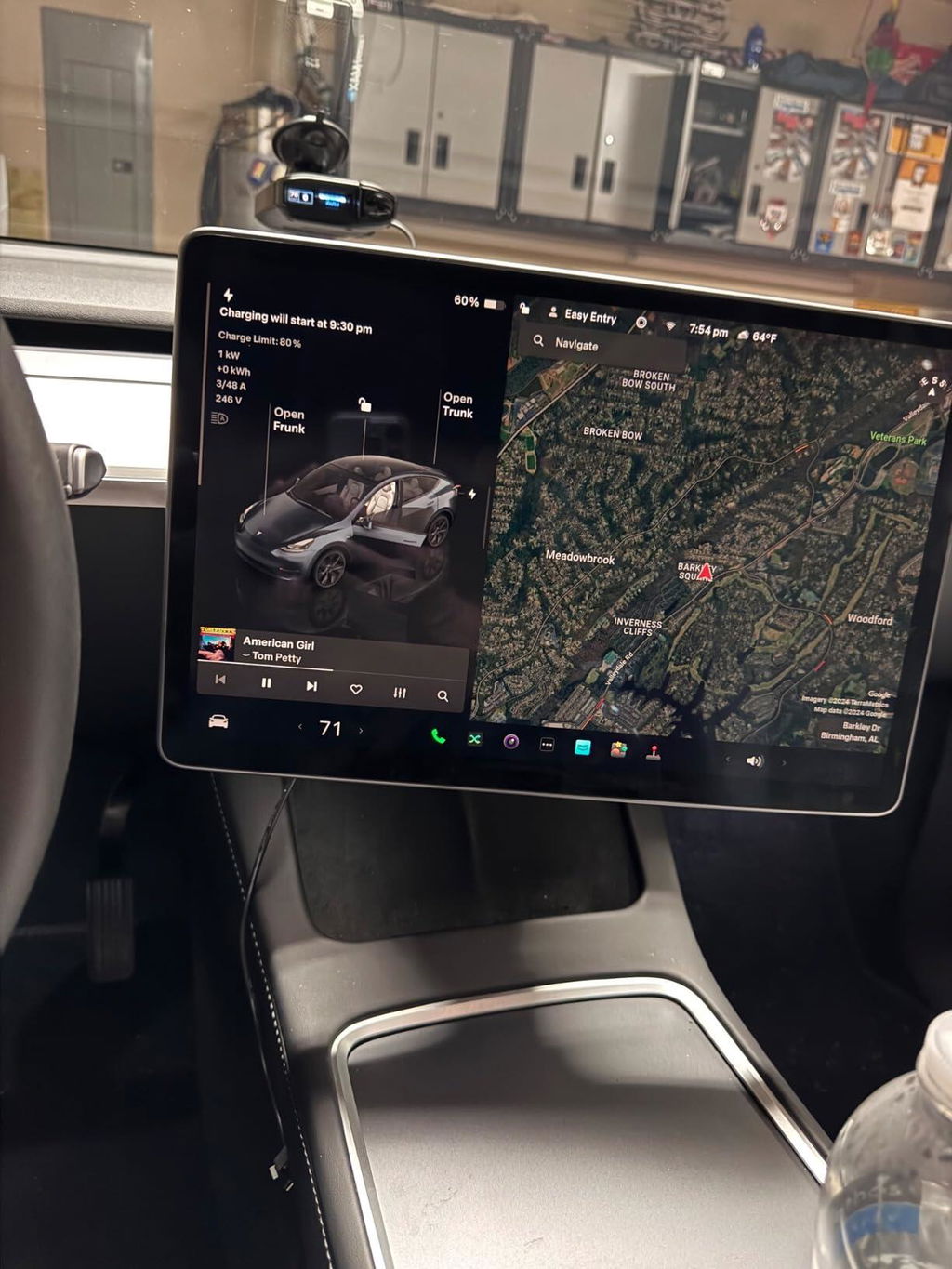
Feels like a high-end upgrade��materials are solid, nothing cheap about it.
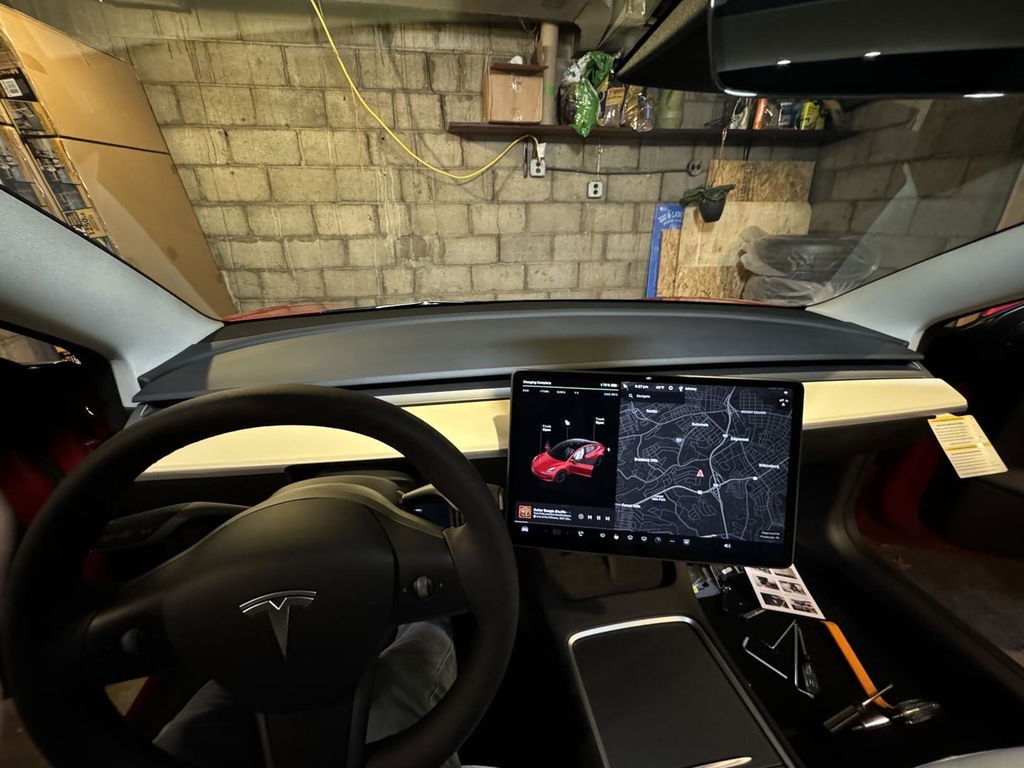
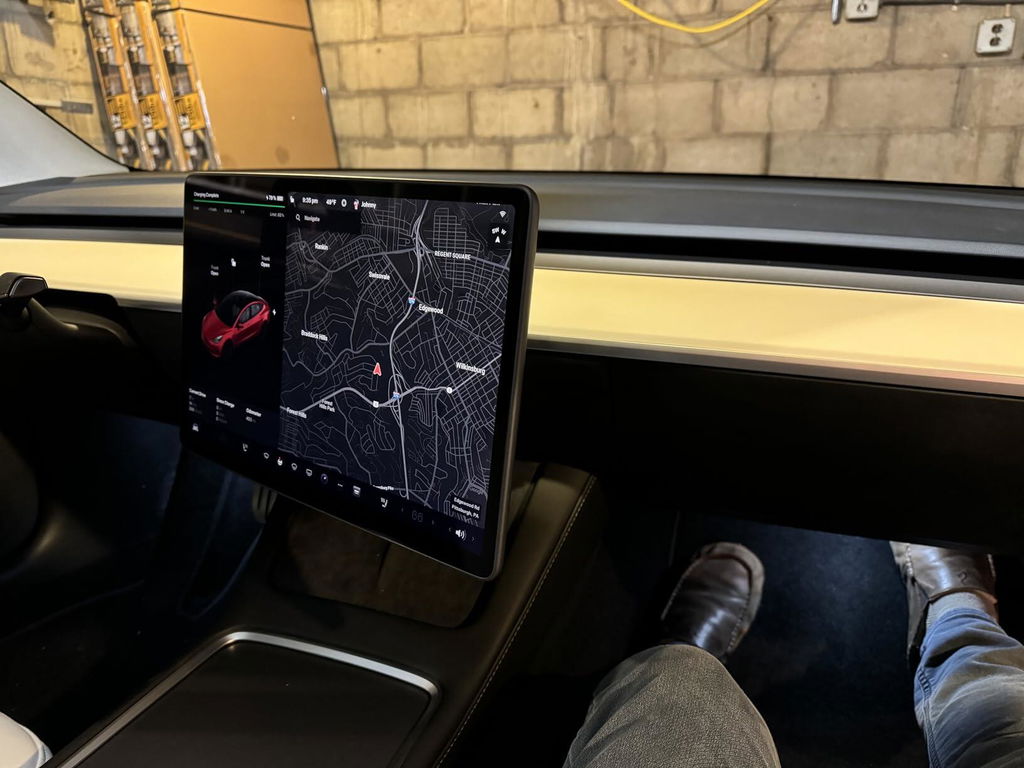
Easy to install, took 30 minutes and works great. The product works as expected.
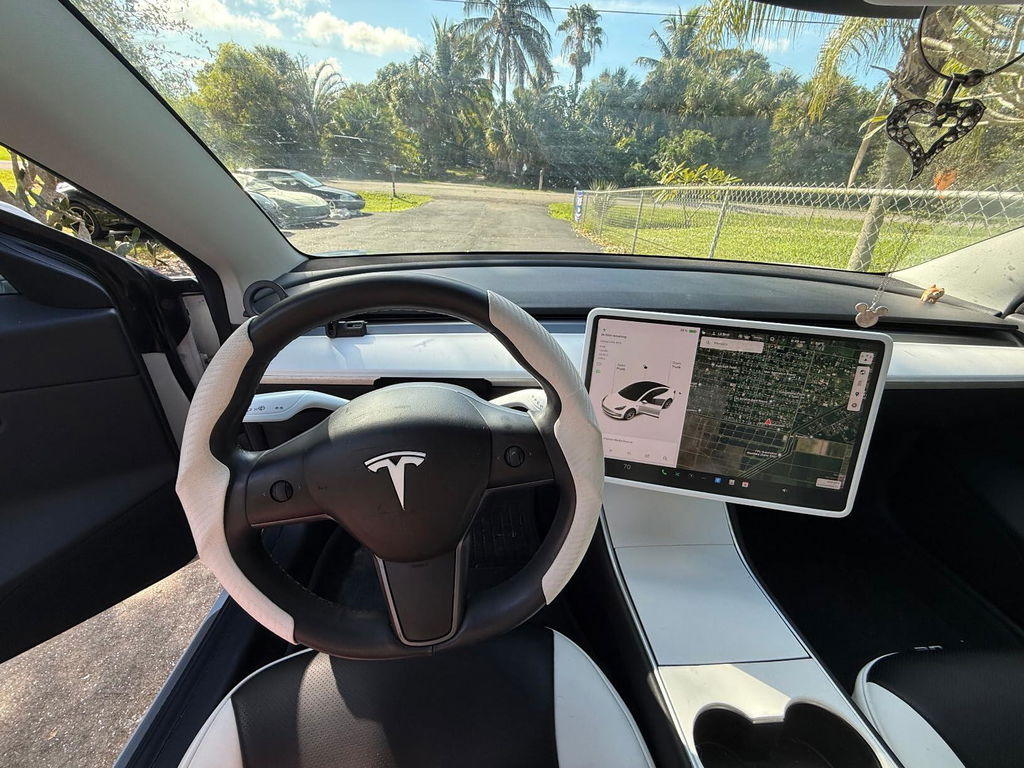
Shipping was fast��arrived in the U.S. in just a few days.
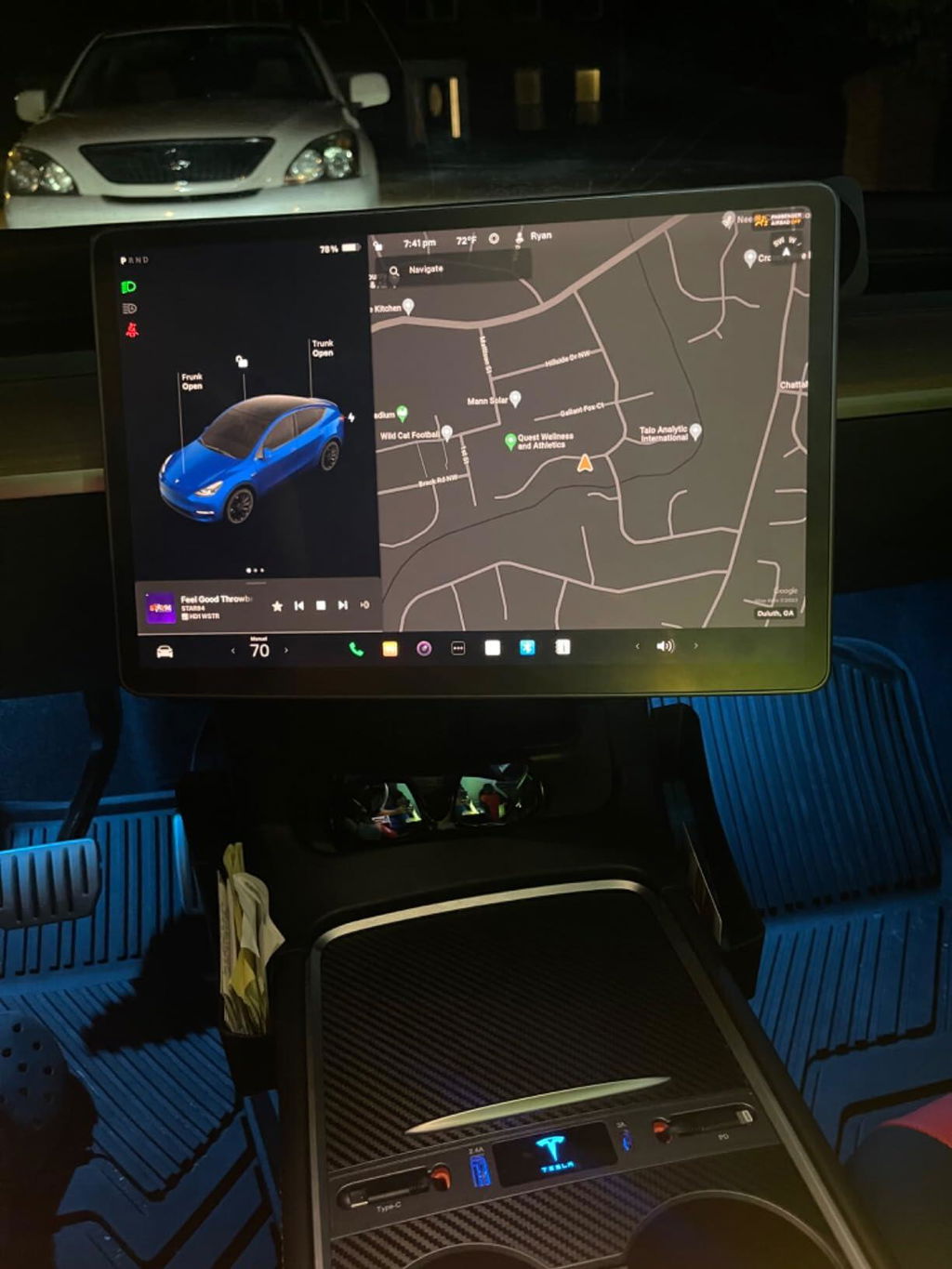
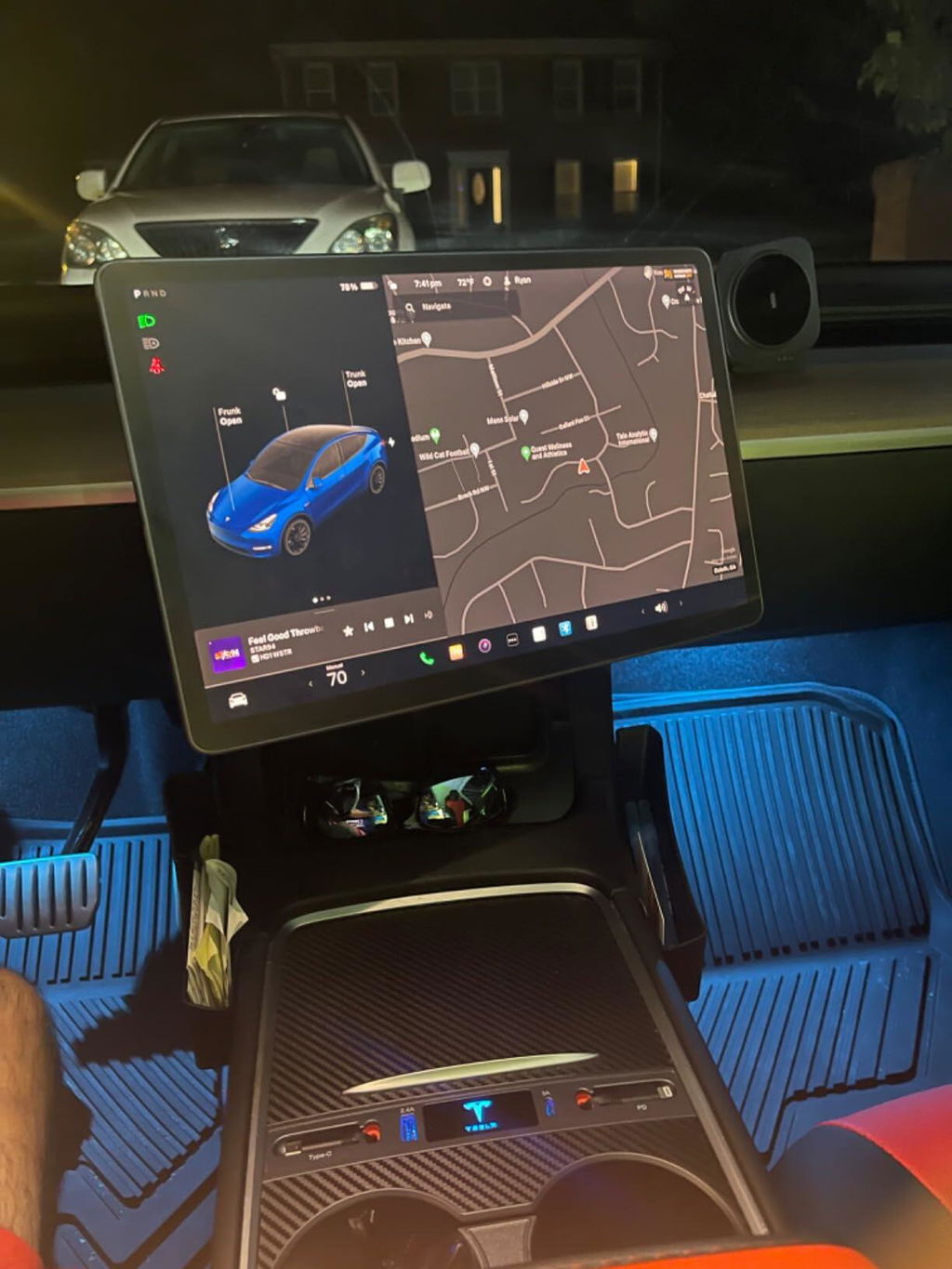
Watched the install video and followed the manual step by step. Couldn��t be simpler.
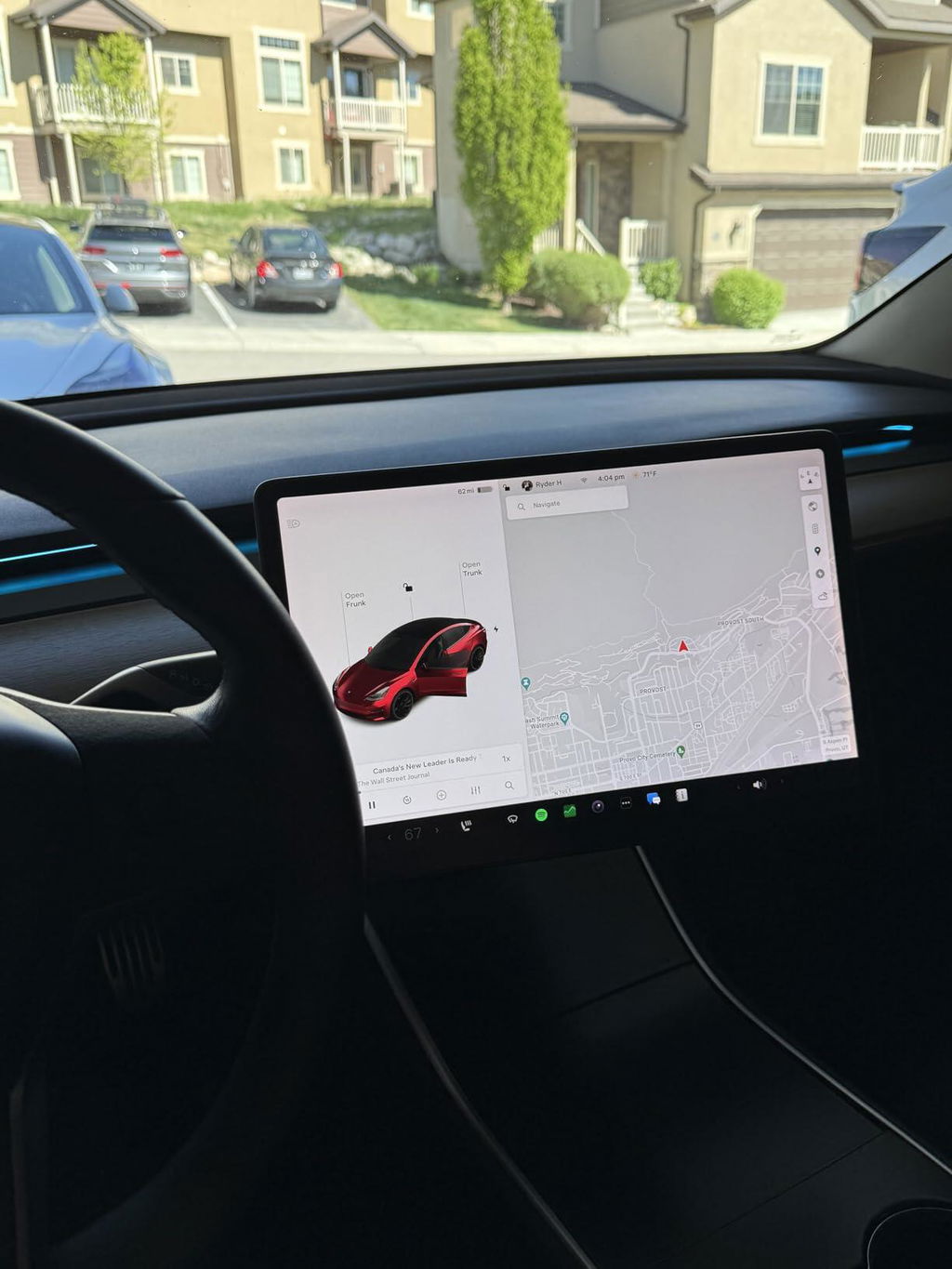
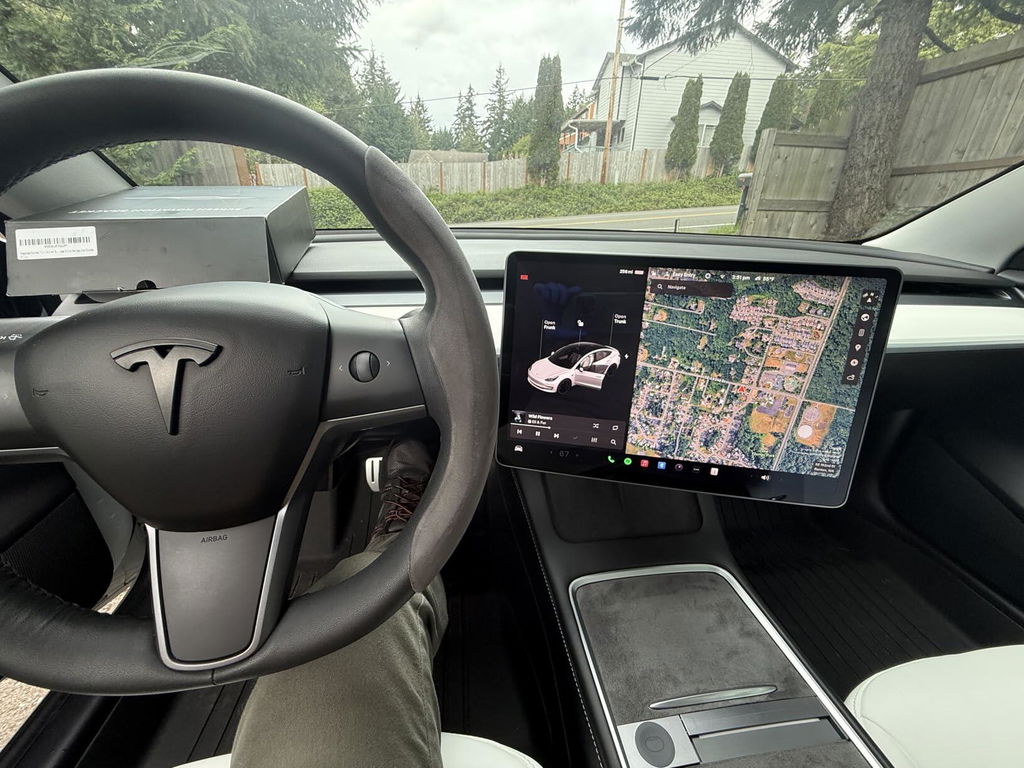
They even included extra screws in the kit��nice little detail for peace of mind.
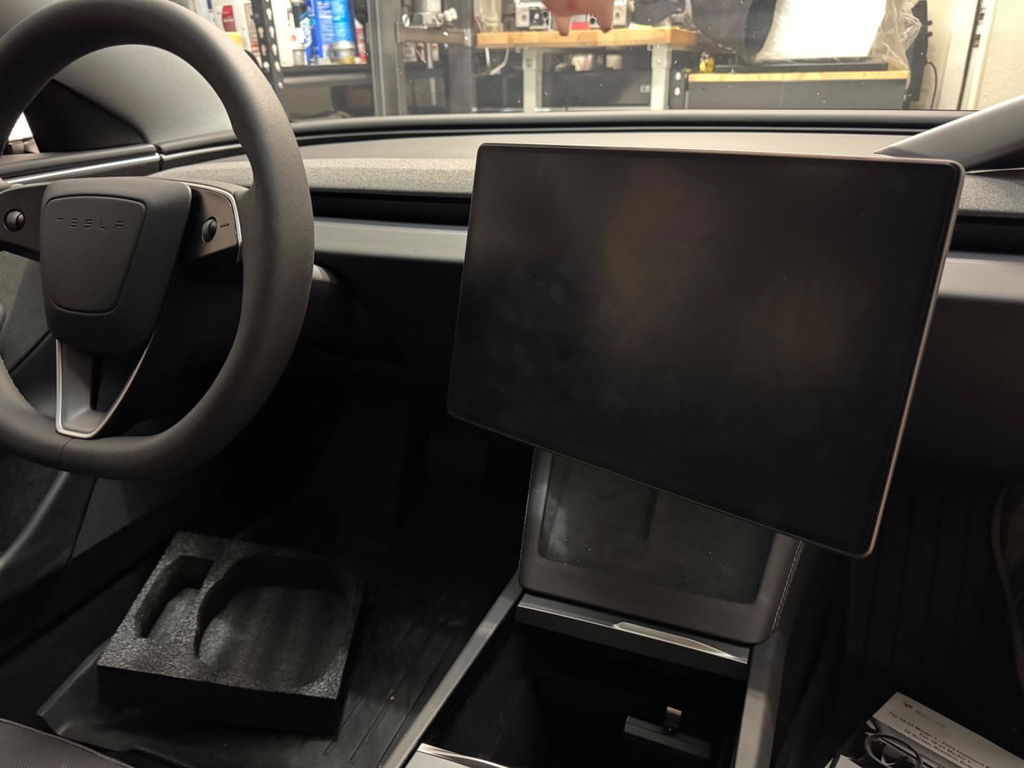
Navigation is way easier to see now. Being able to tilt the screen makes driving so much better.
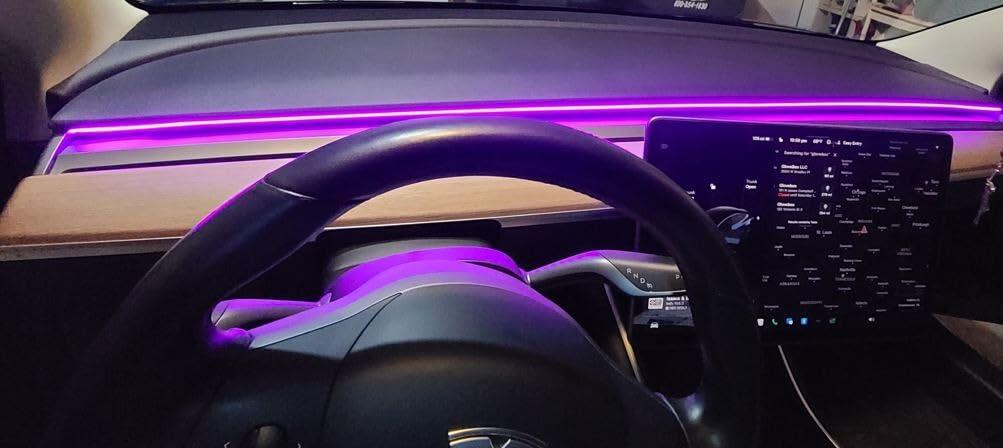
After installing this swivel mount, I can rotate the center screen freely. Whether I'm driving or my front passenger needs to check the map, we can find the perfect viewing angle for a much better field of view.
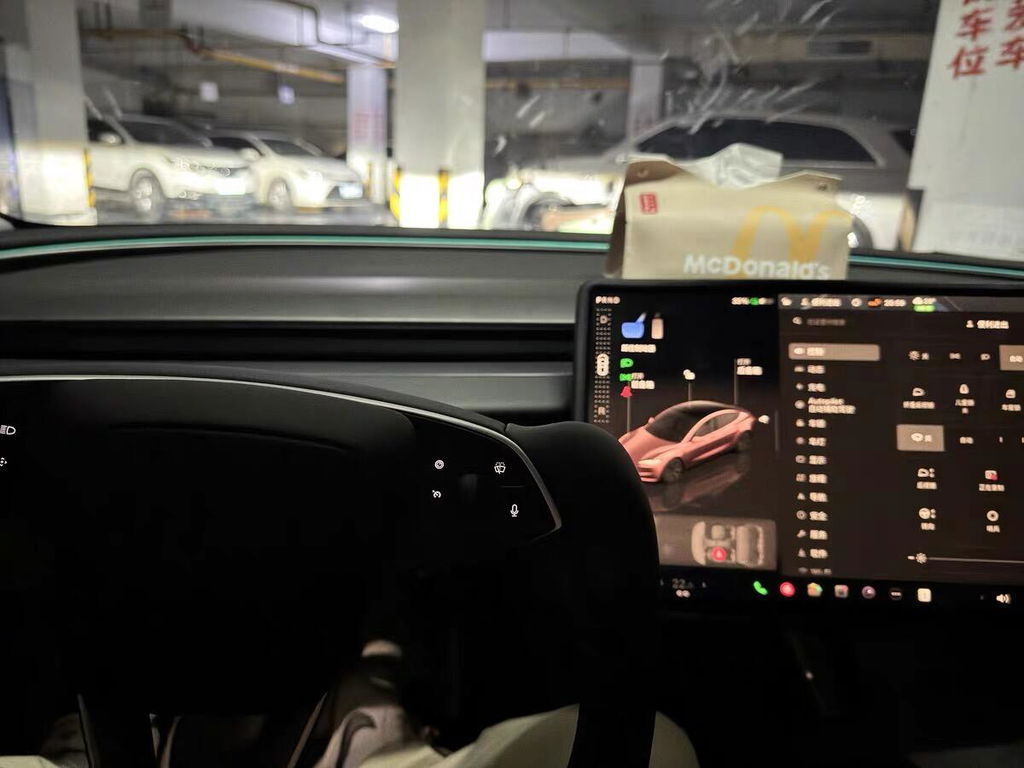
It took me just 5 minutes to install—no need to remove any OEM parts. It holds rock‑solid during drives, with zero wobble or noise. No worries about the screen shifting.
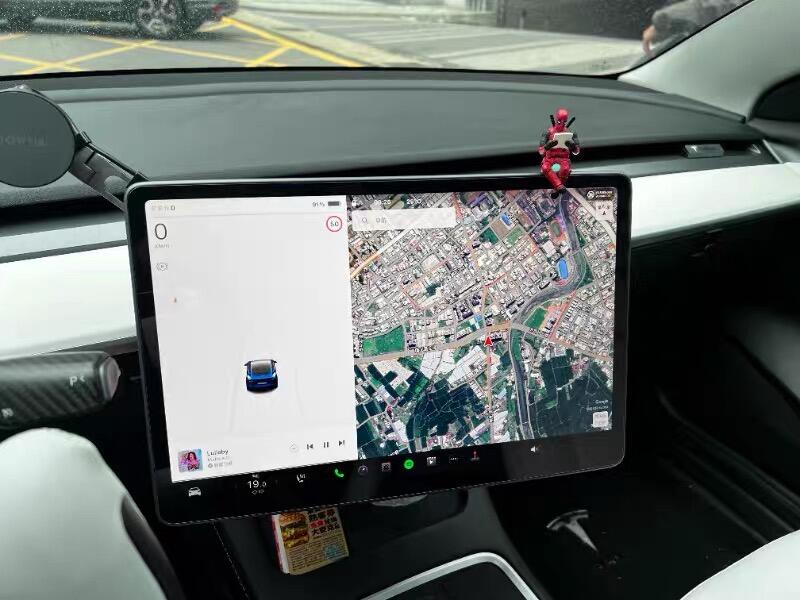
I use it for navigation, music control, and even video calls. The wide rotation range lets me and my family comfortably view the screen—super practical.
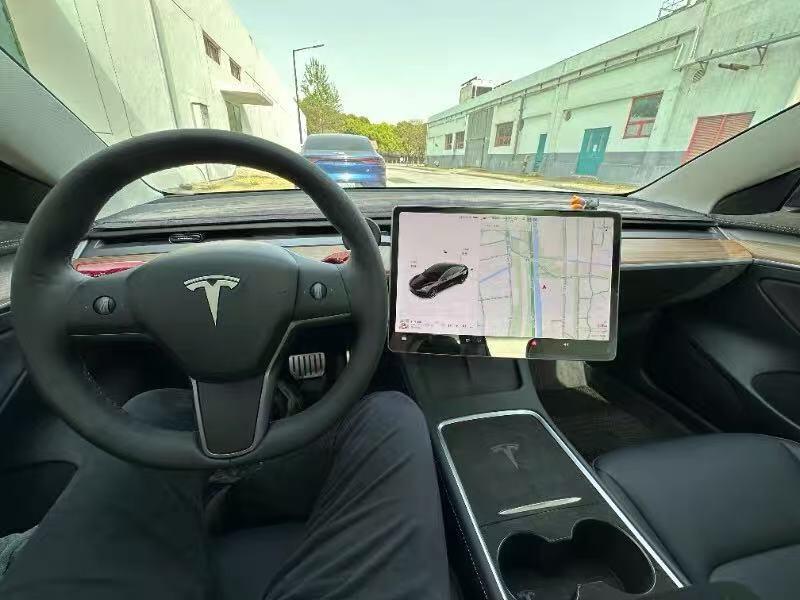
The V2 version fits the curved dashboard of Model Y and Model 3 Highland precisely. Its sleek lines look like genuine Tesla parts—both stylish and functional.
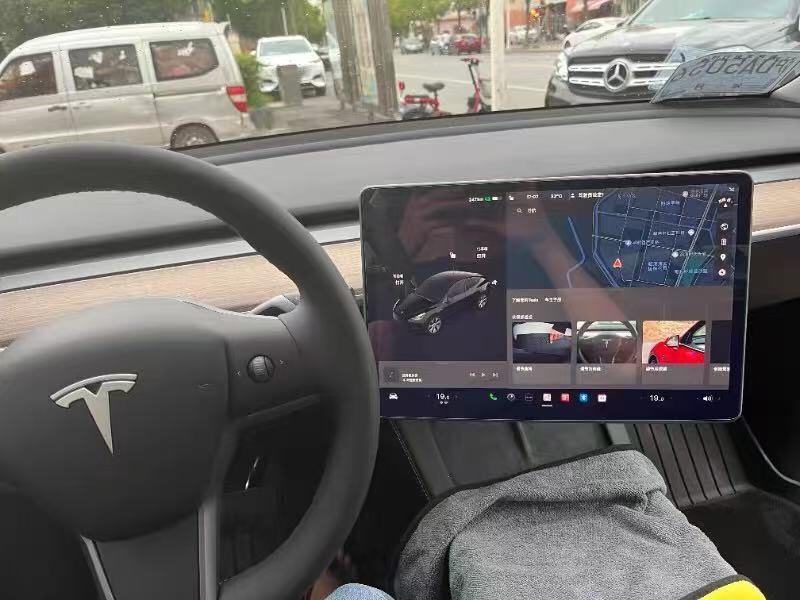
Made of aerospace‑grade aluminum alloy, it feels premium and locks firmly into place. After weeks of use, there’s no sign of looseness or wear—truly built to last.
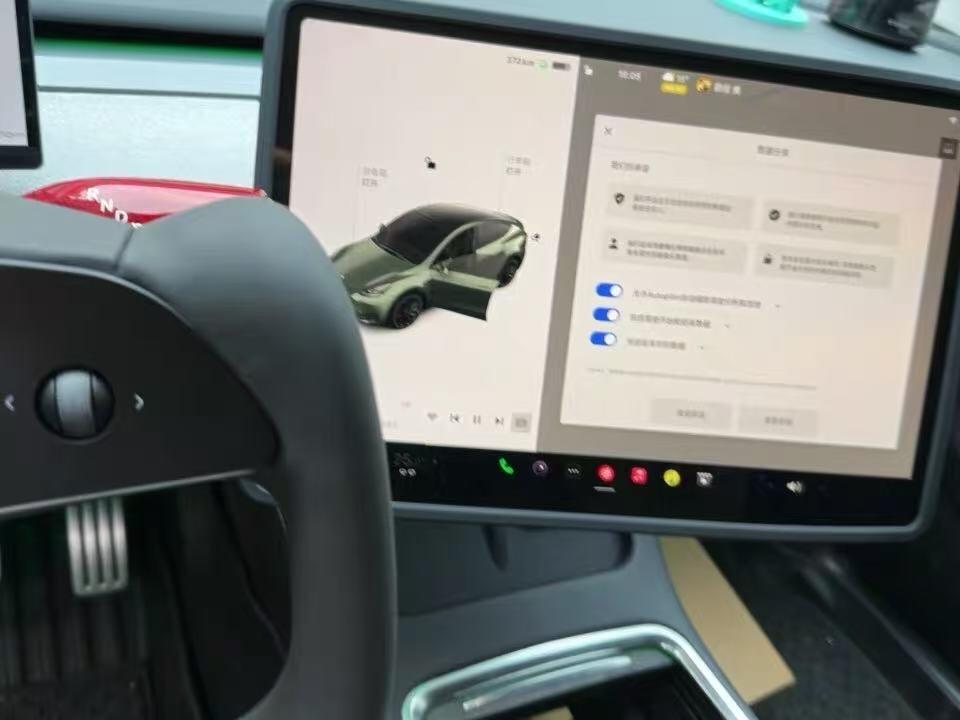
This screen swivel mount is a must have. It was an easy install for someone with light mechanical skill. Price was reasonable. I couldn��t be happier.
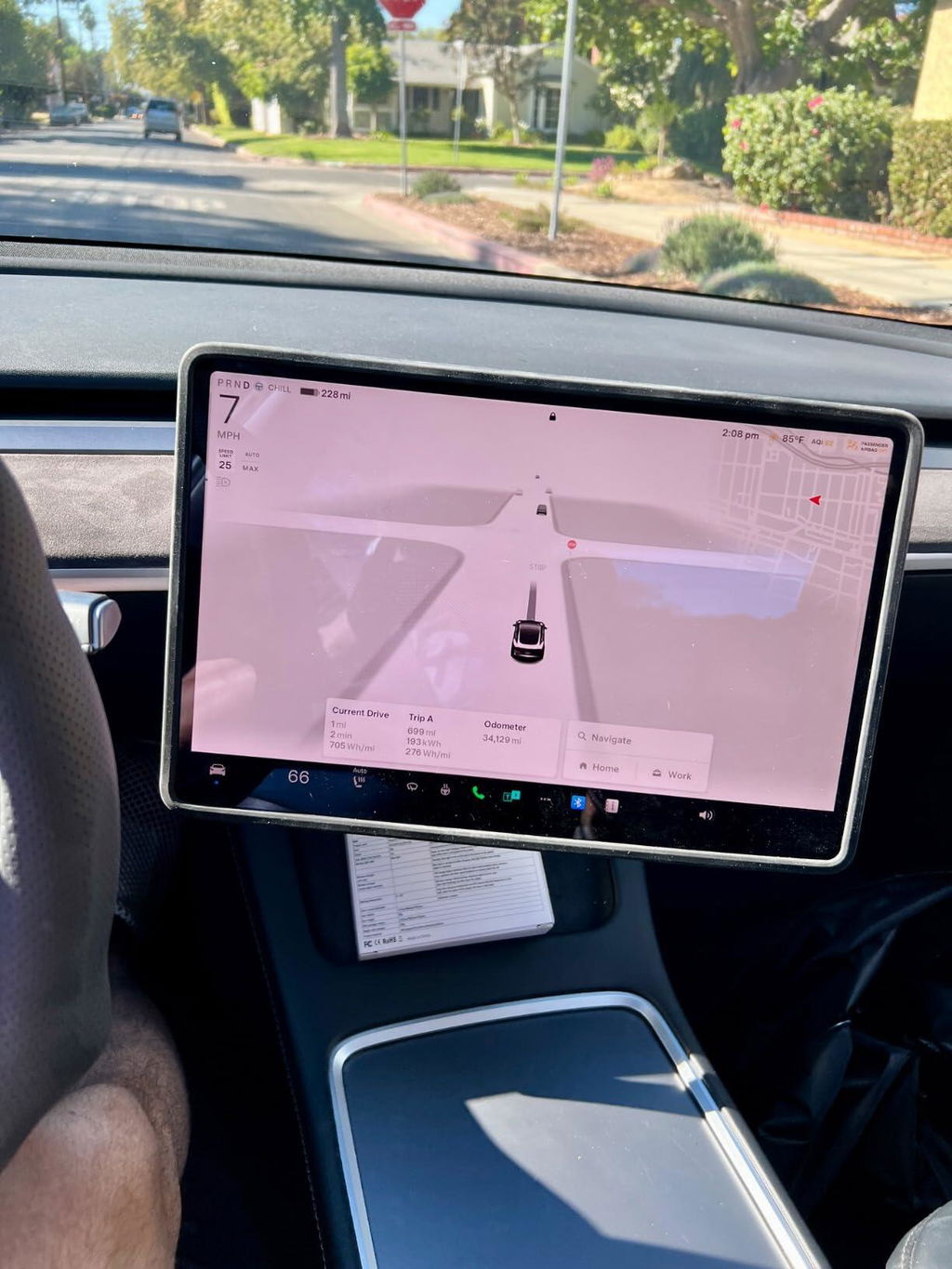
Great product and upgrade to my Model Y screen. Swivel kit installation was not difficult to install. I watch the video provided with the kit and follow the instructions given. I'm impressed with the swivel. Highly recommended.
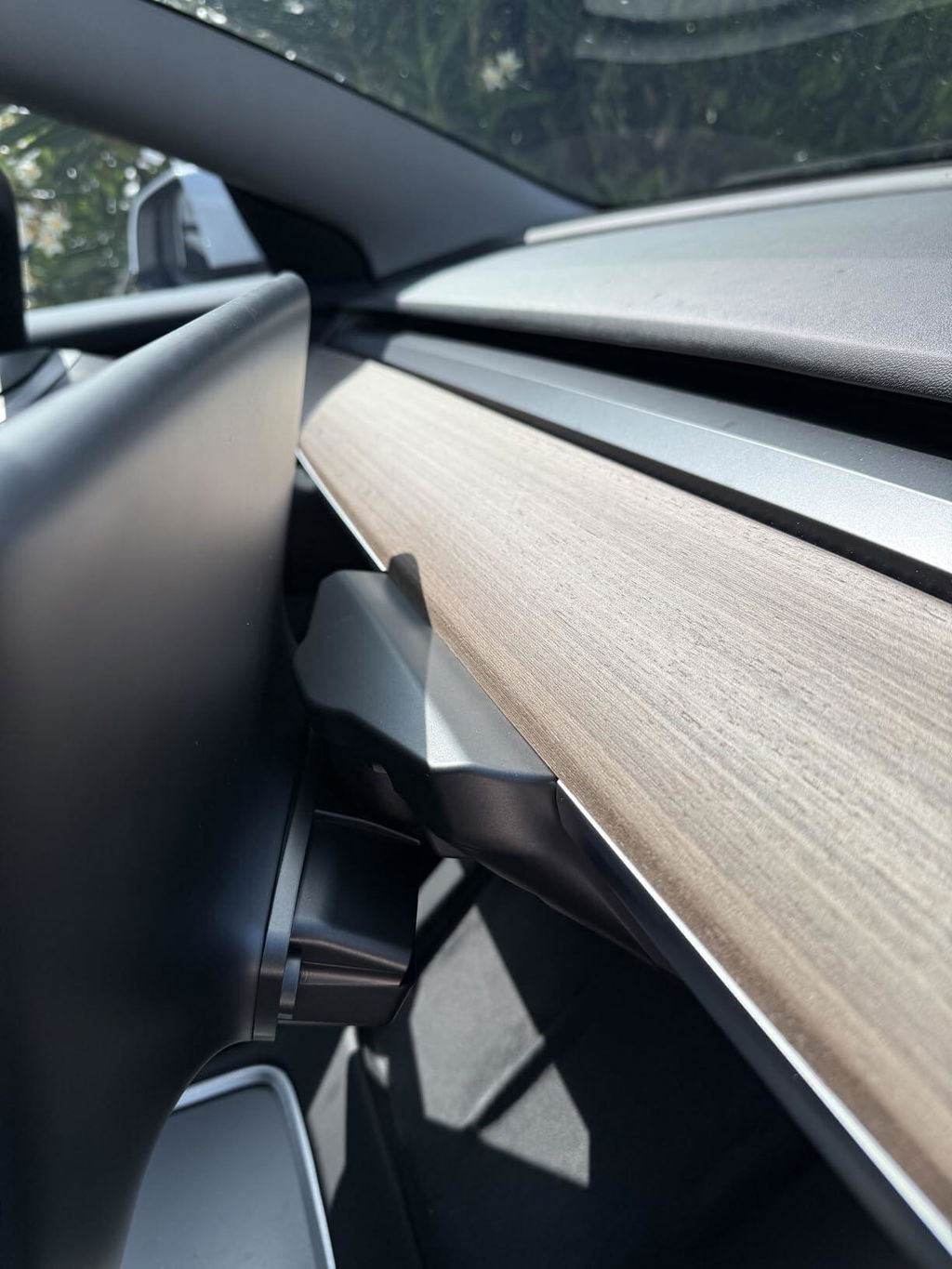
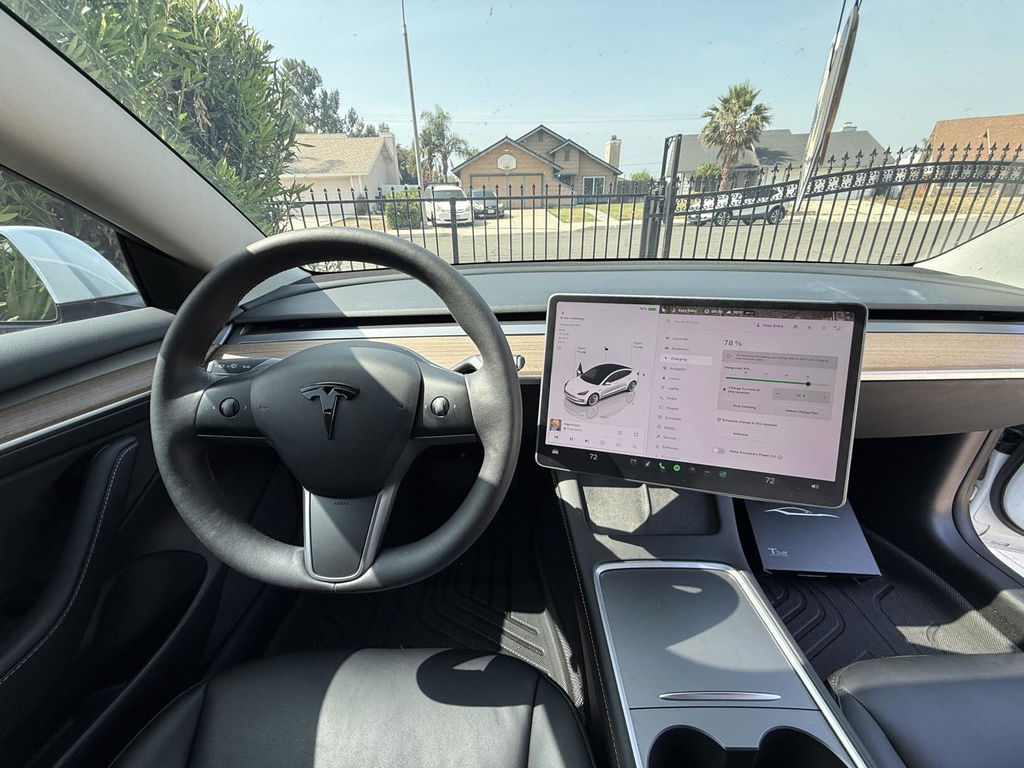
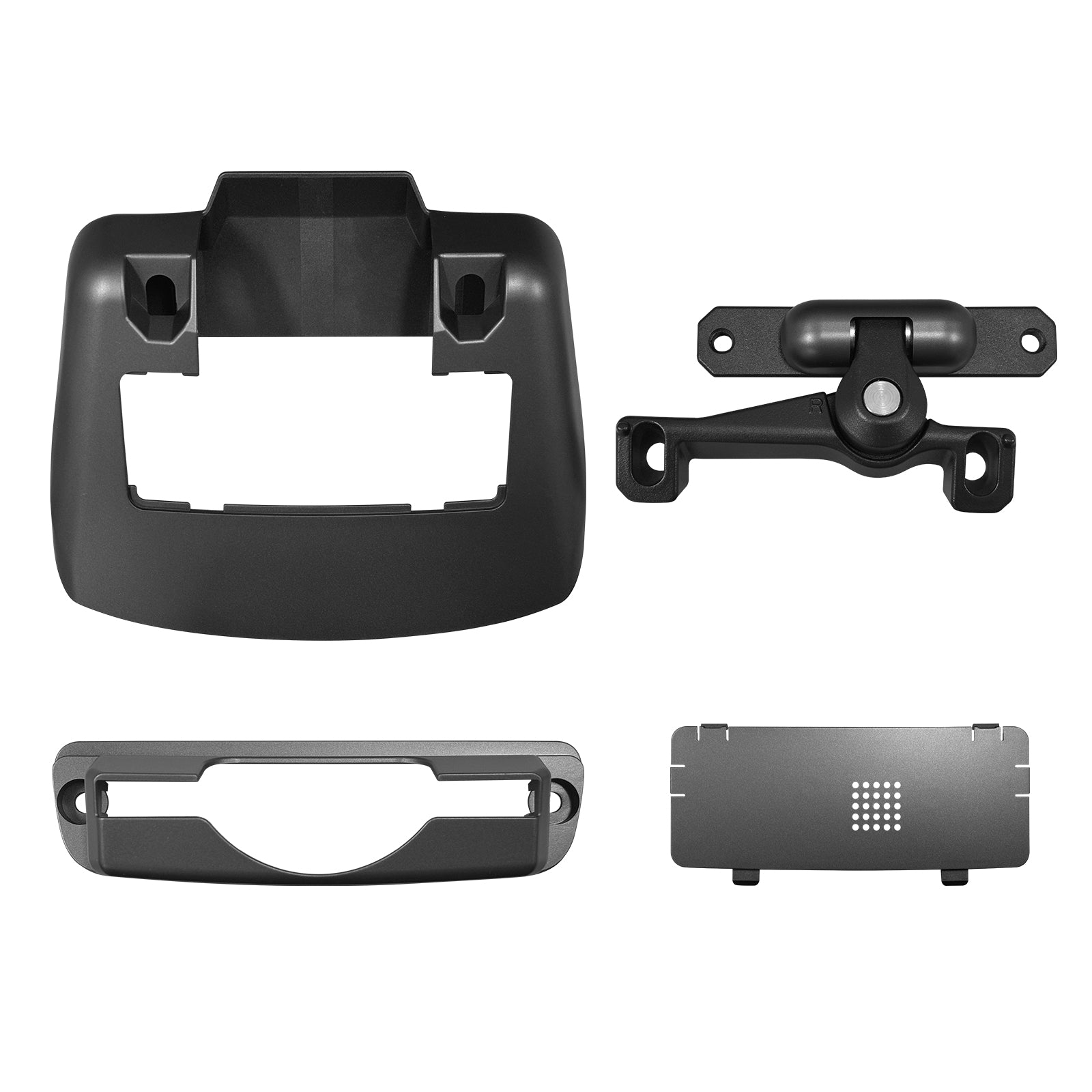
Package arrived well-protected, all parts included, and even came with tools. Impressive details.
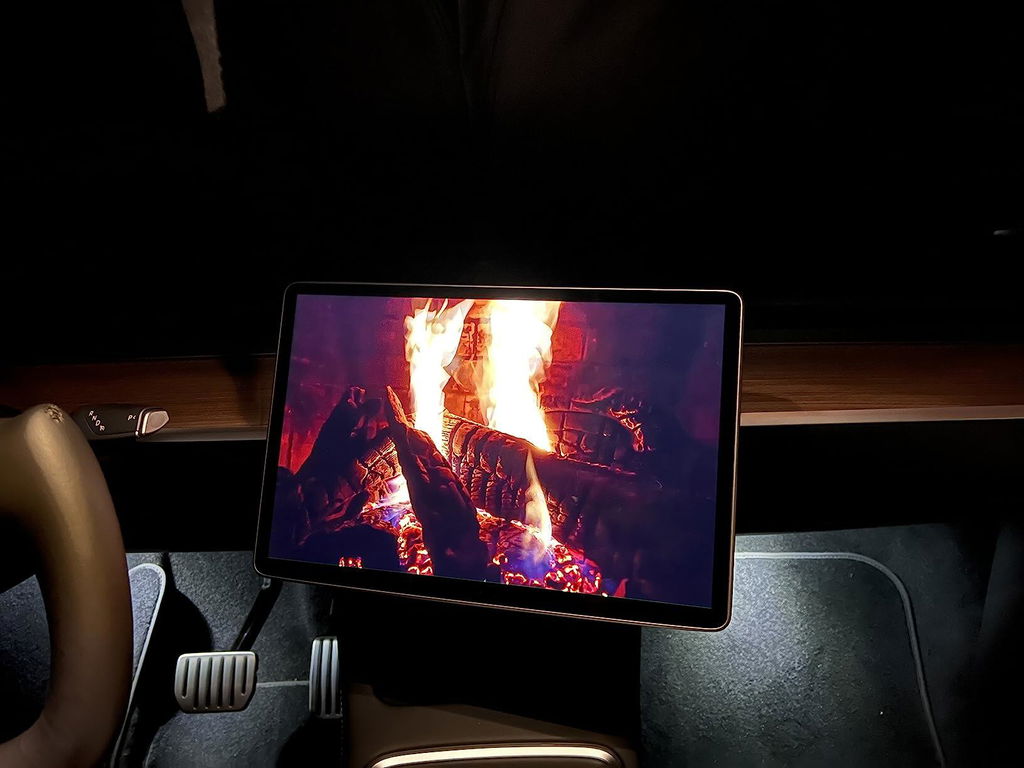
Rock solid even on bumpy roads��no shaking or rattling at all.
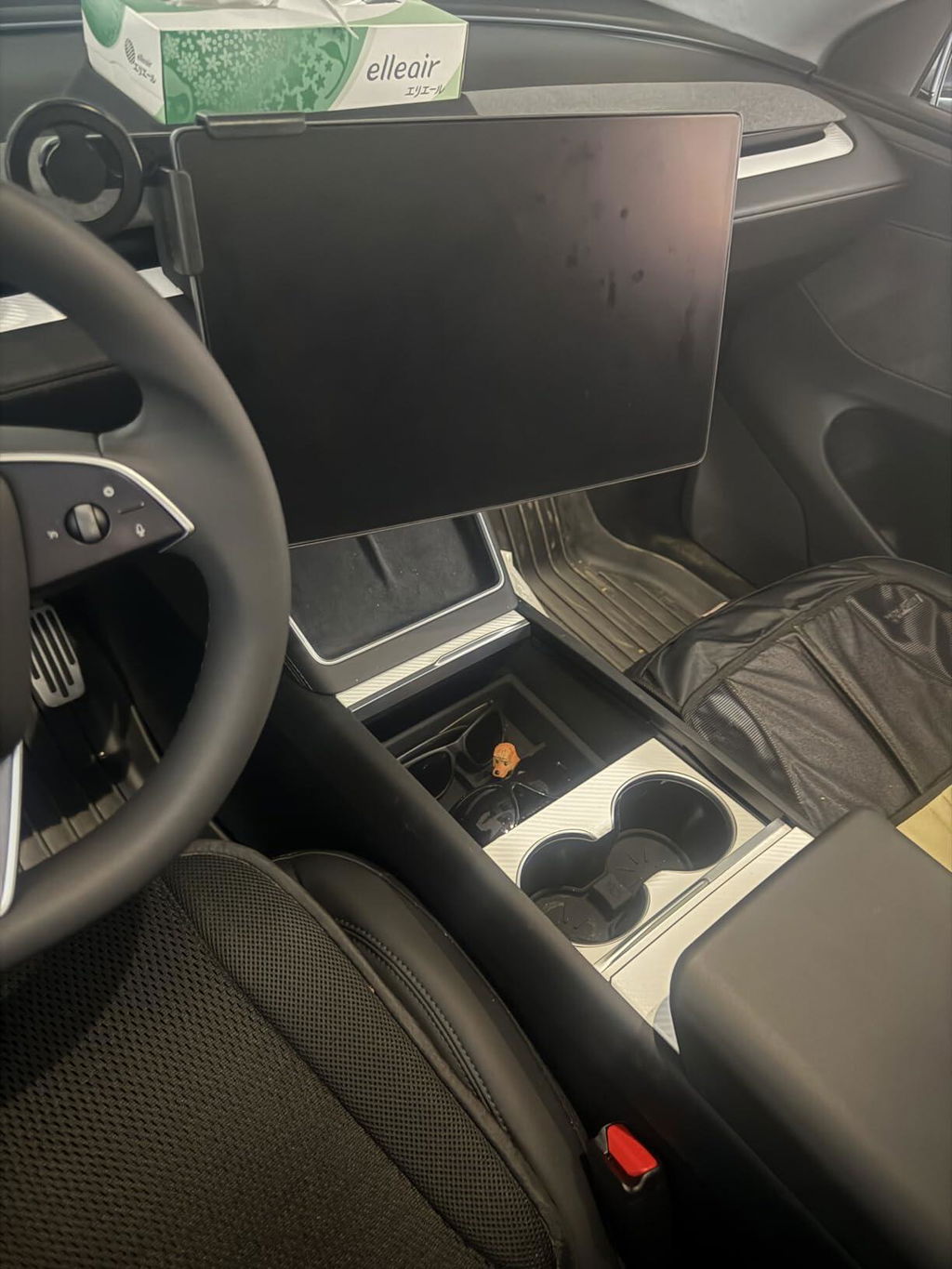
I had the V2 before and the lowered screen was a bit annoying. Switched to V3 and it��s a huge improvement.
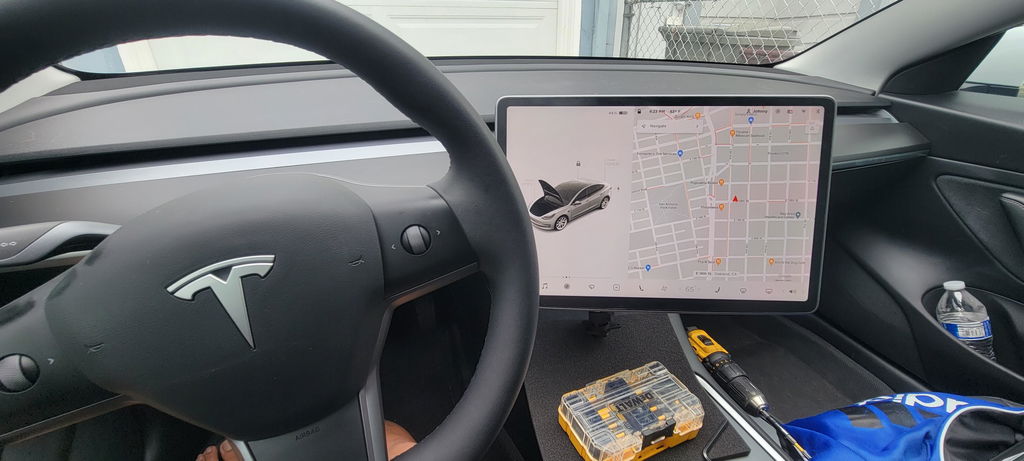
I use my screen a lot while charging to stream shows, and this mount makes adjusting the angle so much easier.
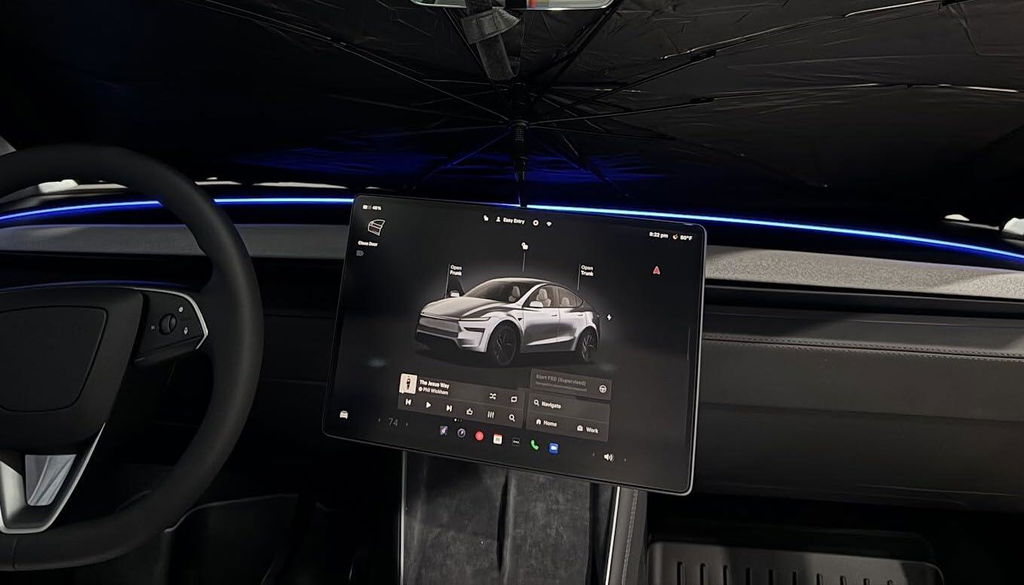
Very nice upgrade and easy installation for my Tesla Model Y "Juniper". The adjustable screen rotating bracket allows adjustable screen angle and gives the driver ergonomic better handling of the car!
For information: both the "L" (Left Hand Drive) and "R" (Right Hand Drive) brackets fits for the left side driver position Model Y (= most countries in Europe). But when angled full to the left with the "R" bracket, the lower left corner view is blocked by the steering wheel. As an advantage, the info (like speed) and most of the display is better "in view" for the driver. To the Tesstudio Team: thank's for letting me test both "L" and "R" bracket version!
Very sturdy, no rattles on long drives — recommend.
Easy to install, rotates smoothly, feels better quality than expected.
Perfect fit for Model 3, doesn't lower the screen height — smart design.
Well packed, all parts included, clear instructions.
Took 15 minutes to install, rotation angles are very practical.
Q&A
We provide assistance through email, live chat, and detailed installation guides. Additionally, we offer step-by-step tutorial videos featuring influencers to help you with the process.
We offer a one-year warranty (two years for some products).
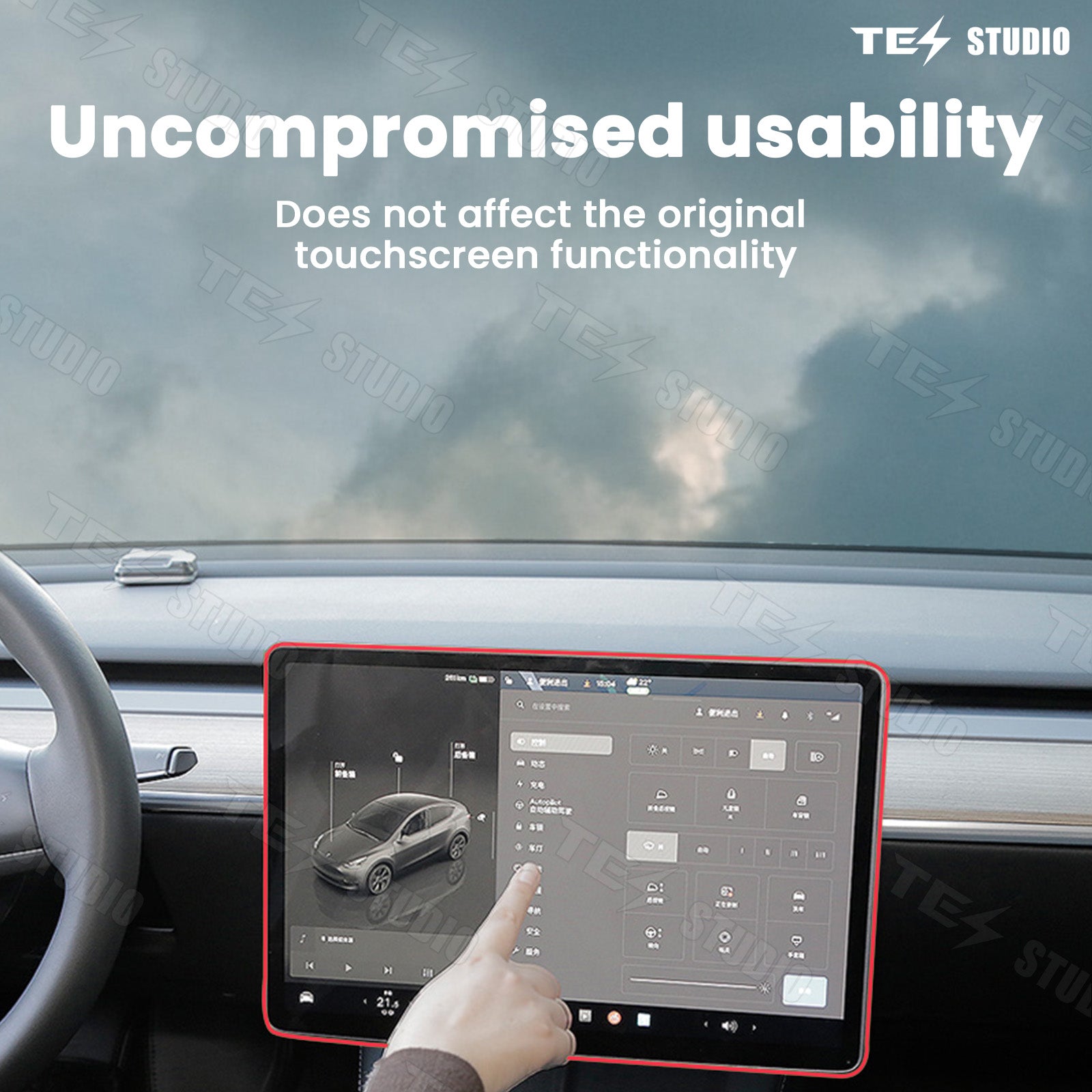
Yes, the product can be removed after installation without affecting the original wiring harness of the vehicle.
We offer free returns and exchanges if there are any quality issues with the product upon receipt by the customer.