Fast cooling for real use
Keep drinks, lunches, snacks, and groceries cold without relying on ice packs.

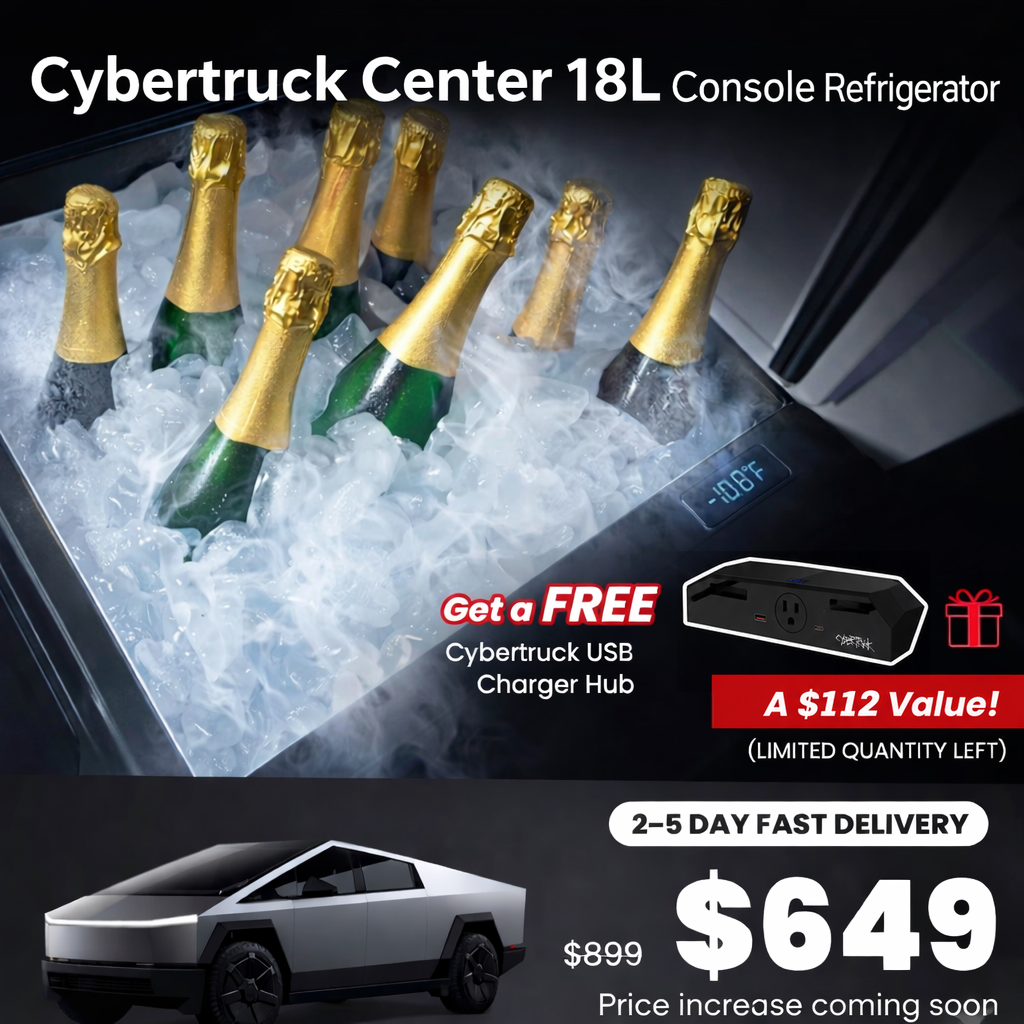

Bundle offer: Buy the fridge and receive a FREE Gen 1 Cybertruck Charging Hub (US$112 value).

Check the selected Tesla model, model year, and option before checkout. If this product has a Car Model or Compatible Model selector, choose the option that matches your vehicle.
Tesstudio installation support is available for Tesla owners who need help choosing, installing, or troubleshooting accessories.
Most Tesstudio accessories are designed for straightforward DIY installation. For powered upgrades, wiring, lighting, or large exterior parts, professional installation may be recommended.
Local installation and technical support
The phone numbers above are for technical installation support only. For orders, shipping, returns, or general customer service, contact:
Tesstudio checks fit, material, and daily-use durability before listing products for Tesla owners.
Estimated delivery: 2-5 business days where available; final timing is shown at checkout.
Delivery time depends on destination, product size, and stock status.
Need help before or after purchase?
Contact Tesstudio support:
WhatsApp
+1 714 317 9647
Choose options
See how it fits, installs, and performs before you buy.
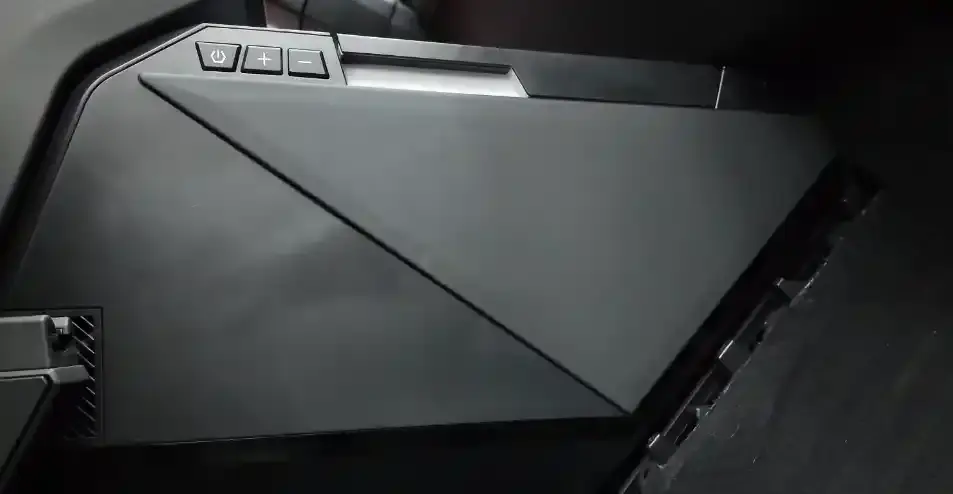
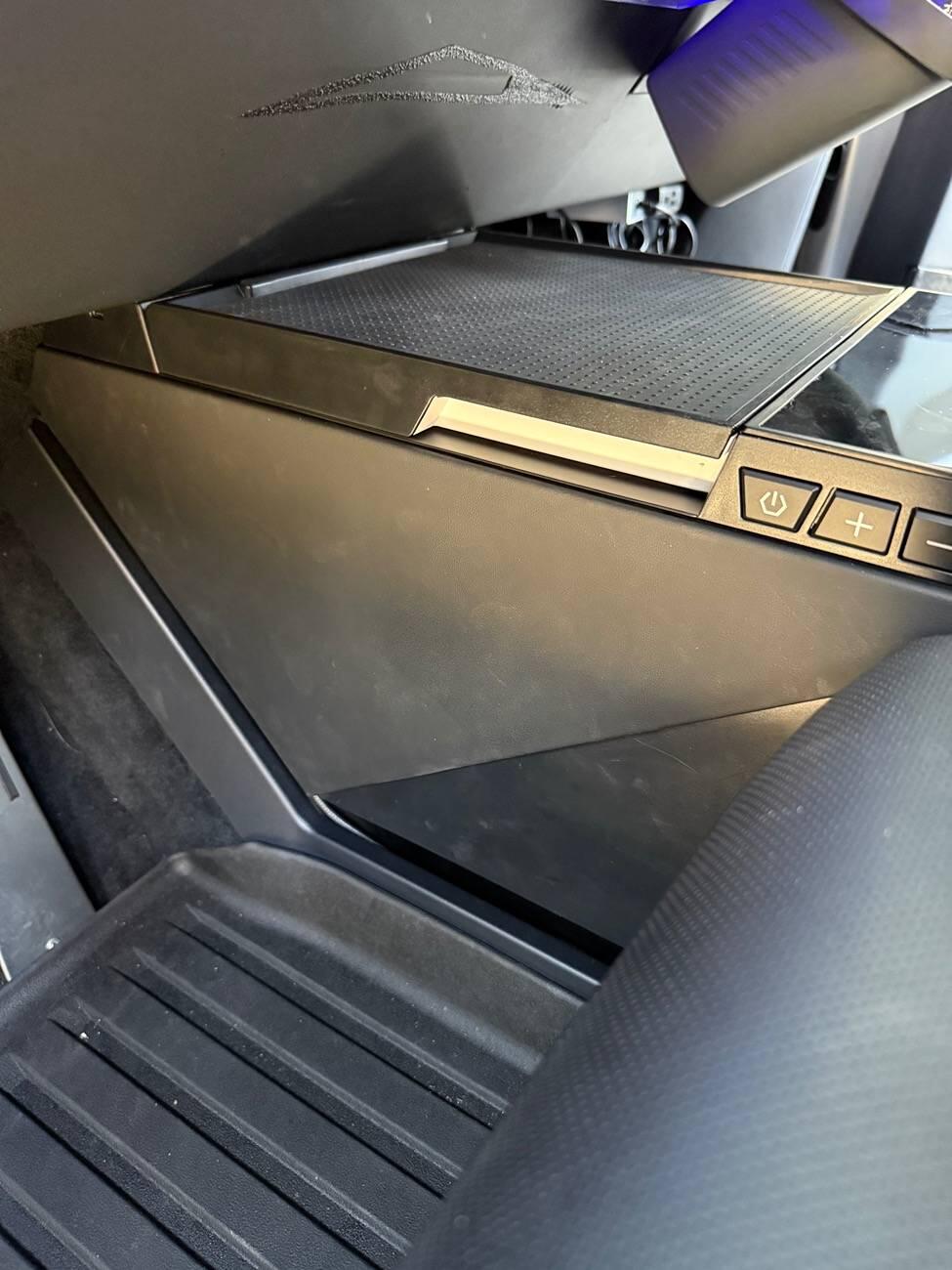
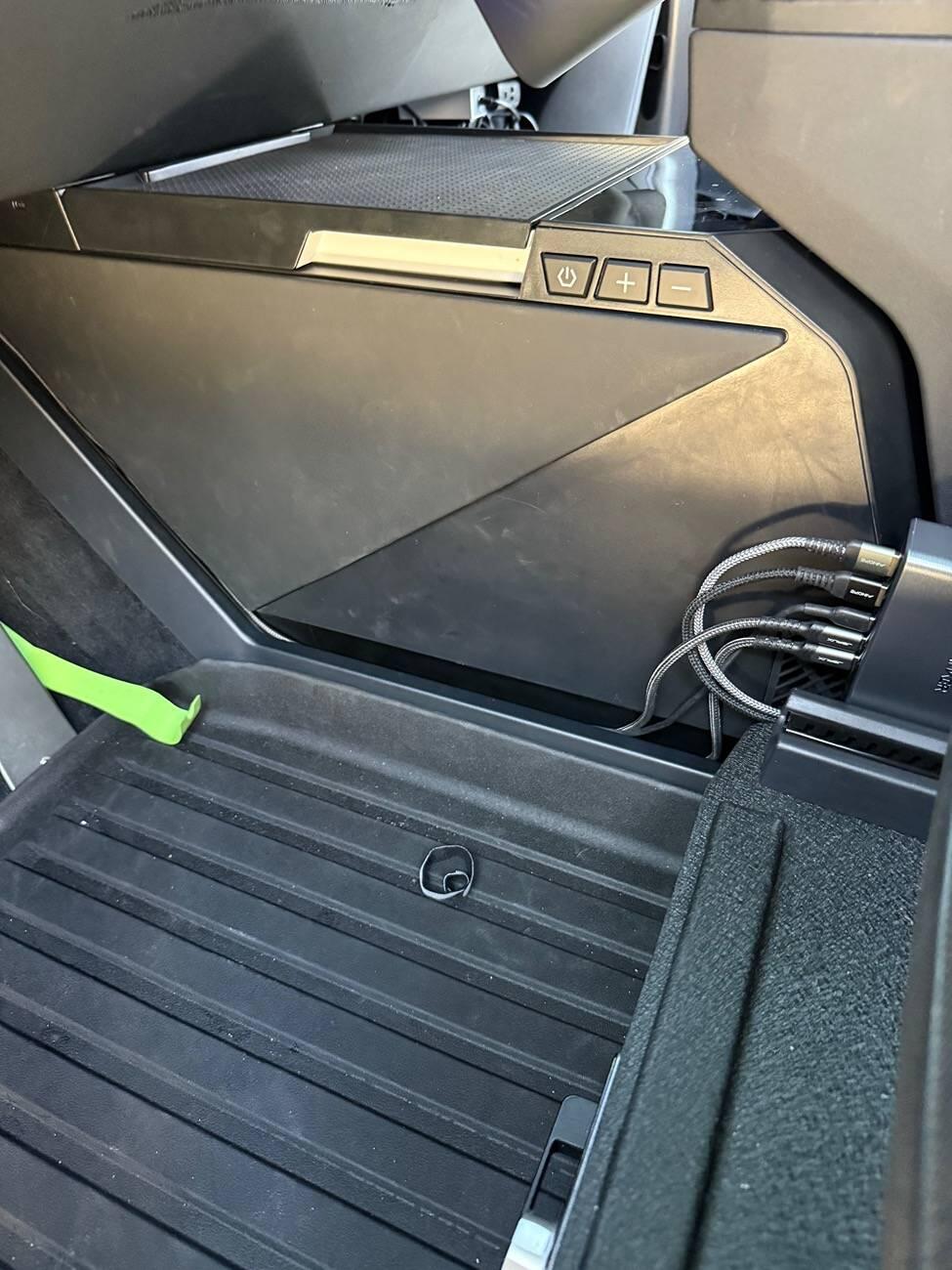
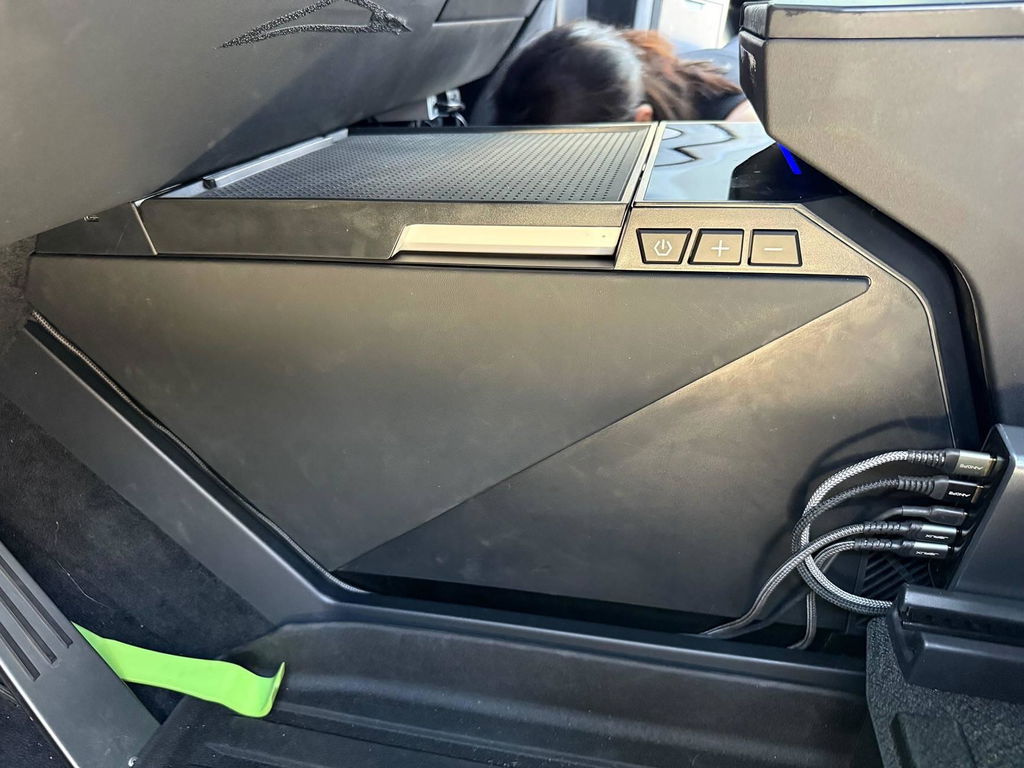
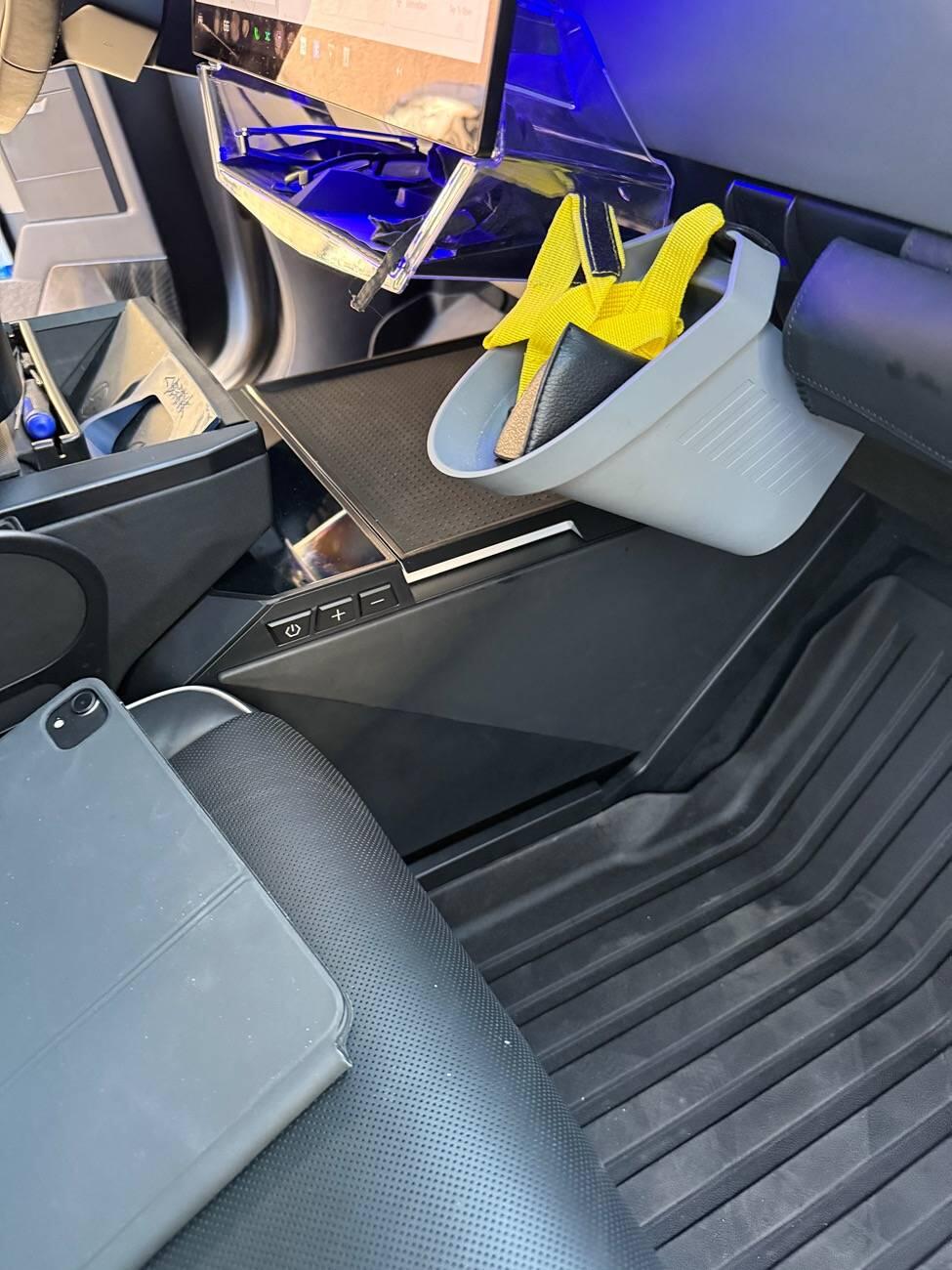
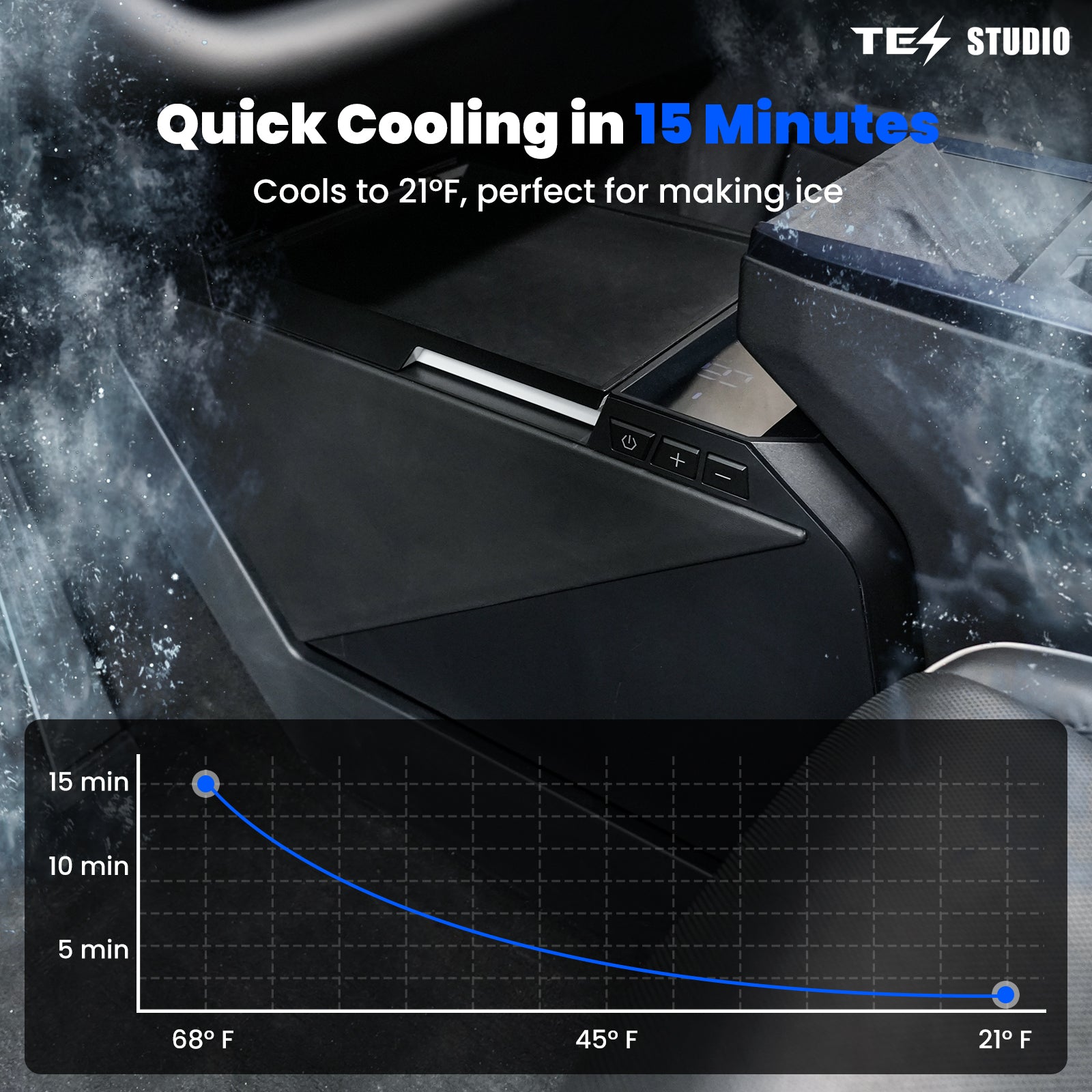
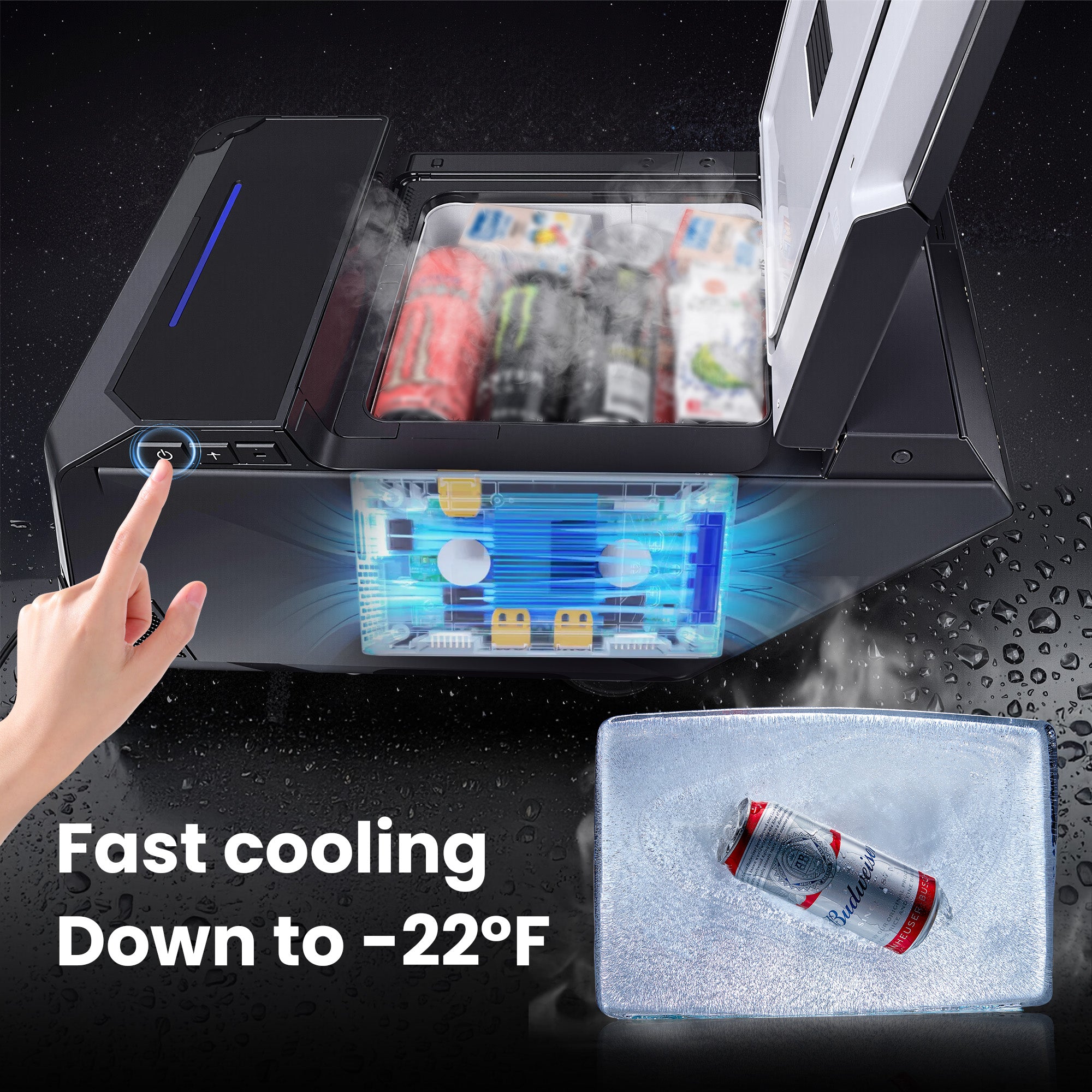
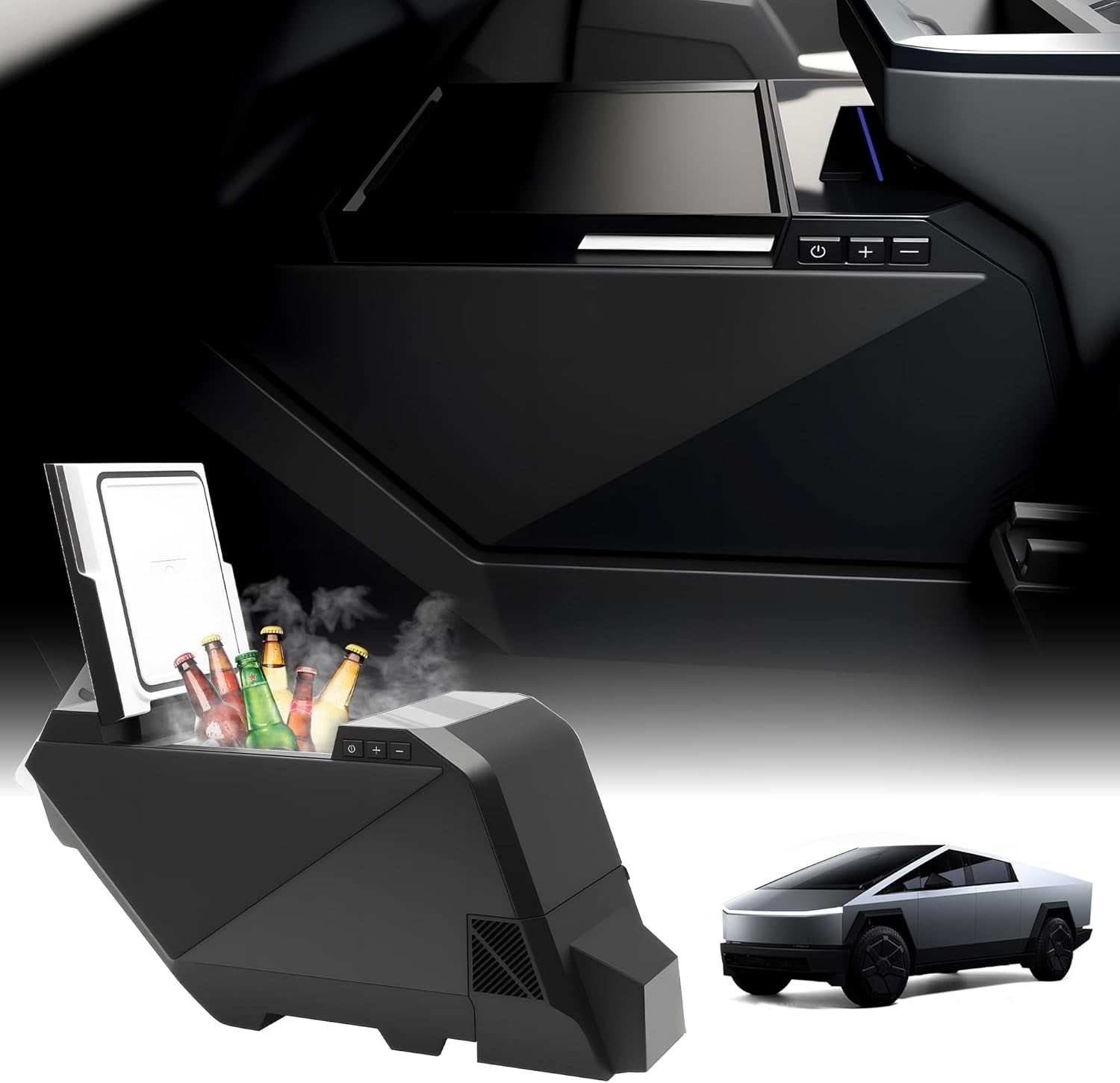
Turn the Cybertruck center console into an 18L refrigerator for drinks, meals, groceries, and travel essentials. It chills down to 21°F, supports ECO energy-saving mode, and adds dual 20W USB-C charging ports in one clean cabin upgrade.


The fridge keeps drinks and meals cold. The complimentary Gen 1 Hidden Charging Hub adds retractable USB-C leads and extra connection options for the devices you bring along.
Use the refrigerator's supplied power connection and follow its installation guide. Connect the Gen 1 hub to a compatible cabin AC outlet as instructed. Compare the console layout, socket access and cable routing before fitting both accessories; keep the fridge vents and lid clear.
This pairing is for cold storage and convenient device charging. It does not increase cooling performance. Powering the fridge through the gift hub has not been verified here; use the fridge's specified power setup. Charging speed depends on your device and the connected load.
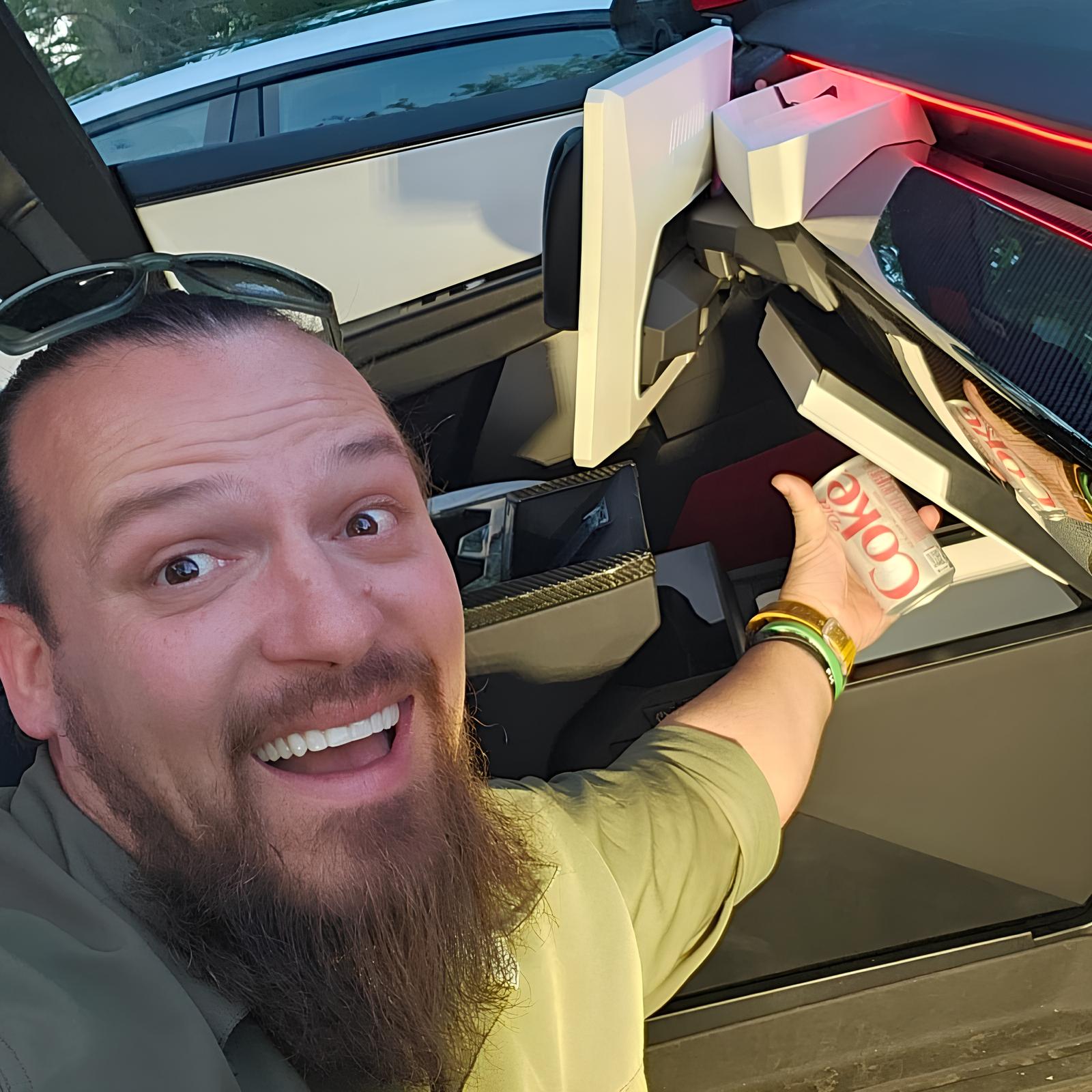
Designed around daily driving, family travel, camping stops, and long highway runs, this center console fridge keeps cold items within reach without adding a loose cooler to the cabin or cargo area.
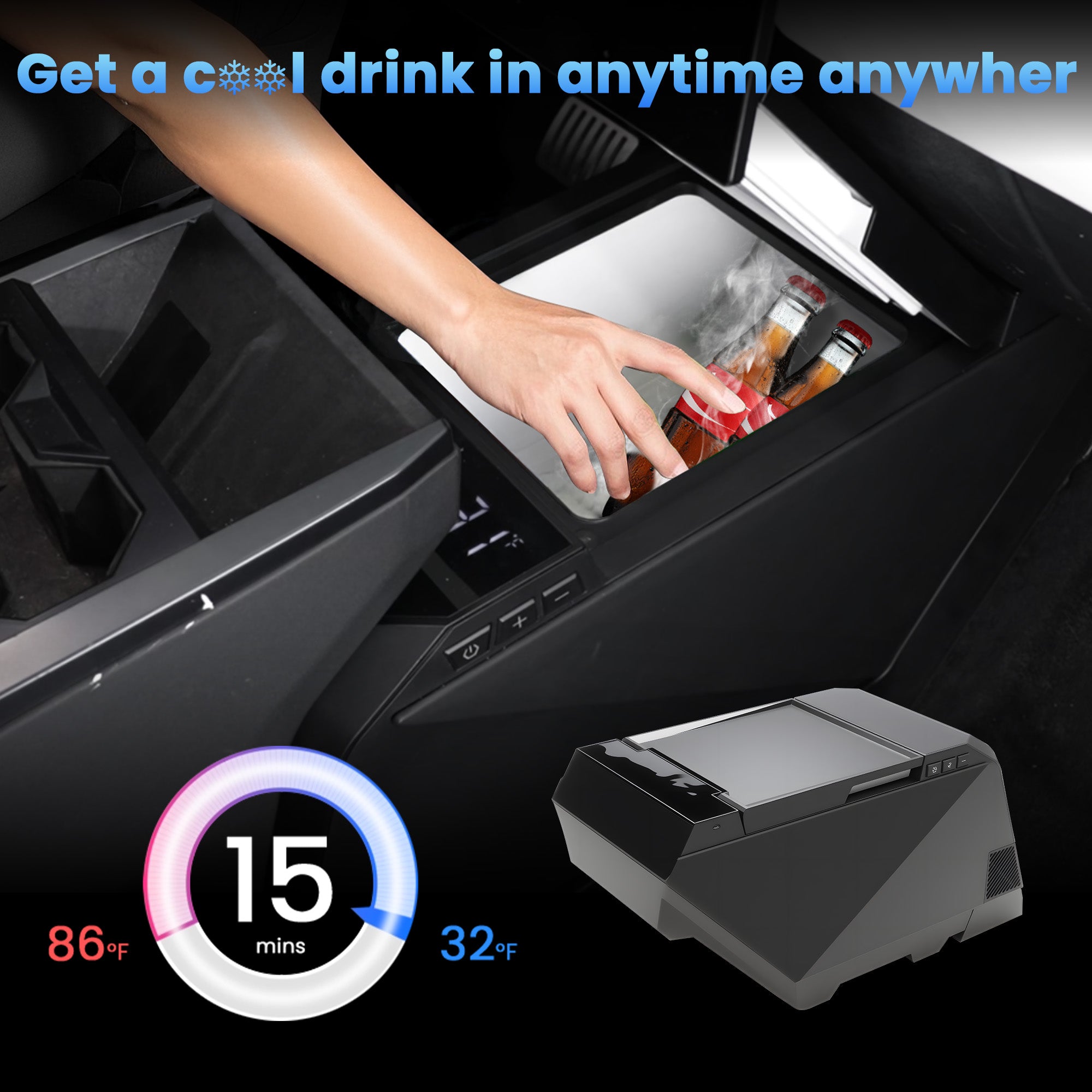
Keep drinks, lunches, snacks, and groceries cold without relying on ice packs.

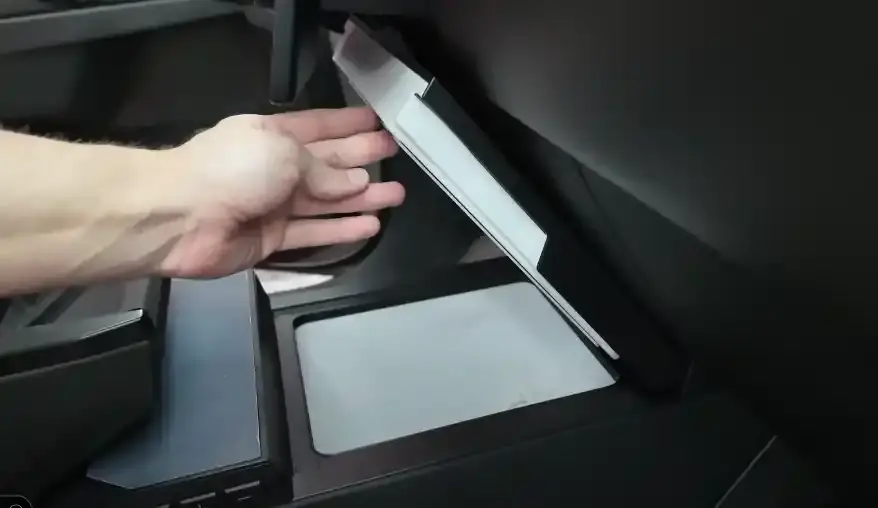
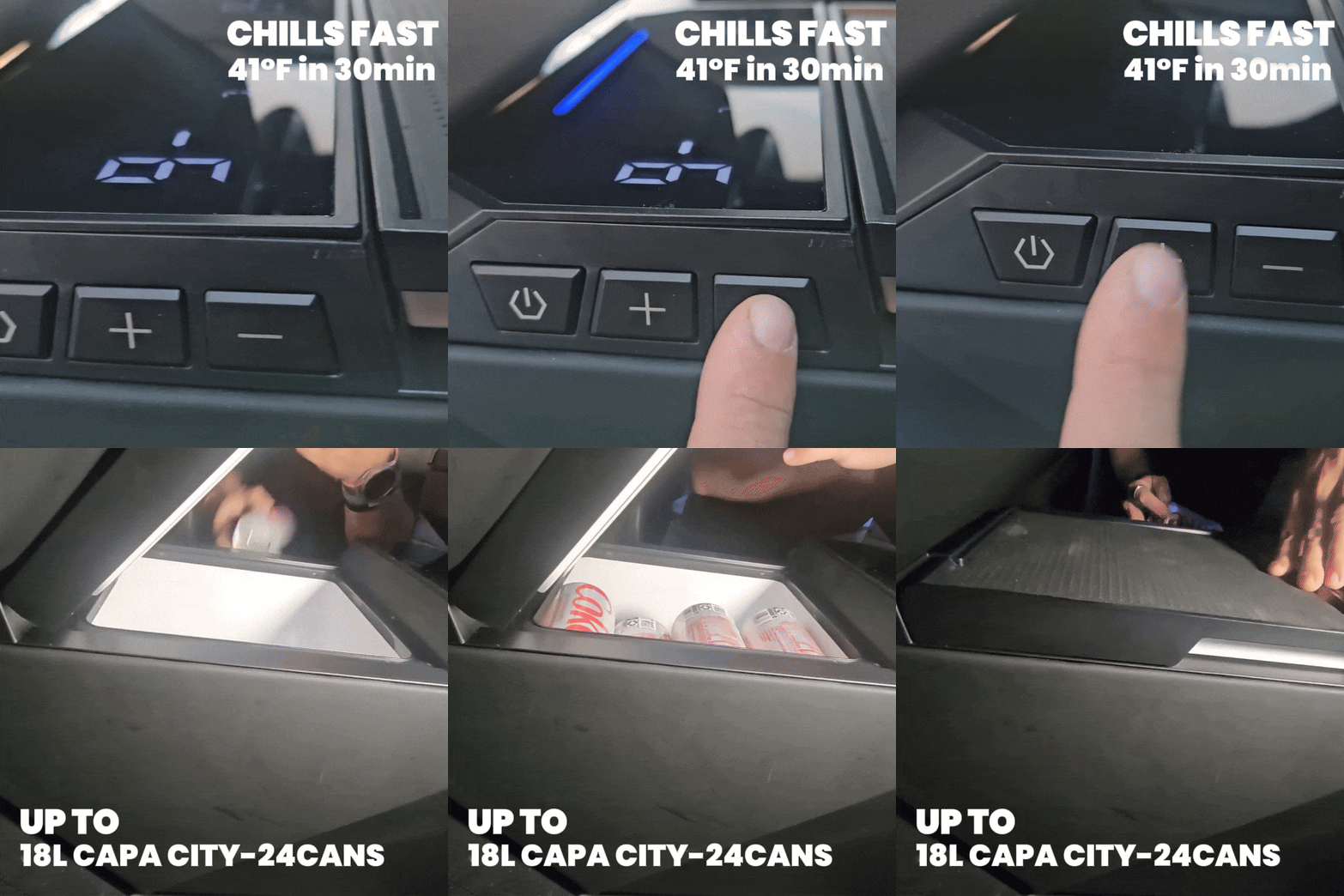
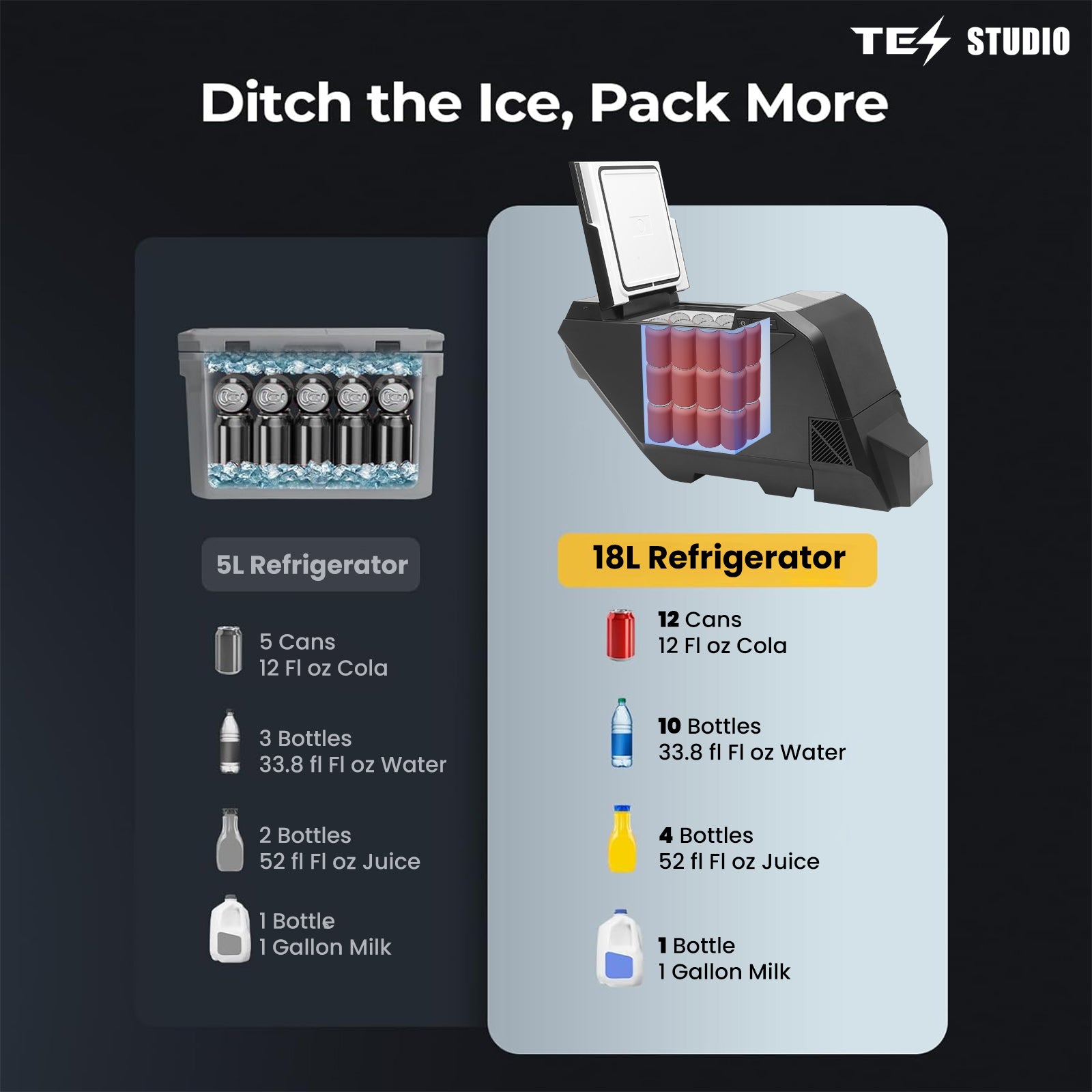
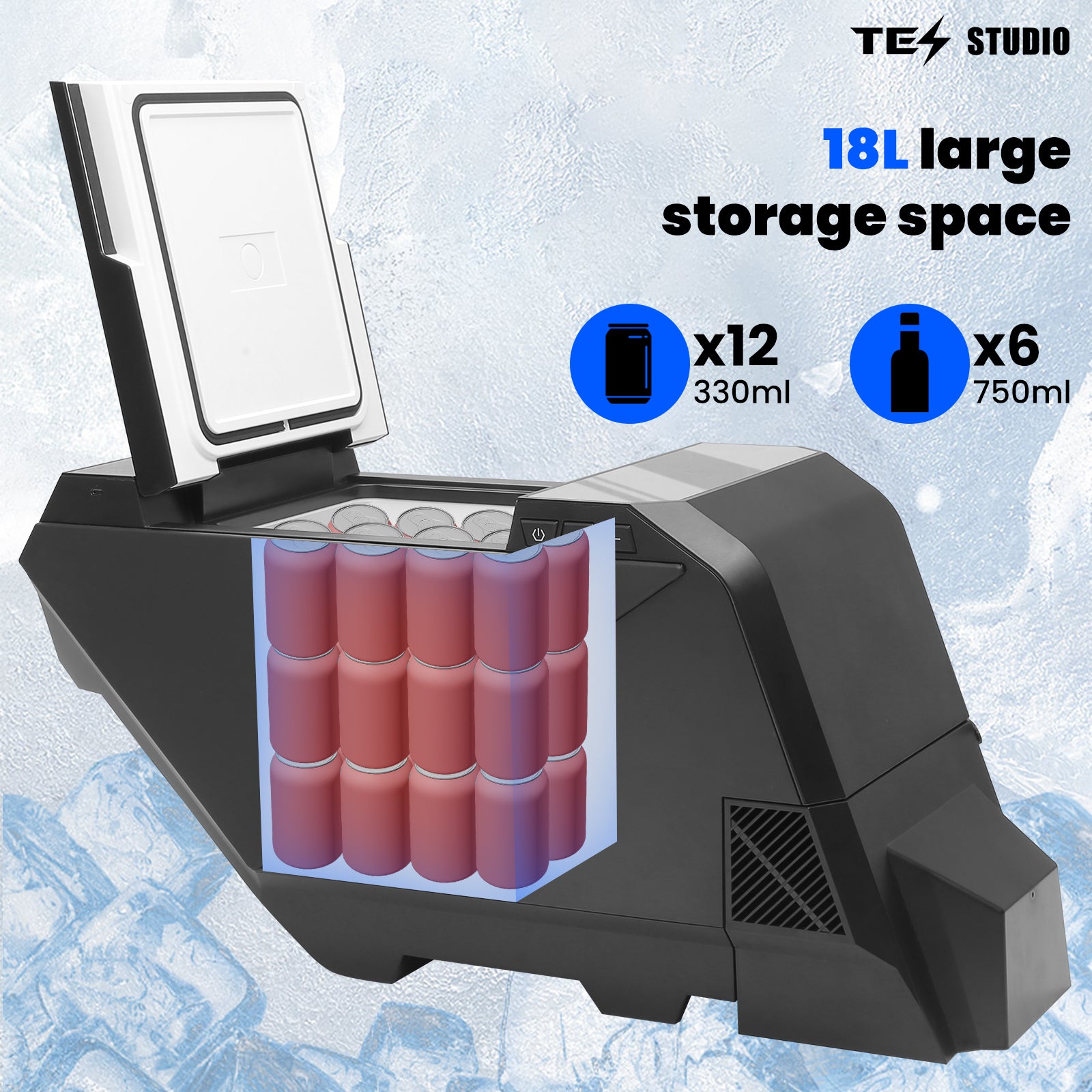
Holds approximately 24 cans, 6 wine bottles, or large bottles plus lunch-box items.

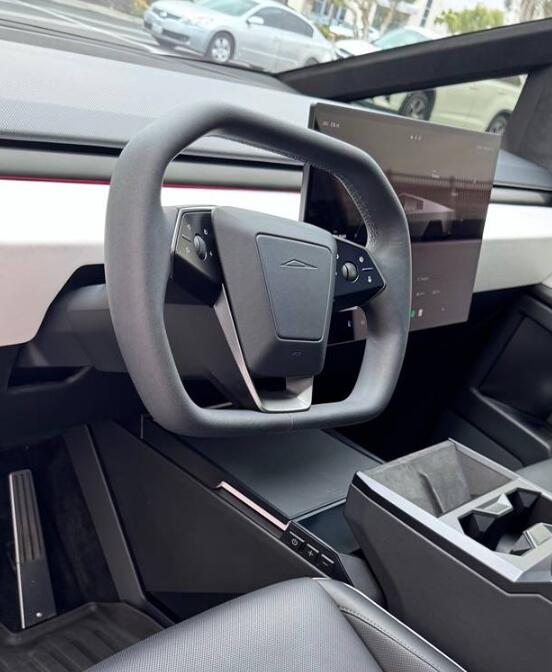
Designed for Cybertruck integration so the fridge feels intentional, not like loose cargo.

The 18L interior gives the Cybertruck useful cold storage for daily meals, kids' snacks, drinks, groceries, and weekend travel supplies.
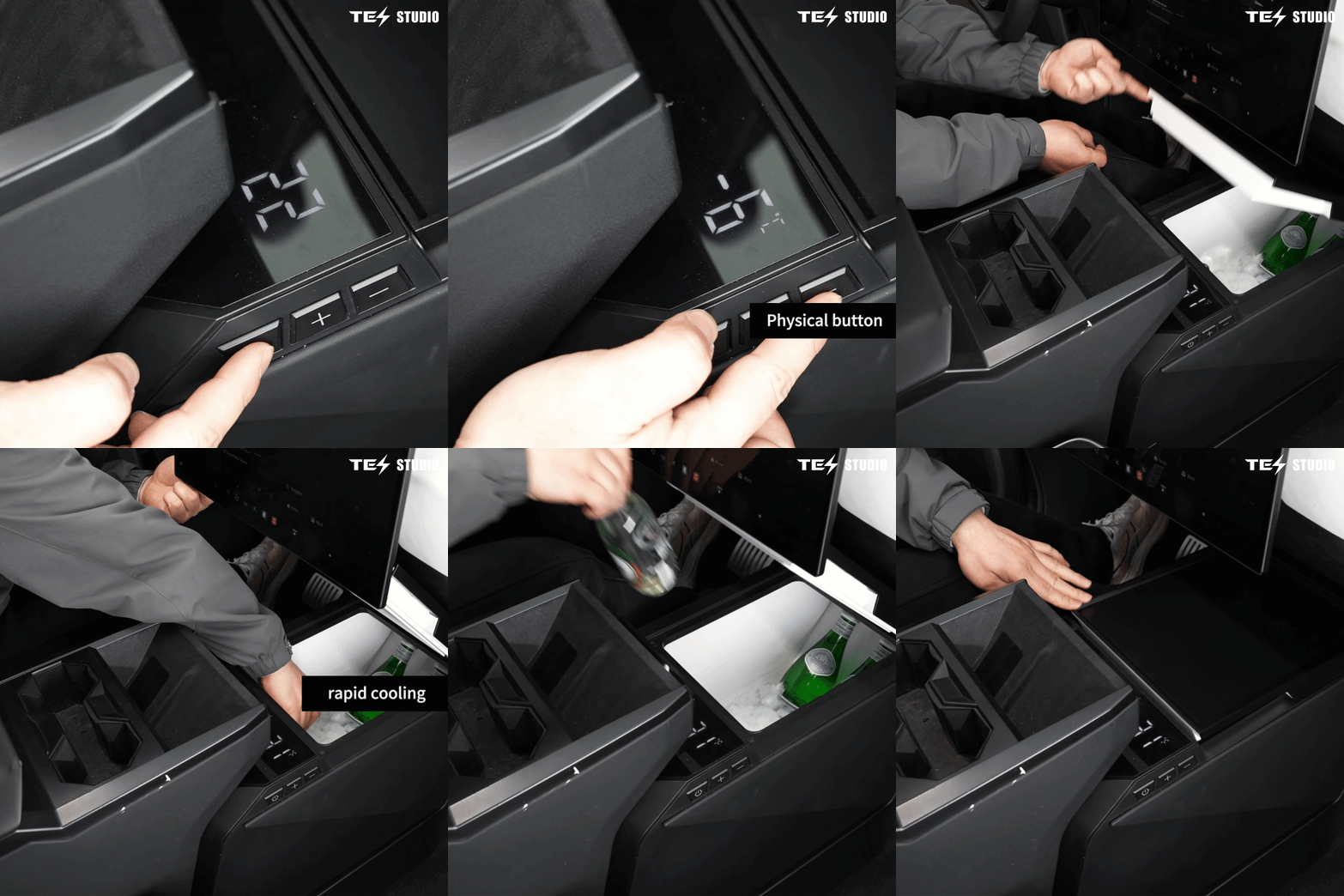
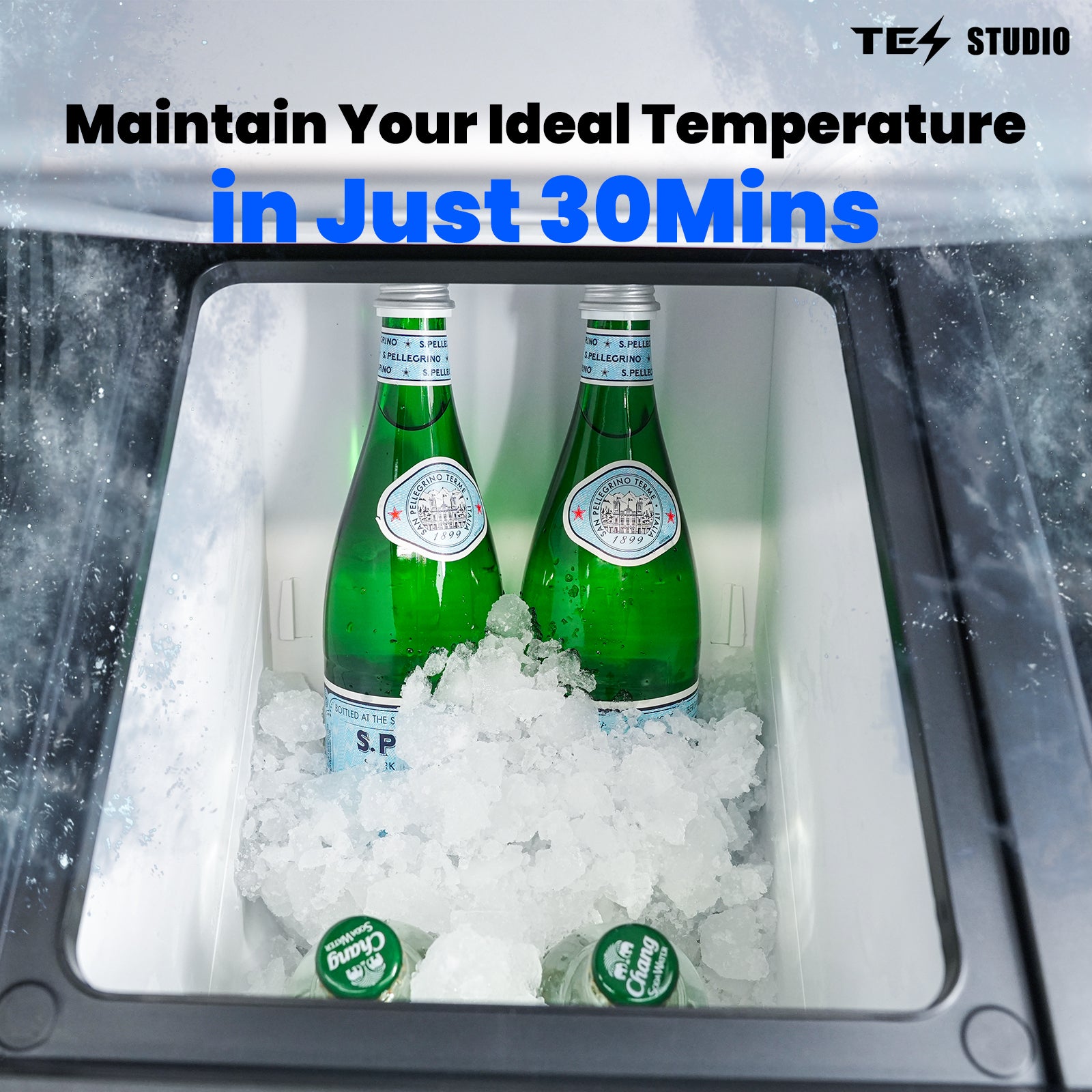
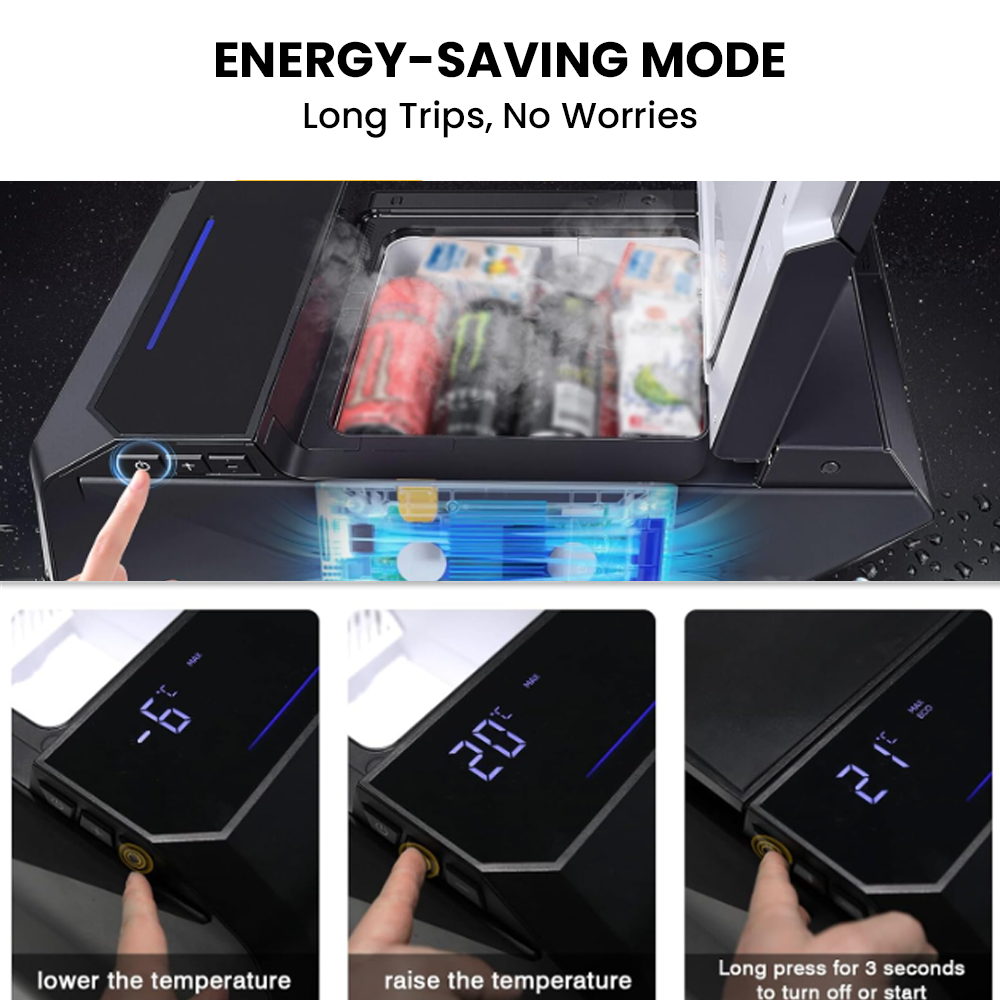
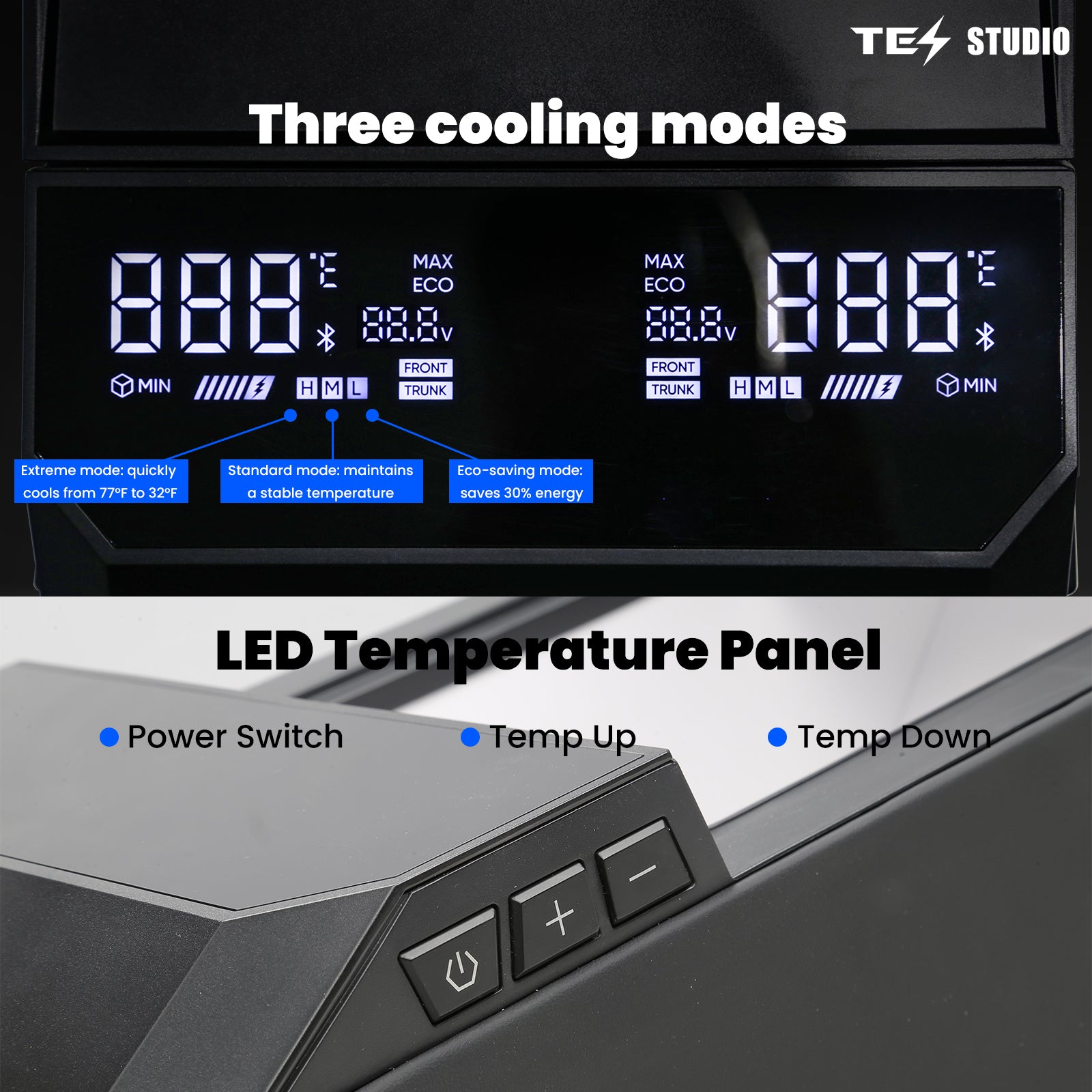
Extreme Mode supports fast chill-down, Standard Mode maintains temperature, and ECO Mode helps save energy for longer use.
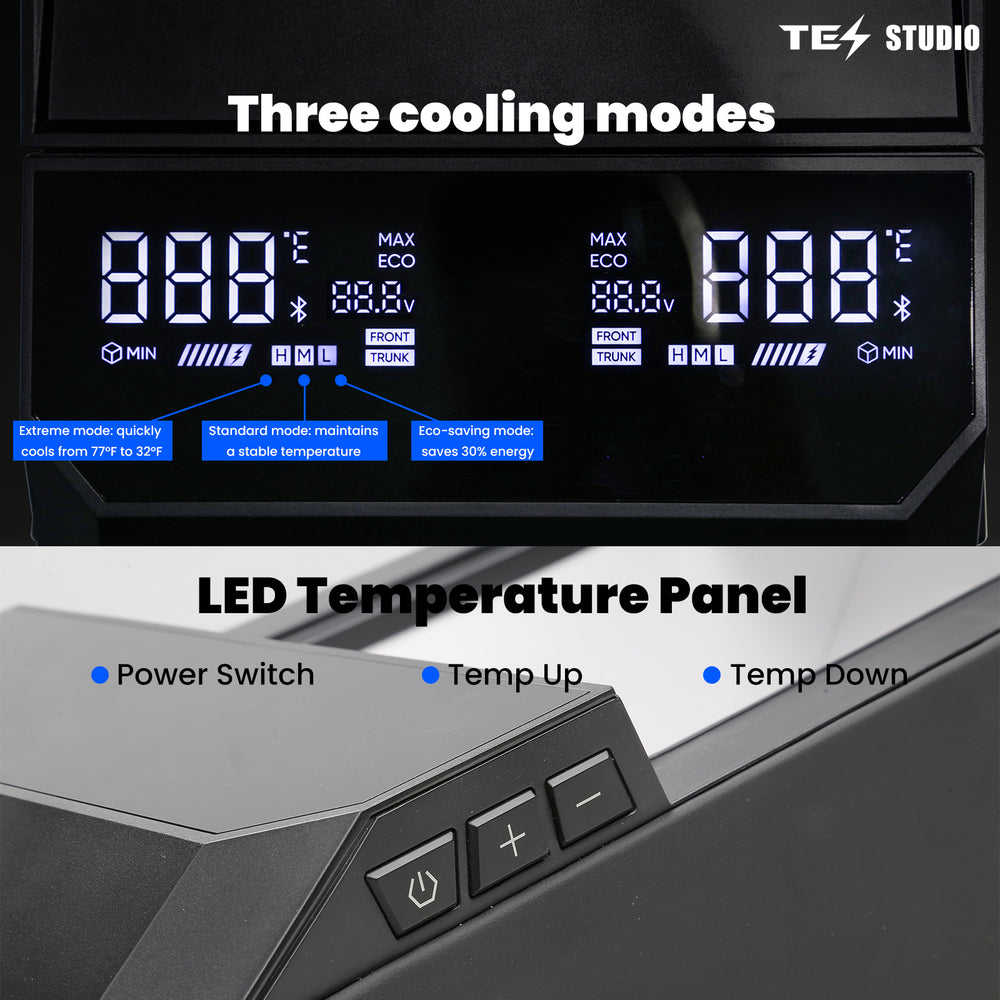
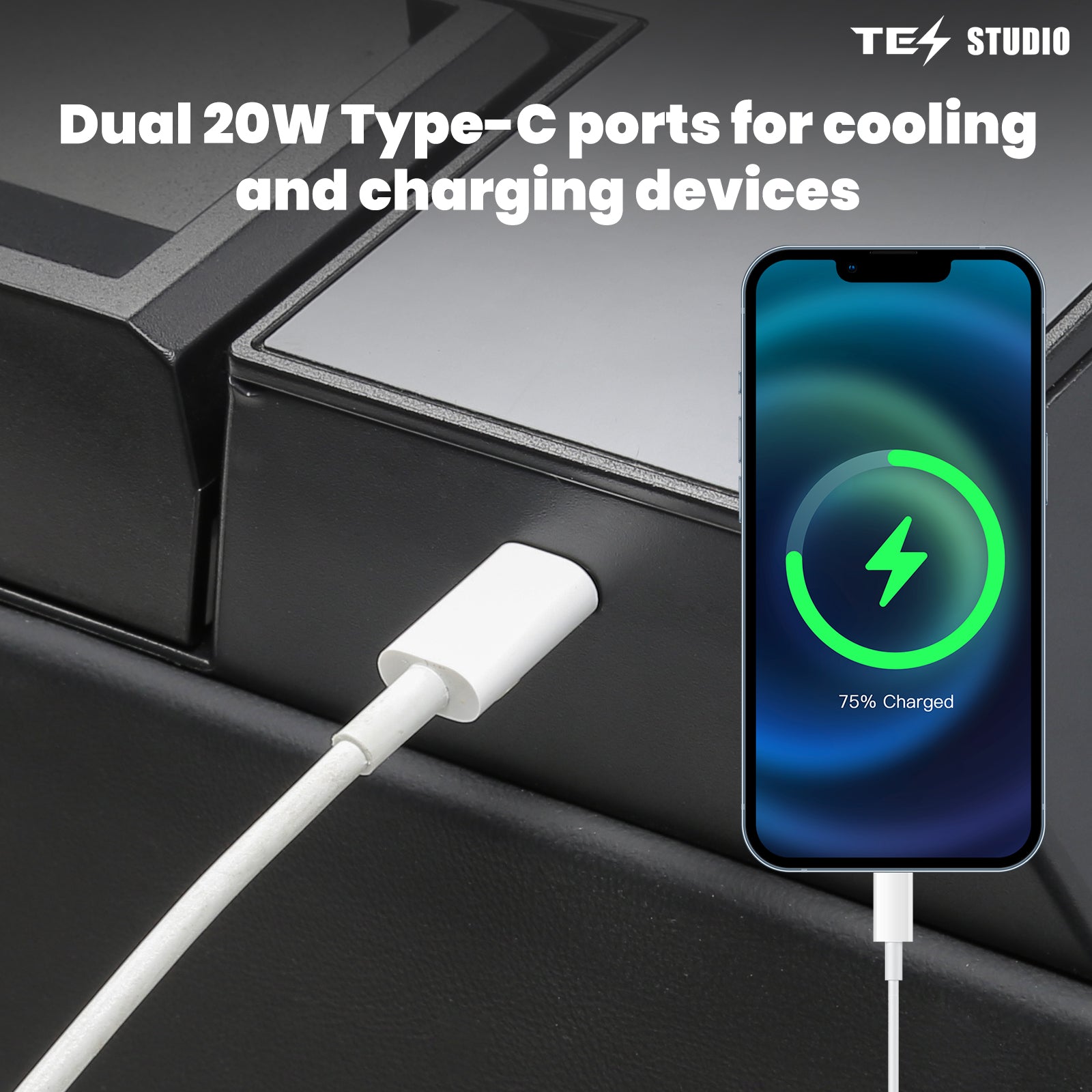
Dual 20W USB-C ports let passengers charge devices while the fridge runs, with durable materials made for in-vehicle use.

Instead of using cargo space for a separate cooler and ice packs, keep everyday cold storage inside the Cybertruck cabin where drinks and meals are easier to reach.
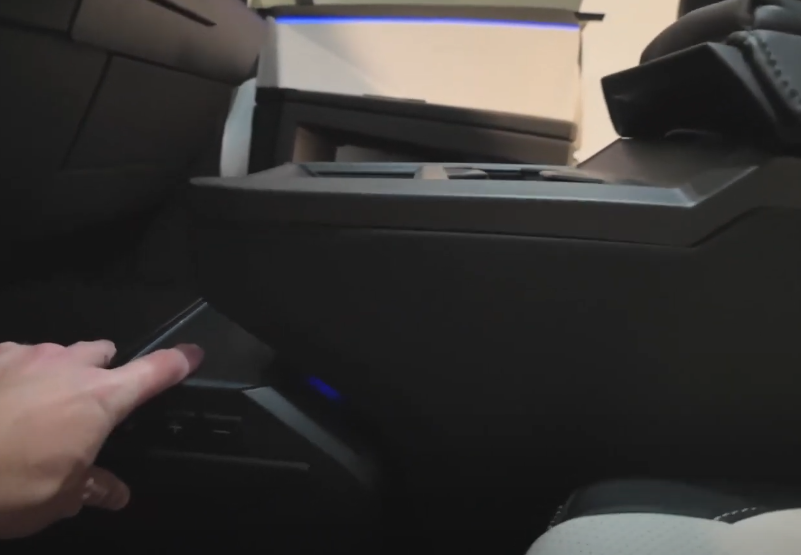
Keep the installation story simple: place the fridge, connect power, choose the cooling mode, and start using the center console as cold storage.
Place the 18L refrigerator into the Cybertruck center console floor location.
Use the included power setup and follow the installation guide for a clean connection.
Choose Extreme, Standard, or ECO mode and start cooling drinks, meals, and travel essentials.
Pair the 18L fridge with practical Cybertruck accessories for charging, cargo organization, easier access, passenger comfort, and a quieter cabin.
Your complimentary charging companion: retractable USB-C leads and extra connection options.
View included gift
Keep luggage, tools, and camping gear separated during travel.
View product
Make cabin entry and trip-gear loading easier for everyday use.
View product
Improve passenger-side viewing and cabin convenience on long drives.
View product
Reduce wind noise so the upgraded cabin feels calmer on highway trips.
View productThe offer includes one Gen 1 Hidden Charging Hub (SKU TESO0082) with a qualifying refrigerator order. Its current separate selling price is US$112. The gift is Gen 1, not the Gen 2 Ambient Lighting Hub.
The fridge already provides USB-C charging. The gift adds built-in retractable USB-C leads and a USB-A connection, giving you more ways to connect everyday devices and helping reduce loose cables around the console.
No. The hub is a separate device-charging accessory. It does not improve refrigeration performance or replace the refrigerator's required power connection. Follow the installation guide for each product.
The offer includes one complimentary Gen 1 hub per qualifying order while the offer is active. Review the gift shown in your order summary; contact support@tesstudio.com if you need help confirming the included item.
18L total capacity. It holds approximately 24 cans, 6 wine bottles, or 4 large 1L bottles plus additional lunch-box items.
The refrigerator chills down to 21°F (-6°C) and includes Extreme, Standard, and ECO cooling modes.
It supports AC 100-240V input and DC 12-24V vehicle power. Rated power is listed as 45W for refrigeration plus 30W dedicated to charging ports.
Yes. It includes two built-in 20W USB Type-C charging ports so devices can charge while the fridge is running.
Yes. It is custom-fit for the Tesla Cybertruck center console and designed for a clean, factory-style installed result.
Yes. Because it accepts AC 100-240V and DC 12-24V input, it can work at home or in other compatible vehicles.
Check that the refrigerator is receiving power, enable Keep Accessory Power On on the Cybertruck center display, then set the temperature to -6°C (21°F) and let the unit run continuously for about 60 minutes. If the inner wall still does not feel cold, use the full guide below to check the compressor and heat-dissipation airflow before contacting customer support.
Follow these checks in order. Keep the refrigerator upright, and do not open the housing or attempt electrical or refrigerant repairs yourself.
If it is not enabled, the refrigerator will normally lose power after the vehicle is locked.
Set the refrigerator to a target temperature such as -6°C (21°F), let it run continuously for about 60 minutes, then check the displayed temperature and touch the inner wall to see whether it feels clearly cold.
The C18 heat-dissipation outlet is located at the vented end of the refrigerator housing. Keep this outlet unobstructed.
This may indicate a loose fan connection or a fan fault. Contact customer support for wiring inspection and possible fan replacement.
This may indicate loose internal wiring or a circuit-board or control-module fault. Professional inspection is required.
The compressor module or compressor may be faulty. The compressor module is the more likely cause and should be inspected by a qualified technician.
If there is only slight cooling and the temperature stays close to ambient, the refrigeration piping may be blocked, especially if the unit has been inverted. If there is no cooling and the temperature rises, a refrigerant leak may be present. Both conditions require professional service.
The Cybertruck Cooler fits just the right amount of drinks and snacks, freezes quickly, and keeps everything chilled all day. Easy to install and seamlessly integrates with the center console design.
Lightweight and easy to carry, it’s a must-have for camping or road trips. The 25L capacity is ample for a family’s short journey.
You can barely hear it running, keeping the cabin peaceful. The precise temperature control ensures your food and drinks stay at the perfect temperature.
In the Eco mode it is very quiet (less than a whisper)
The cooler cools rapidly down to below freezing, and has sufficient insulation…
Keeps parents' drinks ice‑cold and kids' snacks and fruits fresh—everyone stays happy,
Just got my fridge and installed it within 10 min. Easy install for one person.
This video gives you a full unboxing + a real‑world capacity test… 36 drinks went in with room to spare.
Exactly as described, roomy enough and matches the Cybertruck interior perfectly.
Great build quality, easy to install, cools down fast — perfect for long drives.
One month in and cooling is steady — keeps drinks and food fresh.
Sleek, premium look—blends well with the cabin.
Energy-efficient and quiet—won’t disturb you at night. Highly recommend.
Well-packaged for shipping, arrived intact and customer service was responsive.
The installation video is detailed; DIY took about 20 minutes.
Perfect size—space-efficient but surprisingly roomy inside.
Perfect size—space-efficient but surprisingly roomy inside.
Plug-and-play via center console — connector design is practical.
Cools faster than expected — a must for summer camping.
Removable internal shelves are user-friendly and easy to clean.
Only gripe: translation in the manual is a bit rough, but usable.
Solid quality — two months in with zero issues.
Mounted on the floor feels stable — no wobble.
Power-saving mode is great — manageable power draw on long trips.
Fits six large cans comfortably — very practical.
Precise temperature control with an easy-to-read display.
Freezing performance is better than I thought — can keep ice.
Safety latch gives peace of mind—won’t pop open on bumpy roads.
Low noise — barely noticeable during conversation in the car.
We provide assistance through email, live chat, and detailed installation guides. Additionally, we offer step-by-step tutorial videos featuring influencers to help you with the process.
We offer a one-year warranty (two years for some products).
Yes, the product can be removed after installation without affecting the original wiring harness of the vehicle.
We offer free returns and exchanges if there are any quality issues with the product upon receipt by the customer.