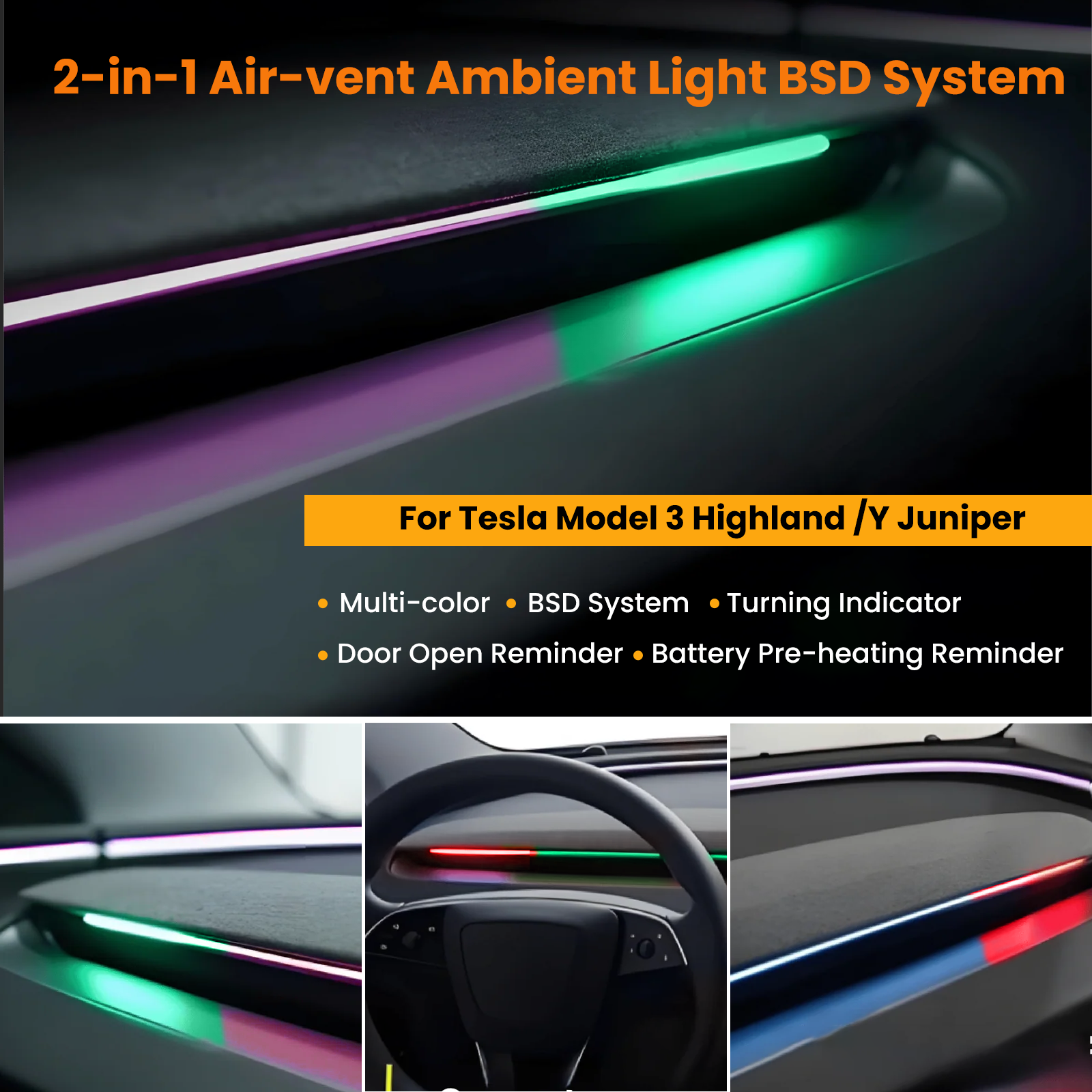
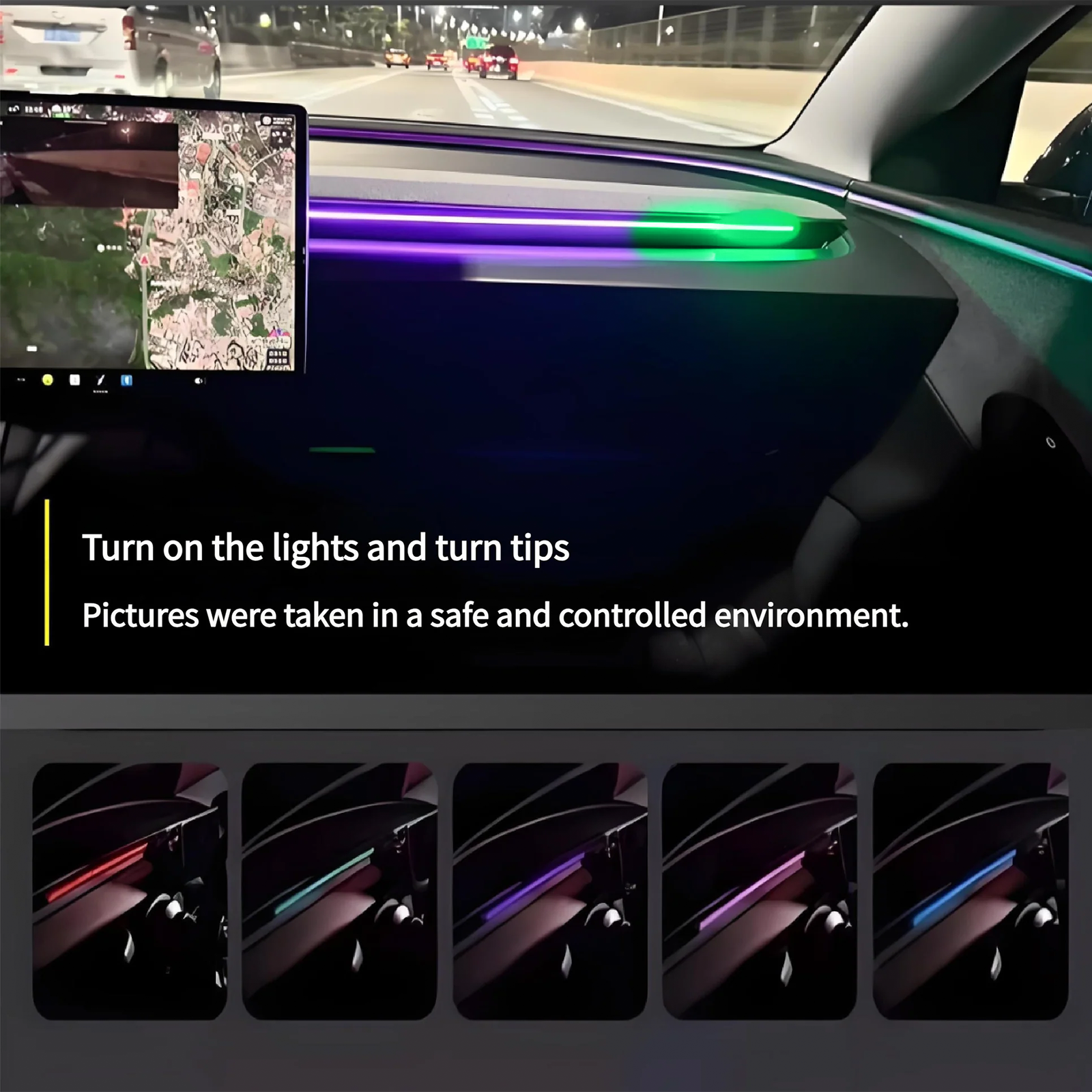

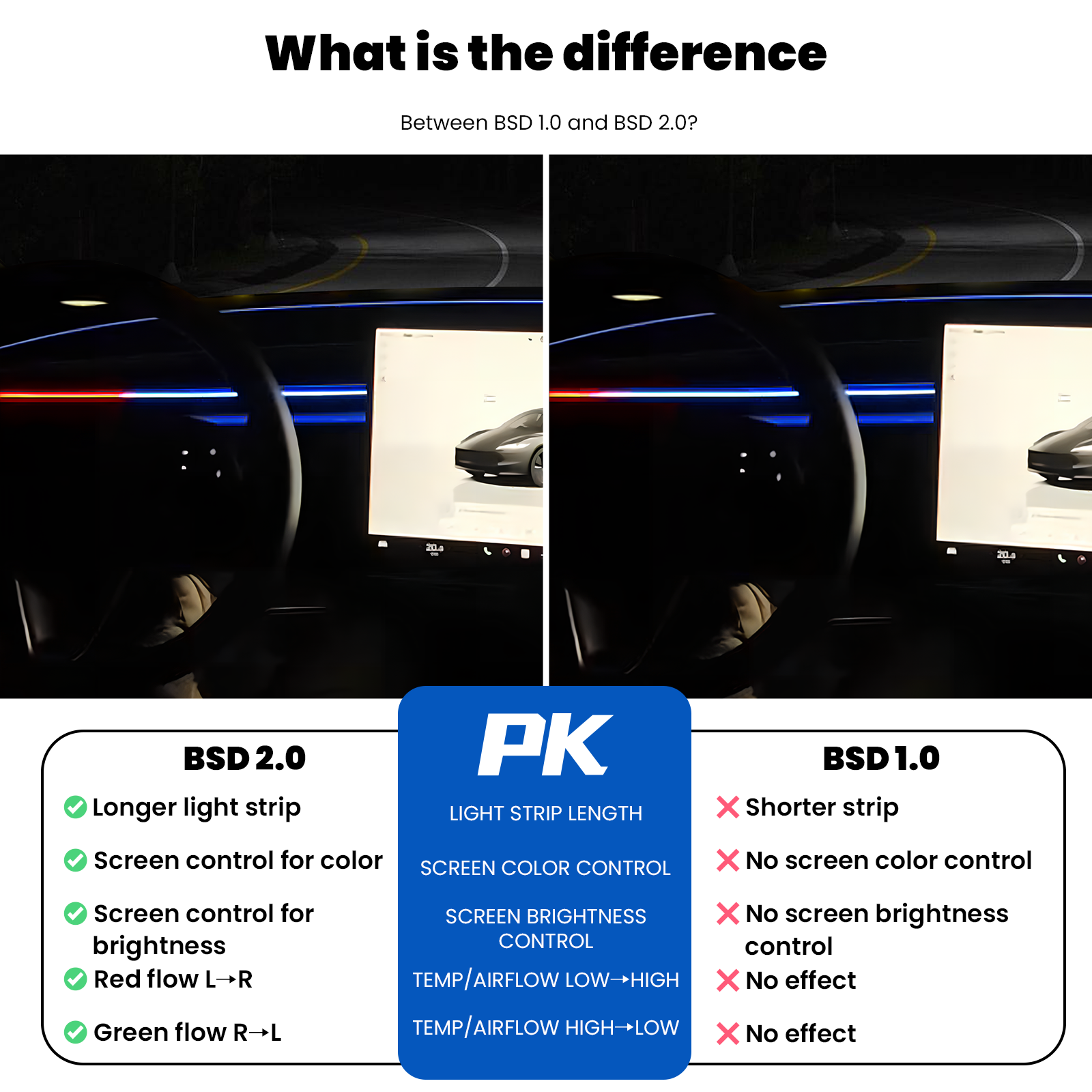
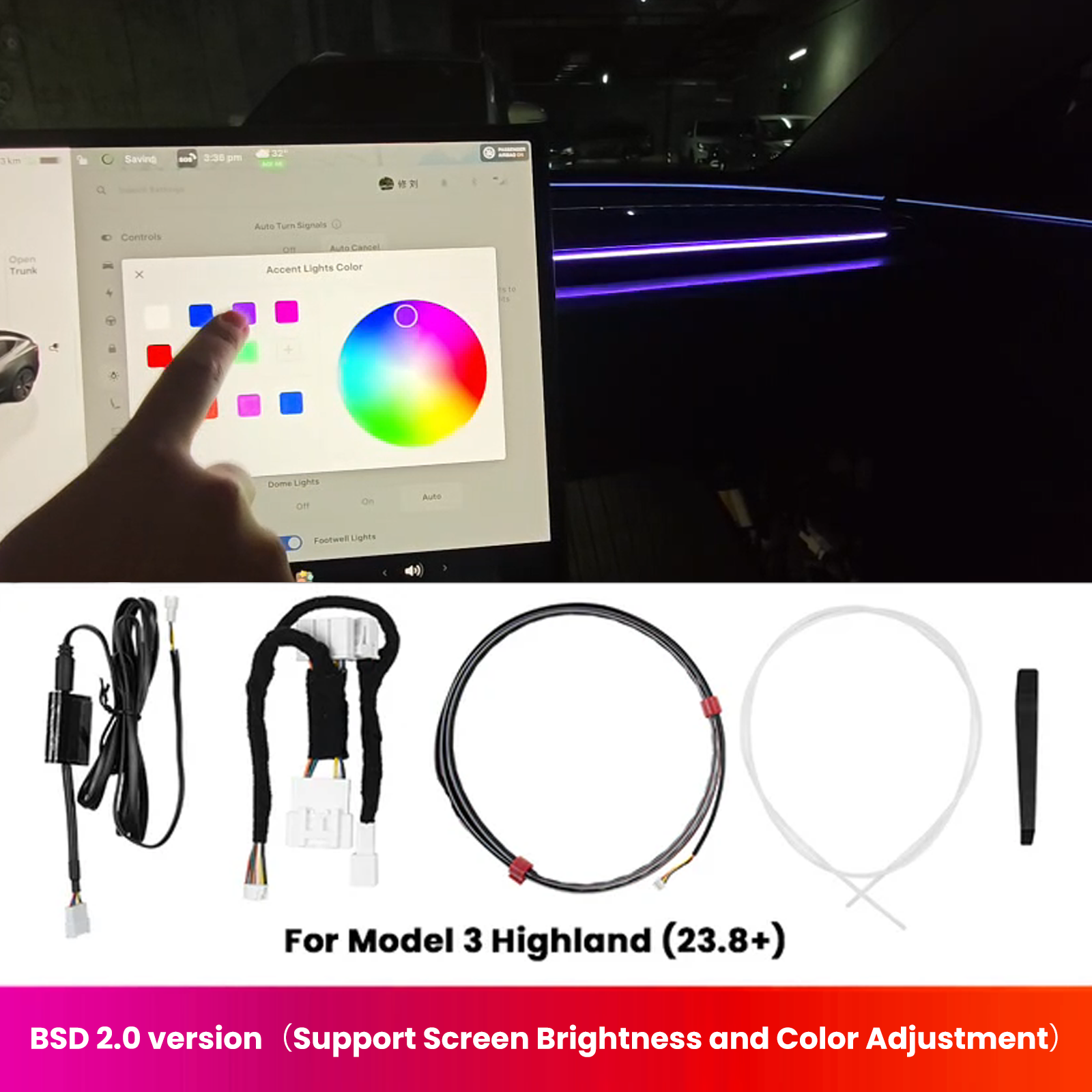
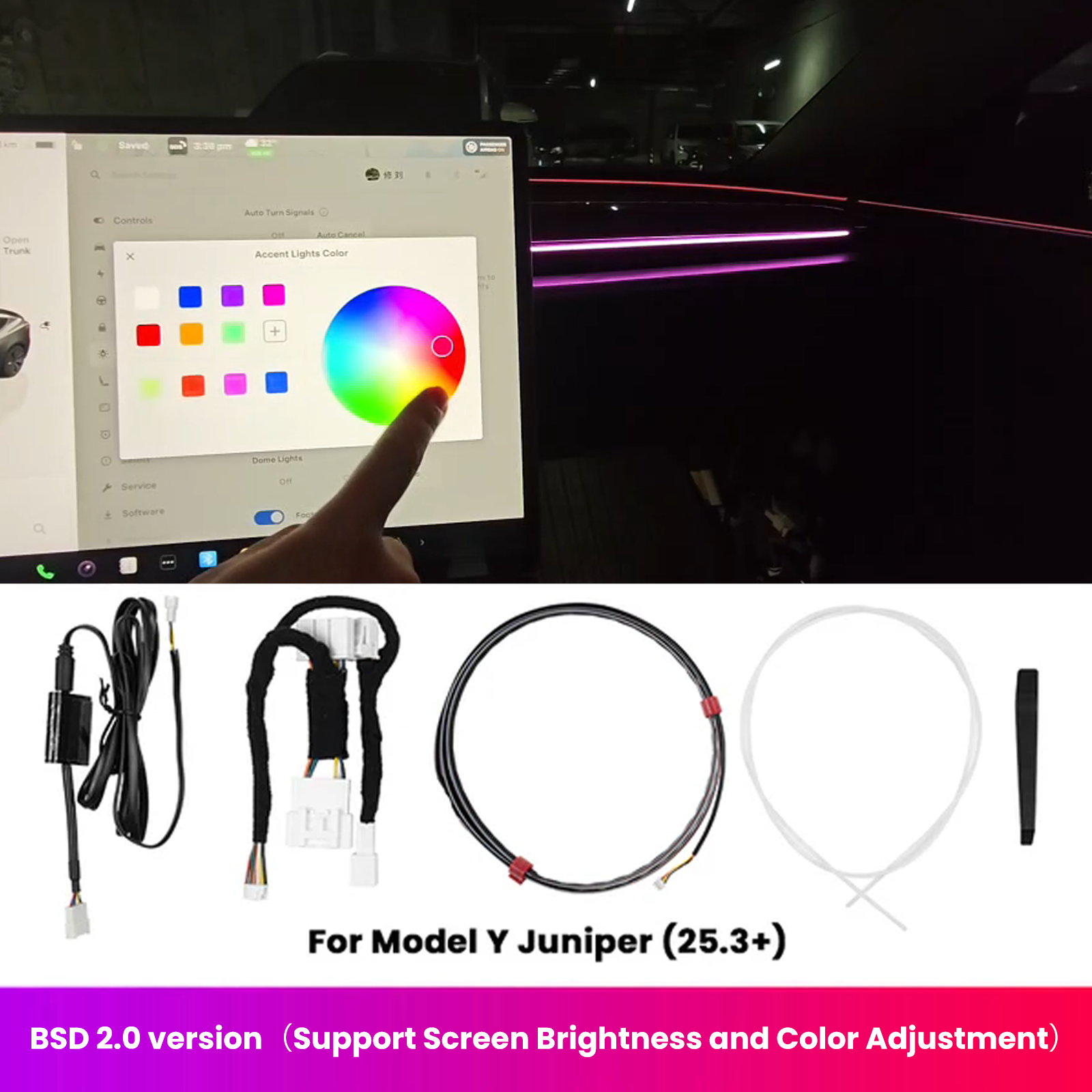

BSD 2.0 Blind Spot Warning System For Tesla Model 3 Highland / Y Juniper /Cybertruck Ambient Lighting
Warranty-friendly installation: This accessory is designed for non-destructive fitment and does not alter the vehicle's original systems when installed as instructed.

Check the selected Tesla model, model year, and option before checkout. If this product has a Car Model or Compatible Model selector, choose the option that matches your vehicle.
- Use the product images and variant name to confirm the correct version.
- If you are unsure about fitment, contact Tesstudio with your Tesla model and production year before ordering.
Tesstudio installation support is available for Tesla owners who need help choosing, installing, or troubleshooting accessories.
Most Tesstudio accessories are designed for straightforward DIY installation. For powered upgrades, wiring, lighting, or large exterior parts, professional installation may be recommended.
Local installation and technical support
- Address: 14761 Franklin Ave # G, Tustin, CA 92780
- Technical support: +1 (657) 543-9876 or +1 (657) 565-1007
- Support hours: Monday-Friday, 8:30 AM-5:30 PM
The phone numbers above are for technical installation support only. For orders, shipping, returns, or general customer service, contact:
- Email: support@tesstudio.com
- WhatsApp: +1 714 317 9647
Tesstudio checks fit, material, and daily-use durability before listing products for Tesla owners.
- Eligible products include warranty support for non-human damage issues.
- If a product arrives damaged or does not fit as expected, keep the packaging and contact us with photos so we can help quickly.
In-stock items are usually processed within 1-2 business days. Delivery time depends on destination, product size, and stock status.
- Orders over $119 qualify for free standard shipping where available.
- Oversized, remote-area, pre-order, and special-market items follow the terms shown on the product page.
- Tracking is provided after dispatch.
Need help before or after purchase?
Contact Tesstudio support:
WhatsApp
+1 714 317 9647
Choose options
Product Installation & Review
See how it fits, installs, and performs before you buy.

Tesla Driver Awareness and Cabin Lighting
BSD 2.0 Blind Spot Warning and Ambient Lighting System
Add radar-based blind spot warning cues and screen-adjustable RGB ambient lighting to compatible Model 3 Highland, Model Y Juniper, and Cybertruck cabins.
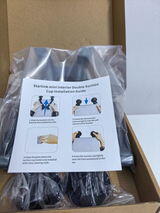
Installation Manual
Review the Model-Specific Installation Instructions
Open the official installation guide before beginning so wiring, trim removal, lighting placement, and system setup follow the correct sequence for your vehicle.
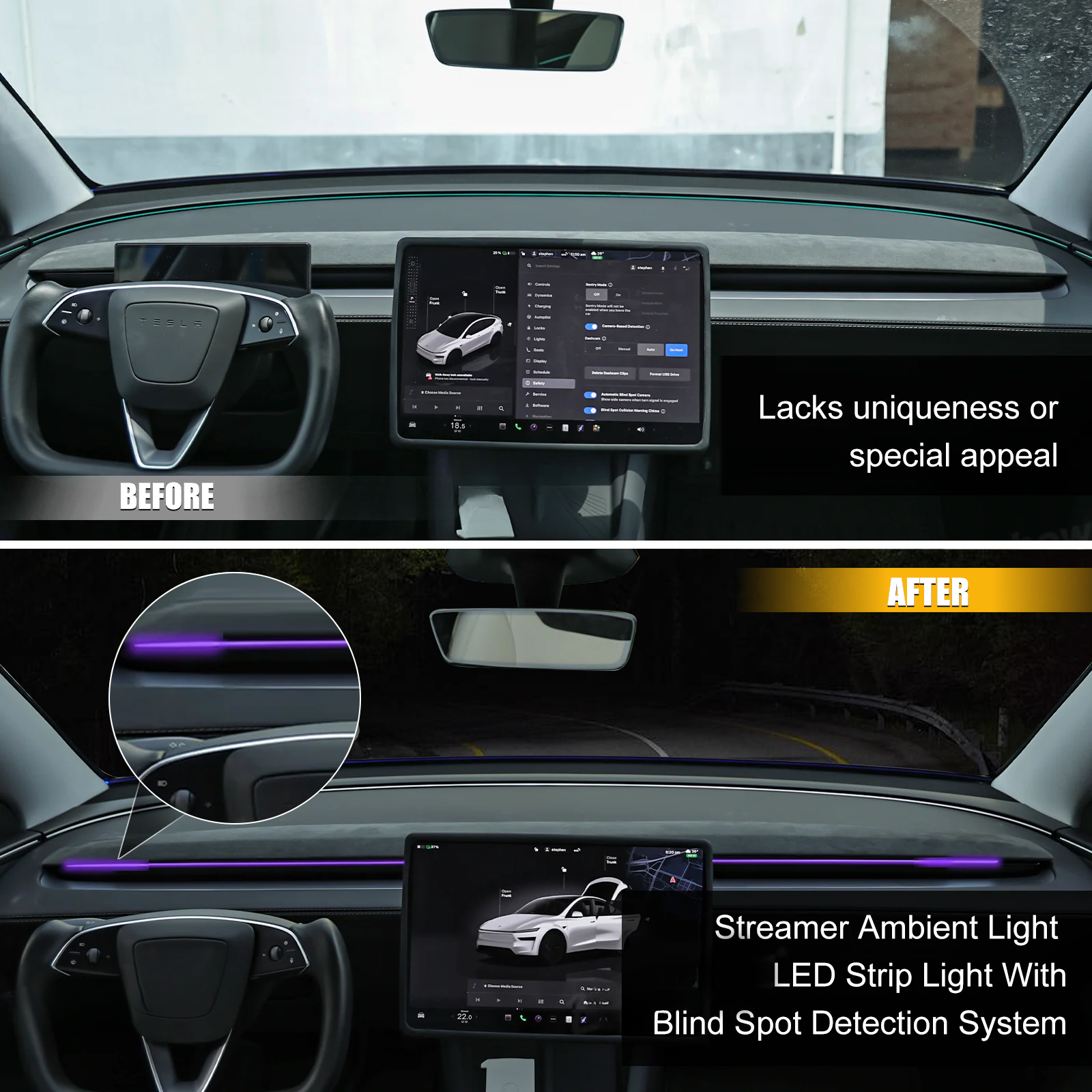
Before adding a dedicated visual warning layer
- Blind zones can demand more attention during lane changes and dense traffic.
- Factory cabin lighting offers limited personalization and status feedback.
- Separate warning and ambient-light systems can create a fragmented installation.
- A universal kit may not match the trim and wiring layout of each Tesla model.
With BSD 2.0 integrated
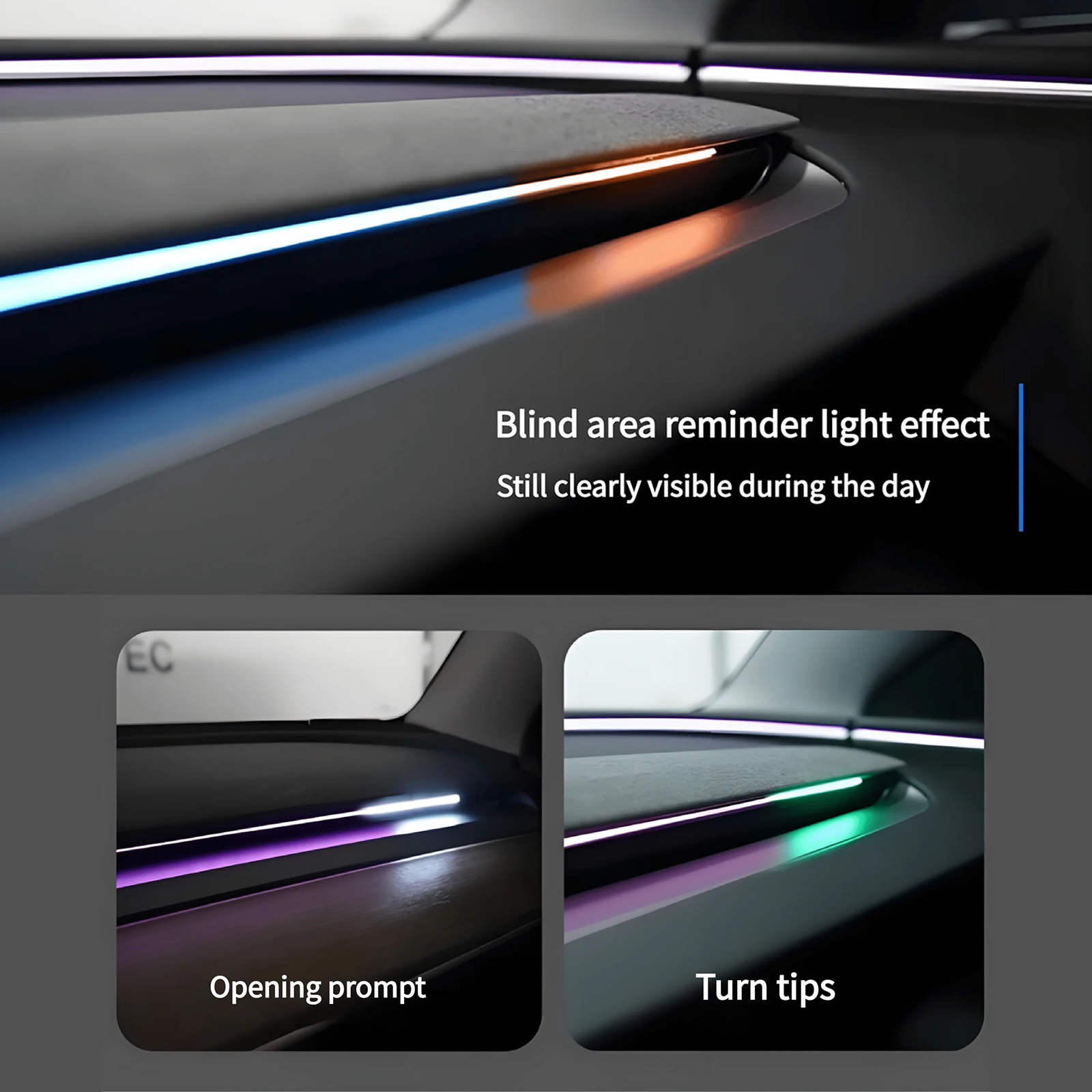
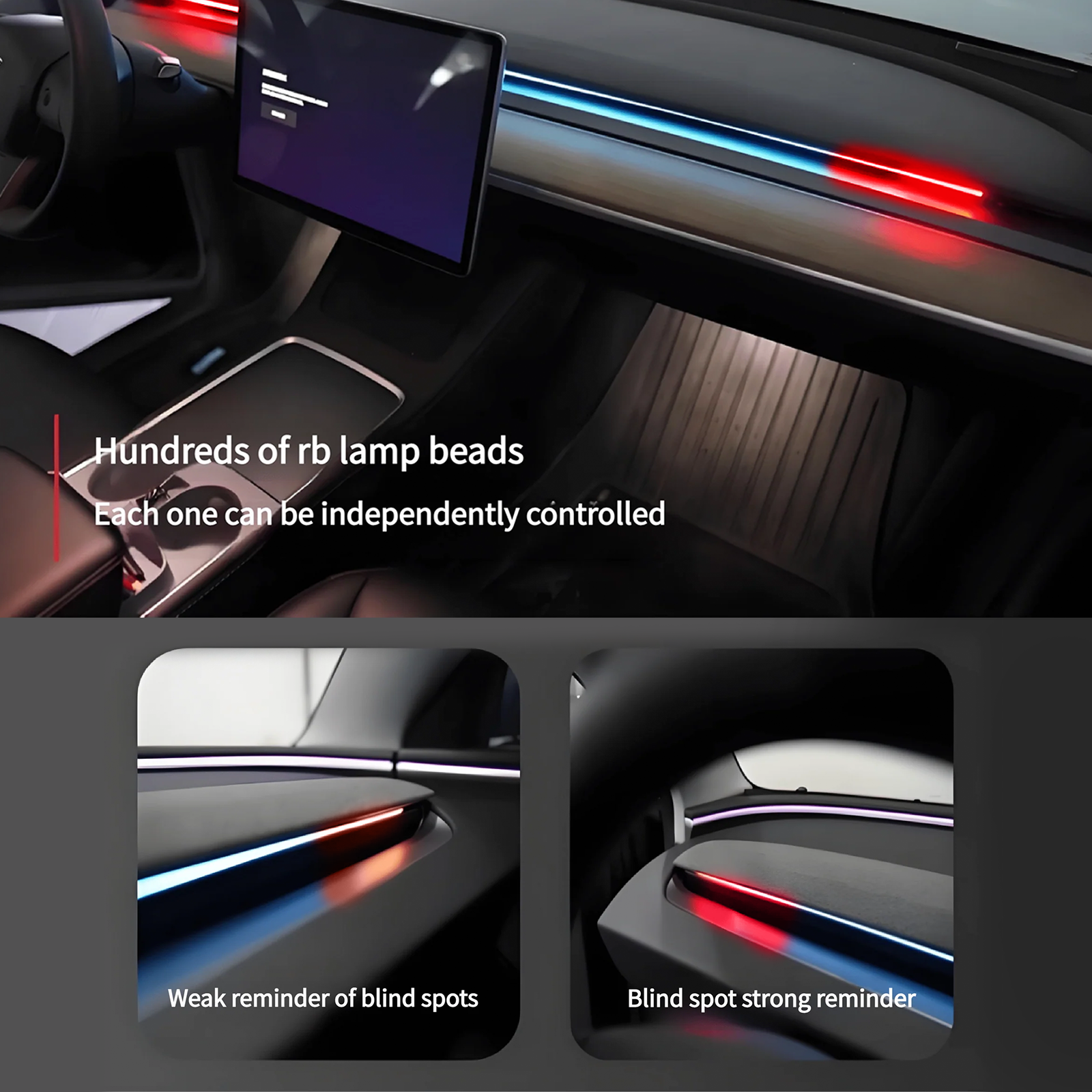
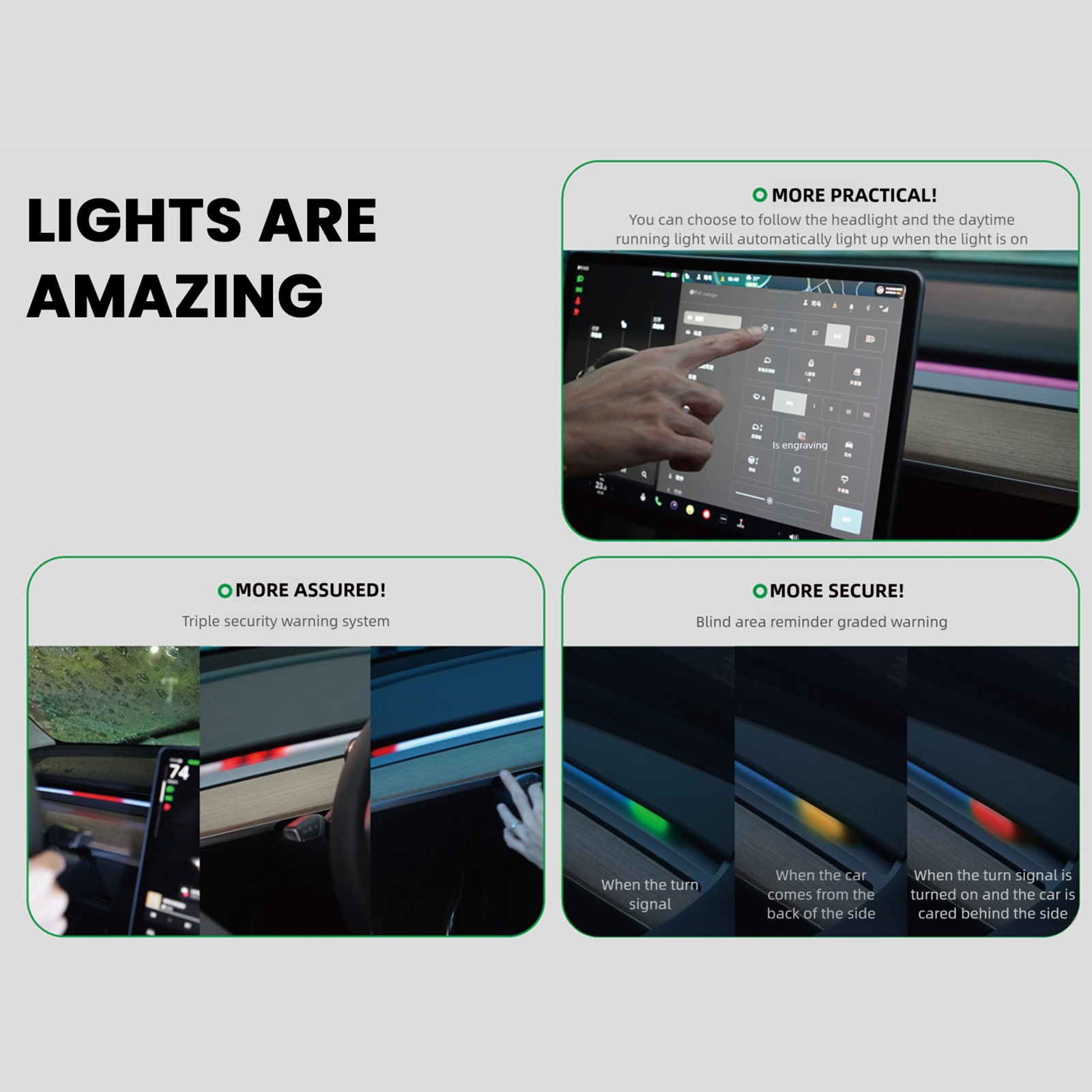
- Receive supplemental visual cues when traffic enters monitored blind-spot areas.
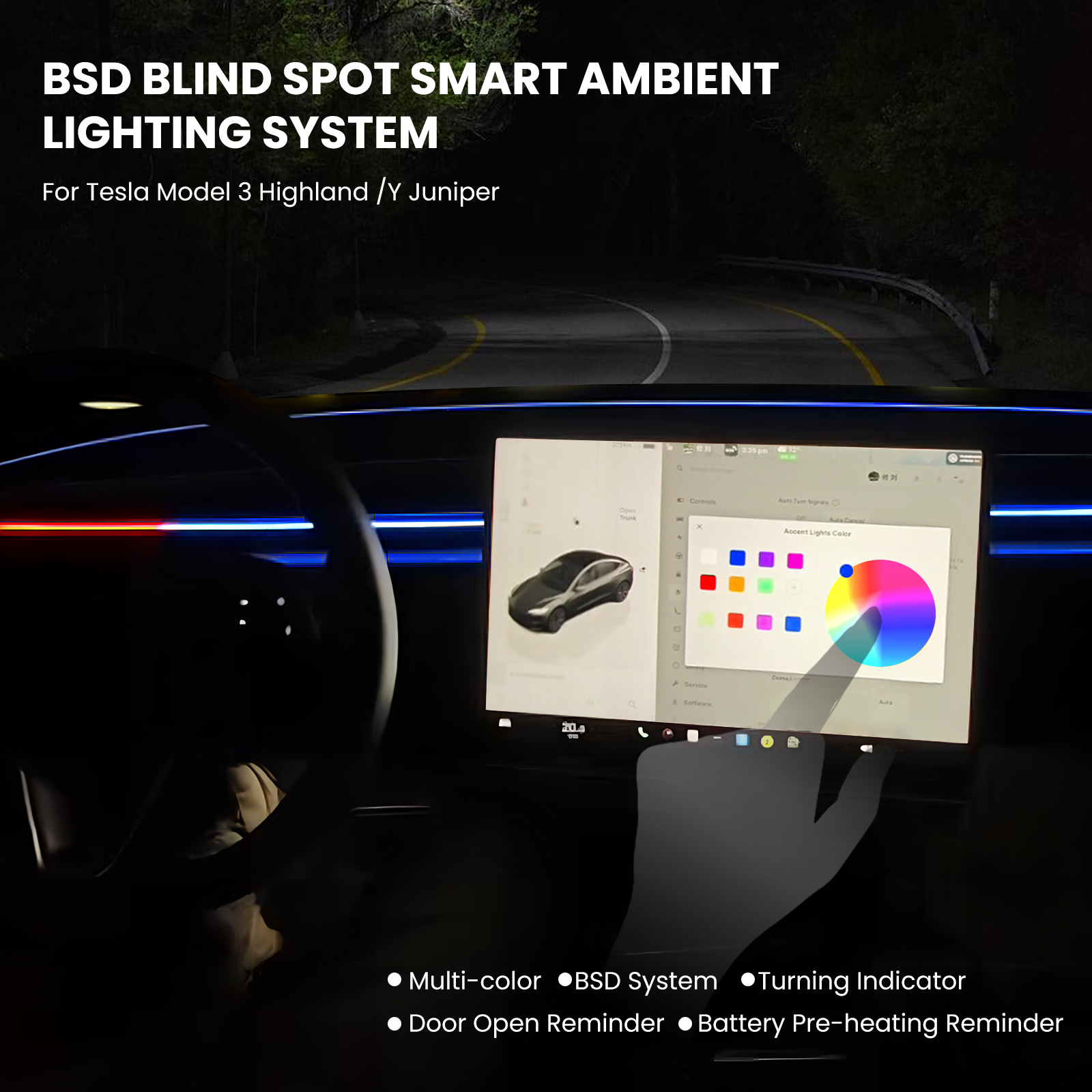
- Adjust ambient-light color and brightness from the vehicle screen.
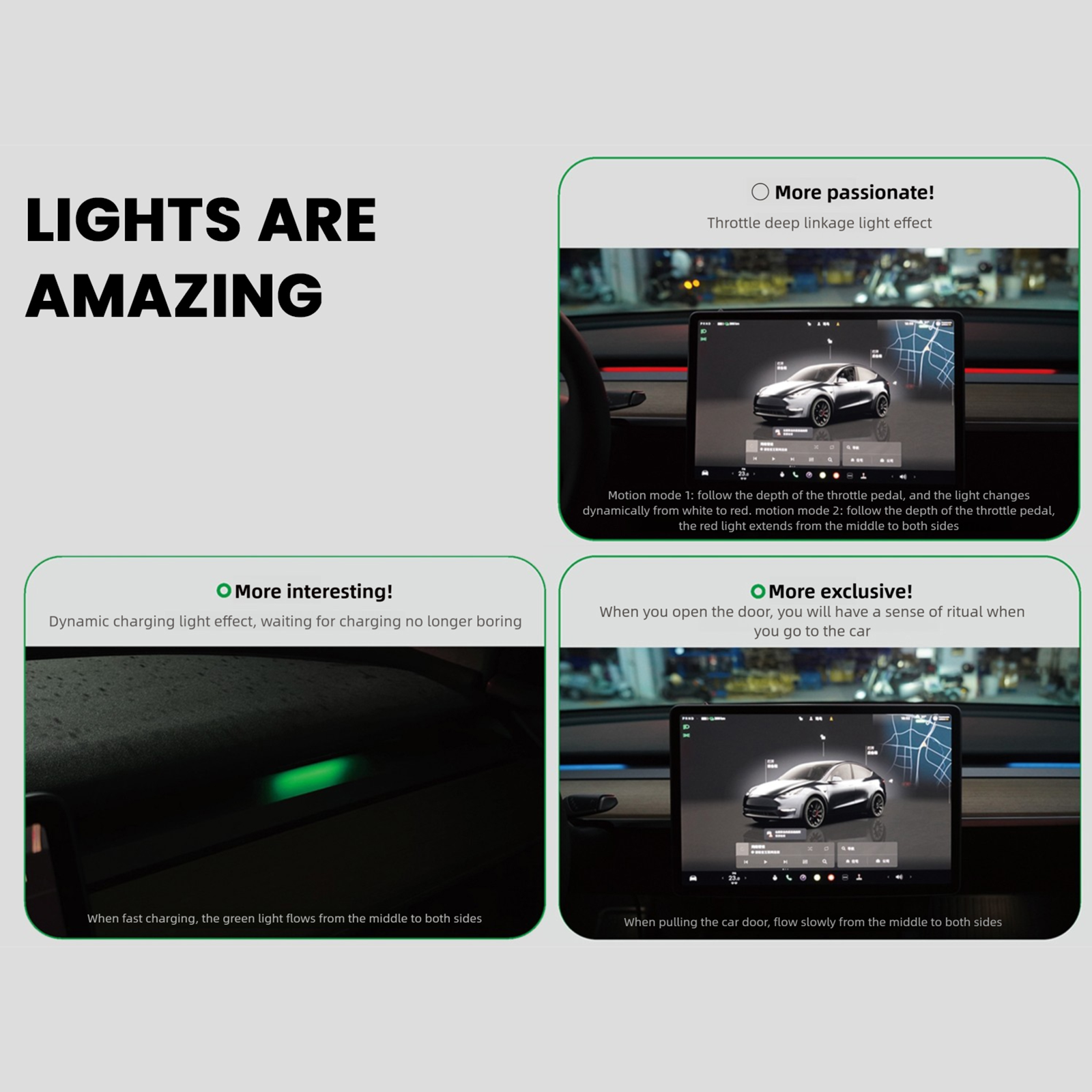
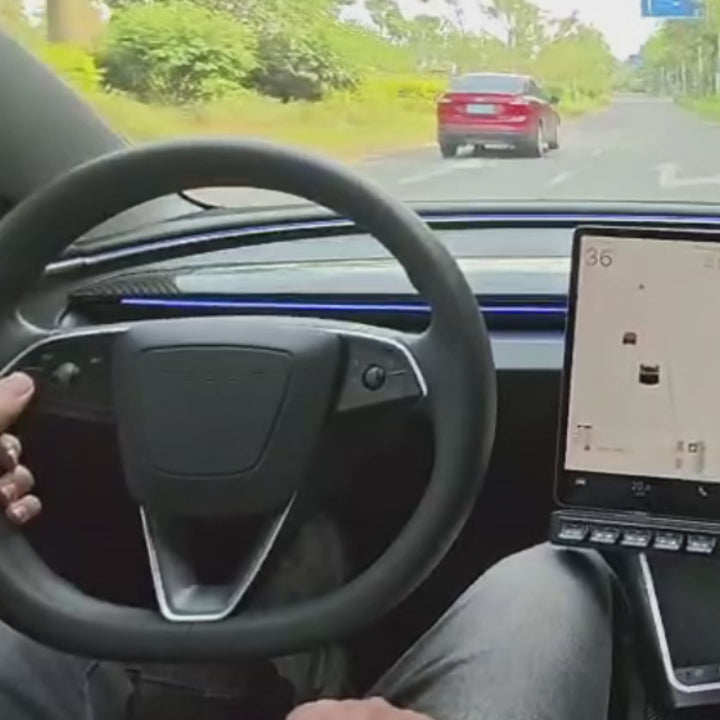
- Use lighting effects linked to selected vehicle and drive states.
- Choose the kit matched to your Model 3, Model Y, or Cybertruck configuration.

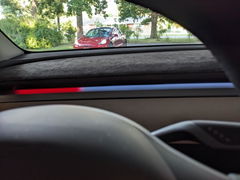
Add visible blind-spot cues near the driver's sightline
The radar-based system provides an additional visual warning layer to support mirror checks and attentive lane-change decisions.

Tune RGB color and brightness from the cabin
Hundreds of independently controlled RGB lamp beads create adjustable ambient lighting without relying on a separate handheld controller.

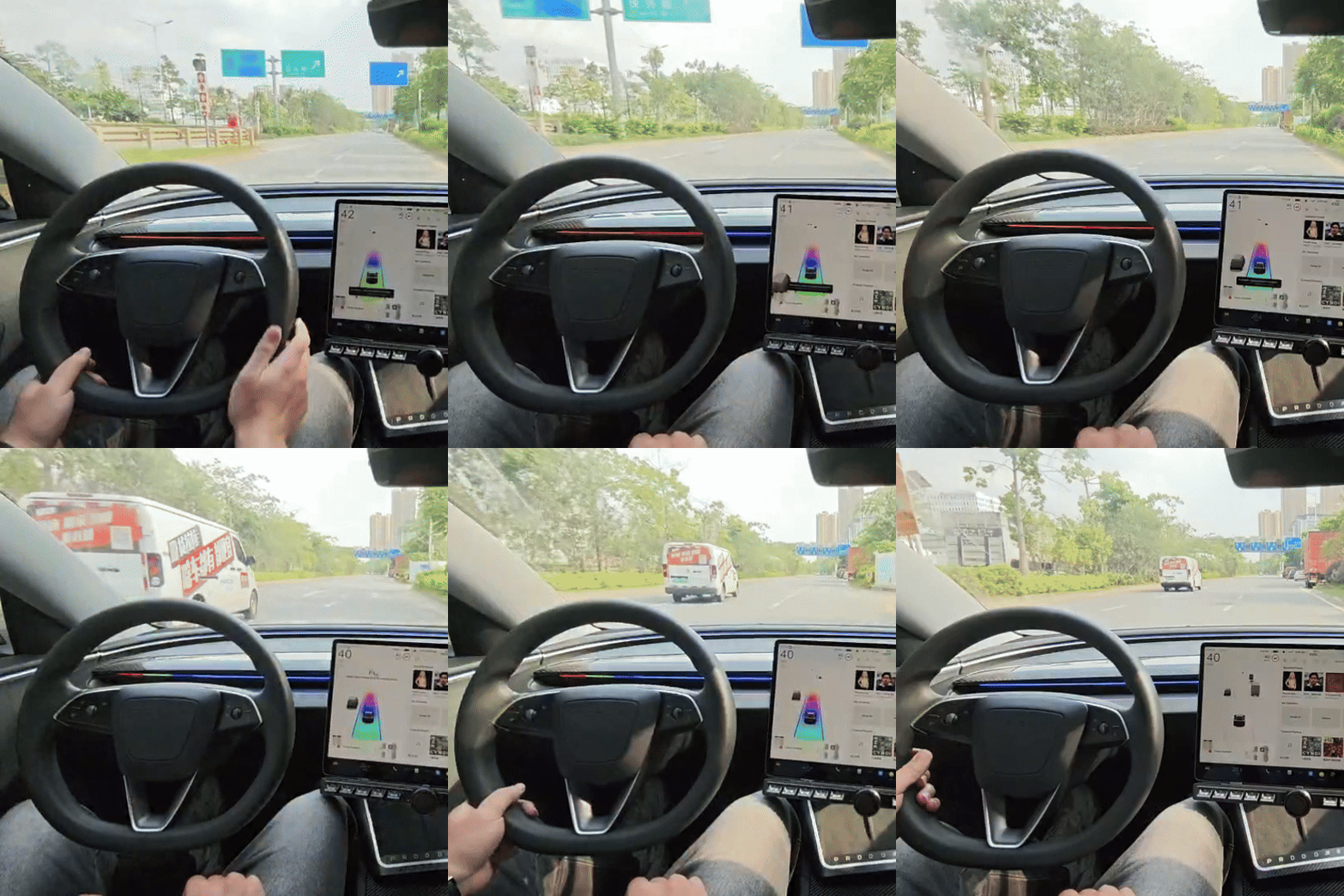
Let the cabin lighting respond to selected drive states
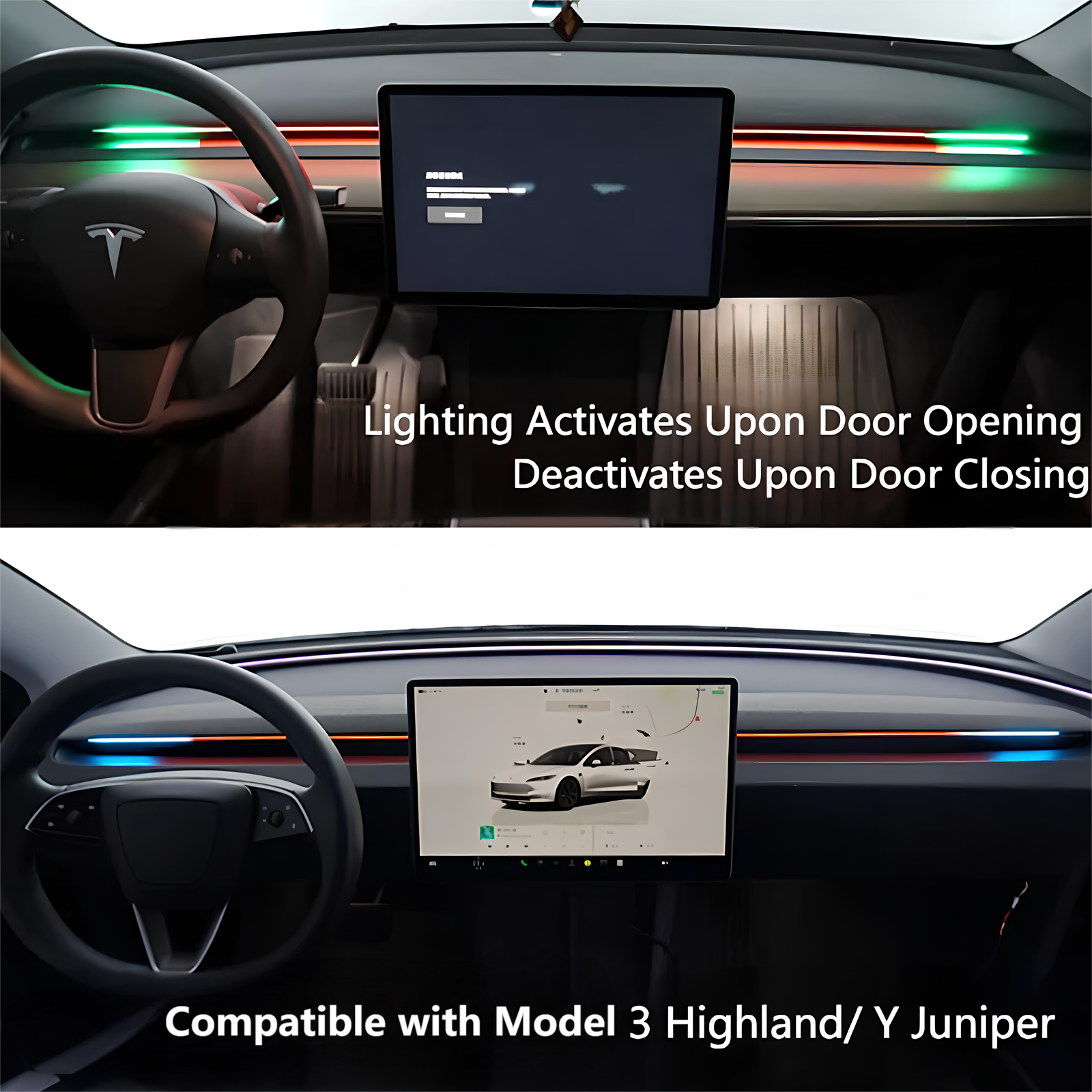
Status and mode effects can reflect functions such as lighting activation, Autopilot use, battery heating, and acceleration response, depending on vehicle support.
Awareness Without Losing Atmosphere
Bring Useful Visual Feedback Into the Cabin
BSD 2.0 combines a practical warning layer with ambient lighting that can feel integrated with the way the Tesla is driven.

Recommended Pairings
Complete the Daily-Driving Upgrade
Pair enhanced visual feedback with screen positioning, familiar controls, cabin comfort, and entry convenience.


FAQ
Questions Before You Upgrade
Which vehicles are supported?
Choose the matching option for Model 3 Highland (2023.08+), Model Y Juniper (2025.03-2026.03), Model Y Juniper (2026.04+), or Cybertruck Premium AWD (2024+).
Can I adjust the ambient lighting?
Yes. Supported color and brightness settings can be adjusted from the vehicle screen.
Does this replace mirror and shoulder checks?
No. It is a supplemental warning aid and does not replace mirrors, shoulder checks, safe driving judgment, or the vehicle's original safety systems.
Does the lighting react to vehicle states?
Supported effects can respond to selected states such as headlights, Autopilot, battery heating, and accelerator input.
Is professional installation recommended?
Yes. Professional installation is recommended for correct radar placement, wiring, trim fitment, and system setup.
Q&A
We provide assistance through email, live chat, and detailed installation guides. Additionally, we offer step-by-step tutorial videos featuring influencers to help you with the process.
We offer a one-year warranty (two years for some products).
Yes, the product can be removed after installation without affecting the original wiring harness of the vehicle.
We offer free returns and exchanges if there are any quality issues with the product upon receipt by the customer.