Rotating Physical Buttons Docking Station 3.0 for Tesla Model 3/Y/3 highland / Y Juniper/ Y L

Check the selected Tesla model, model year, and option before checkout. If this product has a Car Model or Compatible Model selector, choose the option that matches your vehicle.
- Use the product images and variant name to confirm the correct version.
- If you are unsure about fitment, contact Tesstudio with your Tesla model and production year before ordering.
Tesstudio installation support is available for Tesla owners who need help choosing, installing, or troubleshooting accessories.
Most Tesstudio accessories are designed for straightforward DIY installation. For powered upgrades, wiring, lighting, or large exterior parts, professional installation may be recommended.
Local installation and technical support
- Address: 14761 Franklin Ave # G, Tustin, CA 92780
- Technical support: +1 (657) 543-9876 or +1 (657) 565-1007
- Support hours: Monday-Friday, 8:30 AM-5:30 PM
The phone numbers above are for technical installation support only. For orders, shipping, returns, or general customer service, contact:
- Email: support@tesstudio.com
- WhatsApp: +1 714 317 9647
Tesstudio checks fit, material, and daily-use durability before listing products for Tesla owners.
- Eligible products include warranty support for non-human damage issues.
- If a product arrives damaged or does not fit as expected, keep the packaging and contact us with photos so we can help quickly.
In-stock items are usually processed within 1-2 business days. Delivery time depends on destination, product size, and stock status.
- Orders over $99 qualify for free standard shipping where available.
- Oversized, remote-area, pre-order, and special-market items follow the terms shown on the product page.
- Tracking is provided after dispatch.
Need help before or after purchase?
Contact Tesstudio support:
WhatsApp
+1 714 317 9647
Choose options
Product Installation & Review
See how it fits, installs, and performs before you buy.

Rotating Buttons Docking Station 3.0
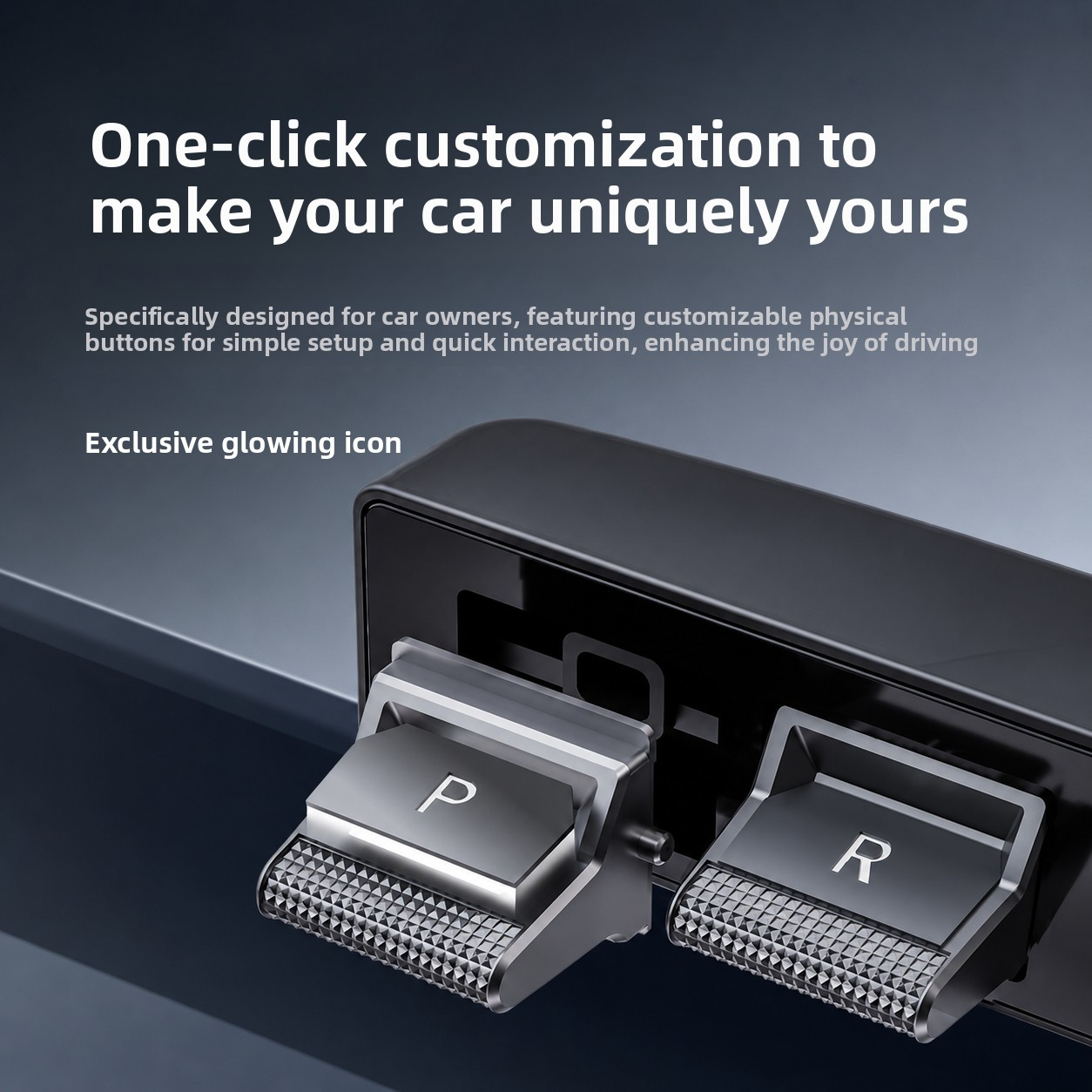
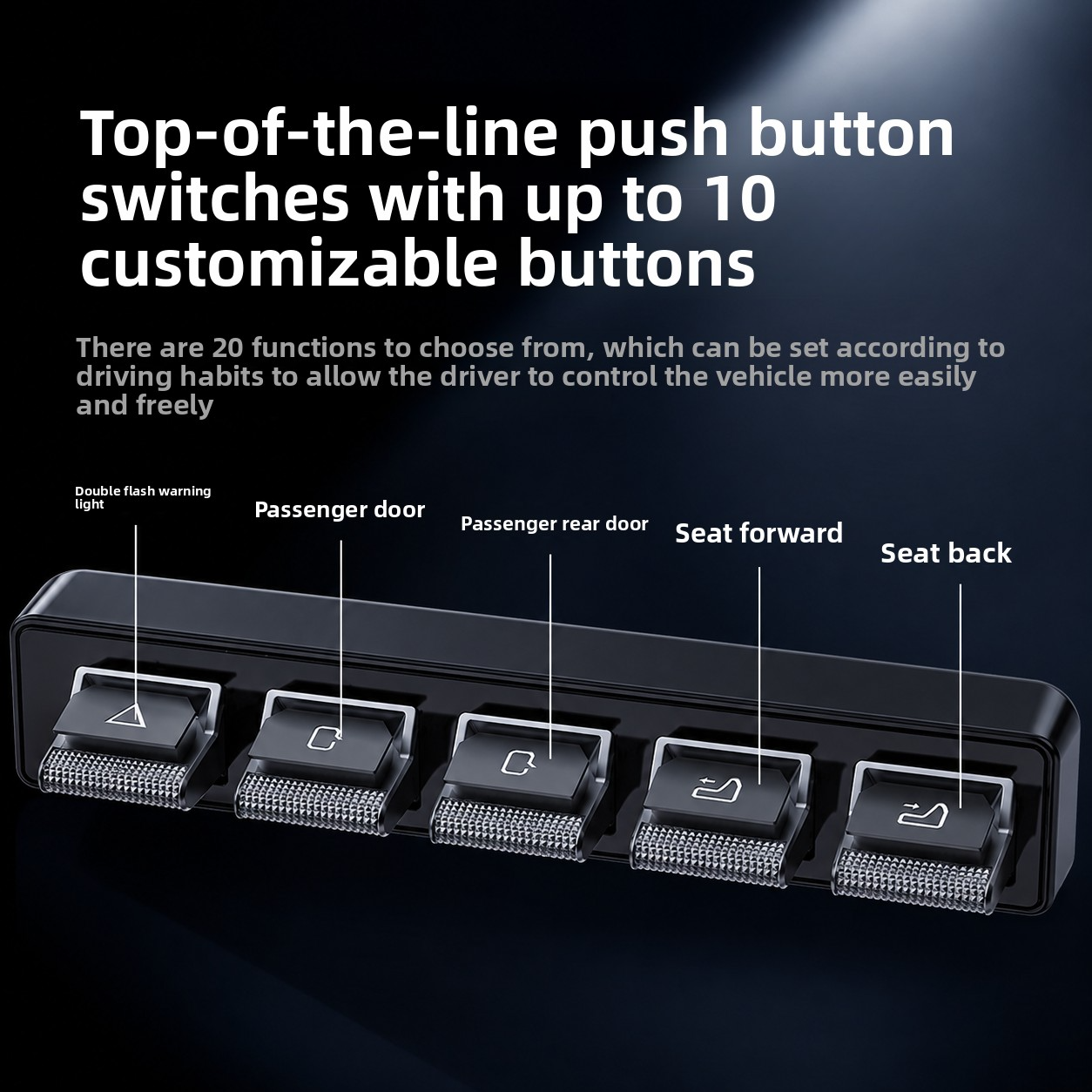
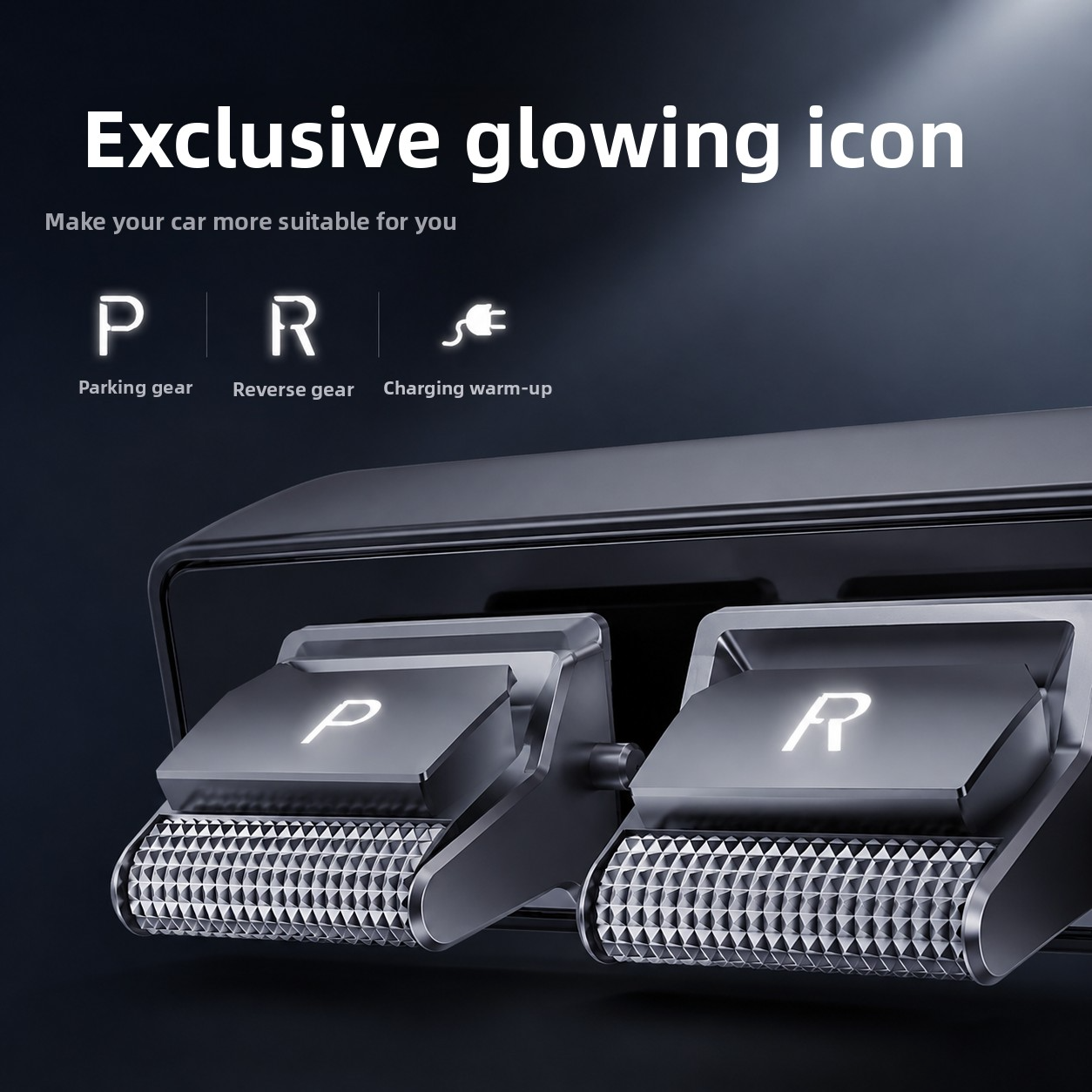
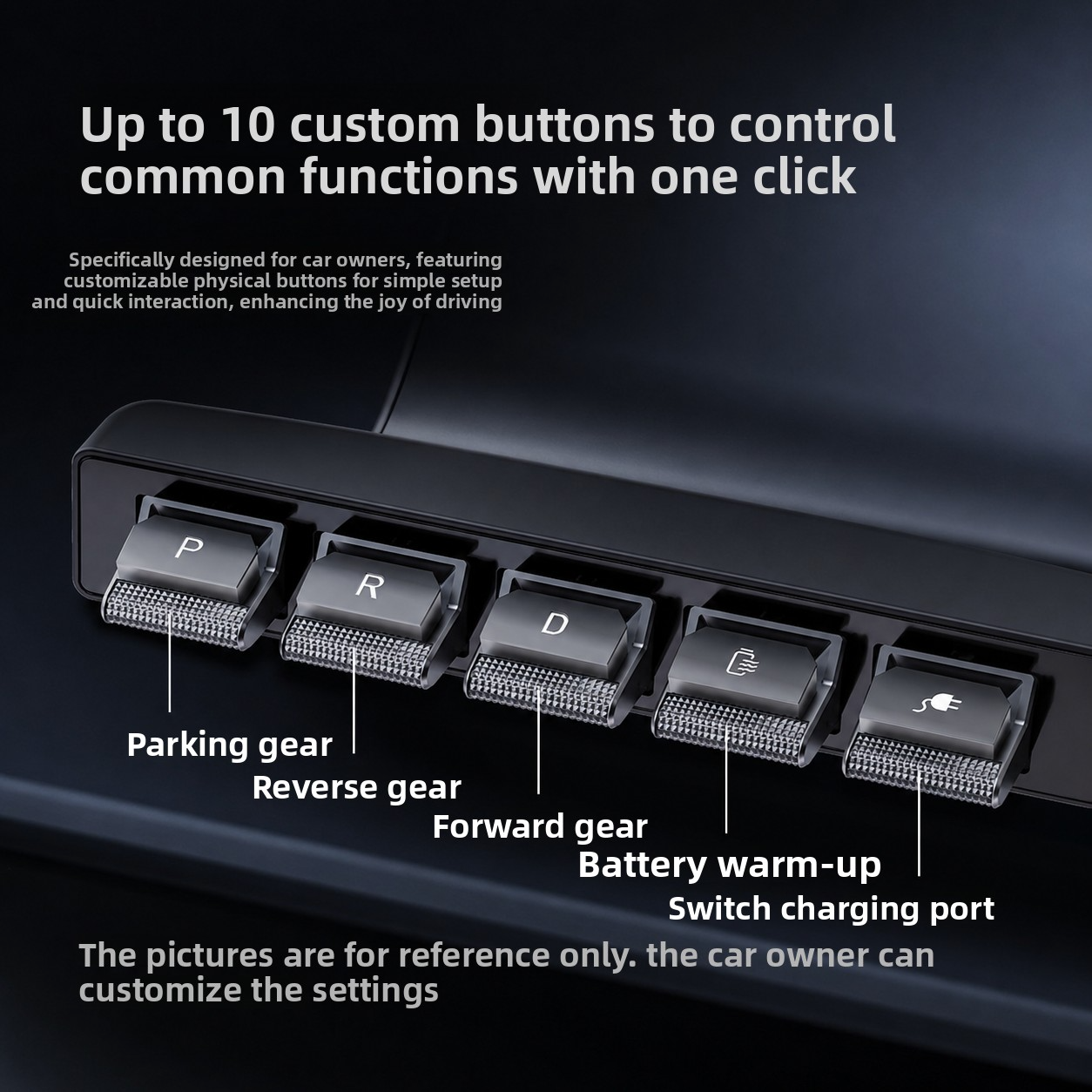
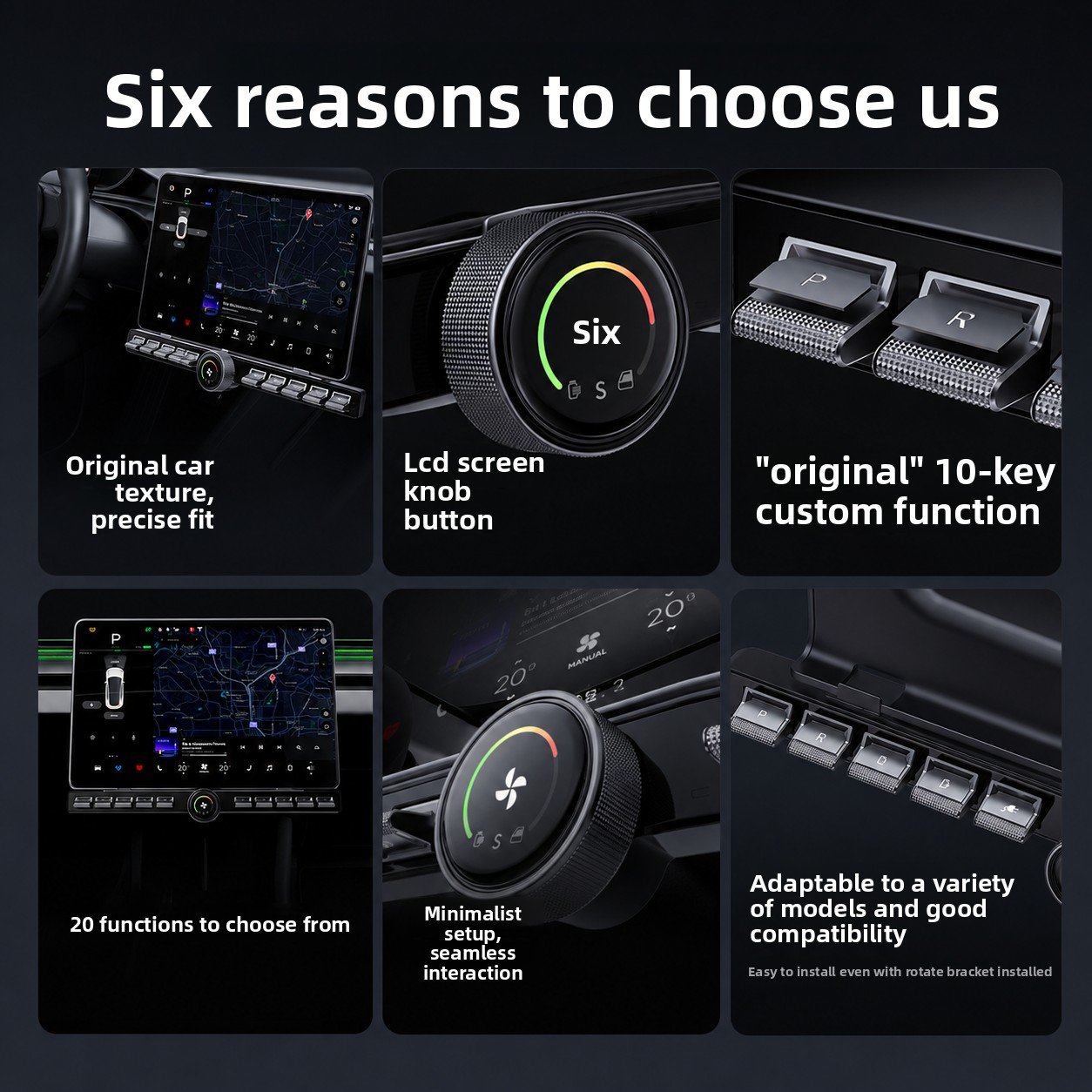
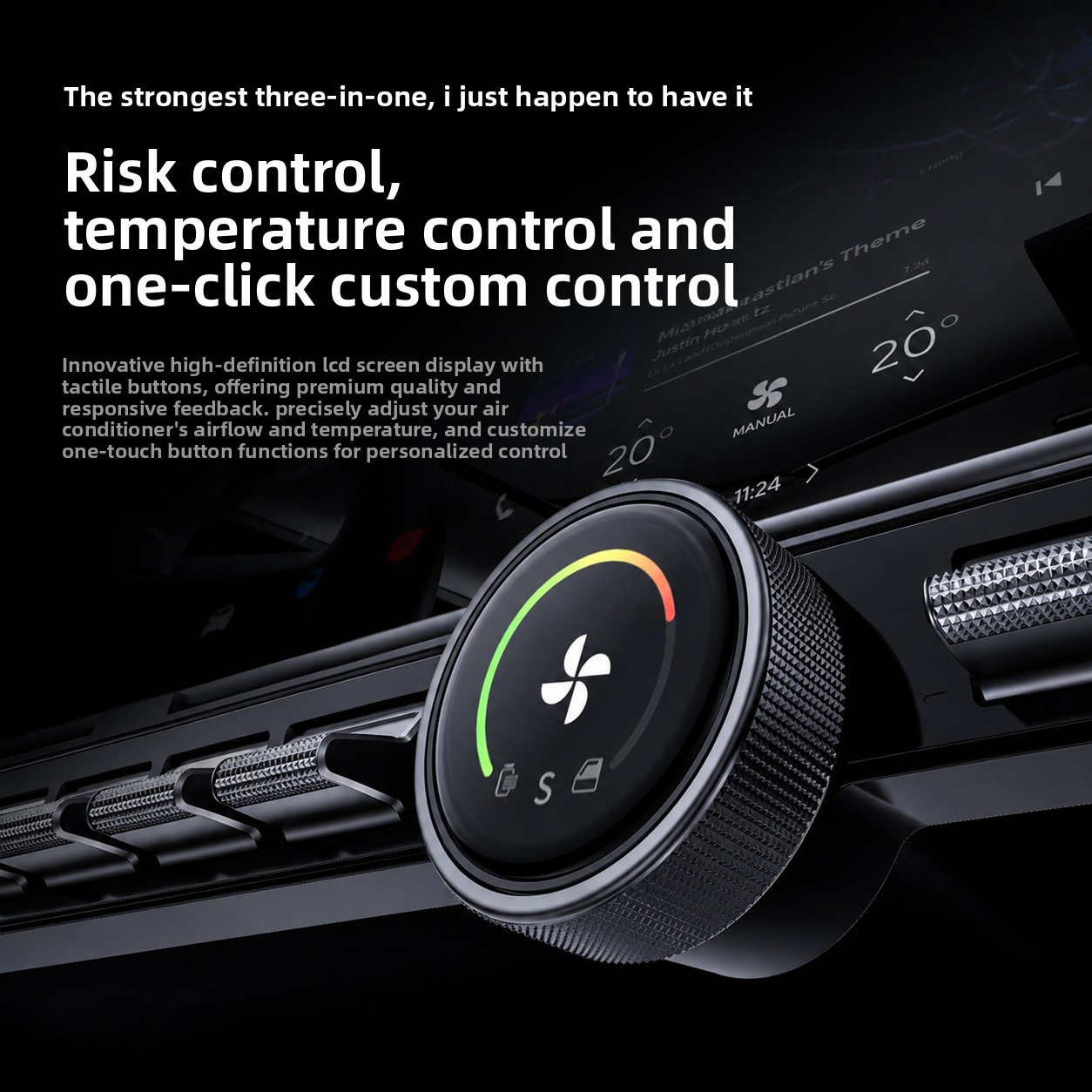
Bring ten programmable physical controls, a damped rotary knob, and a 1-inch round display below the center screen for faster access to frequently used Tesla functions.

Build controls around personal driving habits
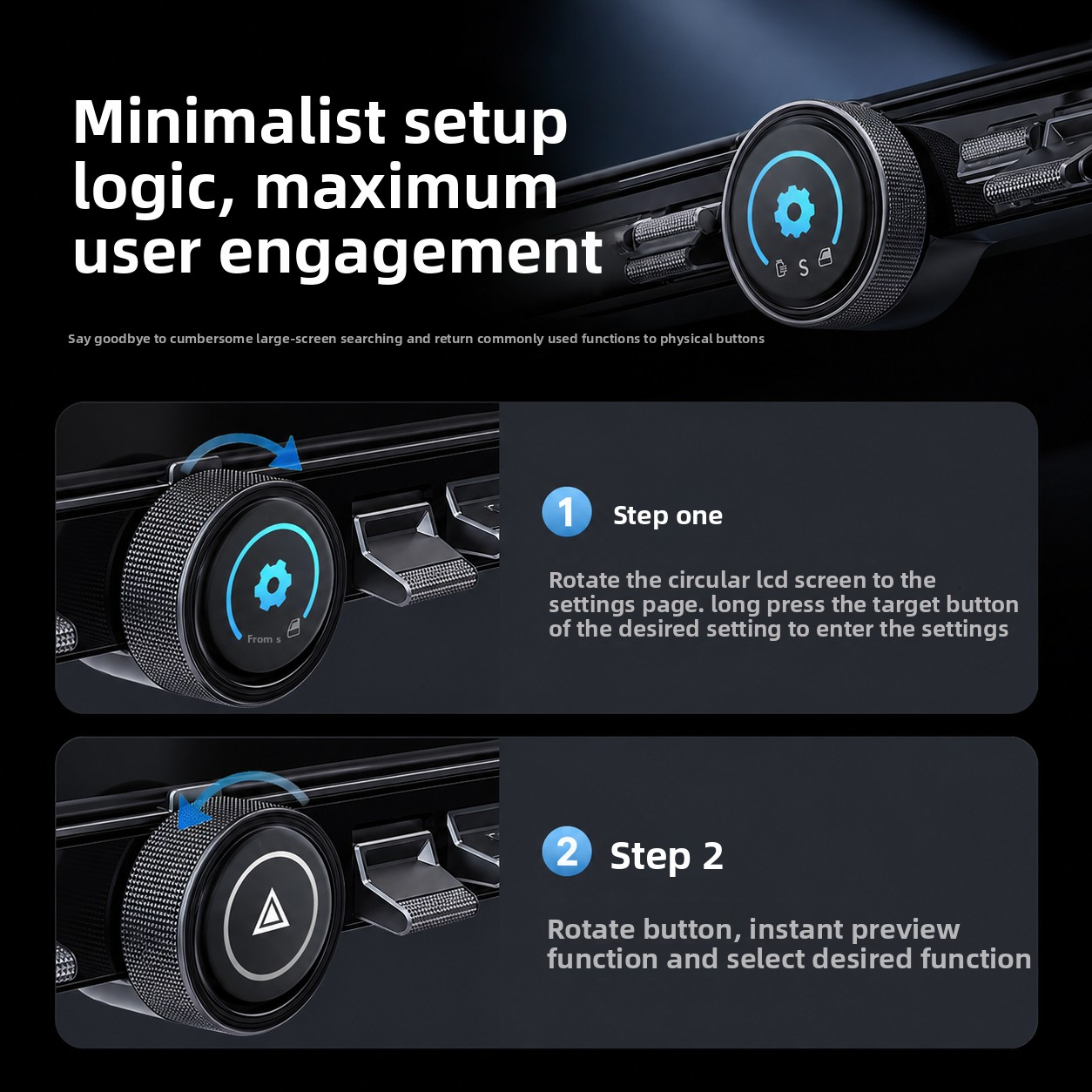
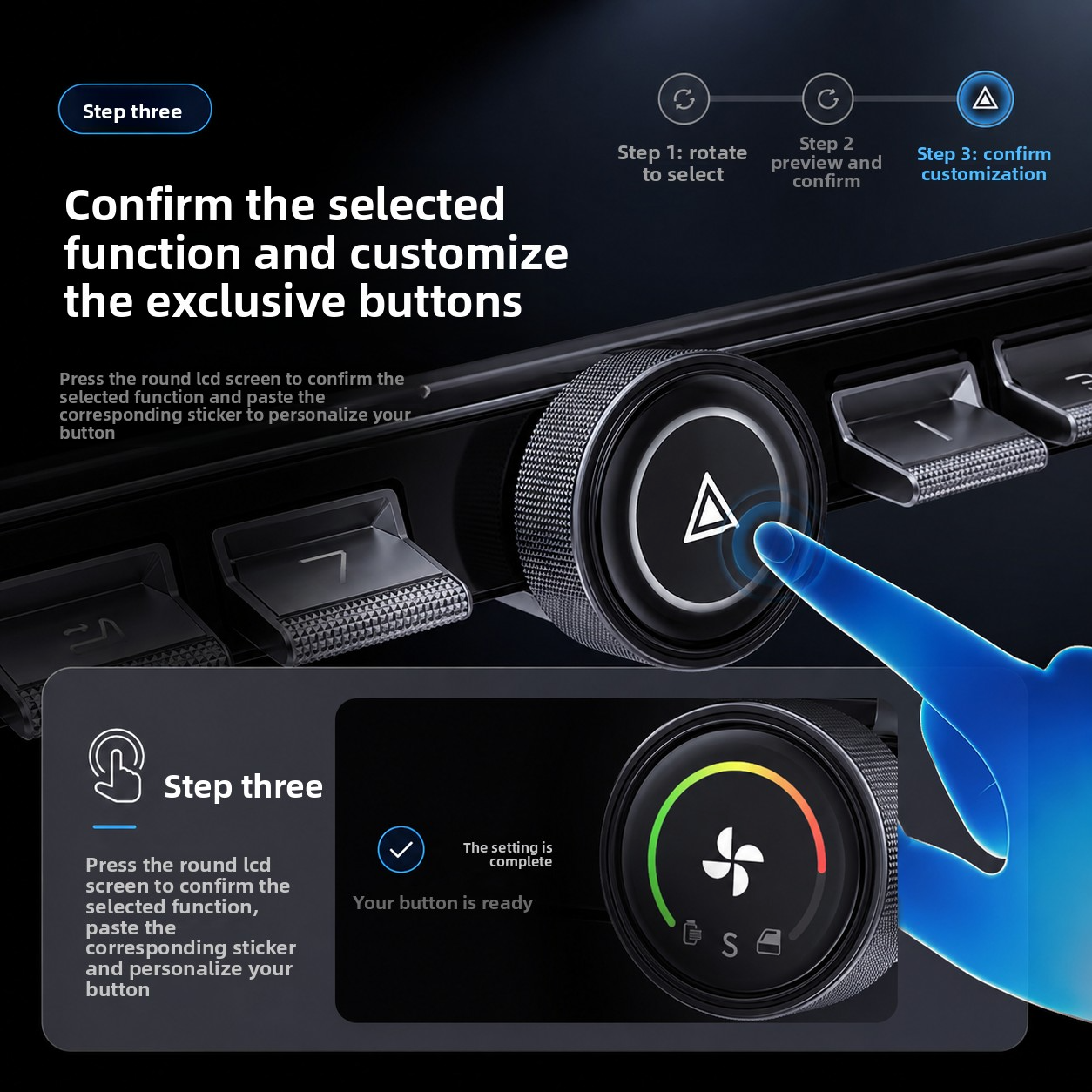
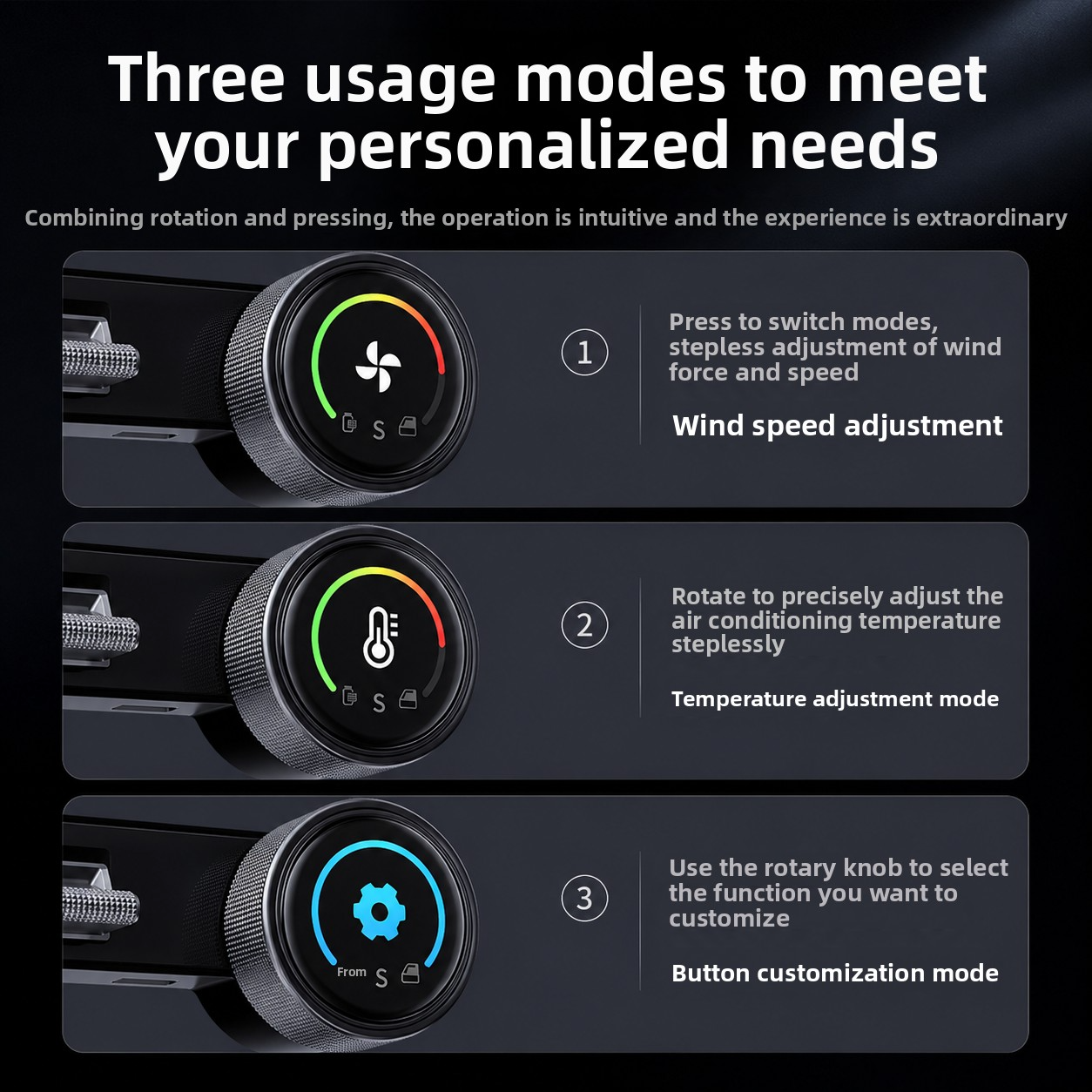
Long-press a key in the settings page, rotate to browse compatible functions, and press to confirm the assignment.

See key information and adjust with tactile feedback
The 1-inch LCD works with a damped rotary controller for a more physical cockpit interaction.

Install cleanly and remove when required
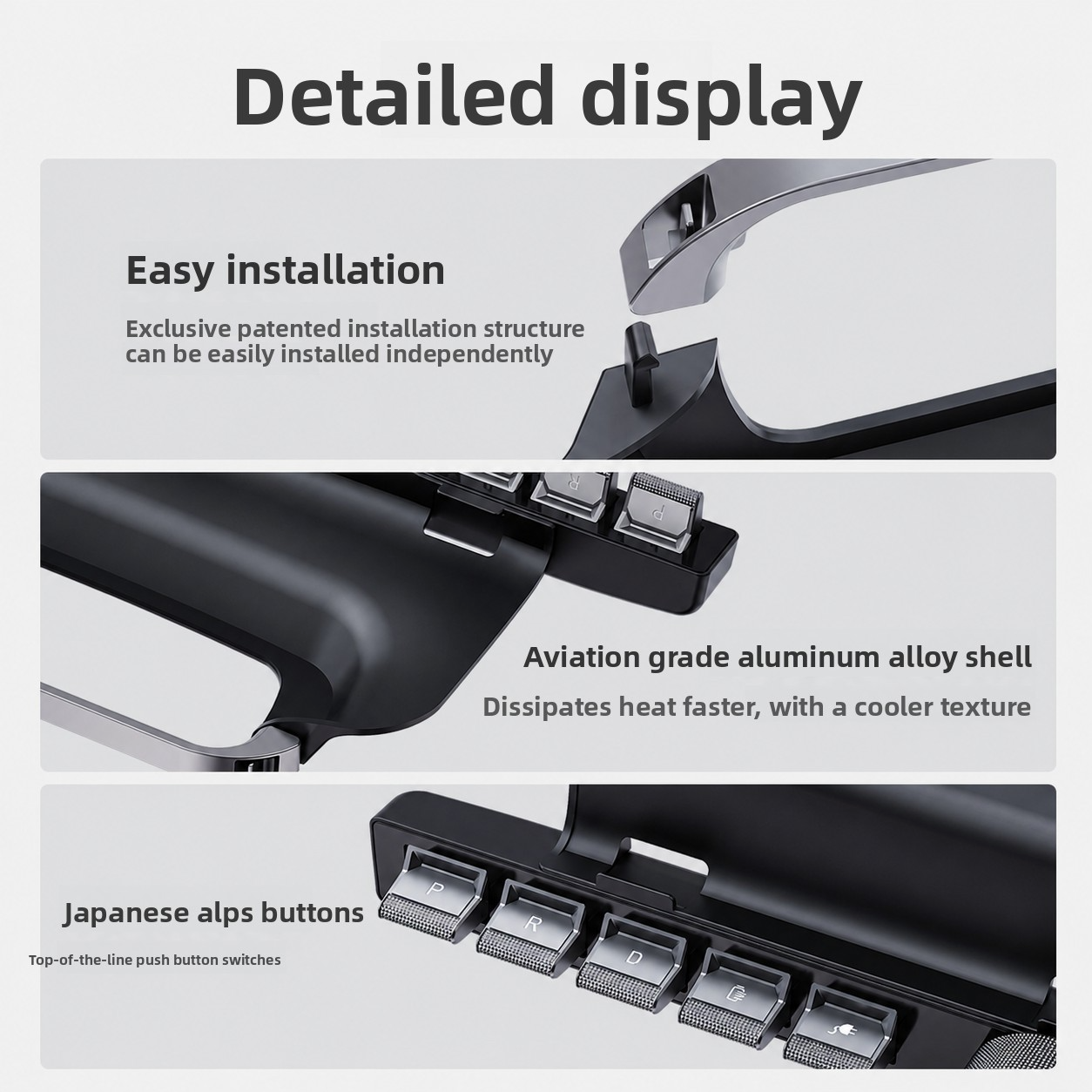
Aviation aluminum, ALPS switches, and a snap-fit plug-and-play structure create a durable factory-aligned control station.
Put Frequently Used Tesla Functions Under Your Fingers
Custom physical shortcuts can shorten routine interactions, but drivers should still configure and operate controls responsibly without distraction.


Q&A
We provide assistance through email, live chat, and detailed installation guides. Additionally, we offer step-by-step tutorial videos featuring influencers to help you with the process.
We offer a one-year warranty (two years for some products).
Yes, the product can be removed after installation without affecting the original wiring harness of the vehicle.
We offer free returns and exchanges if there are any quality issues with the product upon receipt by the customer.

Subscribe
Join Us - Enjoy our latest news and exclusive discounts & gifts.