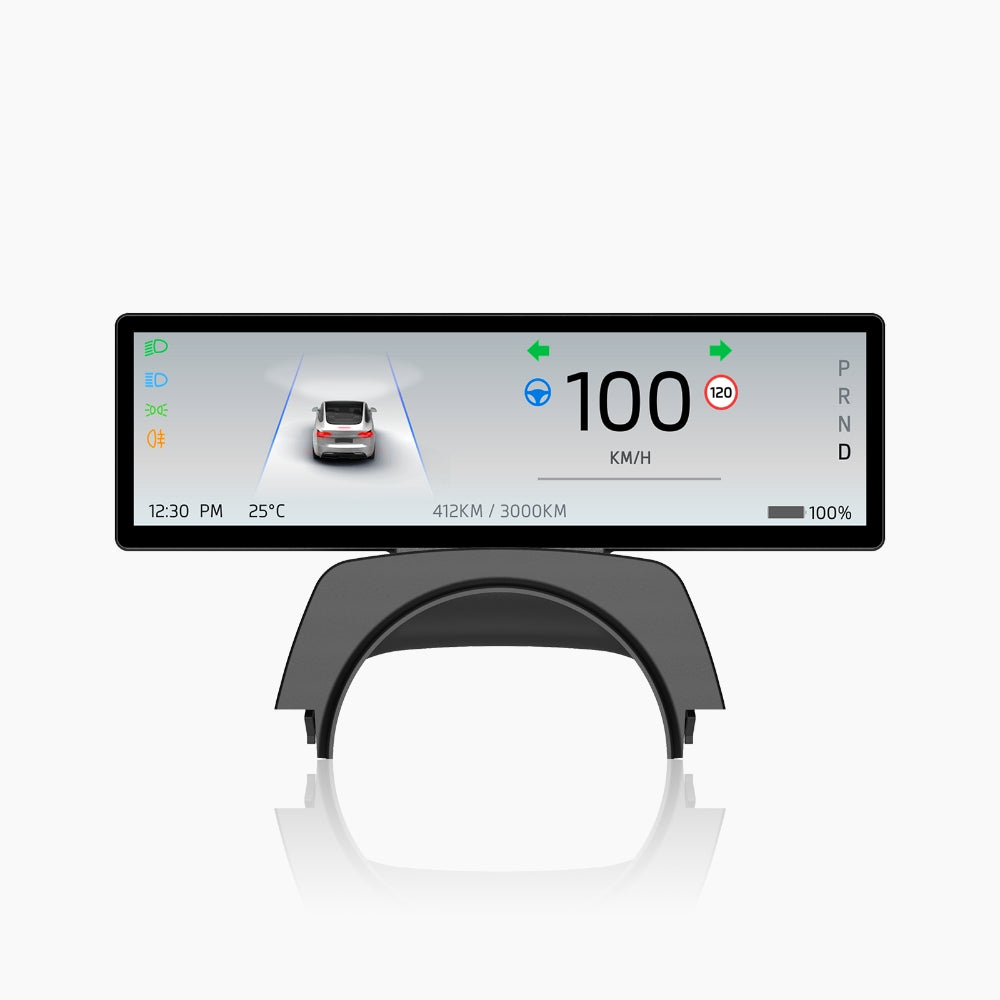
F88 8.8-In Touch Screen Instrument Cluster For Model 3/Y/3 Highland/Model Y Juniper

Check the selected Tesla model, model year, and option before checkout. If this product has a Car Model or Compatible Model selector, choose the option that matches your vehicle.
- Use the product images and variant name to confirm the correct version.
- If you are unsure about fitment, contact Tesstudio with your Tesla model and production year before ordering.
Tesstudio installation support is available for Tesla owners who need help choosing, installing, or troubleshooting accessories.
Most Tesstudio accessories are designed for straightforward DIY installation. For powered upgrades, wiring, lighting, or large exterior parts, professional installation may be recommended.
Local installation and technical support
- Address: 14761 Franklin Ave # G, Tustin, CA 92780
- Technical support: +1 (657) 543-9876 or +1 (657) 565-1007
- Support hours: Monday-Friday, 8:30 AM-5:30 PM
The phone numbers above are for technical installation support only. For orders, shipping, returns, or general customer service, contact:
- Email: support@tesstudio.com
- WhatsApp: +1 714 317 9647
Tesstudio checks fit, material, and daily-use durability before listing products for Tesla owners.
- Eligible products include warranty support for non-human damage issues.
- If a product arrives damaged or does not fit as expected, keep the packaging and contact us with photos so we can help quickly.
In-stock items are usually processed within 1-2 business days. Delivery time depends on destination, product size, and stock status.
- Orders over $99 qualify for free standard shipping where available.
- Oversized, remote-area, pre-order, and special-market items follow the terms shown on the product page.
- Tracking is provided after dispatch.
Need help before or after purchase?
Contact Tesstudio support:
WhatsApp
+1 714 317 9647
Choose options
Product Installation & Review
See how it fits, installs, and performs before you buy.
Tesla 8.8-inch driver display upgrade
F88 8.8-Inch Instrument Cluster for Tesla Model 3 / Model Y
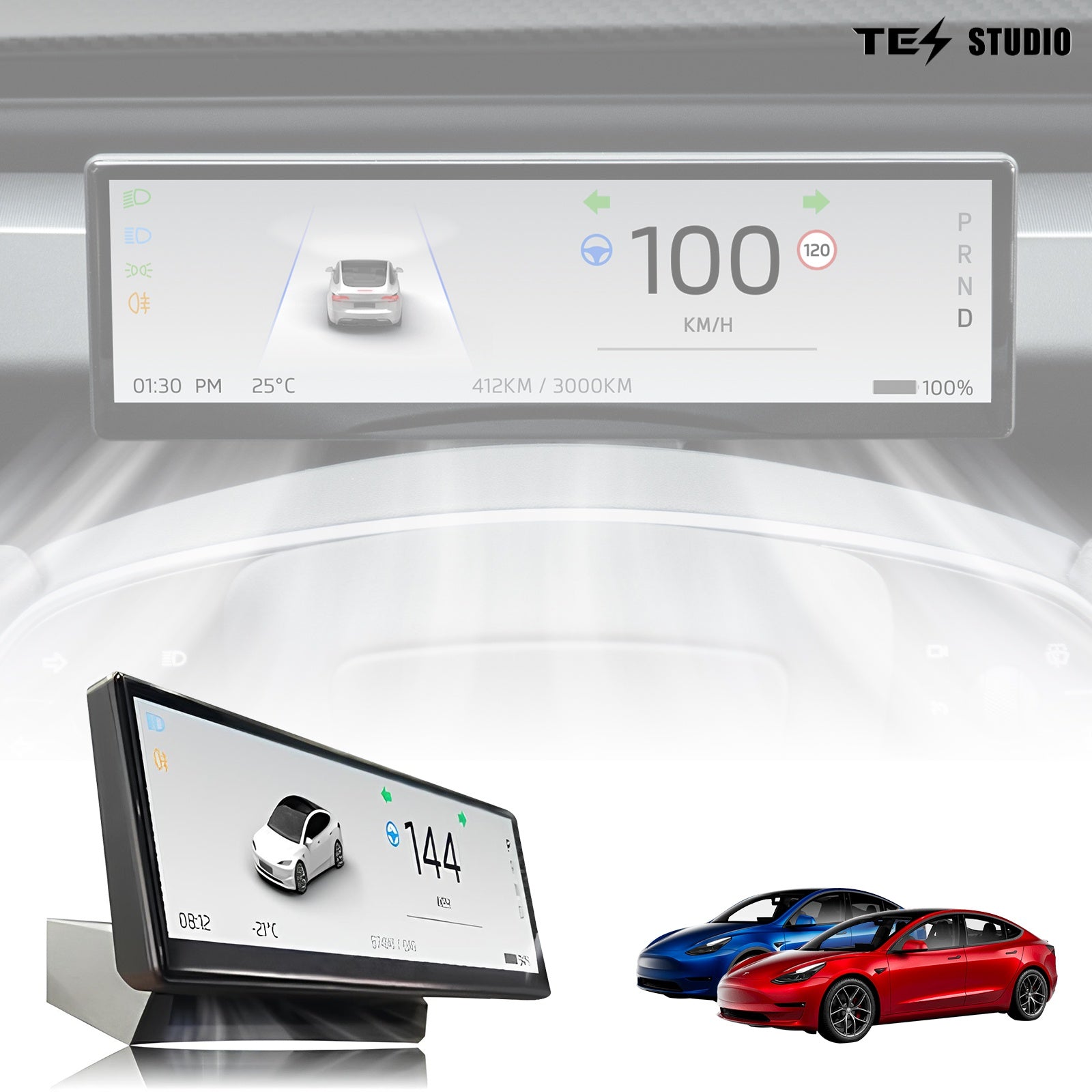
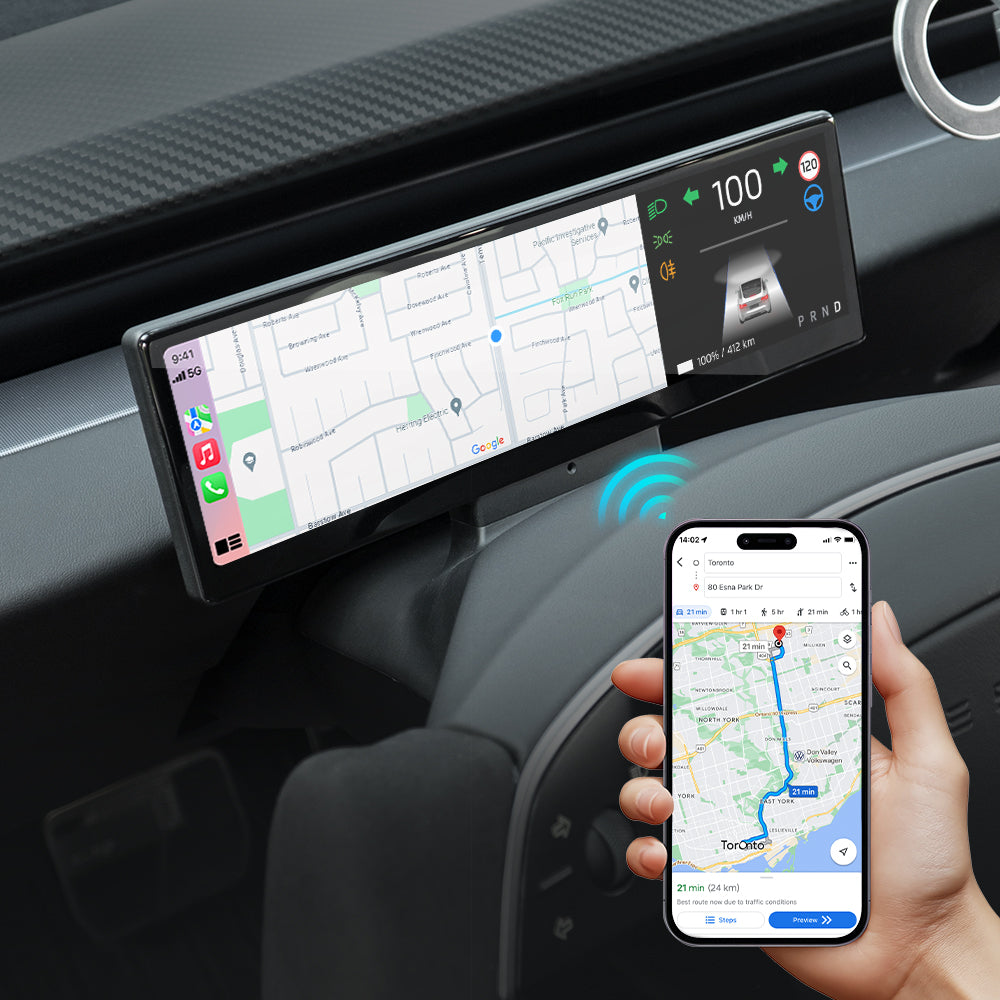
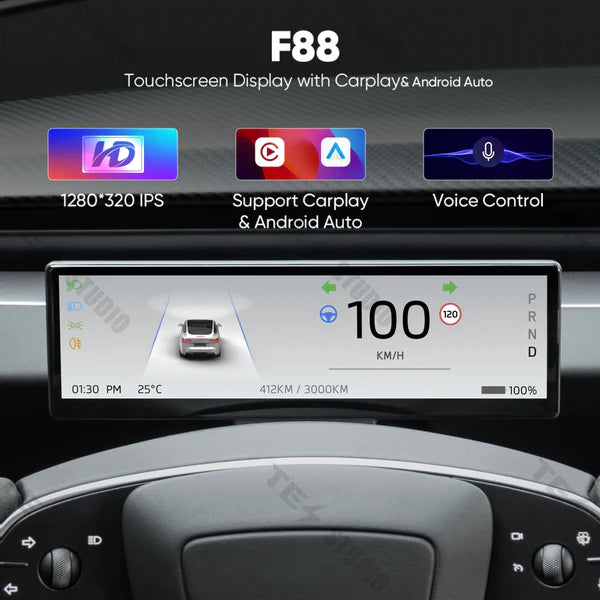
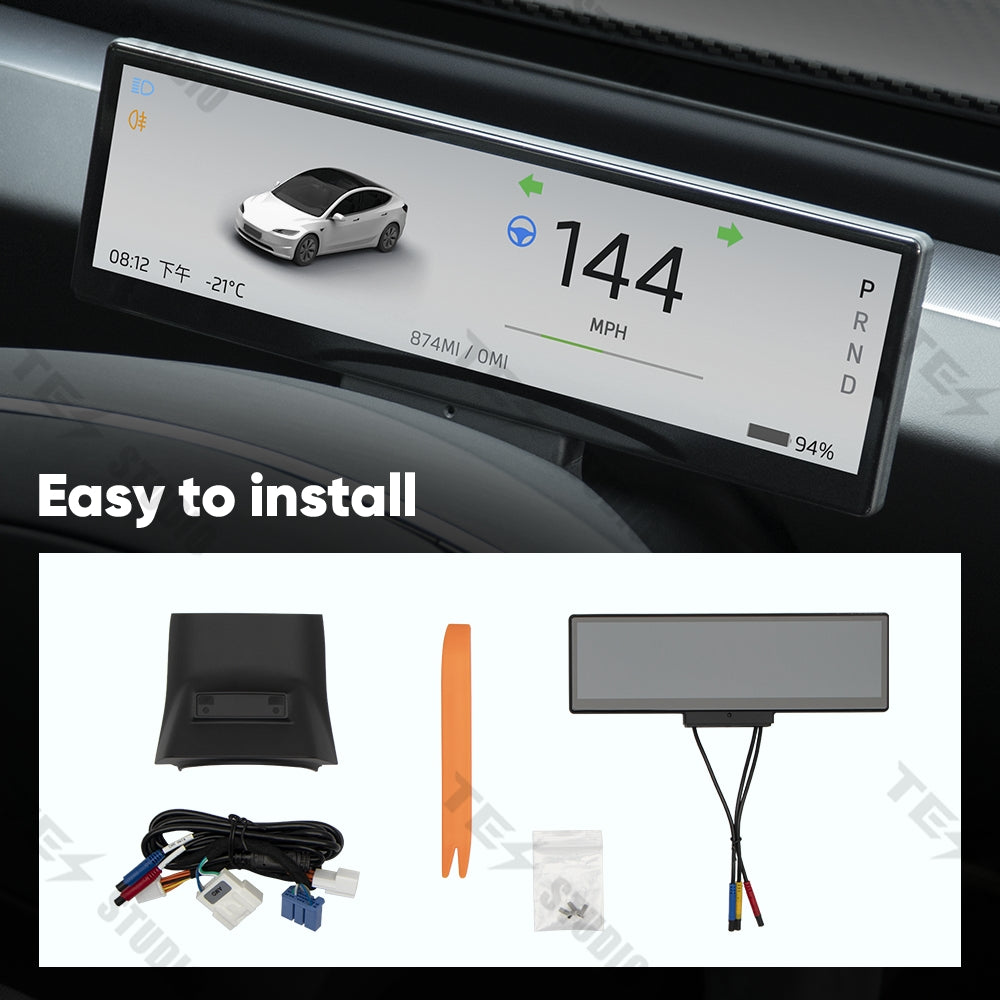
The F88 adds a driver-facing touchscreen instrument cluster to supported Tesla Model 3, Model 3 Highland, Model Y, and Model Y Juniper vehicles. It brings wireless Apple CarPlay, Android Auto, navigation, vehicle information, and front-camera options closer to the driver while keeping the center screen and factory controls intact.

Installation guide
Use the product installation guide before ordering and before installation. Open the F88 installation manual.
Wireless CarPlay and Android Auto
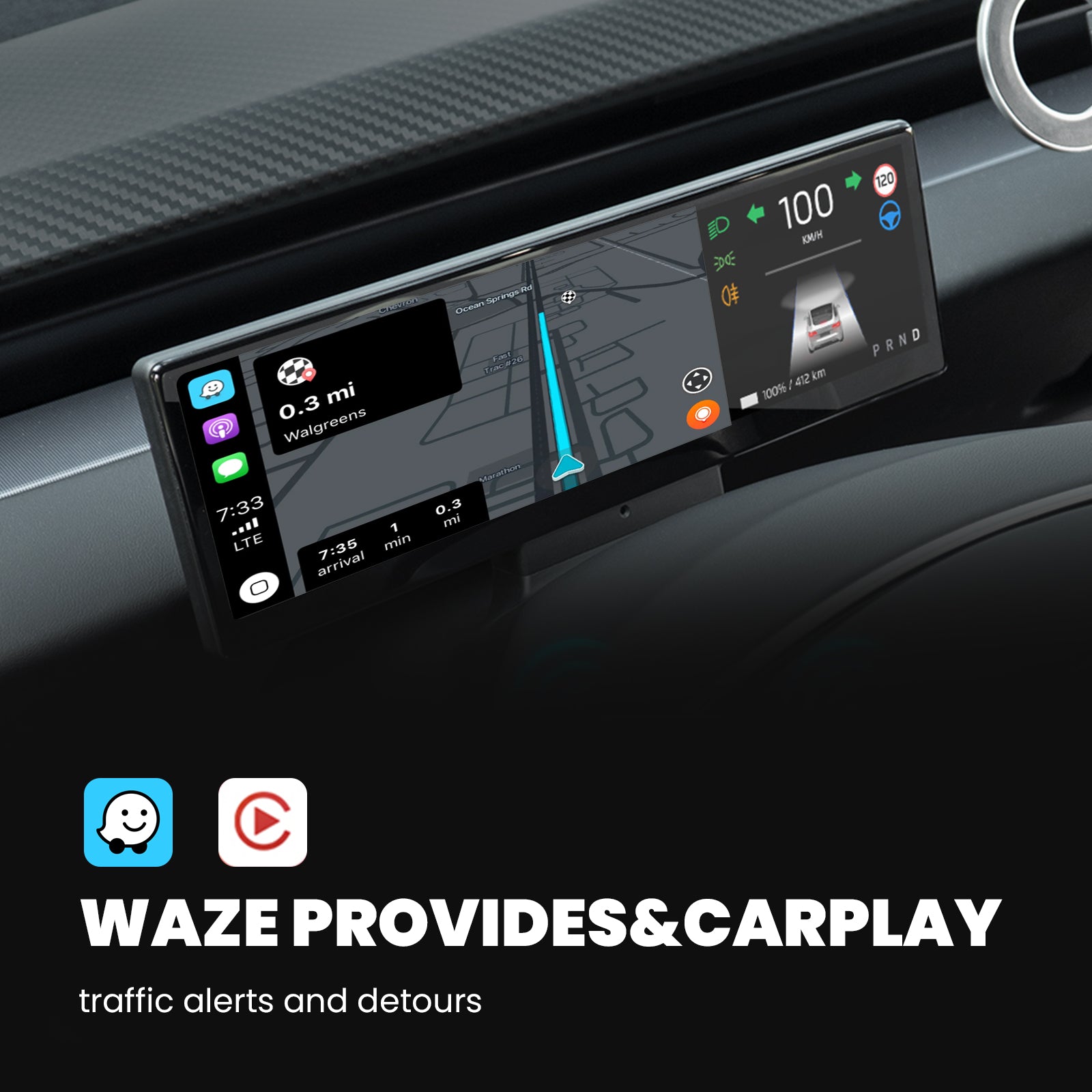
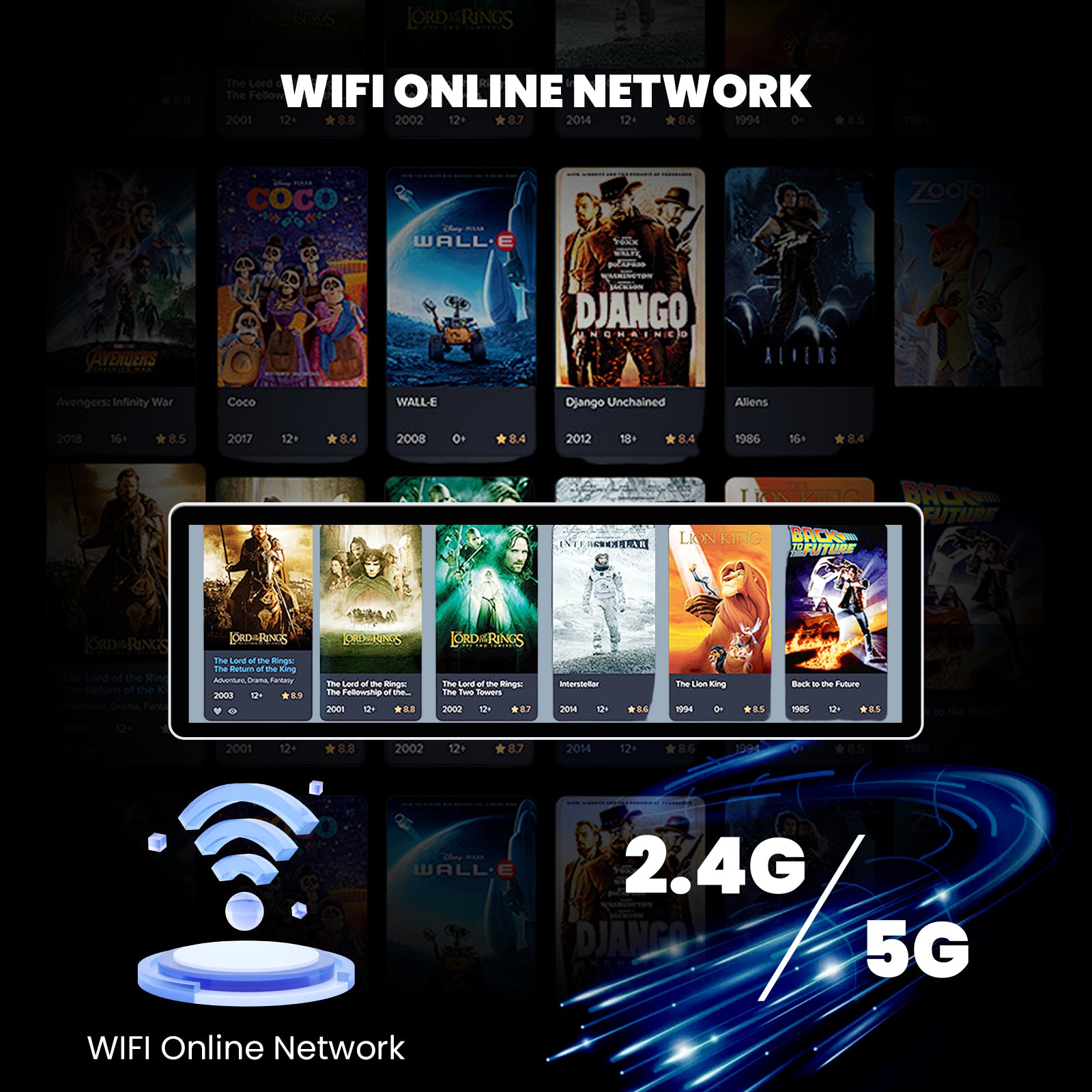
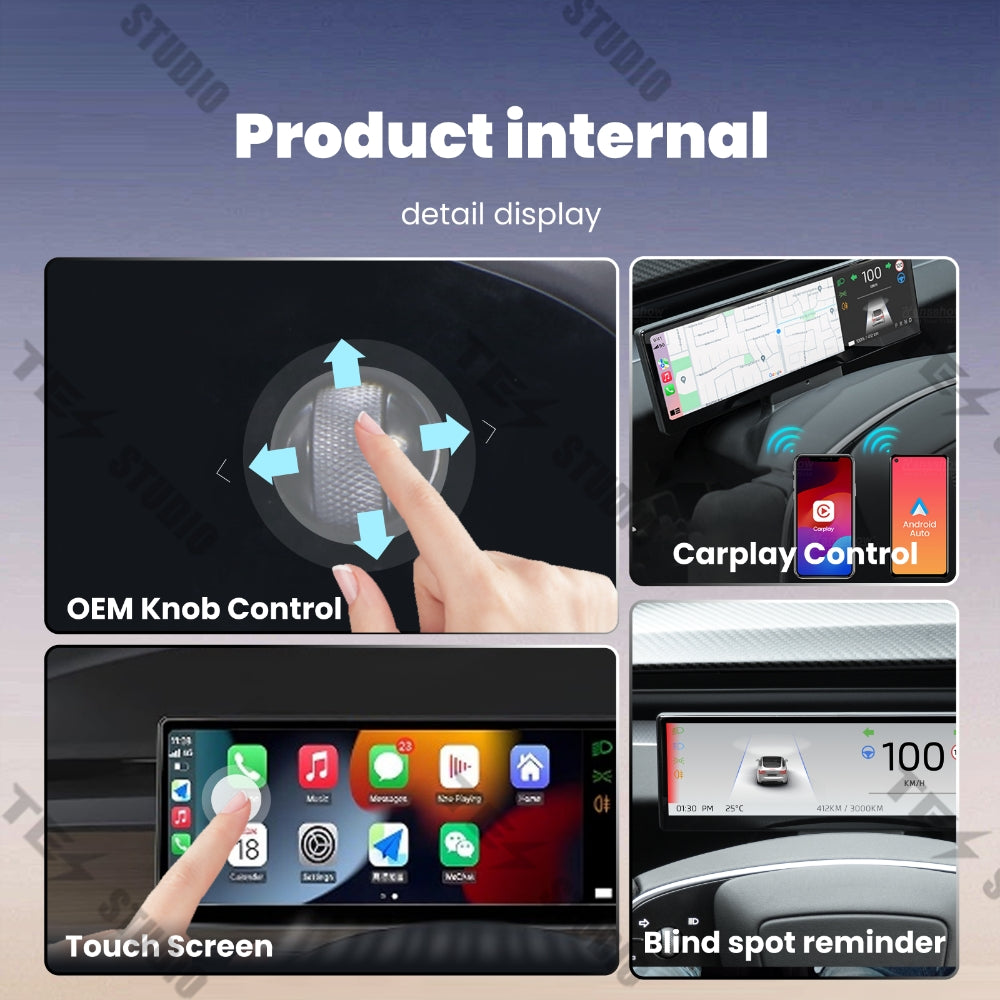
Adds wireless Apple CarPlay and Android Auto so maps, music, calls, and apps are easier to view from the driver position.
8.8-inch IPS touch display
The current product page describes an 8.8-inch ultra-thin IPS touch HD screen with a slim 3mm bezel.
Hidden air outlet design
Designed with a hidden air outlet so airflow can pass from the bottom of the display area.
Vehicle information display
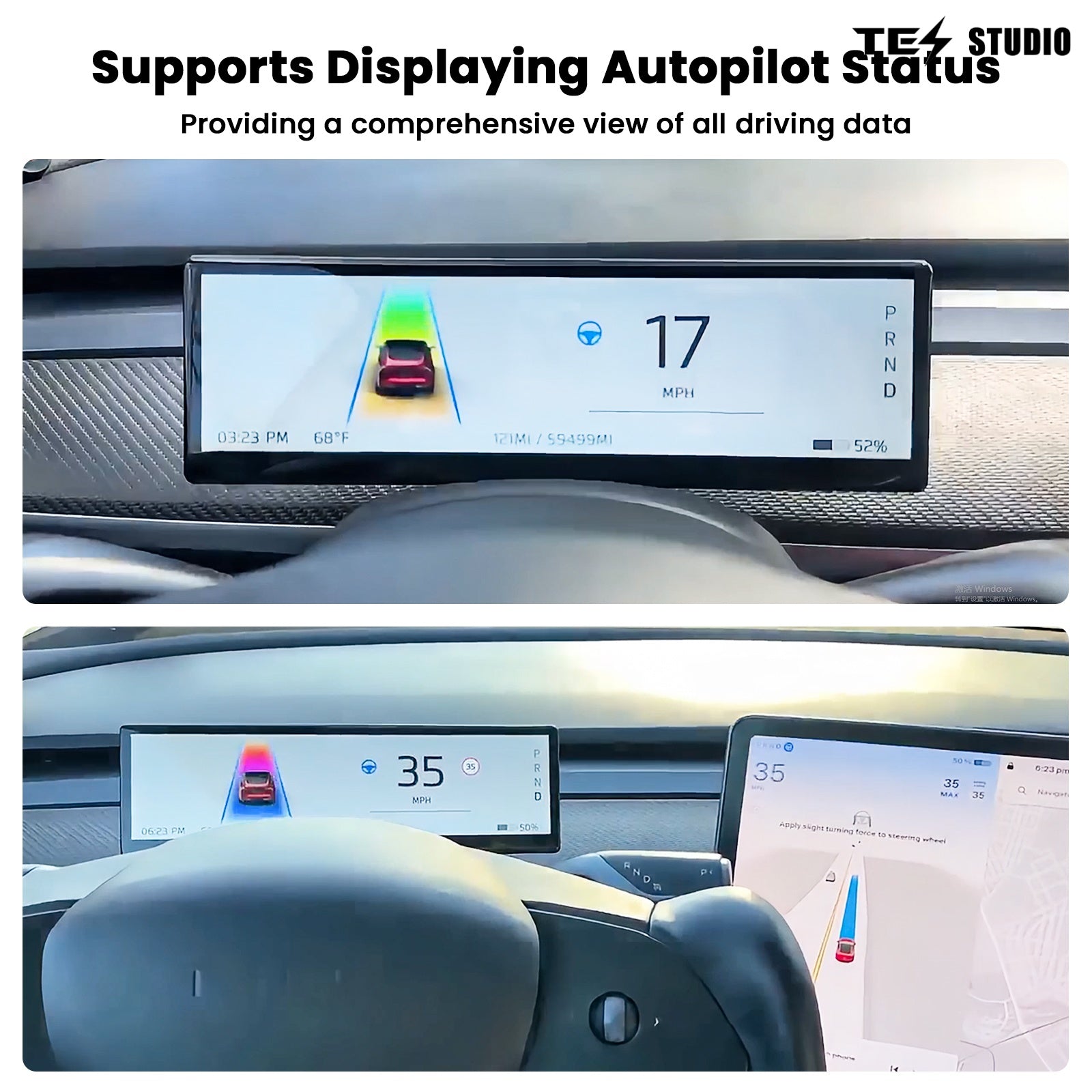
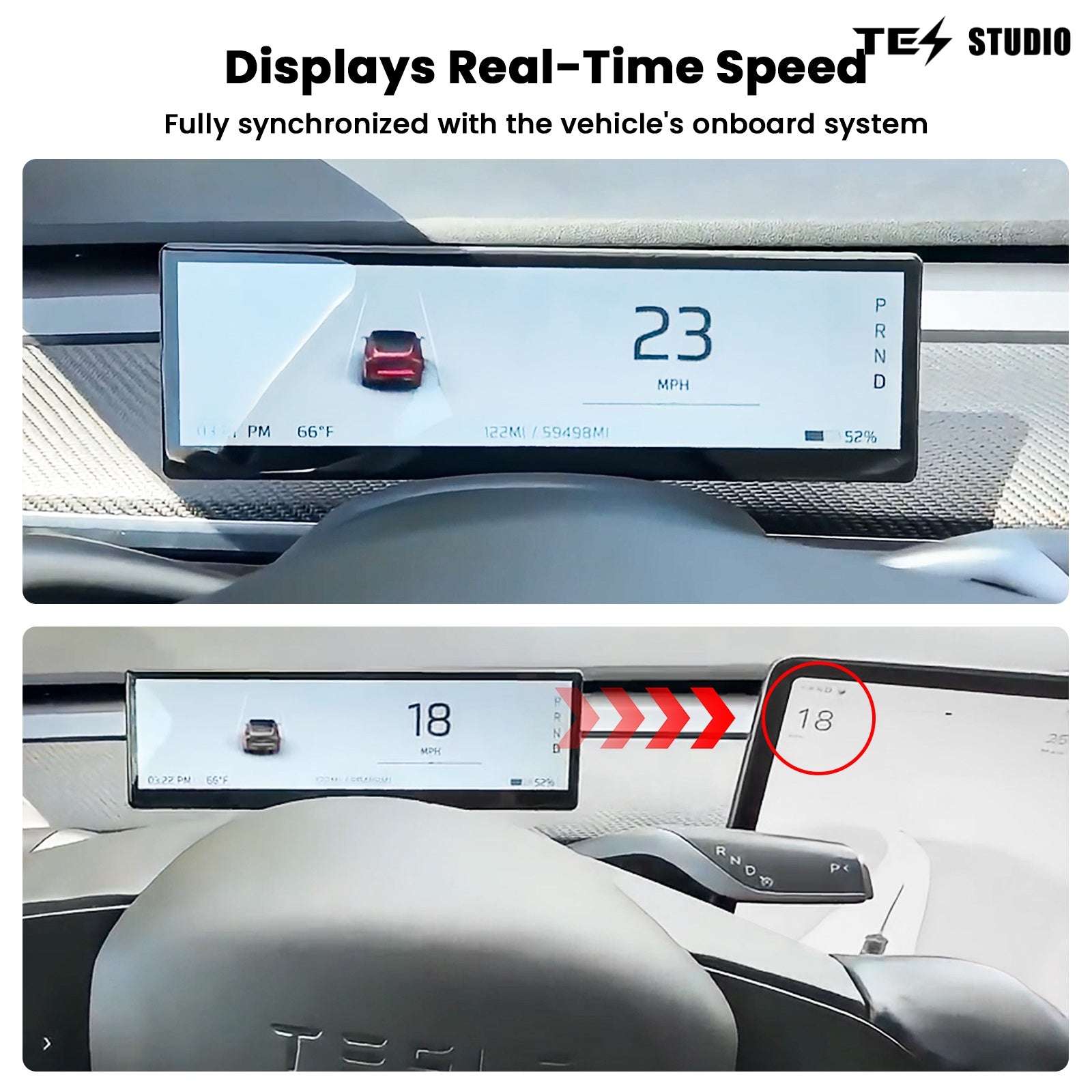
Shows key driving information such as speed, gear, battery status, and other driver-facing details.
Touchscreen and scroll wheel control
The current page describes control through the touchscreen and original scroll wheel.
Buy with confidence: confirm the right F88 setup
The variant selector above already handles the exact configuration. This section helps you avoid the common buying mistakes: choosing the wrong Tesla model range, selecting the wrong front-camera setup, or missing the V1/V2 bottom-air-vent difference.
Fitment is selector-led
Use the option selector above for the exact Tesla model and production range. This page currently has 4 live fitment groups, so choose the vehicle first before checking camera and version.
Front camera is a setup choice
Choose With Front Camera only if you want that front-camera configuration. Choose Without Front Camera if your setup does not need it.
V1 and V2 match vent layout
The live options separate V1 with bottom air vent and V2 without bottom air vent. Match this to your vehicle interior before checkout.
Built for a cleaner driver view
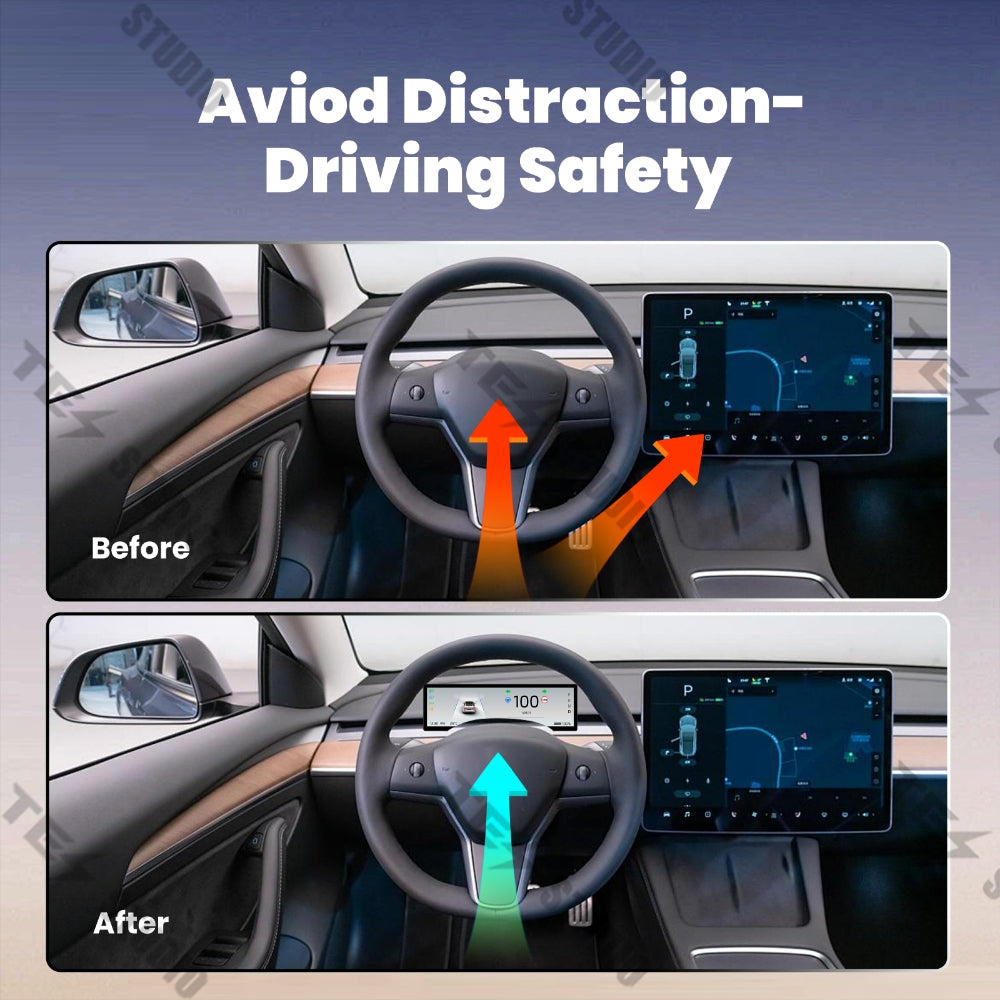
F88 helps move CarPlay, Android Auto, navigation, and vehicle information closer to the driver instead of relying only on the center screen.
Before adding to cart
- Match your Tesla model and production date in the selector above.
- Confirm whether your setup needs With Front Camera or Without Front Camera.
- Choose V1 or V2 based on the bottom-air-vent layout shown in the live option.


Built for a more driver-focused Tesla cockpit
Without a driver display, navigation prompts, music, calls, and vehicle data stay centered on the original Tesla screen. The F88 puts those everyday driving details closer to your line of sight while preserving the original cabin look.
- Wireless smartphone projection for Apple CarPlay and Android Auto.
- Navigation, media, calls, and selected vehicle information in one driver-facing display.
- Split-screen functionality described on the current product page.
- Designed for a clean dashboard integration with a slim bezel.
Fitment and product details
Complete your Tesla interior setup


FAQ
Ready to add a driver-facing display to your Tesla cockpit? View this F88 instrument cluster product page.
Q&A
We provide assistance through email, live chat, and detailed installation guides. Additionally, we offer step-by-step tutorial videos featuring influencers to help you with the process.
We offer a one-year warranty (two years for some products).
Yes, the product can be removed after installation without affecting the original wiring harness of the vehicle.
We offer free returns and exchanges if there are any quality issues with the product upon receipt by the customer.

Subscribe
Join Us - Enjoy our latest news and exclusive discounts & gifts.