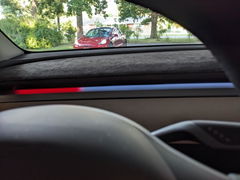
F96C CarPlay Screen Dashboard Touchscreen Display For Tesla Model 3/Y /Model Y Juniper/Model 3 Highland

Check the selected Tesla model, model year, and option before checkout. If this product has a Car Model or Compatible Model selector, choose the option that matches your vehicle.
- Use the product images and variant name to confirm the correct version.
- If you are unsure about fitment, contact Tesstudio with your Tesla model and production year before ordering.
Tesstudio installation support is available for Tesla owners who need help choosing, installing, or troubleshooting accessories.
Most Tesstudio accessories are designed for straightforward DIY installation. For powered upgrades, wiring, lighting, or large exterior parts, professional installation may be recommended.
Local installation and technical support
- Address: 14761 Franklin Ave # G, Tustin, CA 92780
- Technical support: +1 (657) 543-9876 or +1 (657) 565-1007
- Support hours: Monday-Friday, 8:30 AM-5:30 PM
The phone numbers above are for technical installation support only. For orders, shipping, returns, or general customer service, contact:
- Email: support@tesstudio.com
- WhatsApp: +1 714 317 9647
Tesstudio checks fit, material, and daily-use durability before listing products for Tesla owners.
- Eligible products include warranty support for non-human damage issues.
- If a product arrives damaged or does not fit as expected, keep the packaging and contact us with photos so we can help quickly.
In-stock items are usually processed within 1-2 business days. Delivery time depends on destination, product size, and stock status.
- Orders over $99 qualify for free standard shipping where available.
- Oversized, remote-area, pre-order, and special-market items follow the terms shown on the product page.
- Tracking is provided after dispatch.
Need help before or after purchase?
Contact Tesstudio support:
WhatsApp
+1 714 317 9647
Choose options
Product Installation & Review
See how it fits, installs, and performs before you buy.

Tesla Driver Information and CarPlay Display
F96C / F96C Plus Dashboard Touchscreen
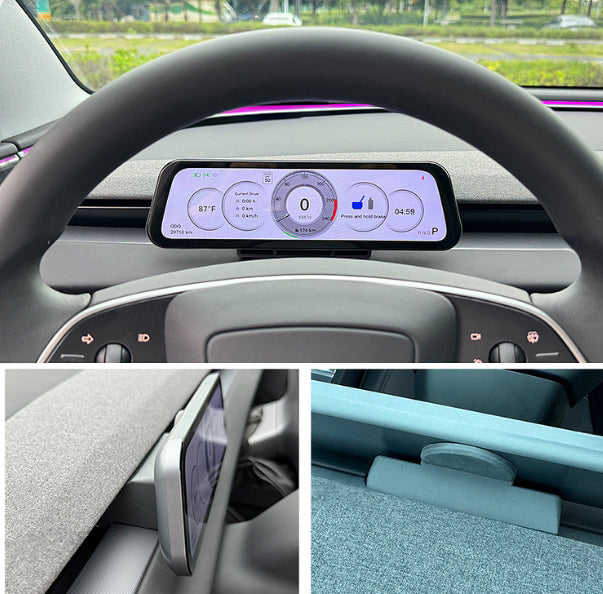
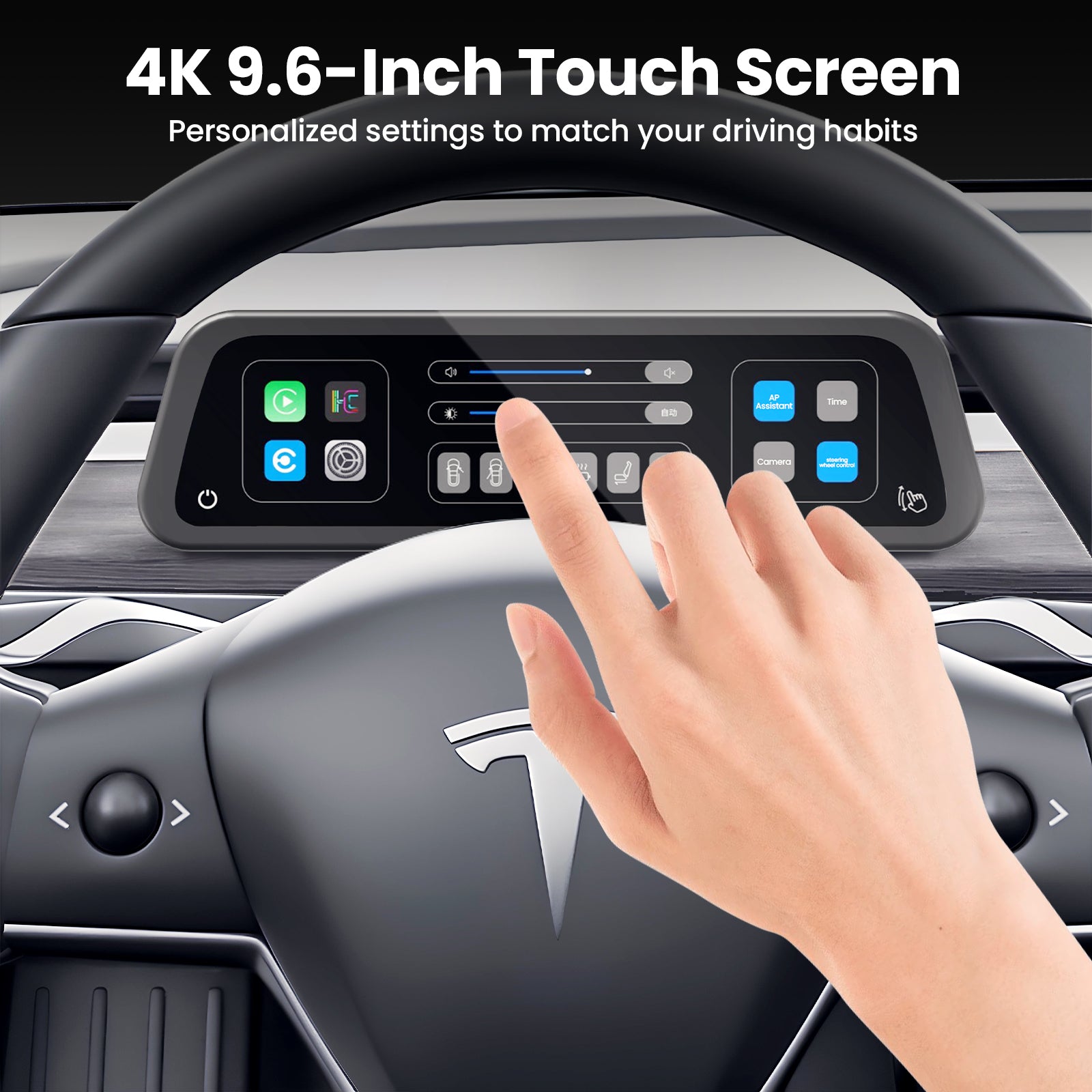
Place wireless Apple CarPlay, Android Auto, navigation, vehicle data, and optional front-camera information directly ahead of the driver without blocking the main center screen.
Installation Manual
Review the F96C Installation Guide
Read the PDF before ordering and installation to confirm left-hand-drive fitment, vehicle version, camera option, harness routing, and screen setup.
When maps and vehicle data compete on the center screen
- Navigation requires a longer glance away from the road ahead.
- Phone apps and Tesla controls share one display.
- A loose phone mount creates cables and visual clutter.
- Generic screens can block vents or fail to match vehicle data.
With a dedicated display in the driver's sightline
- Use wireless Apple CarPlay or Android Auto ahead of the wheel.
- View compatible speed, battery, and Autopilot status data.
- Choose with or without a front camera.
- Select F96C or F96C Plus and the exact vehicle generation.

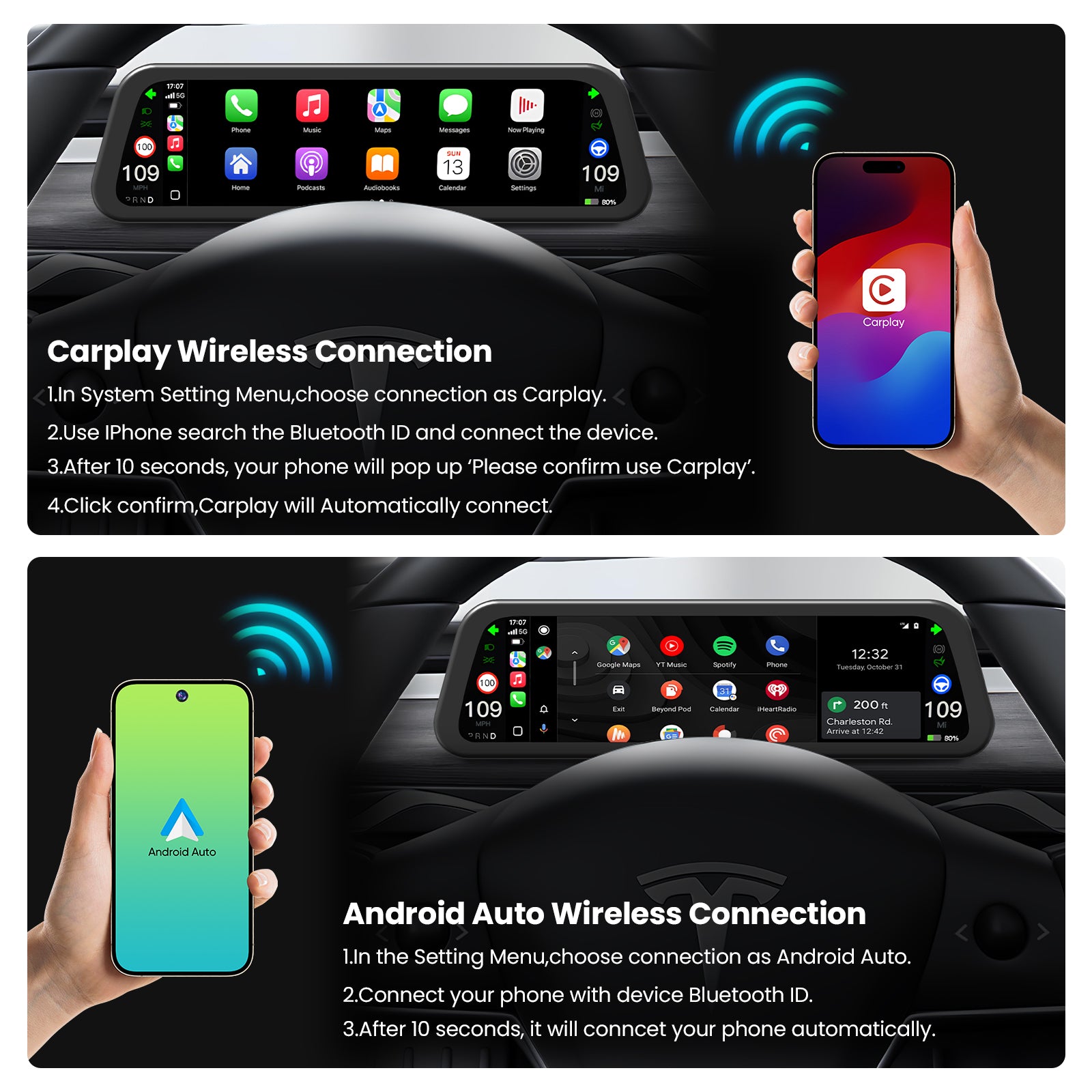
Bring maps, music, calls, and messages into the driver's view
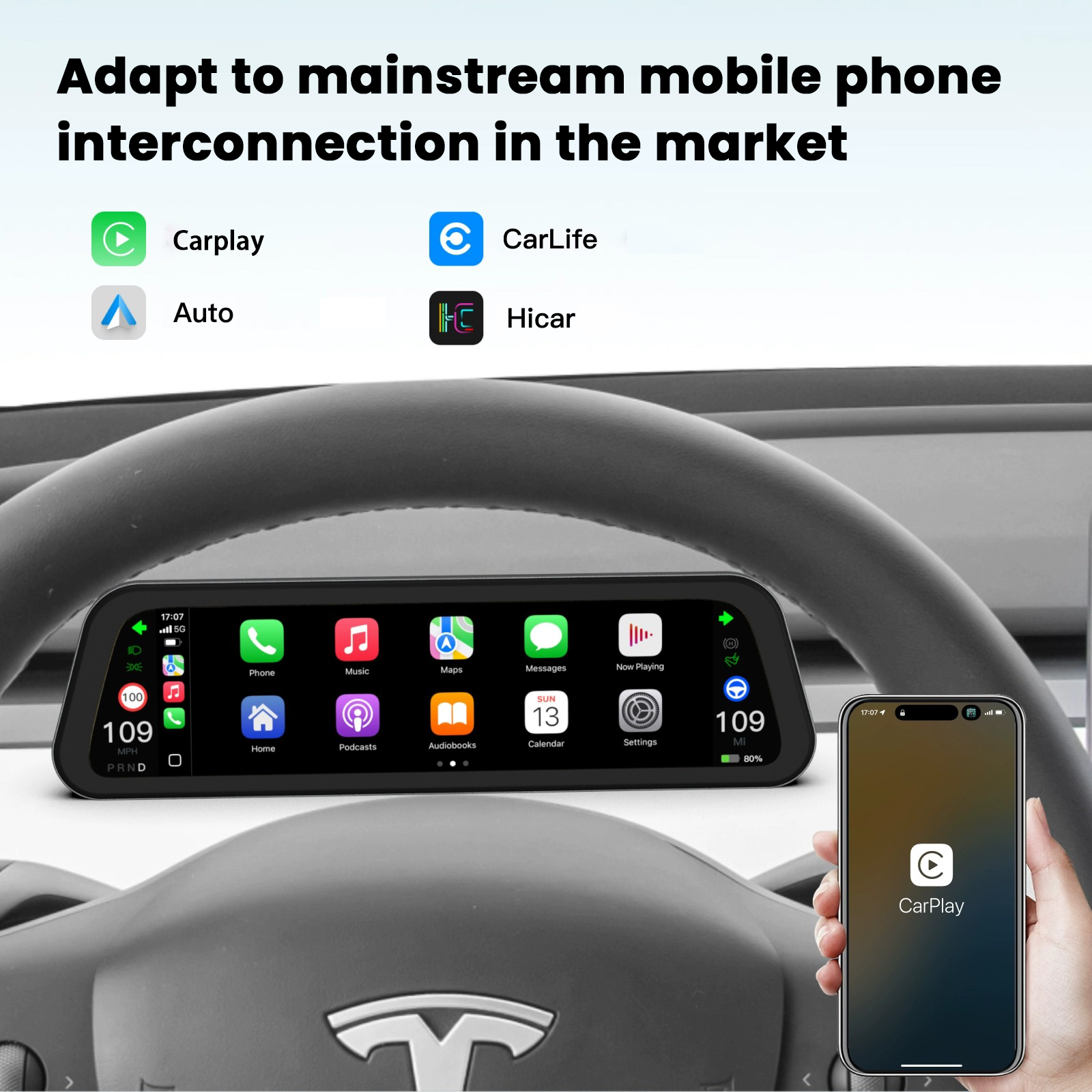
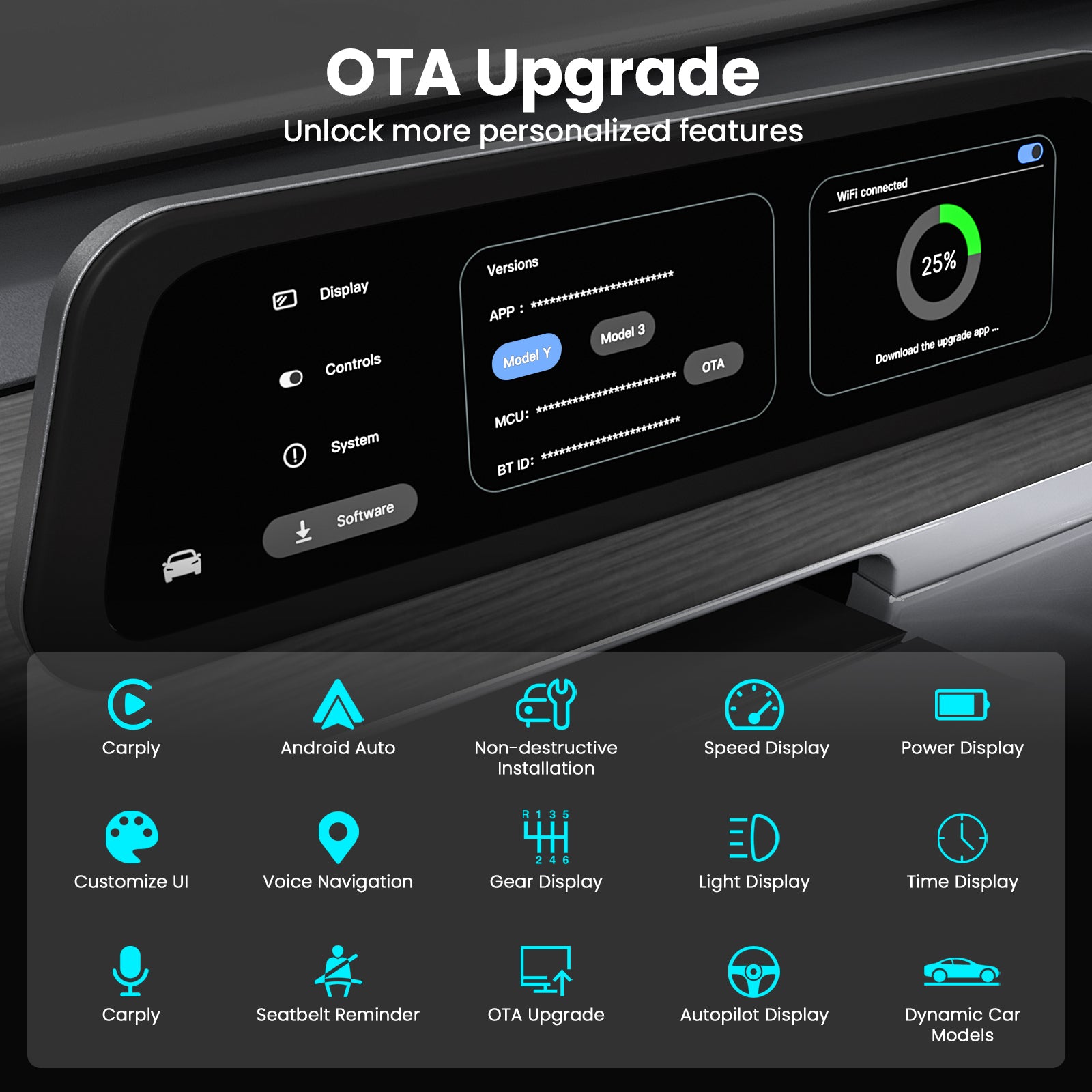
The display supports wireless Apple CarPlay and Android Auto for compatible phones.

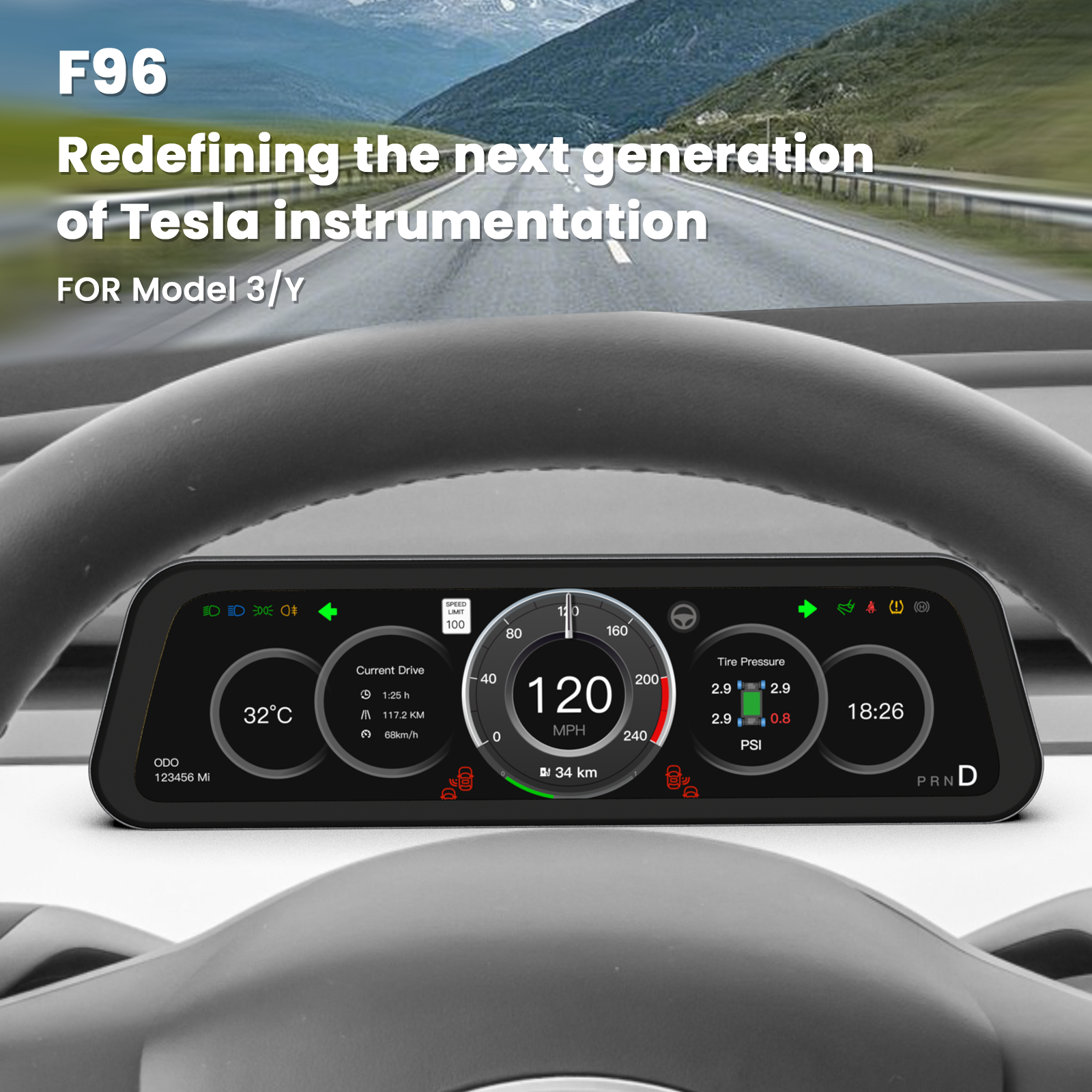
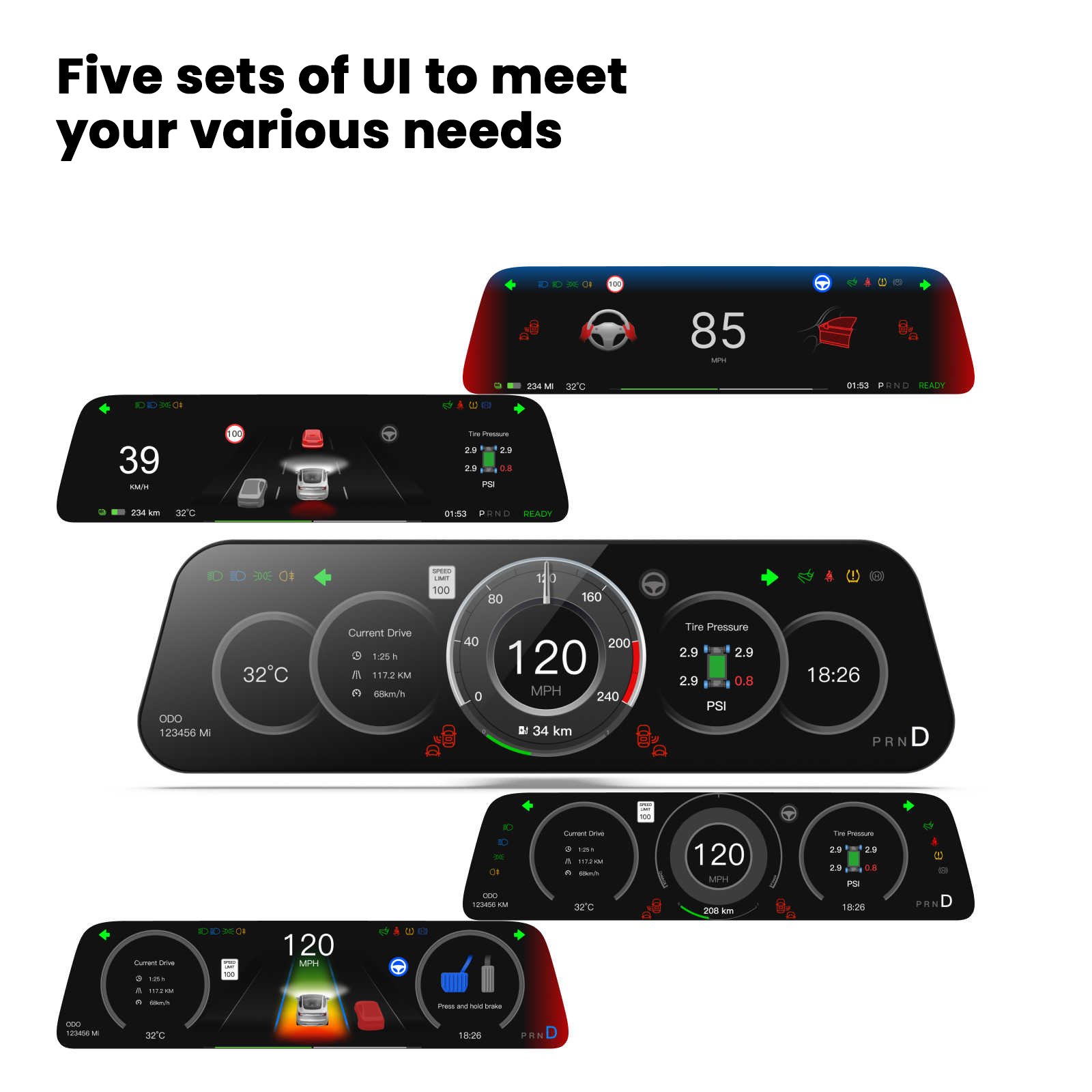
See compatible driving information without replacing the center screen
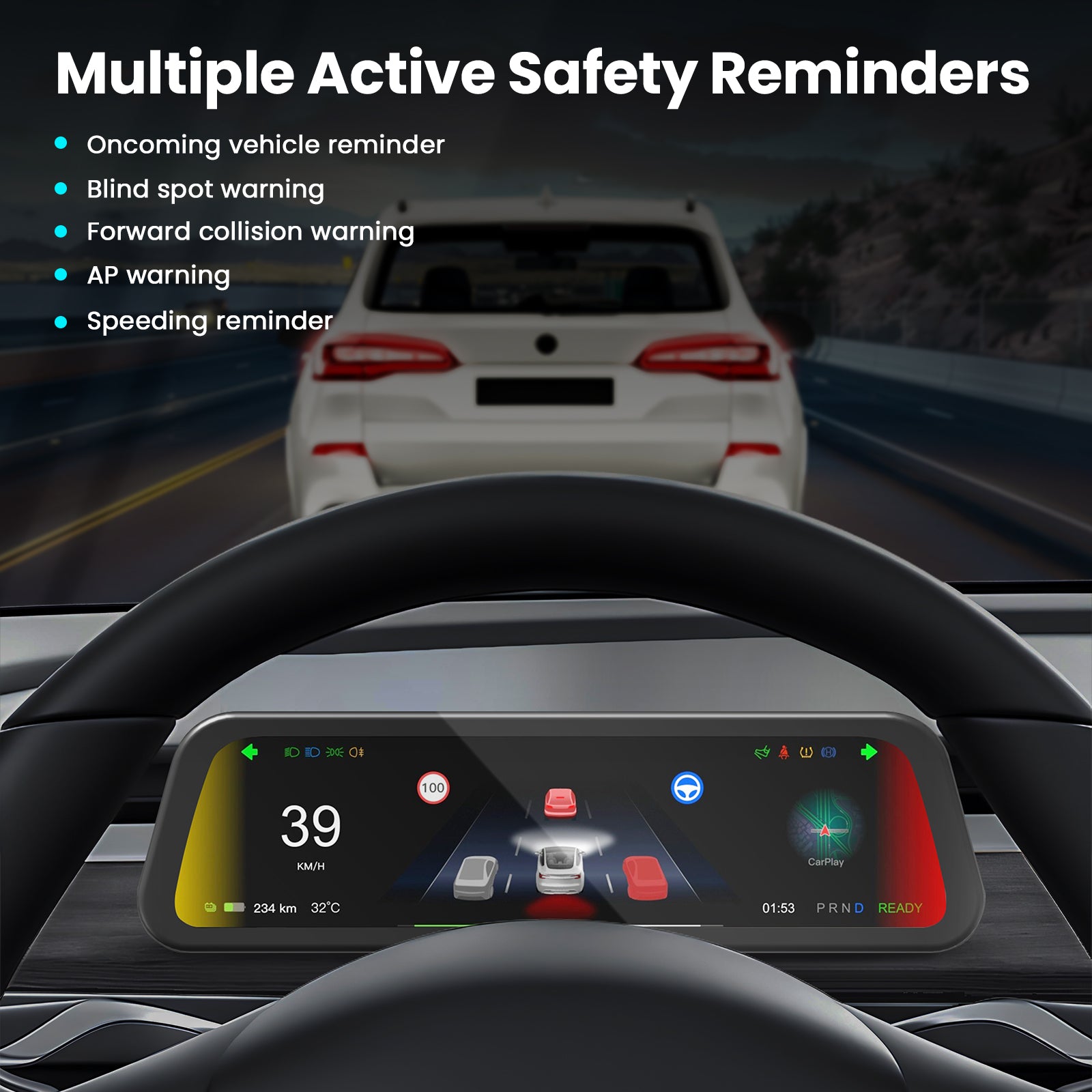
Supported data includes speed, battery, Autopilot status, and configurable driving alerts; these aids do not replace attentive driving.

Choose among six left-hand-drive configurations
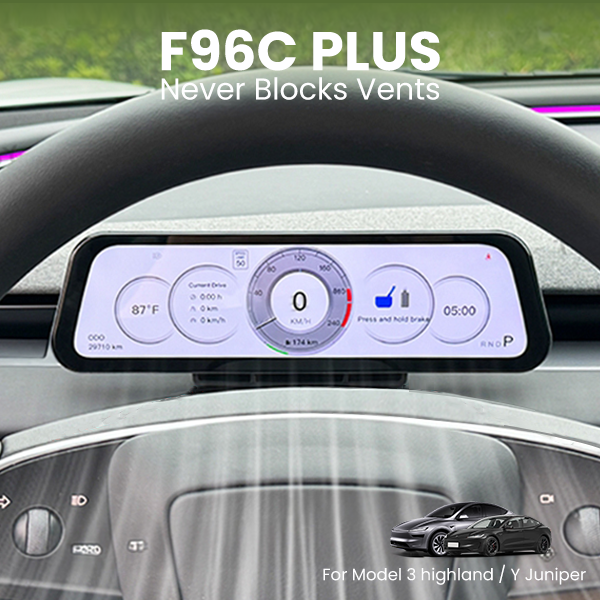
Dedicated options cover several Model 3, Model Y, Highland, Juniper, and Model Y L build periods, with F96C Plus designed to preserve vent access.
Keep Key Information Closer to the Road Ahead
Separate Driving Information From the Main Tesla Touchscreen
A dedicated dashboard display reduces competition for the center screen while keeping the original Tesla interface and controls available.

Recommended Pairings
Build a Smarter Tesla Driver Area
Pair the F96C with physical shortcuts, a heated CyberPack wheel, carbon steering trim, and a soft central-screen frame.


FAQ
Questions Before You Upgrade
Which vehicles are supported?
Left-hand-drive options cover Model 3 2017-2019.02, Model 3/Y 2019.02-2023, Model Y 2024, Model 3 Highland 2024+, Model Y Juniper 2025+, and Model Y L 2025.08+.
Which phone systems are supported?
The display supports wireless Apple CarPlay and Android Auto for compatible phones.
What choices are available?
Choose F96C or F96C Plus, the exact vehicle, and a version with or without a front camera.
Does it replace the Tesla center screen?
No. It adds a driver-facing display while the original center screen remains in place and functional.
Is professional installation recommended?
Yes. Confirm the manual and vehicle version before installation; professional fitting is recommended for correct harness routing and camera setup.
Q&A
We provide assistance through email, live chat, and detailed installation guides. Additionally, we offer step-by-step tutorial videos featuring influencers to help you with the process.
We offer a one-year warranty (two years for some products).
Yes, the product can be removed after installation without affecting the original wiring harness of the vehicle.
We offer free returns and exchanges if there are any quality issues with the product upon receipt by the customer.

Subscribe
Join Us - Enjoy our latest news and exclusive discounts & gifts.