
Hands-Free Ipad Holder Tablet Holder for Car Rear Seat for Tesla Model 3/Y/S/X/Cybertruck

안녕하세요,
2 영업일 이내에 답변을 받지 못하셨다면, 지연에 대해 진심으로 사과드립니다.
더 빠른 답변을 원하시면 WhatsApp (+1 (626) 412-7352 , +86 191 2063 1131 또는 +86 190 2201 1181) 으로 문의해 주세요. 위 번호로 직접 문자 메시지를 보내주셔도 됩니다.
귀하의 인내와 이해에 감사드립니다!
귀찮으시다면, "Tesstudio 공식 설치 서비스"를 위해 남부 캘리포니아 공식 매장을 방문하세요. 저희 전문가가 귀하의 Tesla 액세서리를 완벽하게 설치해 드립니다.
주소:
14761 Franklin Ave unit G, Tustin, CA 92780, 미국
친절히 알려드립니다: 저희는 제품 판매를 전문으로 하며, 전문가에게 설치를 의뢰하실 것을 권장합니다. 부적절한 설치로 인해 발생한 문제는 애프터서비스에 포함되지 않습니다. 양해해 주셔서 감사합니다.
1년 보증을 제공합니다. (인적 손상이 아닌 제품 문제에 대해서는 1년간 애프터 서비스를 제공합니다.)
모든 주문은 FedEx, USPS, UPS, SF Express 등 신뢰할 수 있는 운송업체를 통해 배송됩니다.
모든 주문에 무료 배송 혜택을 누리세요! 재고가 있는 상품은 1~2 영업일 이내에 처리 및 발송되며, 미국 국내 배송은 일반적으로 2~9 영업일이 소요됩니다.
사전 주문 상품이나 일시적으로 품절된 상품의 경우, 배송은 상품 페이지에 제공된 기간에 따라 진행됩니다.
옵션 선택
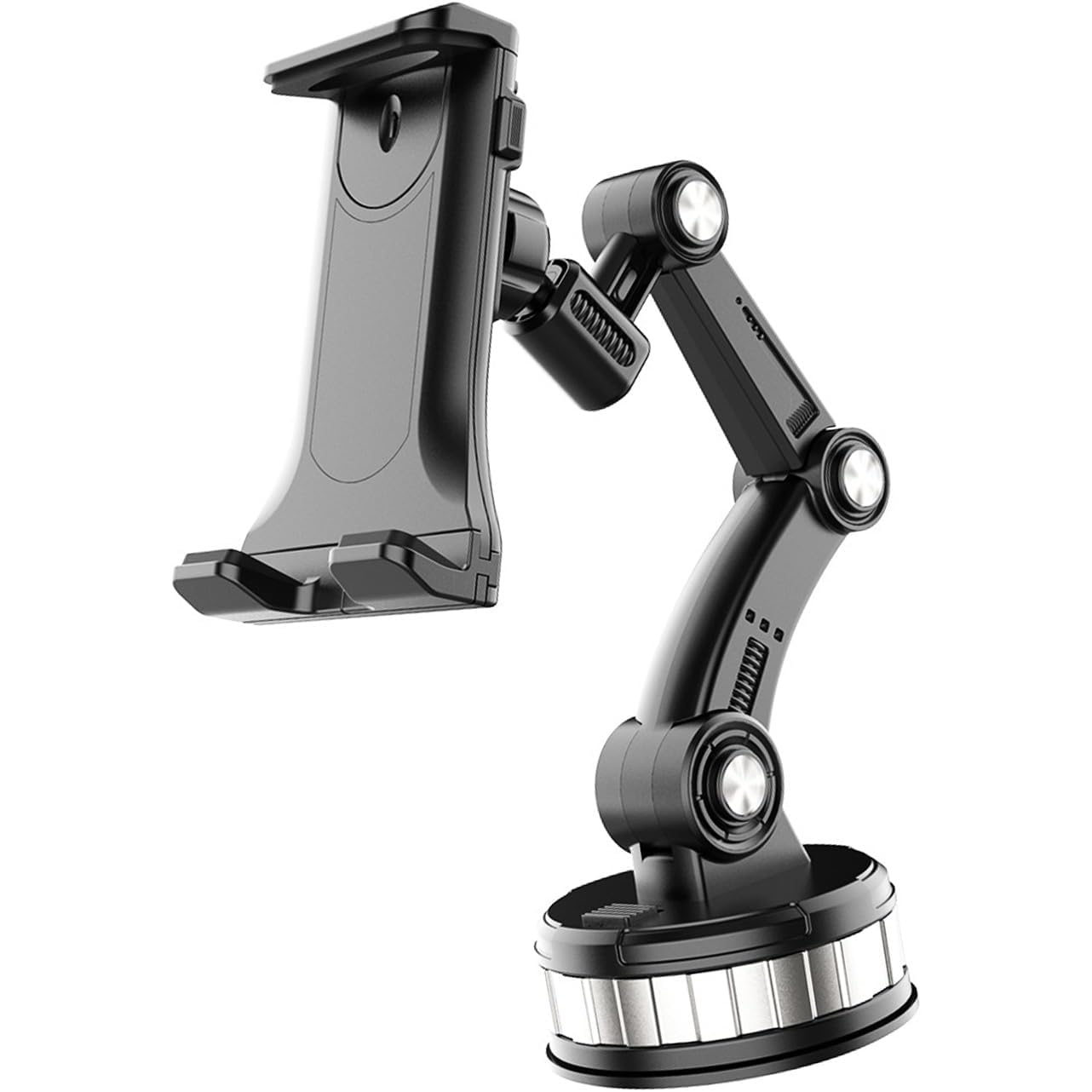
Tesla rear seat iPad and tablet holder
Make rear-seat screen time easier on every drive
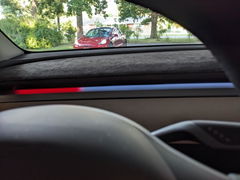
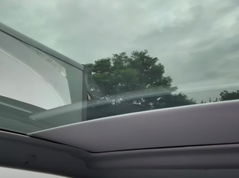
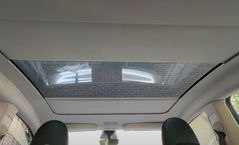
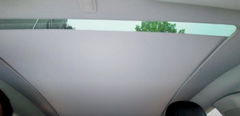
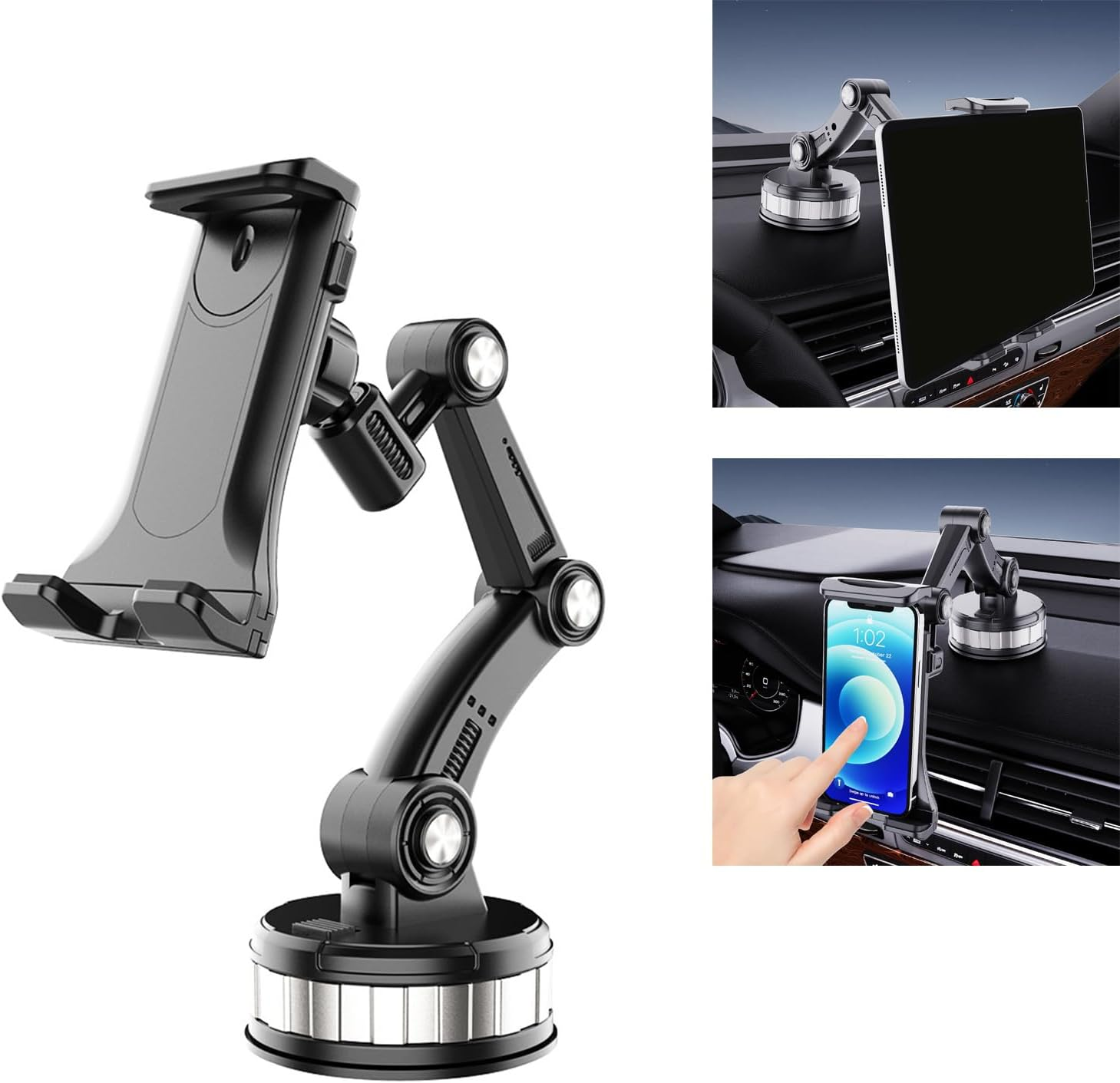
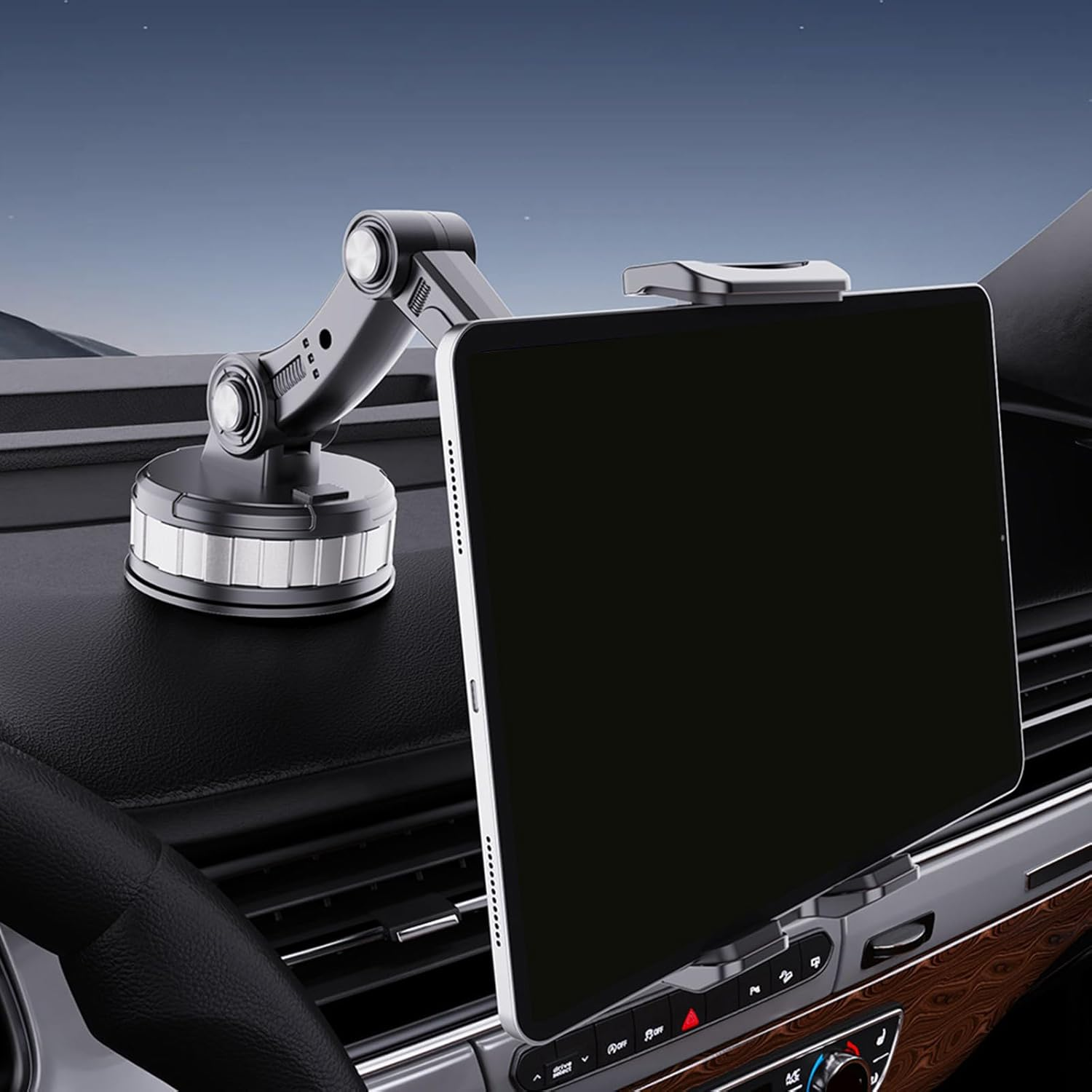
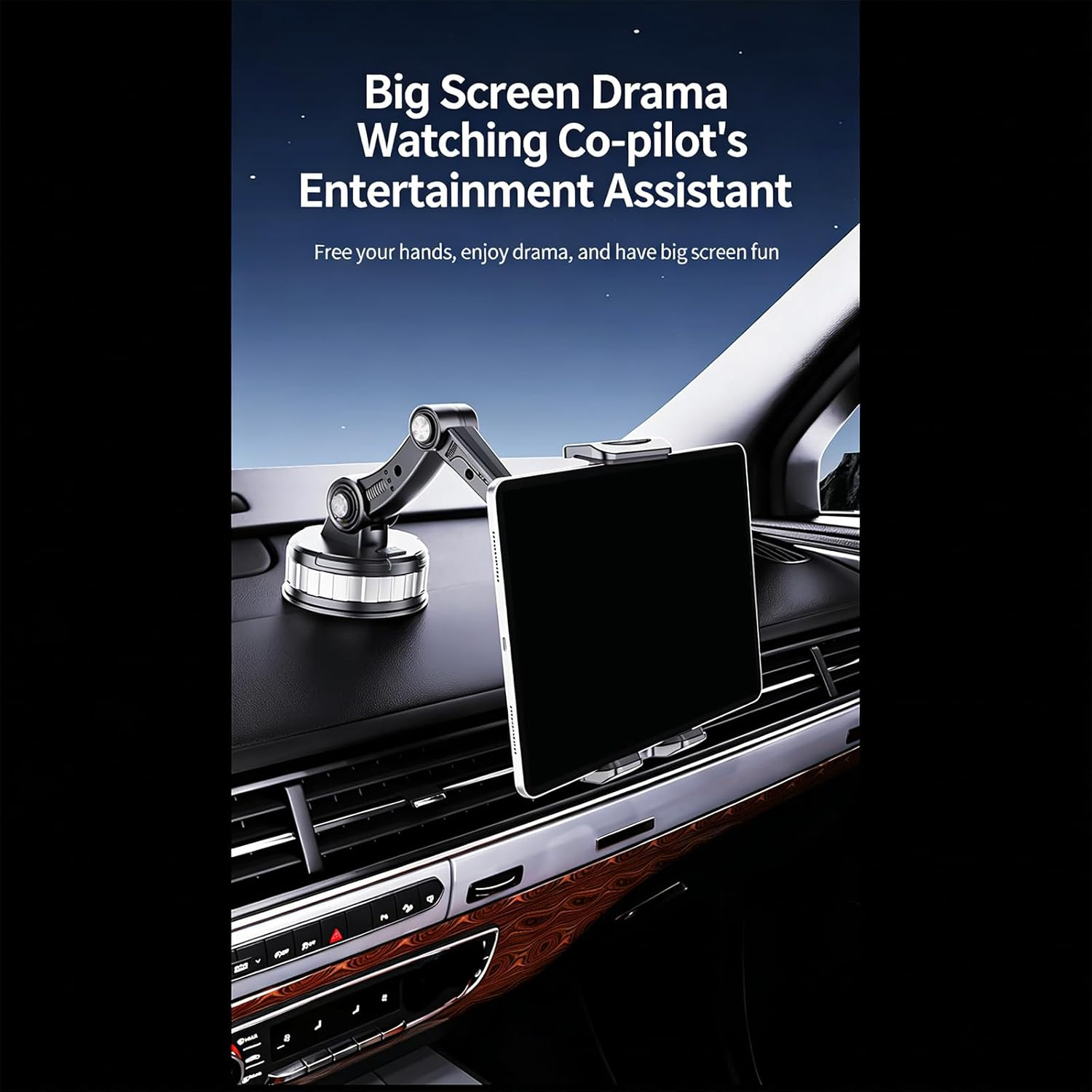
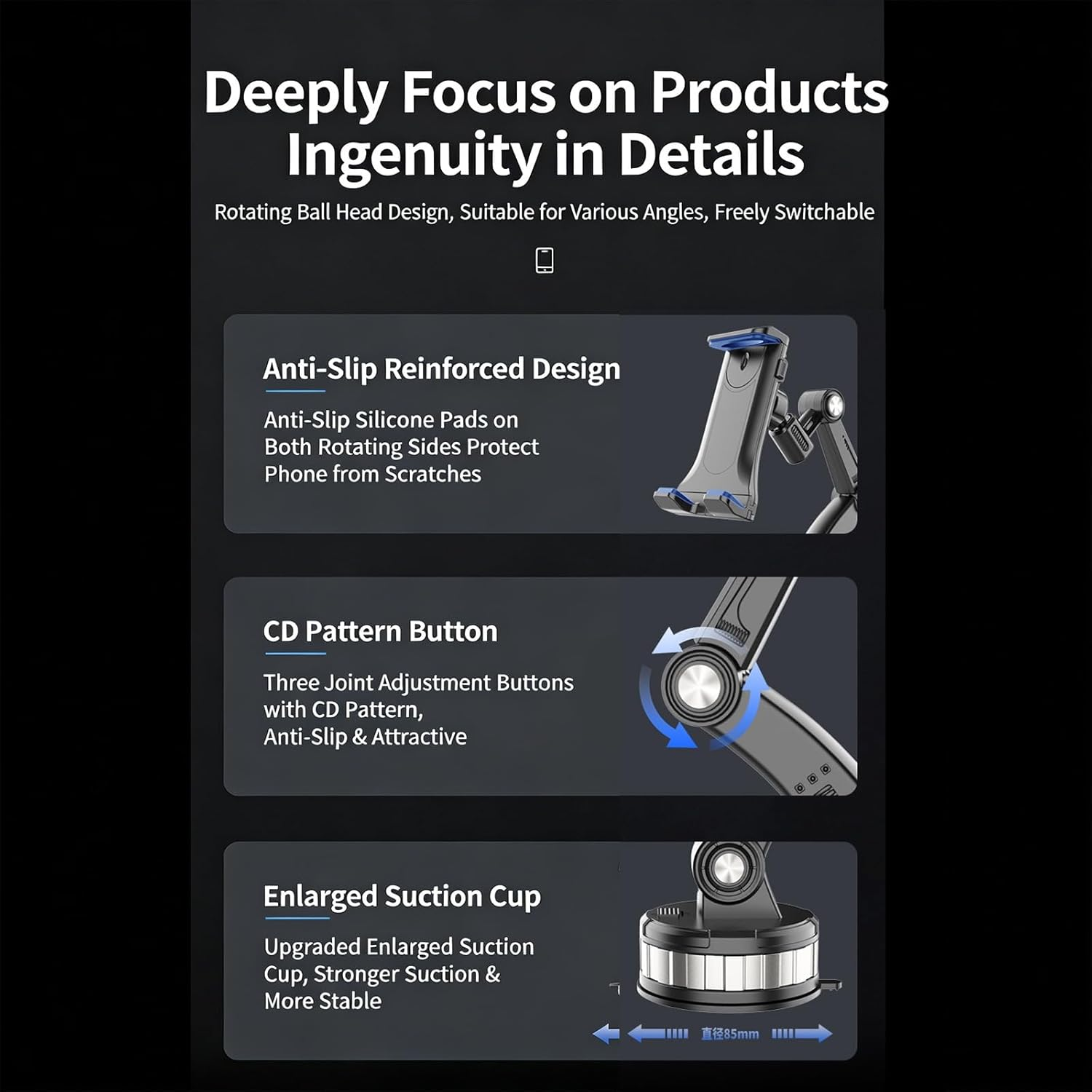
This universal hands-free iPad holder mounts to the interior glass surface of the Tesla rear panoramic roof area or rear side window, giving back-seat passengers a stable tablet viewing position without headrest straps or seat-back hooks.

What this holder solves
Rear passengers often hold a tablet for the whole trip. This mount gives the screen a cleaner fixed viewing position so the ride feels easier.
Less hand-held fatigue
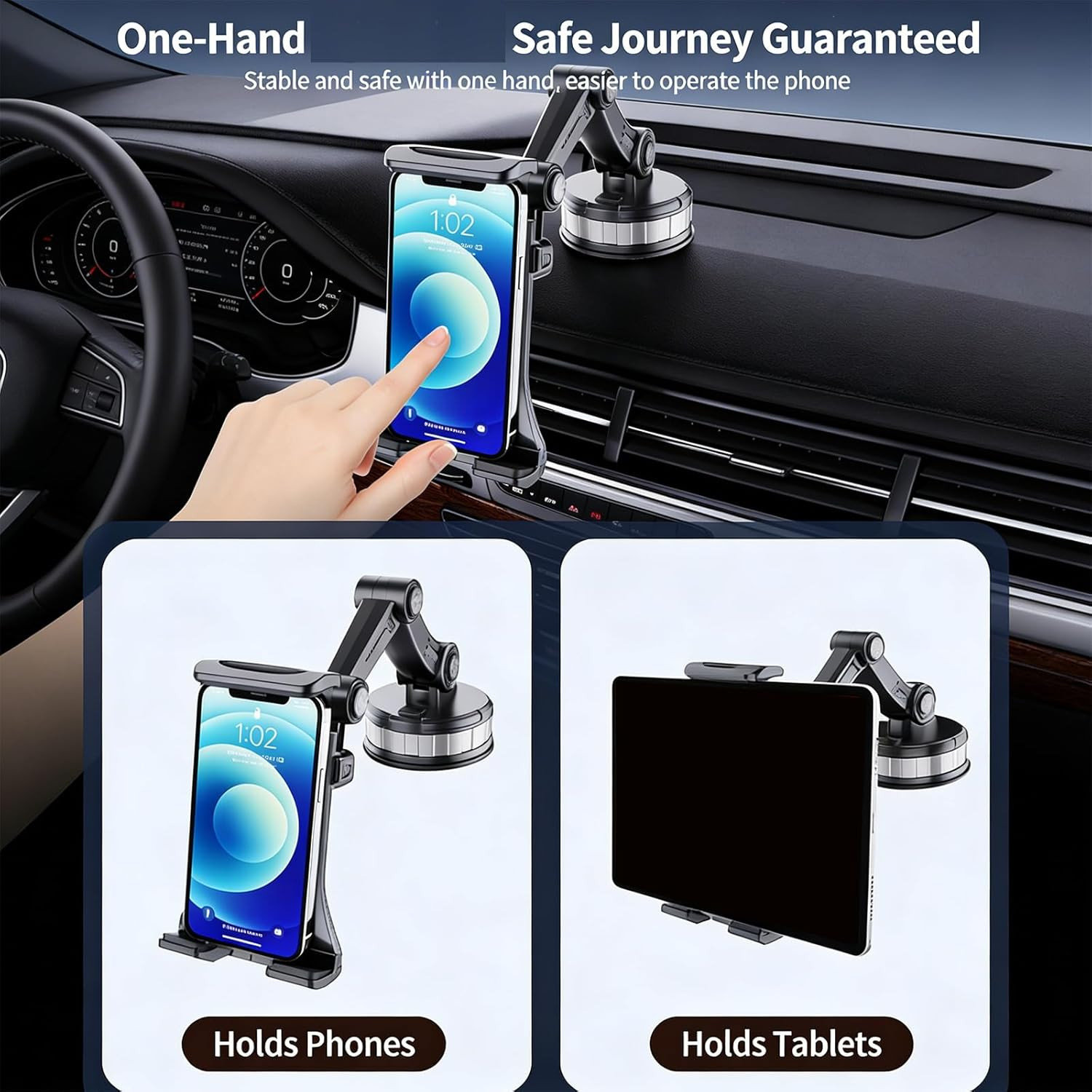
Passengers can watch, read, or play without holding the tablet the entire ride.
Cleaner rear-seat setup
The suction-cup glass mount avoids headrest straps and keeps the seat backs looking clean.
Better viewing angle
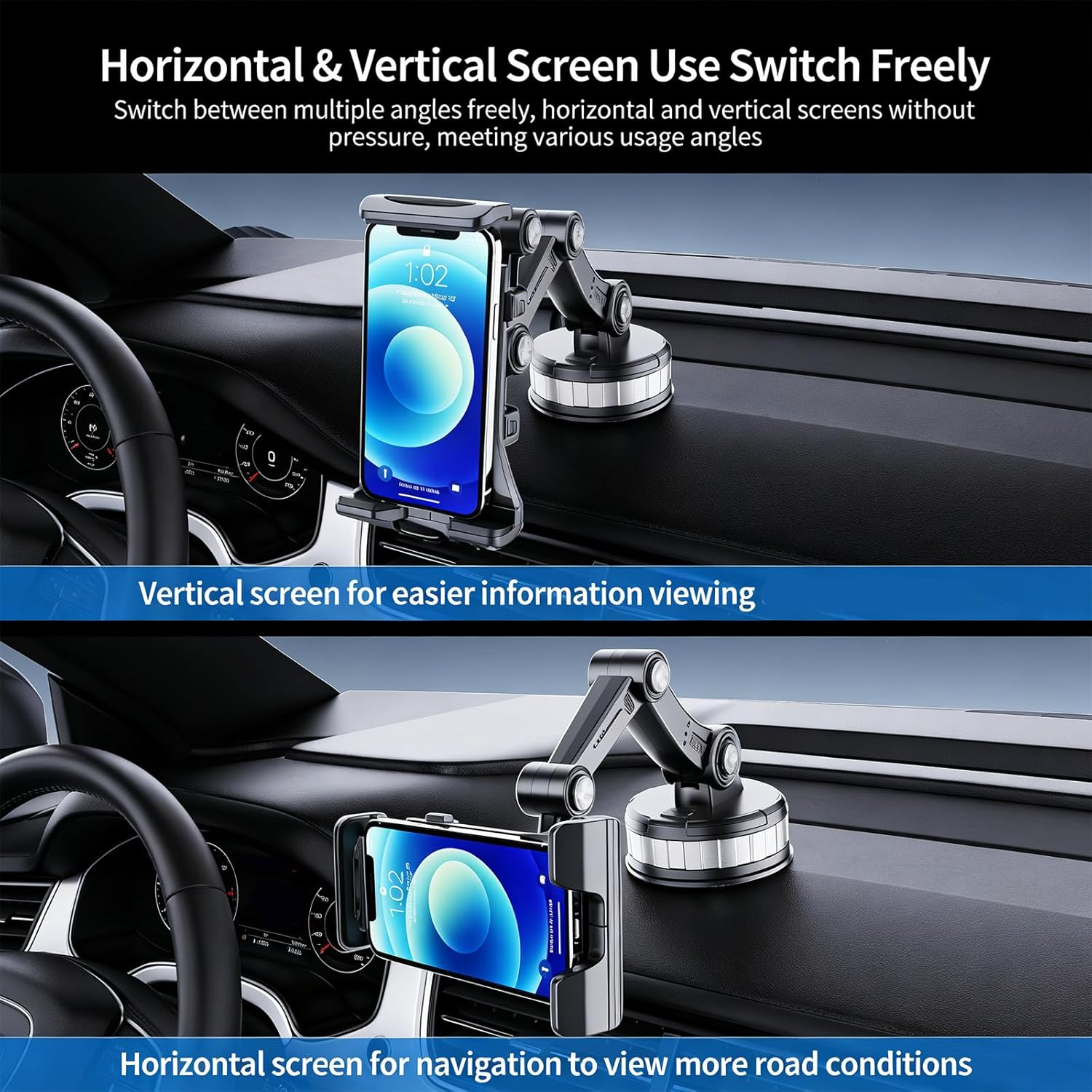
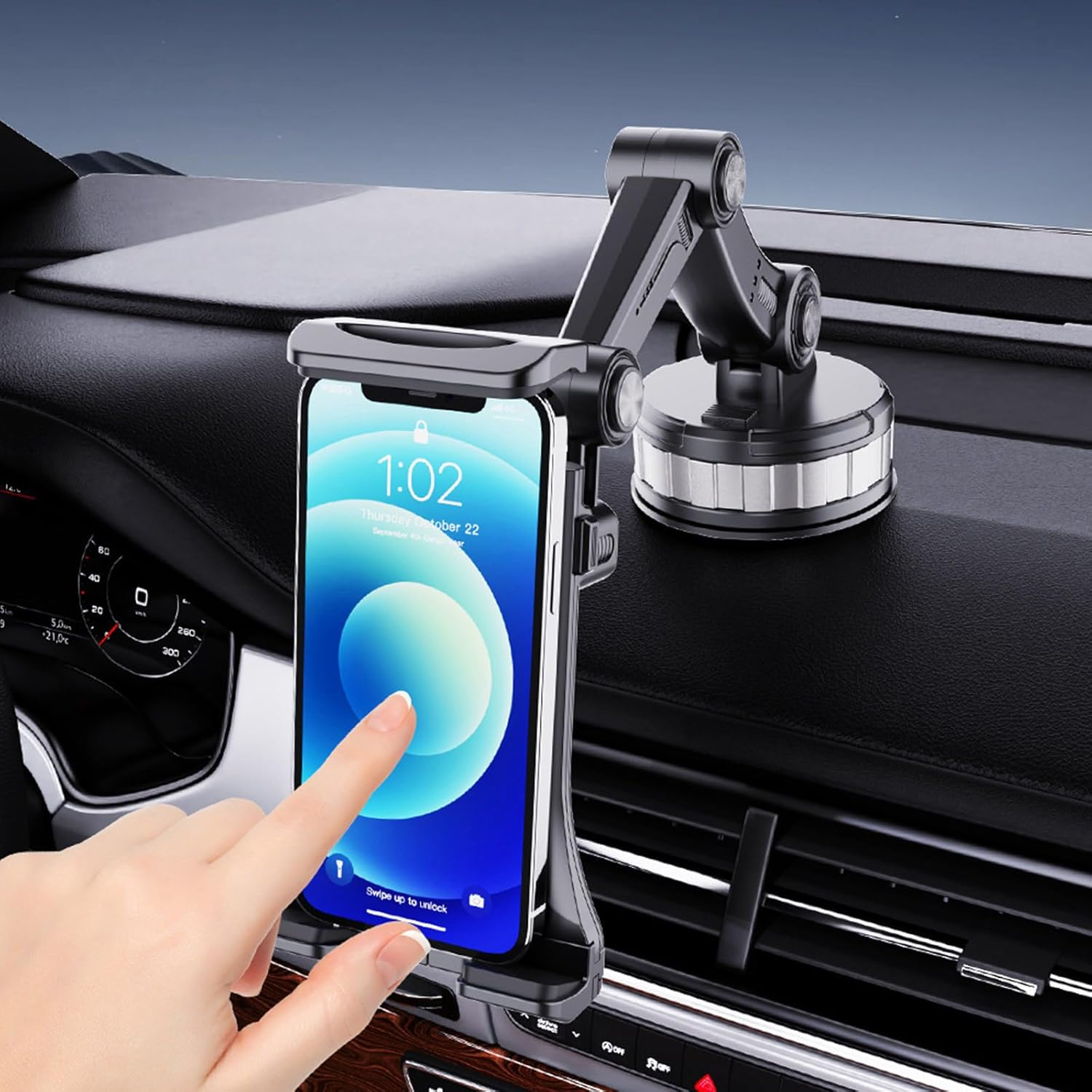
The 360-degree ball joint and adjustable arm help position the screen for portrait or landscape viewing.


Buy with confidence: what to check first
This is a simple accessory, but fit and installation still matter. These details help shoppers confirm it suits their cabin and tablet before ordering.
Use clean interior glass
The suction cup is designed for smooth interior glass. Clean the surface before mounting for the most secure hold.
Confirm tablet size
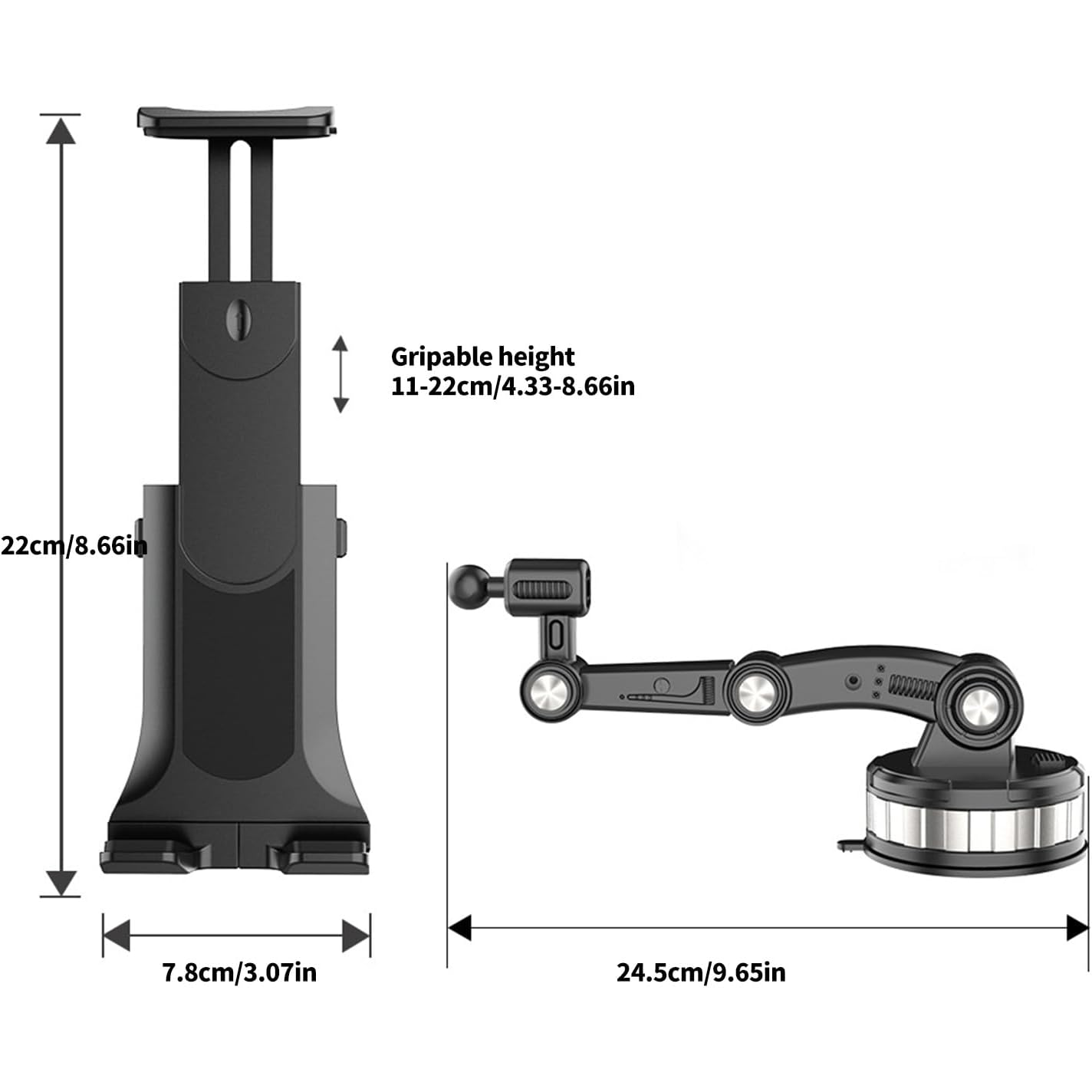
Check your tablet fits within the adjustable clamp range, especially if using a thick protective case.
Remove it the right way
Loosen the ring buckle first, then lift the bottom pad handle and peel slowly. Do not pull it off forcefully.
Complete the passenger comfort setup
 15W Magnetic Wireless Car Charger Mount for Tesla Model 3/Y/Cybertruck
Keep the front-seat phone charged and visible while rear passengers use the tablet holder.
Good match for road trips and daily navigation.
 3-in-1 Smart Center Console Charging Dock for Tesla Model 3 Highland / Model Y Juniper
Add cleaner charging access for passengers and cabin devices.
Best for newer Model 3 Highland and Model Y Juniper cabins.
 Center Console USB Charger Hub 2.0 for Tesla Cybertruck
A Cybertruck-focused charging upgrade for longer drives and passenger device use.
For Cybertruck owners building a more useful cabin setup.
FAQ
질문과 답변
이메일, 실시간 채팅, 그리고 자세한 설치 가이드를 통해 도움을 드립니다. 또한, 인플루언서들이 직접 출연하는 단계별 튜토리얼 영상을 제공하여 설치 과정을 도와드립니다.
당사는 1년 보증을 제공합니다(일부 제품은 2년).
네, 설치 후 제품을 제거해도 차량의 원래 배선 하네스에 영향을 미치지 않습니다.
고객이 제품을 받은 후 품질에 문제가 있는 경우 무료로 반품 및 교환해 드립니다.

Subscribe
Join Us - Enjoy our latest news and exclusive discounts & gifts.