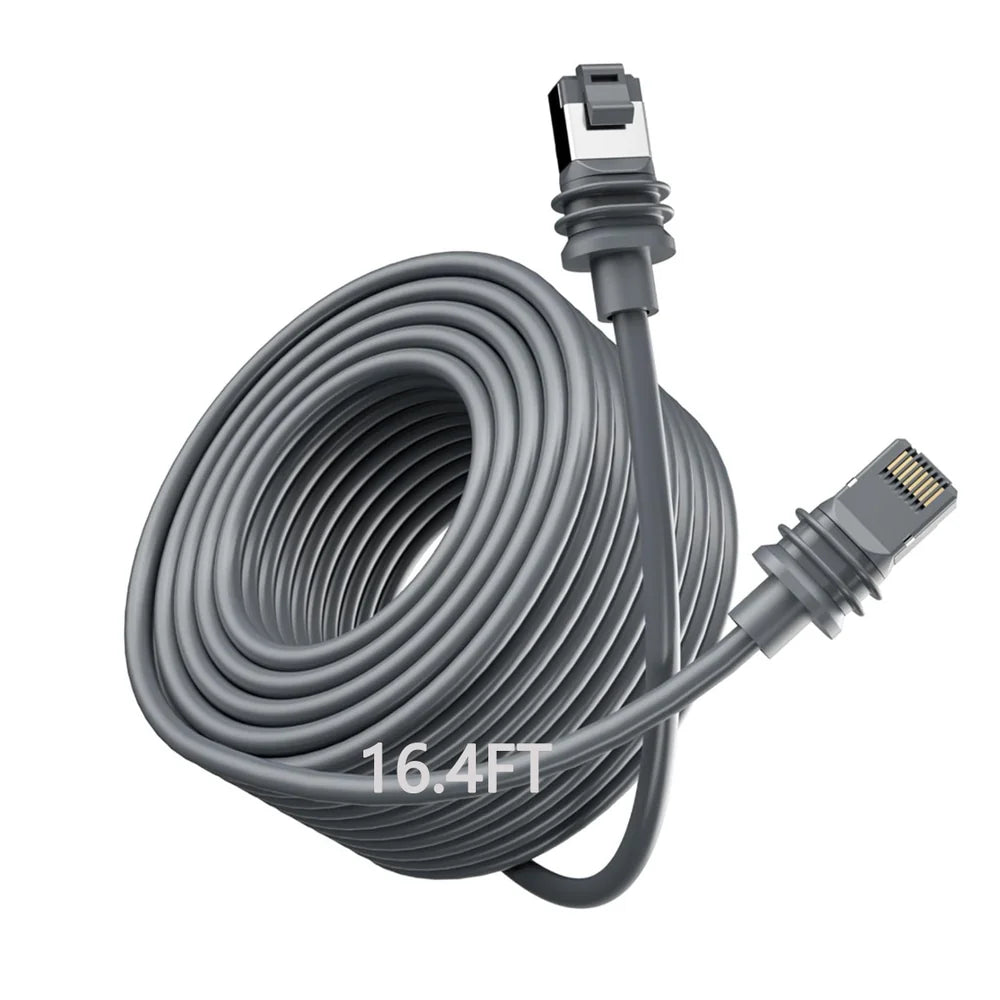
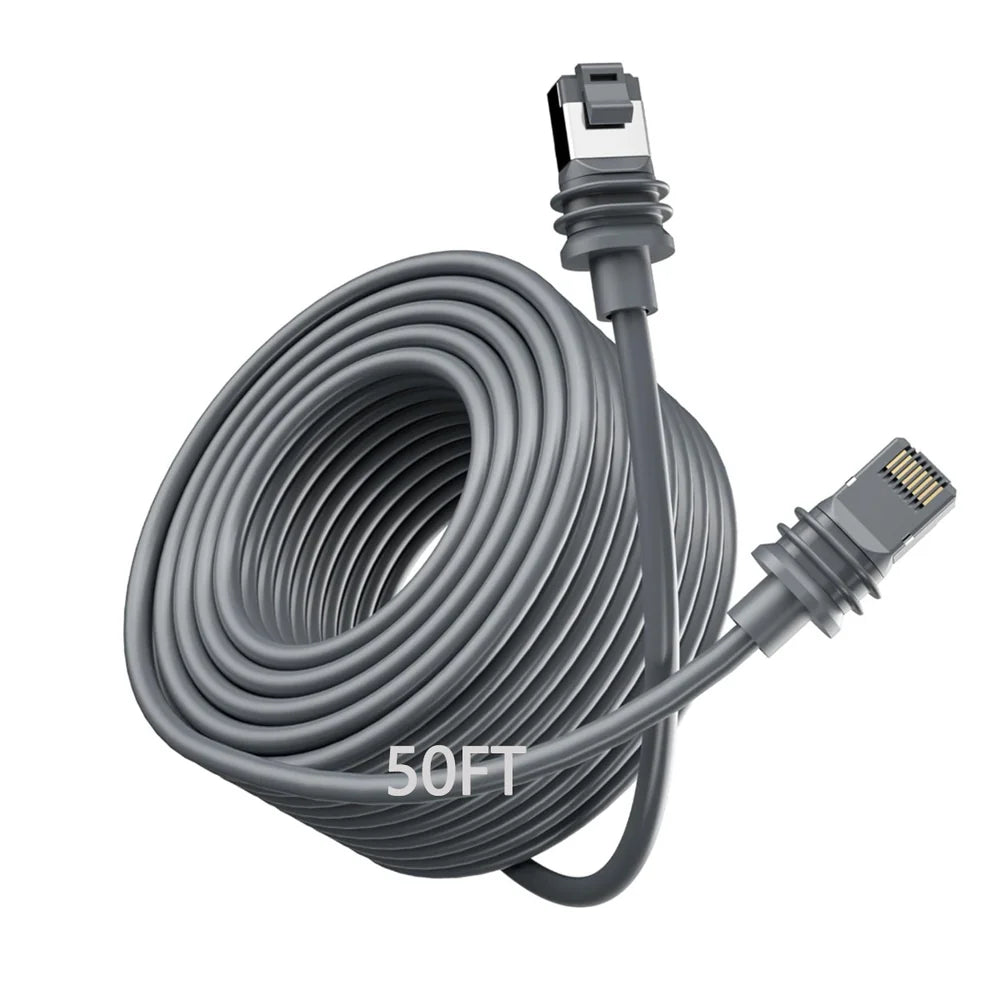
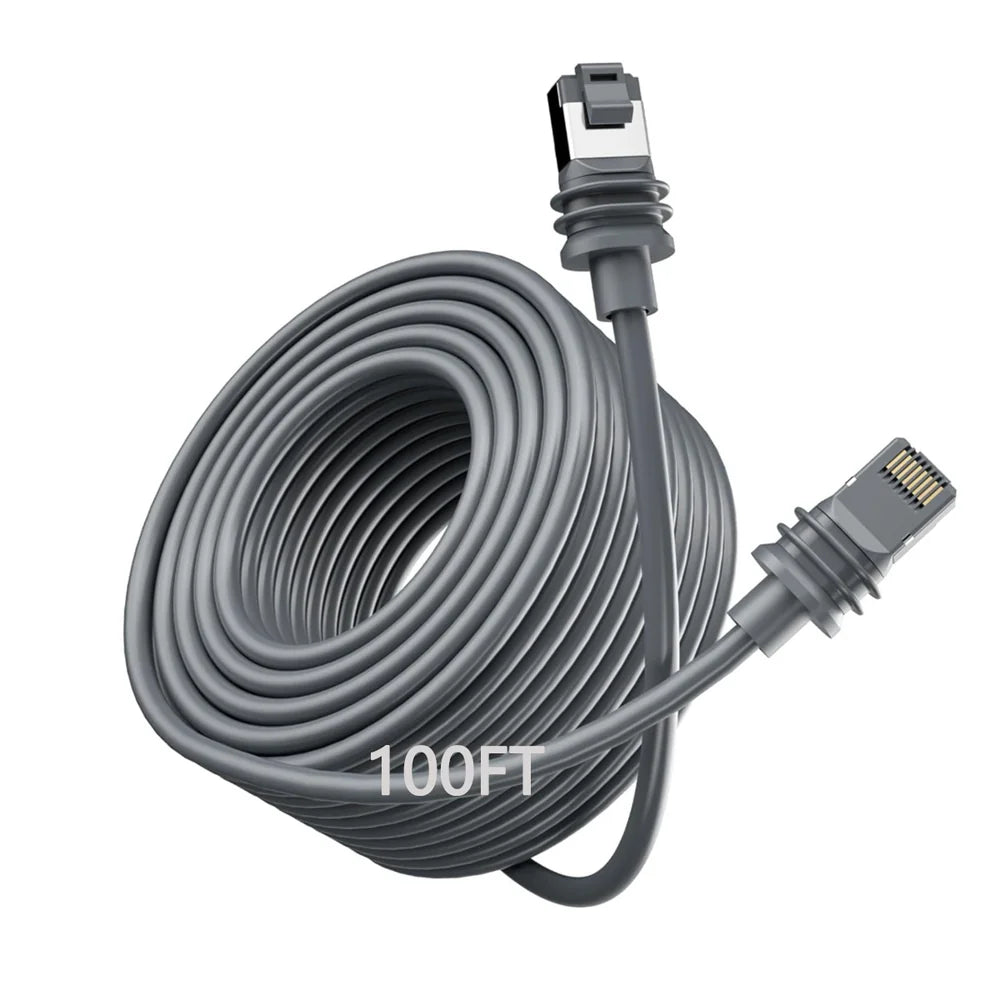
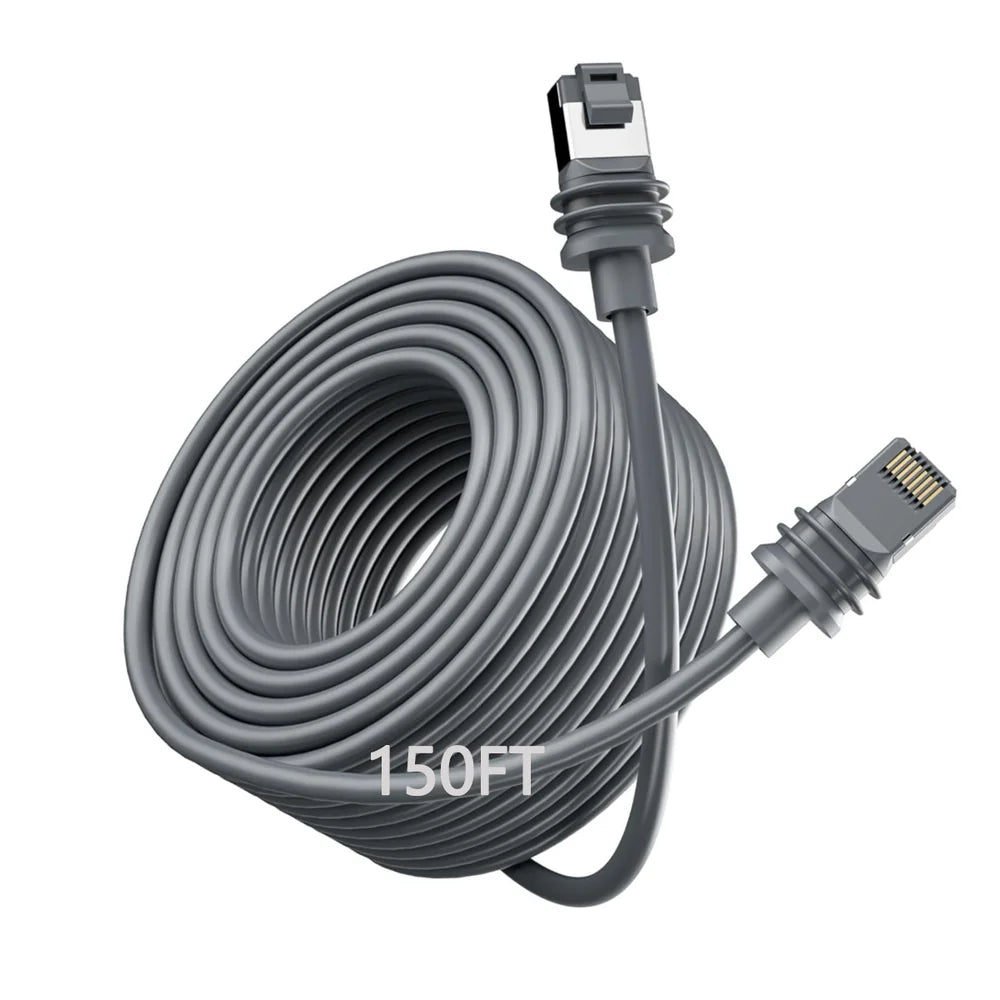
Starlink Gen 3 & Mini Extension Cable - 5M-46M

안녕하세요,
2 영업일 이내에 답변을 받지 못하셨다면, 지연에 대해 진심으로 사과드립니다.
더 빠른 답변을 원하시면 WhatsApp (+1 (626) 412-7352 , +86 191 2063 1131 또는 +86 190 2201 1181) 으로 문의해 주세요. 위 번호로 직접 문자 메시지를 보내주셔도 됩니다.
귀하의 인내와 이해에 감사드립니다!
귀찮으시다면, "Tesstudio 공식 설치 서비스"를 위해 남부 캘리포니아 공식 매장을 방문하세요. 저희 전문가가 귀하의 Tesla 액세서리를 완벽하게 설치해 드립니다.
주소:
14761 Franklin Ave unit G, Tustin, CA 92780, 미국
친절히 알려드립니다: 저희는 제품 판매를 전문으로 하며, 전문가에게 설치를 의뢰하실 것을 권장합니다. 부적절한 설치로 인해 발생한 문제는 애프터서비스에 포함되지 않습니다. 양해해 주셔서 감사합니다.
1년 보증을 제공합니다. (인적 손상이 아닌 제품 문제에 대해서는 1년간 애프터 서비스를 제공합니다.)
모든 주문은 FedEx, USPS, UPS, SF Express 등 신뢰할 수 있는 운송업체를 통해 배송됩니다.
모든 주문에 무료 배송 혜택을 누리세요! 재고가 있는 상품은 1~2 영업일 이내에 처리 및 발송되며, 미국 국내 배송은 일반적으로 2~9 영업일이 소요됩니다.
사전 주문 상품이나 일시적으로 품절된 상품의 경우, 배송은 상품 페이지에 제공된 기간에 따라 진행됩니다.
옵션 선택
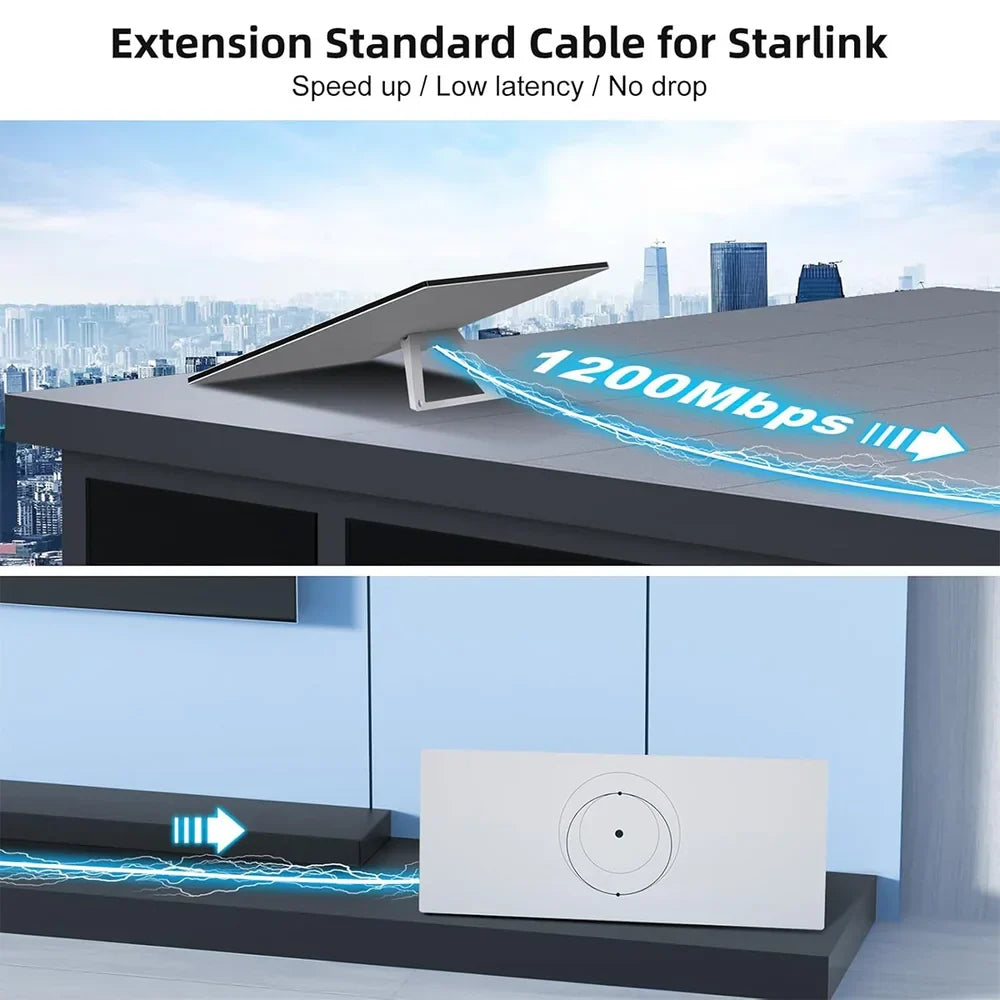
Put Your Starlink Gen 3 Where the Signal and Installation Need It
A replacement cable for compatible Starlink Standard Gen 3 installations, giving you more flexibility between the dish location and Router 3 without redesigning the entire setup.

The Dish Does Not Have to Stay Close to the Router
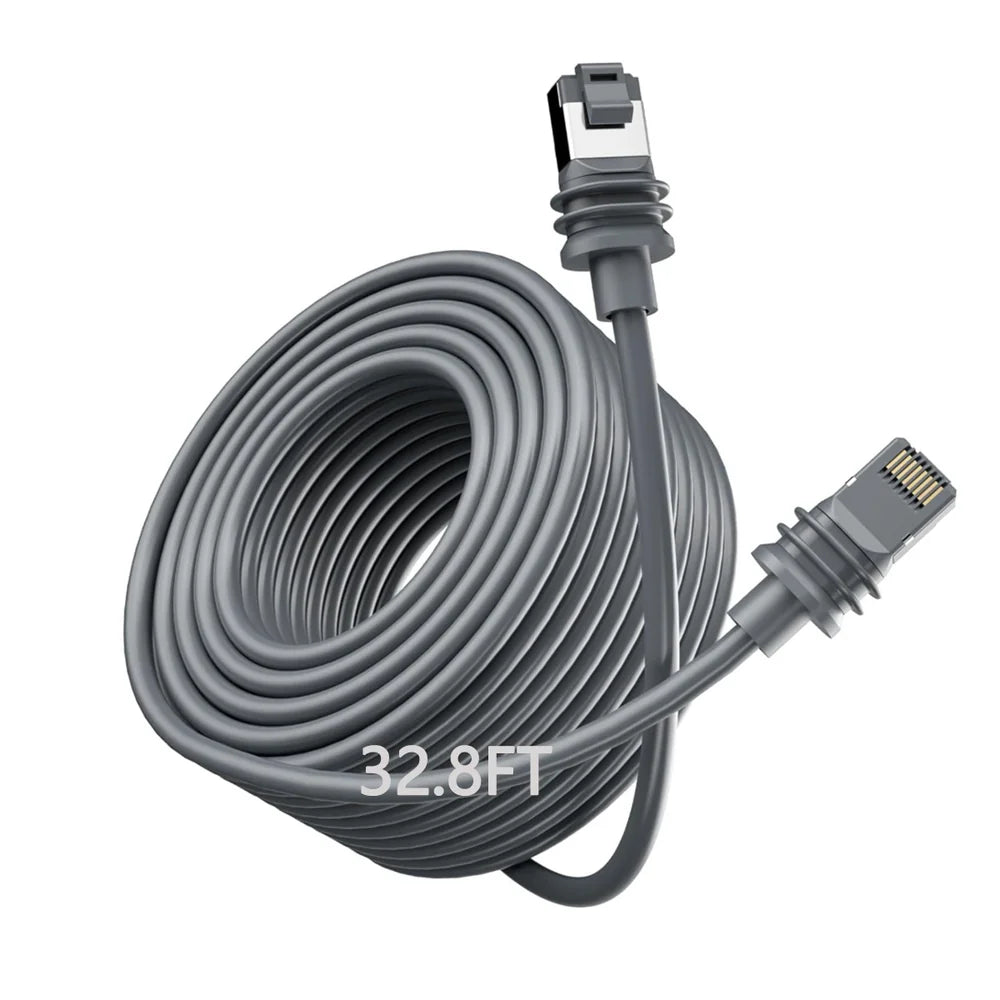
Multiple Length Options
Choose a cable length around the actual distance between your Starlink Standard and Router 3.
Direct Connector Fit
Uses the matching Gen 3-style connectors shown for the dish and router connection.
Power + Data Path
Maintains the combined physical connection used between compatible Standard hardware and router.
Outdoor-Oriented Build
Protective jacket and sealed connector design are intended for typical Starlink installation environments.
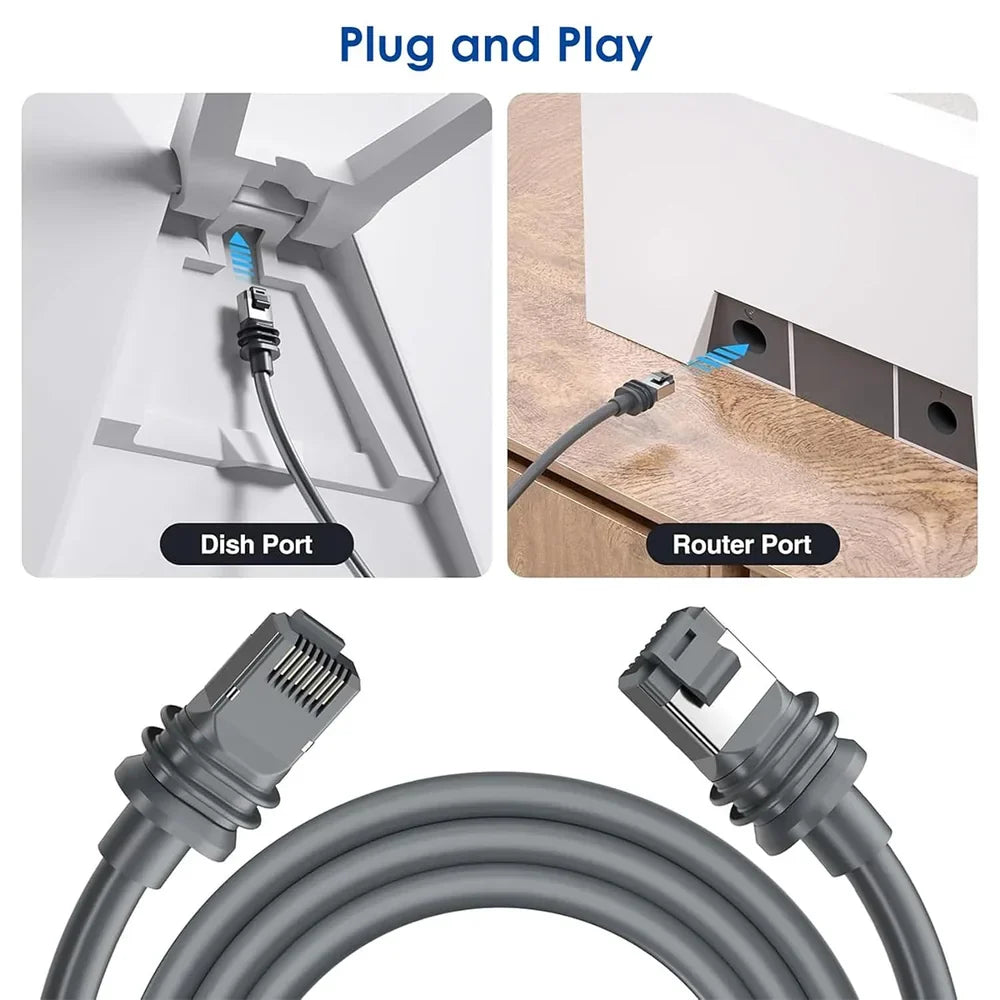
Dish Port on One End. Router Port on the Other.
The two cable ends use different connector shapes, helping match the corresponding Starlink Standard dish and Router 3 connection points.
- Dedicated dish-side connector
- Dedicated router-side connector
- No cable splicing required for normal installation
- Check connector orientation before insertion

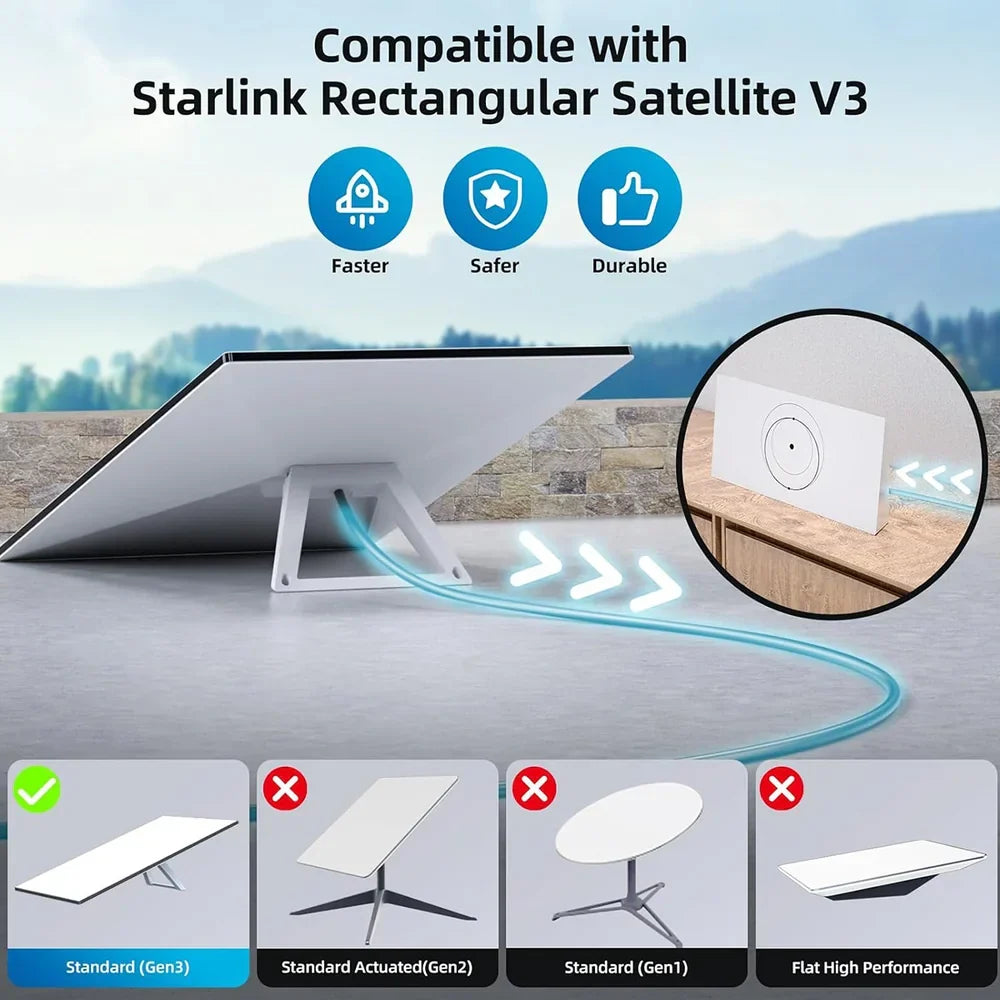
This Cable Is for the Starlink Standard Gen 3 Connector System
Match the connector and Starlink hardware shown in the product images before ordering. Similar-looking Starlink products can use completely different power and cable architectures.
Designed around the rectangular Standard terminal and Router 3 connector system shown in the listing.
Current Starlink naming for hardware commonly referred to by owners as Gen 3 Standard.
Gen 2 uses a different terminal and cable architecture.
Starlink Mini uses a different power connection. Do not assume this Gen 3 cable fits Mini.

Measure the Route — Not the Straight-Line Distance
Include wall routing, drip loops, turns and equipment placement when deciding how much cable your installation actually needs.
Useful when the router sits relatively close to the Starlink installation point.
Adds practical routing room for smaller homes, cabins, vans and RV installations.
A familiar length for many fixed Starlink Standard installations.
Intended for installations that require substantially more separation between dish and router.
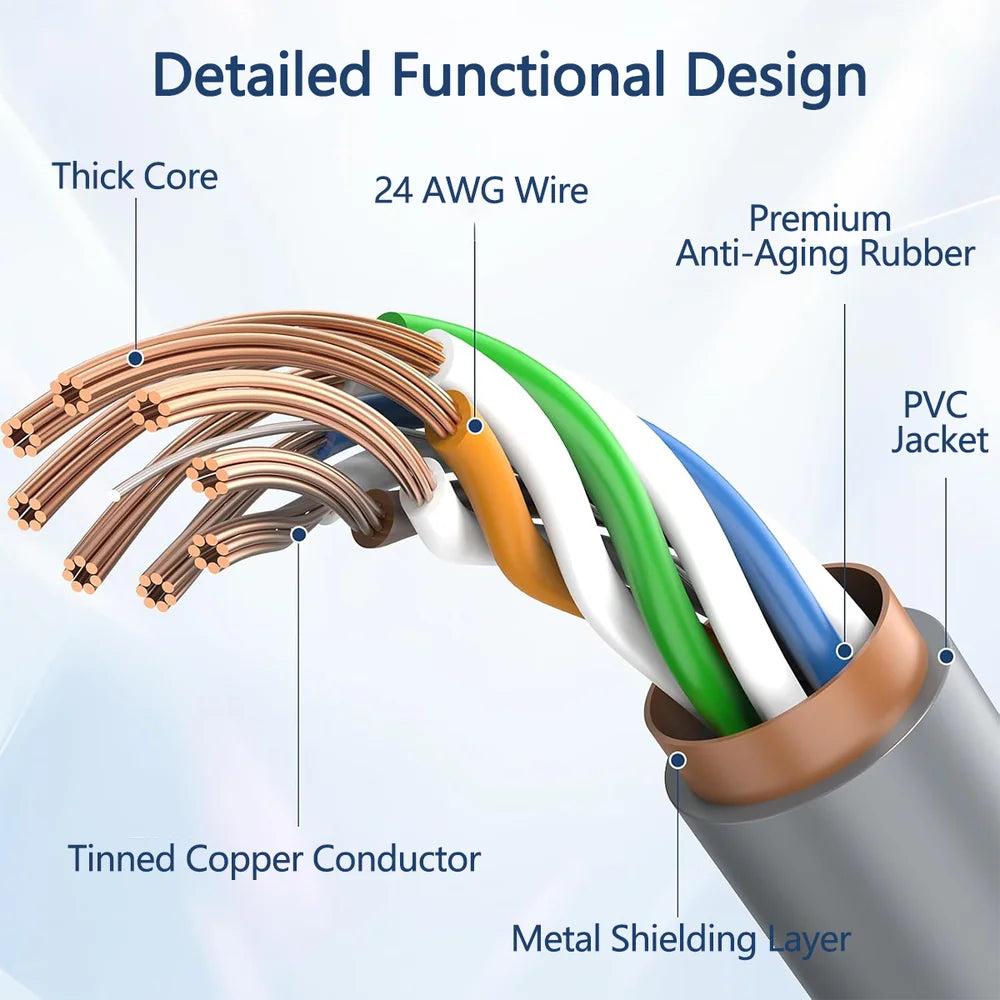
Multiple Layers Protect the Conductors Inside
Current product media identifies the internal conductors as 24 AWG.
The product cross-section shows tinned-copper conductors inside the cable.
A shielding layer surrounds the internal wired structure shown in the product media.
The outer cable jacket adds mechanical protection for routed indoor and outdoor installations.

Designed for the Routes Starlink Installations Commonly Need
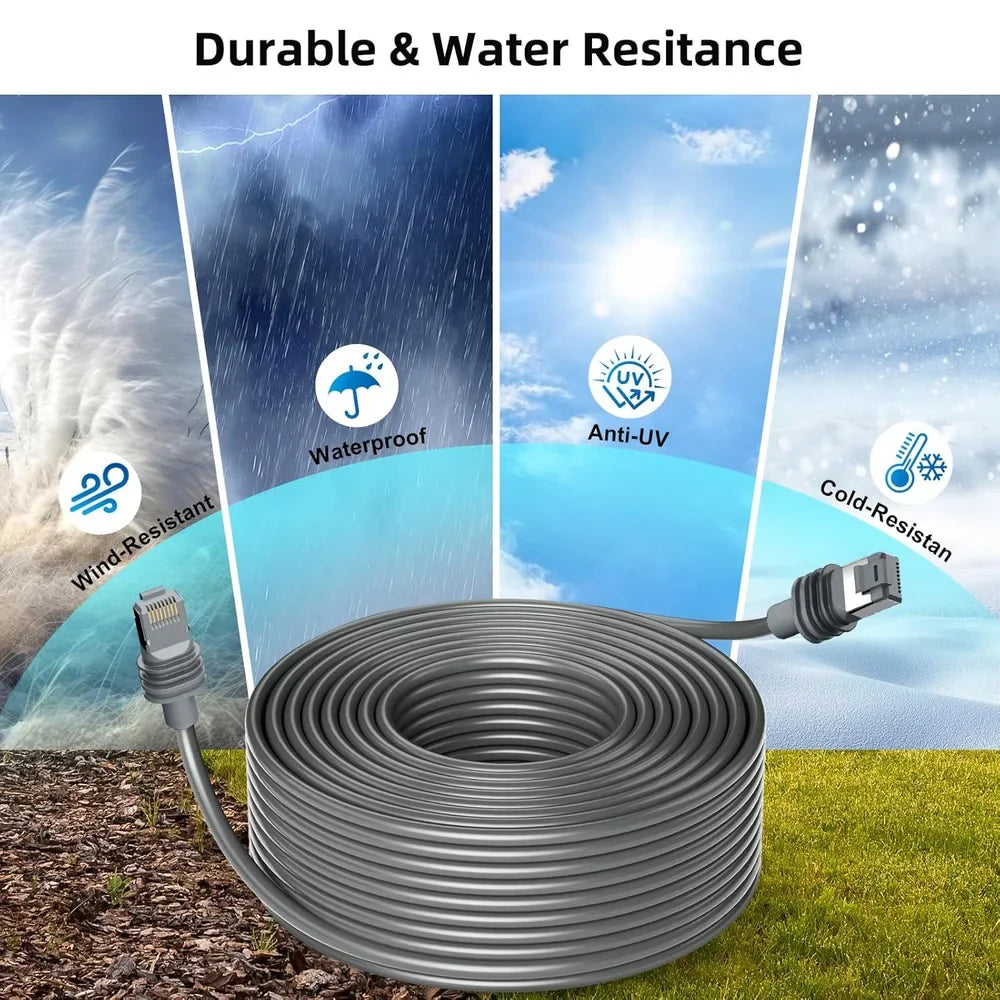
Current product media promotes the jacket and connector construction for outdoor exposure including rain, sunlight and colder conditions.
- Weather-resistant outer cable construction
- Protective molded connector ends
- Suitable for correctly routed outdoor installations
- Keep connectors fully seated during use

Connector sealing depends on correct insertion, undamaged seals, proper cable routing and the condition of both the cable and Starlink ports. Do not leave disconnected cable ends exposed to standing water.
Give the Starlink Dish More Freedom to Reach the Best Location
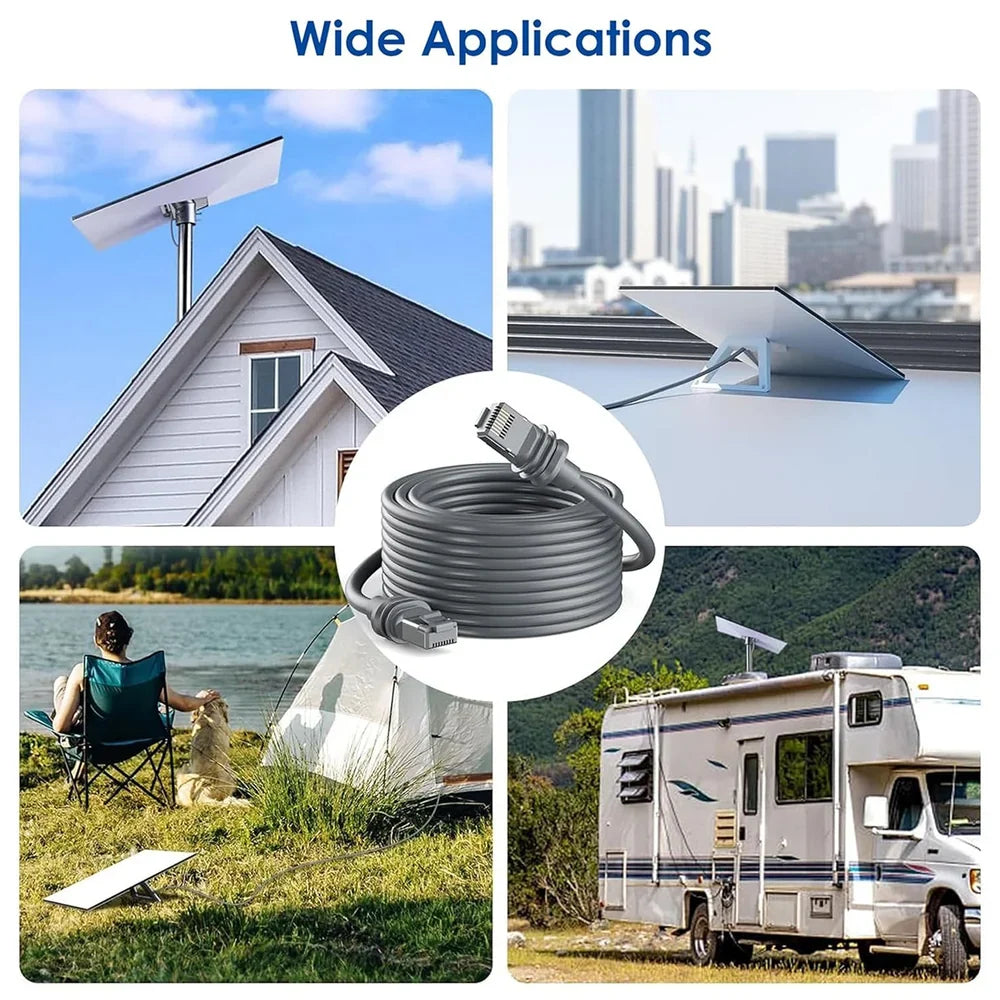
Route from an exterior roof or wall location to a more practical indoor Router 3 position.
Add more separation between the exterior Starlink position and interior network equipment.
Reach around trees, structures or roof geometry when a shorter cable limits placement.
Keep the router and power equipment protected while positioning the dish farther away.

Longer Cable Is Useful Only When the Route Is Planned Correctly
Avoid unnecessary excess cable, sharp bends and tightly compressed coils. A cleaner physical route helps protect the cable and connectors.
Route the Cable Before Making the Final Connections
Plan the complete cable path before securing clips, drilling entry holes or positioning permanent equipment.
Confirm Hardware
Compare both connectors with your Starlink Standard Gen 3 dish and Router 3 ports.
Plan the Route
Keep the cable away from sharp edges, moving equipment and high-heat surfaces.
Connect Both Ends
Align each connector carefully and seat it fully without twisting or forcing the plug.
Test Before Securing
Confirm normal Starlink startup and network operation before permanently fixing the route.
This is an aftermarket replacement accessory and is not an official Starlink cable. Starlink recommends its own cables because it cannot guarantee service quality or water resistance when third-party cables or modified cable paths are used.
Complete the Starlink Gen 3 Installation
Three complementary Tesstudio products for mounting, equipment organization and cable management.
Starlink Gen 3 Extension Cable Questions
Which Starlink model does this cable fit?
This cable is intended for the Starlink Standard Gen 3 connector system shown in the product images, commonly associated with the rectangular Standard terminal and Router 3.
Is Starlink Standard Gen 3 now called Standard 4?
Starlink's newer naming refers to hardware many owners previously called Gen 3 Standard as Standard 4 or Standard 4 X. Always compare the physical connectors before ordering.
Does this cable fit Starlink Mini?
The current product connector and compatibility images correspond to the Standard Gen 3 cable system. Starlink Mini uses a different power architecture, so this cable should not be assumed compatible with Mini.
Does it fit Starlink Gen 2 Standard Actuated?
No. Gen 2 Standard Actuated uses a different hardware and cable system. Compare your existing cable ends before ordering.
What cable lengths are available?
The current selector provides multiple cable lengths beginning at 5M and extending into long-run options up to approximately 46M / 150FT class.
Which length should I choose?
Measure the complete physical route from the dish to the router, including wall entry, turns, vertical drops and a small amount of service slack. Avoid buying substantially more cable than the installation needs.
Is the cable directional?
The two ends shown in the product media use different connector arrangements for the dish and router sides. Match each connector with its corresponding port rather than forcing an incorrect orientation.
Does the cable carry both power and network data?
In compatible Starlink Standard installations, the dish-to-router cable forms part of the combined power and network connection between the Starlink hardware.
What wire construction is shown?
Current product media lists 24 AWG wiring, tinned-copper conductors, a metal shielding layer and PVC outer jacket.
Is this cable waterproof?
The current product media promotes weather and water resistance, but final sealing depends on properly seated connectors, undamaged seals and correct installation. Do not treat disconnected ends as waterproof.
Can I use it outdoors?
The cable is designed for typical indoor and outdoor Starlink routing. Protect the cable from sharp edges, repeated crushing, standing water at disconnected plugs and excessive mechanical strain.
Will a longer cable increase Starlink speed?
No. Cable length itself does not increase internet speed. Starlink performance depends on service conditions, satellite visibility, hardware, network congestion and the quality of the complete cable connection.
Does this cable guarantee no speed loss?
No cable should be marketed as guaranteeing identical performance in every installation. Cable condition, connector quality, total run length and the Starlink system itself can affect performance.
Can I join two cables together to make an even longer run?
Avoid adding unnecessary couplers or combining multiple cables unless the complete system has been specifically designed and tested for that arrangement. Additional connection points can affect sealing and reliability.
How tightly can I bend or coil the cable?
Use smooth bends and avoid sharp kinks. Do not crush the cable behind trim, doors or mounting hardware, and avoid tightly bending the cable directly behind the connectors.
Is this an official Starlink cable?
No. This is an aftermarket replacement accessory. It is not manufactured or endorsed by Starlink.
What should I do if Starlink disconnects after installation?
Power down the system and recheck both connector ends, cable routing and visible cable damage. Test the system before permanently securing the cable route. If problems continue, compare operation with the original cable.
Are the Starlink dish and router included?
No. Starlink dish, Router 3, mounts, RVs and other equipment shown in product imagery are for demonstration only. This listing is for the selected replacement cable.
질문과 답변
이메일, 실시간 채팅, 그리고 자세한 설치 가이드를 통해 도움을 드립니다. 또한, 인플루언서들이 직접 출연하는 단계별 튜토리얼 영상을 제공하여 설치 과정을 도와드립니다.
당사는 1년 보증을 제공합니다(일부 제품은 2년).
네, 설치 후 제품을 제거해도 차량의 원래 배선 하네스에 영향을 미치지 않습니다.
고객이 제품을 받은 후 품질에 문제가 있는 경우 무료로 반품 및 교환해 드립니다.

Subscribe
Join Us - Enjoy our latest news and exclusive discounts & gifts.