
Owner Explainer: Tesla Child Locks, Rear-Seat Locks and Open-Door Alerts
Owner Explainer · Current Tesla Primary Guidance

For Tesla Child Locks, open Controls > Locks > Child Lock and choose Both, Left or Right for the rear doors. On current Model Y guidance, rear-seat locks are a separate control under Controls > Seats. Also enable Car Left Open Notifications so the Tesla app can warn about an open door, trunk or window, or an unexpectedly unlocked vehicle.
30-Second Brief
- This dated Owner Explainer reviews current Tesla documentation on 2026-11-04 in America/Los_Angeles; it does not claim Tesla changed these controls today.
- Model 3 and Model Y rear-door Child Locks can be applied to both rear doors or only the left or right door.
- The rear-door lock prevents opening from the interior release button; it is not a substitute for checking that the door is physically closed and the vehicle is locked.
- Current Model Y guidance separately documents child seat locks that block rear passengers from reclining or folding rear seats with side switches or the rear touchscreen.
- Model Y front-screen and trunk controls can still adjust or fold seats within Tesla's documented boundary.
- Car Left Open Notifications can warn about open doors, trunks or windows, or an unexpectedly unlocked vehicle.
What Happened
Tesla groups several family-use settings under different menus. Rear-door Child Locks live under Controls > Locks. Current Model Y rear-seat locks live under Controls > Seats. Car Left Open Notifications are another Lock-menu setting that adds an app warning when an opening or lock state is unexpected.
The distinctions matter because the controls solve different problems. A door Child Lock prevents an interior release action. A Model Y seat lock limits rear-seat folding and reclining from rear controls. An app notification reports an observed state; it does not physically secure the vehicle.
What Is Confirmed
- Rear-door path: Tesla directs Model 3 and Model Y owners to Controls > Locks > Child Lock.
- Side selection: current manuals list Both, Left and Right choices.
- Purpose: the rear-door lock prevents a rear door from being opened using its interior release button.
- Model Y seat lock: current Model Y guidance separately blocks rear-seat folding or reclining through the seat-side switch and rear touchscreen.
- Front override: Tesla says the Model Y rear seats can still be adjusted from the front touchscreen or folded from the trunk when seat locks are enabled.
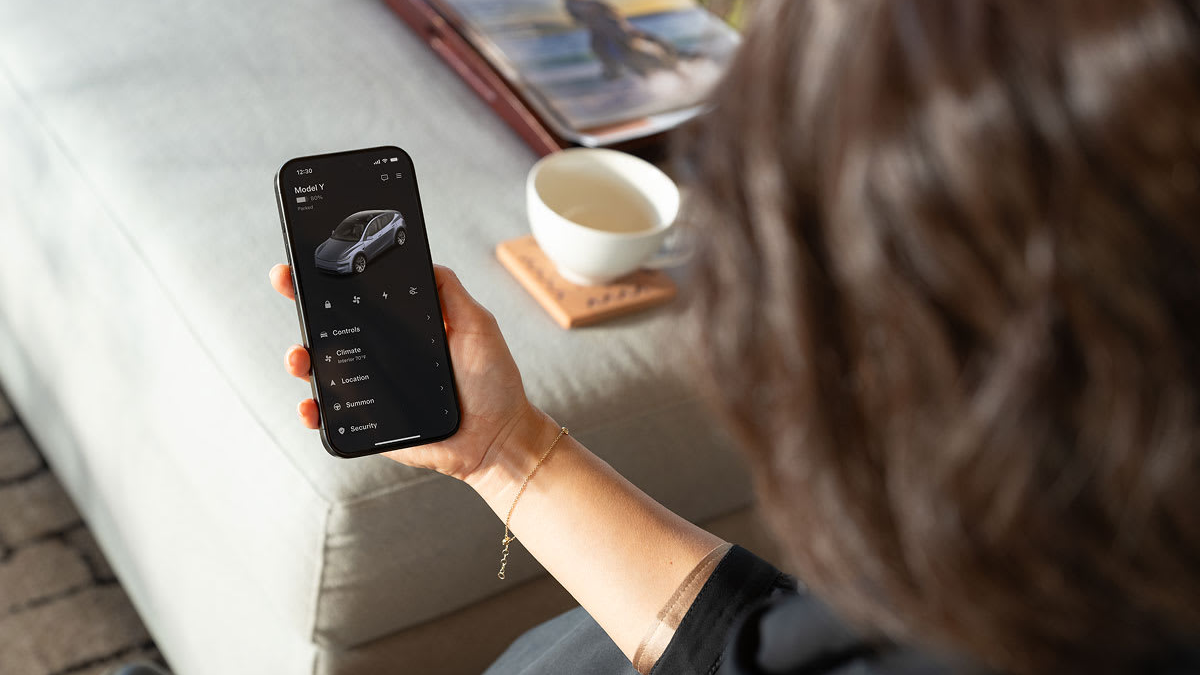
- Open-car alerts: Tesla documents app notifications for an open door, trunk or window, or an unexpectedly unlocked vehicle.
- Unlock on Park: this separate setting can unlock all doors when Park is engaged; owners should review it alongside Child Lock behavior.
What Remains Unconfirmed
The reviewed documents do not establish that every Tesla model, model year, market, seat layout or software build exposes identical menus. The separate Model Y rear-seat lock is not presented here as a universal feature for Model 3, Model S, Model X or Cybertruck.
An enabled setting also does not prove that every physical latch, sensor, phone connection or notification channel is functioning. Owners must check the exact vehicle manual, confirm the visible setting state, test the intended rear door while parked and verify that the app can receive notifications.
Why It Matters
Family safety settings are most useful when configured before a trip. The Both, Left and Right choices let an owner match the door control to the seating plan, while the separate Model Y seat lock addresses powered seat movement rather than door opening.
The open-car alert is a useful second layer, but it should remain an alert—not the primary locking habit. Tesla's own support page says owners remain responsible for checking the vehicle state.
What Tesla Owners Should Know
- Open the current manual. Confirm the menus for the exact model, market, seat layout and software version.
- Select the rear doors deliberately. Choose Both, Left or Right under Controls > Locks > Child Lock.
- Check Model Y seat locks separately. If shown, use Controls > Seats and review the icons beside the rear doors.
- Review Unlock on Park. Decide whether automatic all-door unlocking matches the household's use case.
- Enable Car Left Open Notifications. Then confirm the phone has Tesla app notifications and connectivity available.
- Test while parked. With an adult outside supervising, verify the intended rear interior release is blocked and normal exterior access works as expected.
- Confirm every departure. Check that doors and trunks are fully closed and the vehicle shows a locked state; do not rely only on an alert.
Tesstudio Analysis
Tesstudio scores this dated Owner Explainer at 73.0. Source authority and owner usefulness are high because the control paths and boundaries come from current Tesla manuals and Tesla support. Timeliness and event magnitude are lower because this is standing guidance, not a same-window feature launch.
The practical rule is to treat the three layers separately: rear-door release control, Model Y rear-seat movement control and phone notification. That avoids assuming one setting covers every rear-cabin action or every vehicle state.
Related Tesla News Resources
For access credentials and backup entry, see Tesstudio's Phone Key and key-card guide. No Related Gear module is included because the cited documentation does not establish a specific accessory need.
Sources & Reporting Notes
- Tesla Model 3 Owner's Manual: Doors — primary source for rear-door Child Lock choices, Car Left Open Notifications and Unlock on Park.
- Tesla Model Y Owner's Manual: Doors — primary source for rear-door Child Locks, separate rear-seat locks and their front-control boundary.
- Tesla Support: Vehicle Keys — current support summary for Child Locks, Driver Door Unlock Mode and open-car notifications.
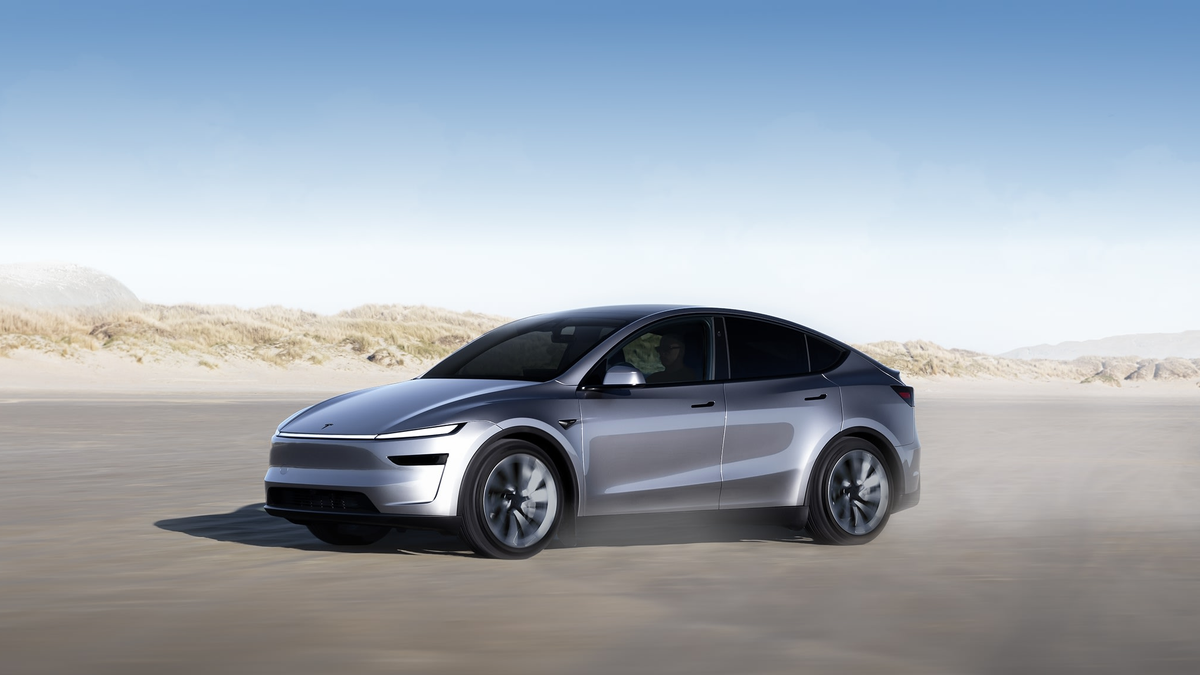
Reporting note: This mandatory-fallback Owner Explainer is dated 2026-11-04 in America/Los_Angeles and does not present the underlying guidance as a new announcement. Both visuals are official Tesla product assets and are clearly illustrative rather than touchscreen evidence. Owners should check the exact vehicle manual before relying on any menu path.
Update & Correction Log
2026-11-04: Initial fallback publication. The article separates rear-door Child Locks, Model Y rear-seat locks and open-car notifications and preserves model, market and software boundaries.


댓글 남기기
이 사이트는 hCaptcha에 의해 보호되며, hCaptcha의 개인 정보 보호 정책 과 서비스 약관 이 적용됩니다.