
Owner Explainer: Tesla Auto Shift (Beta), Drive and Reverse
Owner Explainer · Current Tesla Primary Guidance
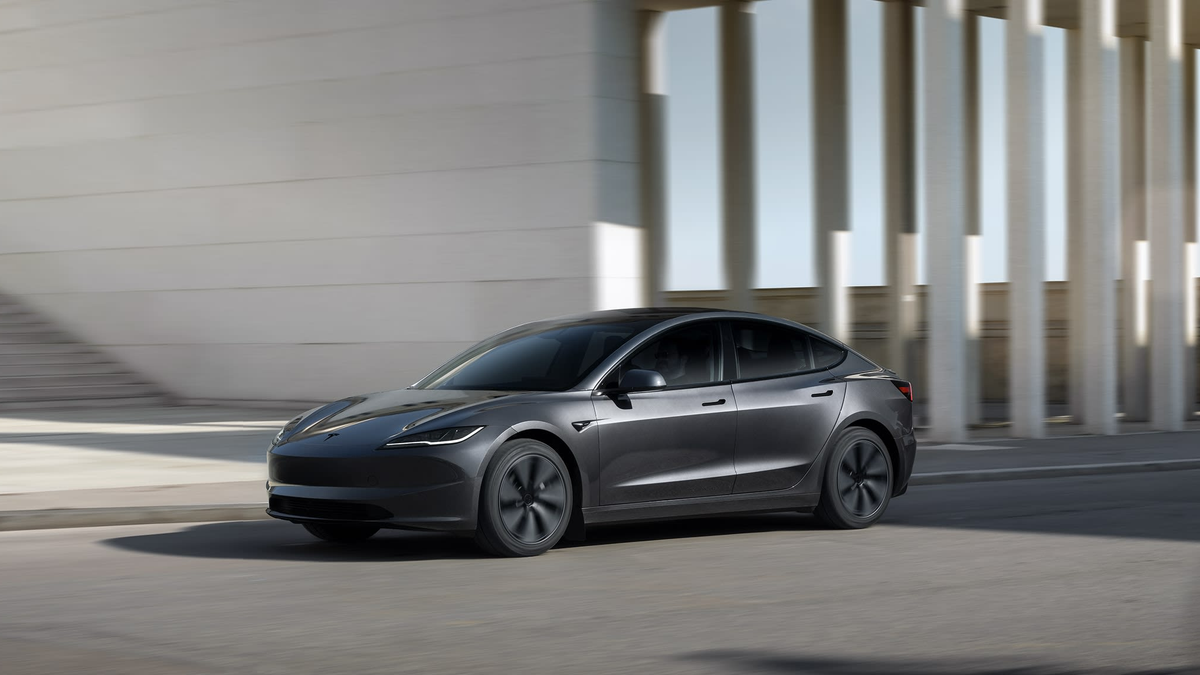
Tesla Auto Shift (Beta) can choose Drive or Reverse from Park—and on supported vehicles can assist with direction changes during low-speed maneuvers. It is disabled by default, availability varies, and the driver must confirm the selected direction before pressing the accelerator. If the selection is wrong, keep the brake pressed and shift manually.
30-Second Brief
- This dated Owner Explainer reviews current Tesla manuals on November 3, 2026 in America/Los_Angeles; it is not a claim that Tesla announced Auto Shift today.
- Tesla describes Auto Shift (Beta) as an optional convenience feature that may not be available on every vehicle, market or software version.
- The “from Park” setting selects Drive or Reverse when the documented conditions are met; the broader “On” setting can also assist with certain low-speed direction changes.
- The driver must buckle the seat belt, press the brake, close doors and trunks, and confirm the displayed direction before accelerating.
- A wrong or unavailable selection can be overridden with the touchscreen drive-mode strip while the brake is pressed.
- Tesla says the feature does not operate in some modes and situations, including examples such as Valet, Track, Creep or Trailer Mode.
What Happened
Tesla's current owner manuals document two related behaviors: Auto Shift out of Park, which proposes Drive or Reverse when leaving Park, and Auto Shift (Beta), which on some supported vehicles can also assist with low-speed direction changes during maneuvers such as multi-point turns or reversing out of a parking space.
The manuals make the boundary clear: this is convenience logic, not permission to accelerate without checking. The vehicle uses detected surroundings to propose a direction, while the driver remains responsible for reading the display, checking the actual scene and overriding the selection when necessary.
What Is Confirmed
- Beta status: Tesla labels Auto Shift as Beta and says it is disabled by default.
- Availability varies: market region, configuration, purchased options and software version can affect whether the setting appears and how it behaves.
- From Park: the vehicle can select Drive or Reverse when Auto Shift is enabled, the seat belt is fastened, the brake is pressed, doors and trunks are closed and other listed conditions are met.
- Broader On setting: supported vehicles can assist with shifts between Drive and Reverse during certain low-speed maneuvers.
- Manual override: Tesla tells drivers to press the brake and use the touchscreen drive-mode strip if the selected direction is wrong or the feature is unavailable.
- Mode exclusions: Tesla lists examples where Auto Shift is not allowed, including Valet, Track, Creep and Trailer Mode.
- Driver duty: Tesla repeatedly instructs the driver to confirm the selected direction, remain attentive and monitor the surroundings before moving.
What Remains Unconfirmed
The source pages do not establish one universal hardware list or one identical menu for every Tesla. A current Model 3 or Model Y manual can show Controls > Dynamics, while Model S documentation can use Controls > Pedals & Steering. The vehicle's own touchscreen manual and controls are the controlling reference.
Auto Shift availability does not prove that the vehicle understands every driveway, parking bay, curb, obstacle or unusual scene. A proposed direction is not a guarantee that the path is clear, and this article does not independently test selection accuracy.
Why It Matters
Removing a physical shift stalk changes a familiar habit. Auto Shift can reduce touchscreen interaction, but a direction error can have immediate consequences in a garage, driveway or parking space. The safest mental model is “proposal plus confirmation,” not autonomous intent.
The manual override also matters. Owners should know how to reveal and use the drive-mode strip before they need it, and should keep the brake applied until the intended direction is clearly displayed.
What Tesla Owners Should Know
- Check eligibility in the car. Look for Auto Shift in Controls > Dynamics or the model-specific menu named in your touchscreen manual.
- Start with from Park. If both settings exist, understand that “from Park” is narrower than the full “On” behavior.
- Meet the conditions. Buckle the driver's seat belt, close doors and trunks, press the brake and read the displayed drive mode.
- Look outside the screen. Check mirrors, cameras, blind spots, people, pets, curbs and obstacles before moving.
- Override deliberately. If Drive or Reverse is wrong, keep the brake pressed and use the drive-mode strip to select the intended mode.
- Expect exclusions. Valet, Track, Creep, Trailer and other states can prevent Auto Shift from appearing.
- Use the matched manual. Menu names, secondary selectors and supported behavior vary by model, build, market and software.
Tesstudio Analysis
Tesstudio scores this dated Owner Explainer at 73.5. Source authority and factual confidence are high because every operational claim is bounded to current Tesla owner manuals. Timeliness and event magnitude are lower because this is standing guidance, not a same-window product launch.
The practical rule is simple: let Auto Shift reduce a gesture, never a safety check. A driver who confirms the mode and knows the manual override gains convenience without treating a Beta proposal as a command.
Sources & Reporting Notes
- Tesla Model 3 Owner's Manual: Shifting — primary source for the drive-mode strip, Auto Shift (Beta), conditions, override and driver warning.
- Tesla Model Y Owner's Manual: Shifting — primary vehicle-specific source for supported maneuvers and availability limits.
- Tesla Model S Owner's Manual: Shifting — primary source for Auto Shift settings, readiness behavior and excluded modes.
- Tesla Model 3 Owner's Manual: Starting and Powering Off — primary source for Auto Shift out of Park and the instruction to verify direction before accelerating.
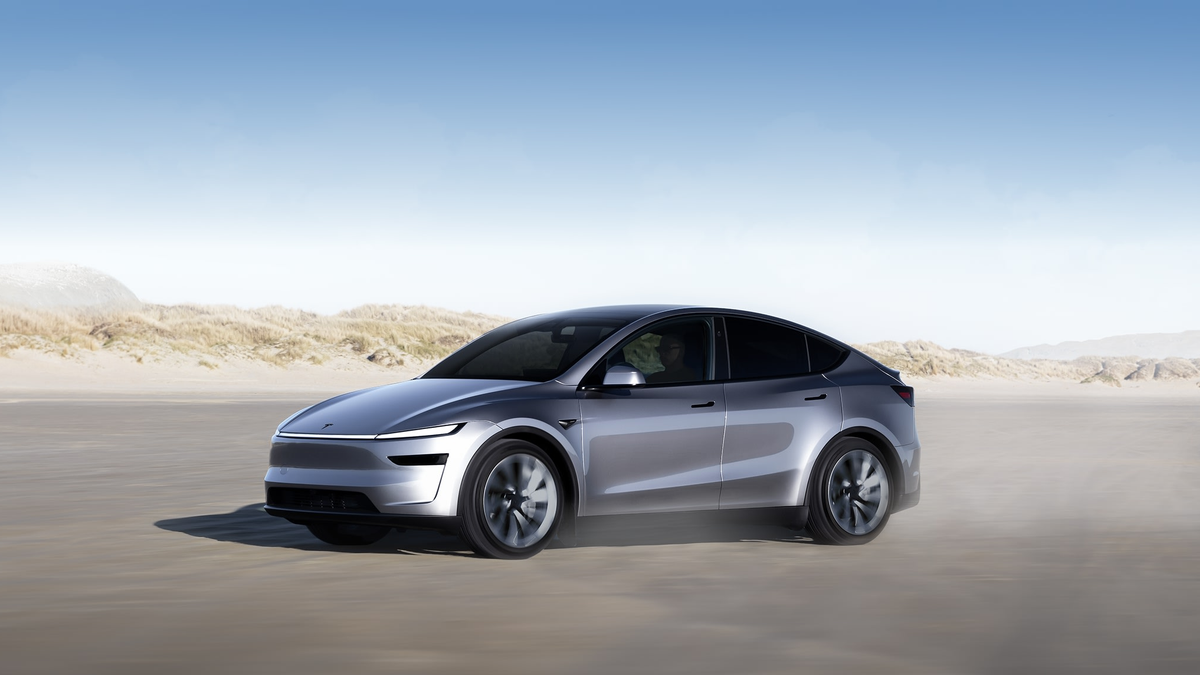
Reporting note: Tesla's manuals were readable through the current lightweight Web index; direct project HTTP requests were access-restricted in this run. Both images are official Tesla product assets and are clearly illustrative rather than UI evidence. No community anecdote is used as a factual source.
Update & Correction Log
November 3, 2026 in America/Los_Angeles: Initial fallback publication. The article distinguishes “from Park” from broader Auto Shift behavior, preserves eligibility limits and centers Tesla's confirmation and manual-override warnings.


댓글 남기기
이 사이트는 hCaptcha에 의해 보호되며, hCaptcha의 개인 정보 보호 정책 과 서비스 약관 이 적용됩니다.