
Owner Brief: Tesla Supercharger Waitlist, Congestion Fees and Live Pricing
Owner Brief · Current Tesla Support Guidance
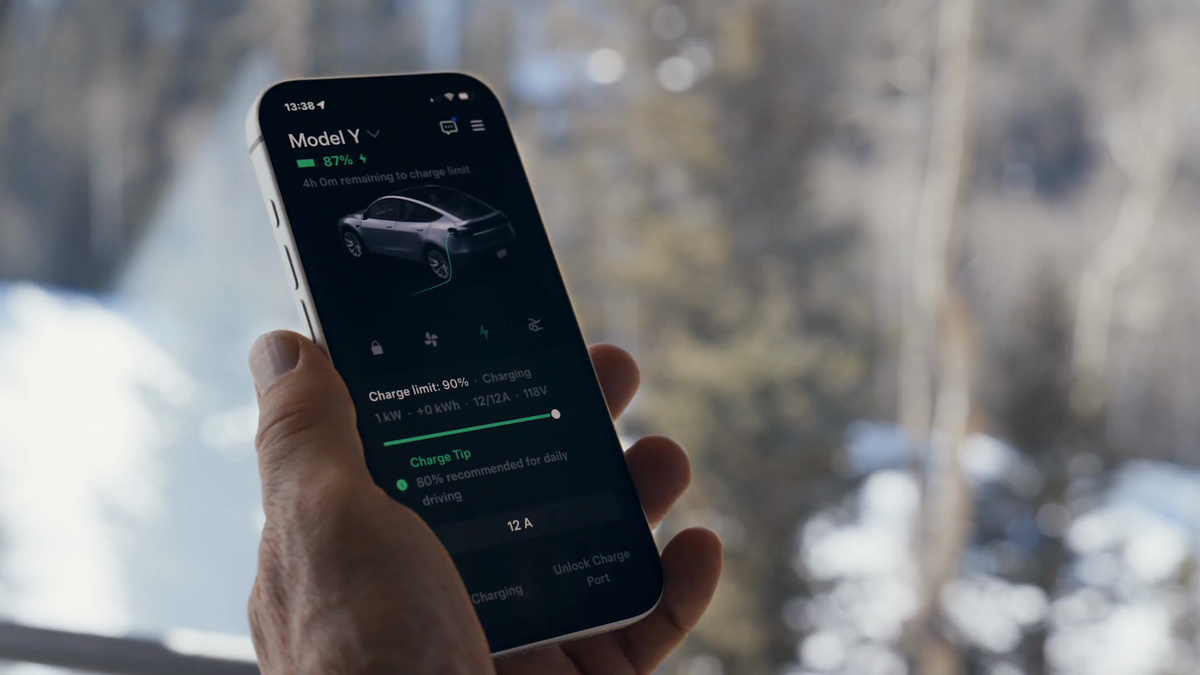
At supported busy sites, Tesla Supercharger Waitlist can place drivers in a virtual queue and show an estimated wait. Separately, congestion fees can apply when a busy site's battery threshold is reached or charging has ended, after a five-minute grace period. At sites with live pricing, the displayed rate can respond to occupancy, but Tesla says the price is fixed by plug-in time and does not change mid-session.
30-Second Brief
- This is a dated owner brief based on Tesla's current support documentation, not a claim that all three programs launched today.
- Waitlist is currently available at select Supercharger sites and appears when a supported location reaches capacity.
- Drivers can join the virtual queue and see an estimated wait time; if the site is not near capacity, normal charging continues without the queue.
- Congestion fees can apply at a busy site when the battery is at or above the site's stated threshold, or when charging has ended.
- Tesla describes a five-minute grace period before congestion fees accrue.
- Live pricing can vary with occupancy, but Tesla says prices do not change mid-session.
What Happened
Tesla's current Supercharging support page now brings three congestion-management tools into one owner workflow: virtual queuing at select full sites, fees intended to discourage occupying a busy stall beyond the useful charging window, and occupancy-sensitive pricing at certain locations.
The practical point is not that every Supercharger uses these tools. Availability, thresholds and prices are site-specific. Owners should read the site's card in the vehicle or Tesla app before arriving and again before plugging in.

What Is Confirmed
- Waitlist scope: Tesla says Waitlist is currently available at select Supercharger sites.
- Queue trigger: when a supported site reaches capacity, an owner can join the virtual queue, hold a place and see an estimated wait time.
- Congestion-fee trigger: Tesla says fees can accrue at a busy site when the battery is at or above the congestion-fee level, identified on its general support page as 80%, or when the charging session has ended.
- Grace period: Tesla says fees are waived for the first five minutes, then billed until the vehicle is moved.
- Live pricing: Tesla says certain sites use occupancy-based on-peak and off-peak pricing rather than only predefined time windows.
- Session price: the charging price is determined at plug-in and does not change during that session.
What Remains Unconfirmed
Tesla's general page does not establish that a specific site will offer Waitlist, use live pricing or charge a particular fee at the time an owner arrives. It also does not guarantee the accuracy of every estimated wait time. Site occupancy can change quickly, and the controlling price and threshold are the values displayed for that location.
This brief does not infer a nationwide rollout date or claim that a current support-page crawl proves a same-day launch. It also does not treat free Supercharging as an exemption from congestion-related fees; Tesla's support language says such fees can still apply.
Why It Matters
These tools affect three different decisions: where to wait, when to move the vehicle and when to begin a paid session. Confusing them can lead an owner to miss a queue position, expect a rate that no longer applies before plug-in, or incur a fee after the useful charging period.
For route planning, the best source remains the live site card. Network-wide summaries cannot replace the location's displayed hours, occupancy, price, maximum power and fee rules.
What Tesla Owners Should Know
- Open the site card before arrival. Check whether Waitlist is offered, current availability, pricing and any limited hours.
- Follow the queue prompt. At a supported full site, join the virtual queue rather than occupying a non-charging stall or assuming physical line order controls.
- Review the congestion threshold. The site card is the controlling notice for the level and fee.
- Move promptly. Tesla says the grace period is five minutes; do not treat it as extra charging time.
- Confirm the price before plugging in. Live pricing may respond to occupancy. The plug-in time fixes the rate for that session.
- Keep payment details current. Tesla requires a designated Supercharging payment method and says unpaid balances can prevent charging.
- Report site problems in the app. Tesla's support page gives an app workflow for reporting access, cleanliness or damaged-stall issues.
Tesstudio Analysis
Tesstudio scores this Owner Brief at 74. The operational rules are directly readable in current Tesla primary documentation and are useful to owners, while the score remains below normal fact-news thresholds because there is no verified same-window nationwide launch event.
The clean mental model is: Waitlist manages arrival order, congestion fees manage stall turnover, and live pricing manages demand. Owners should not assume one tool implies the others are active at the same site.
Sources & Reporting Notes
- Tesla Support — Supercharging — primary source for Waitlist scope, congestion-fee rules, live pricing, payment and site-reporting guidance.
- Tesla Support — Charging — primary overview of Trip Planner, charging options and Supercharger workflows.
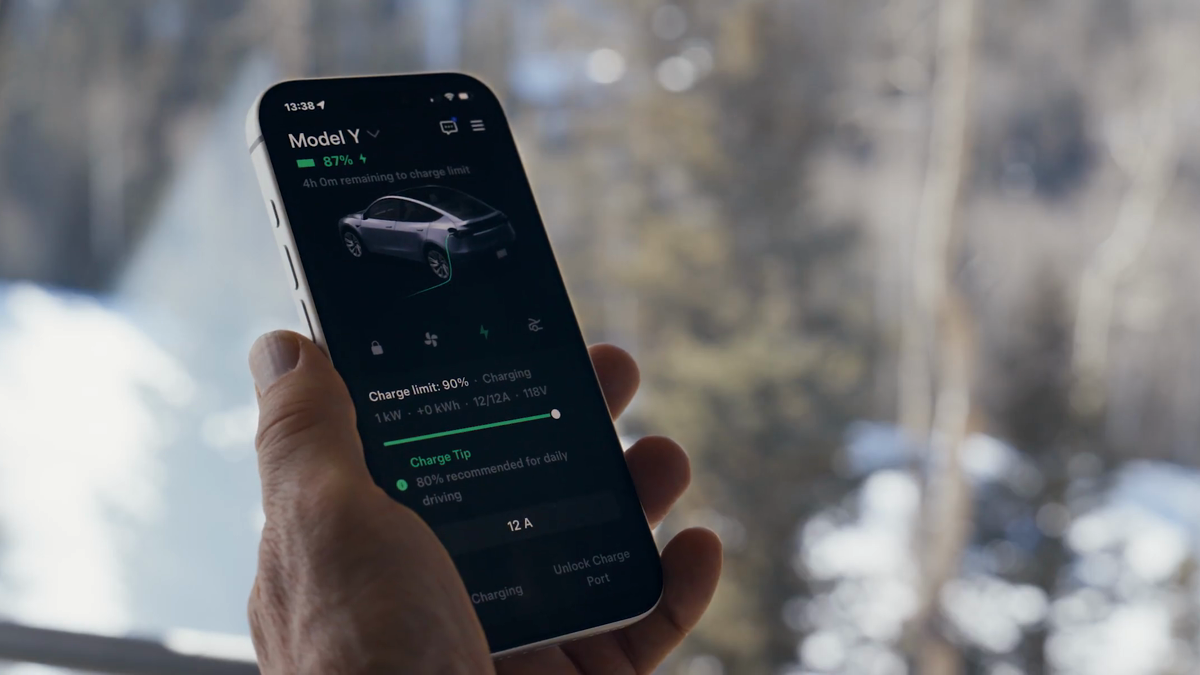
- Tesla — Convenience Features — official source page for the two illustrative video frames reused in this brief.
Reporting note: This dated Owner Brief was published on October 19, 2026 in America/Los_Angeles after the hourly fallback threshold was reached. It does not present the underlying support guidance as a same-day launch. Prices, thresholds and availability must be verified on the live site card.
Update & Correction Log
October 19, 2026: Initial publication. The brief separates virtual queuing, congestion fees and live pricing, and limits all availability and price statements to Tesla's current site-specific guidance.



Laisser un commentaire
Ce site est protégé par hCaptcha, et la Politique de confidentialité et les Conditions de service de hCaptcha s’appliquent.