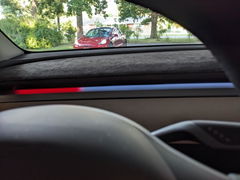
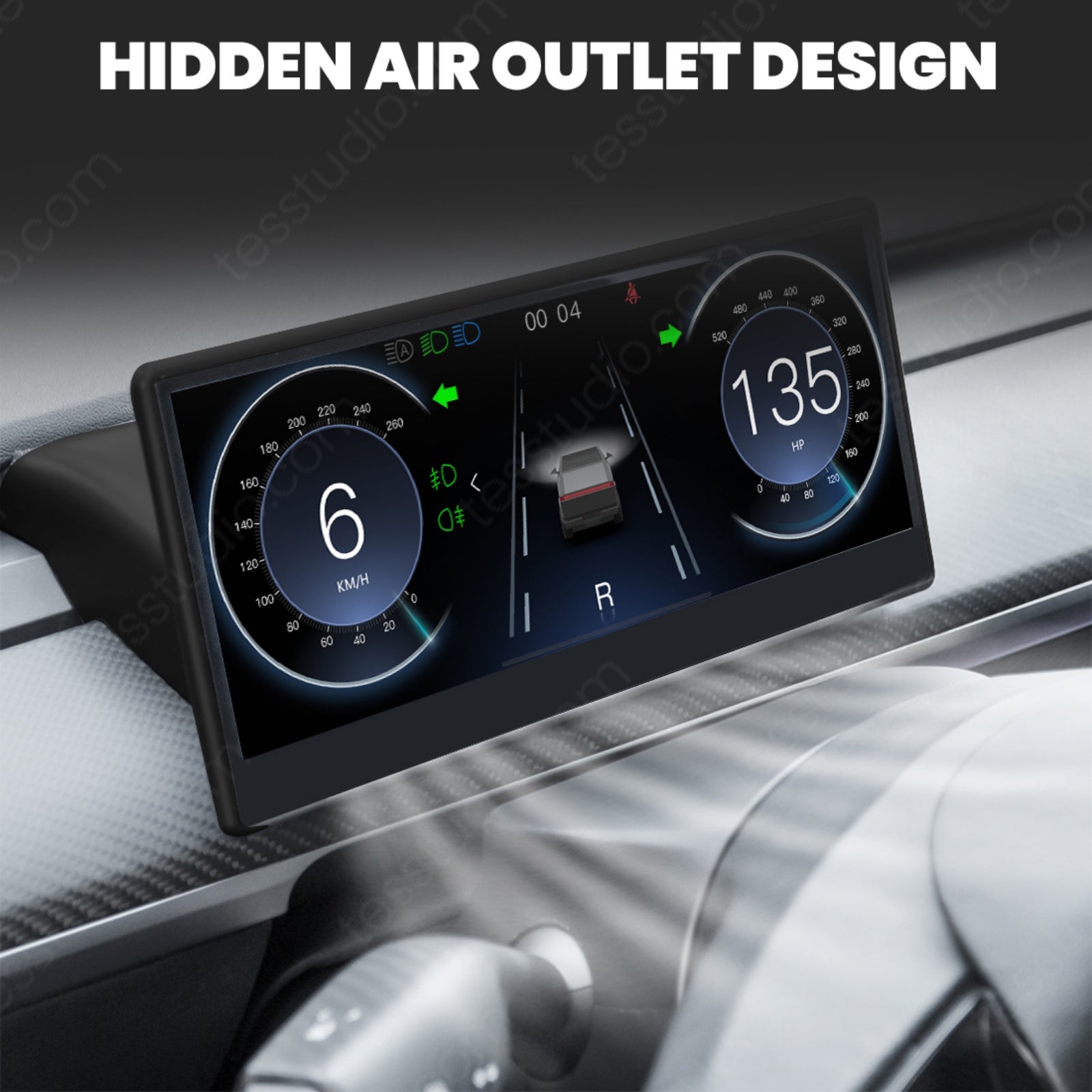
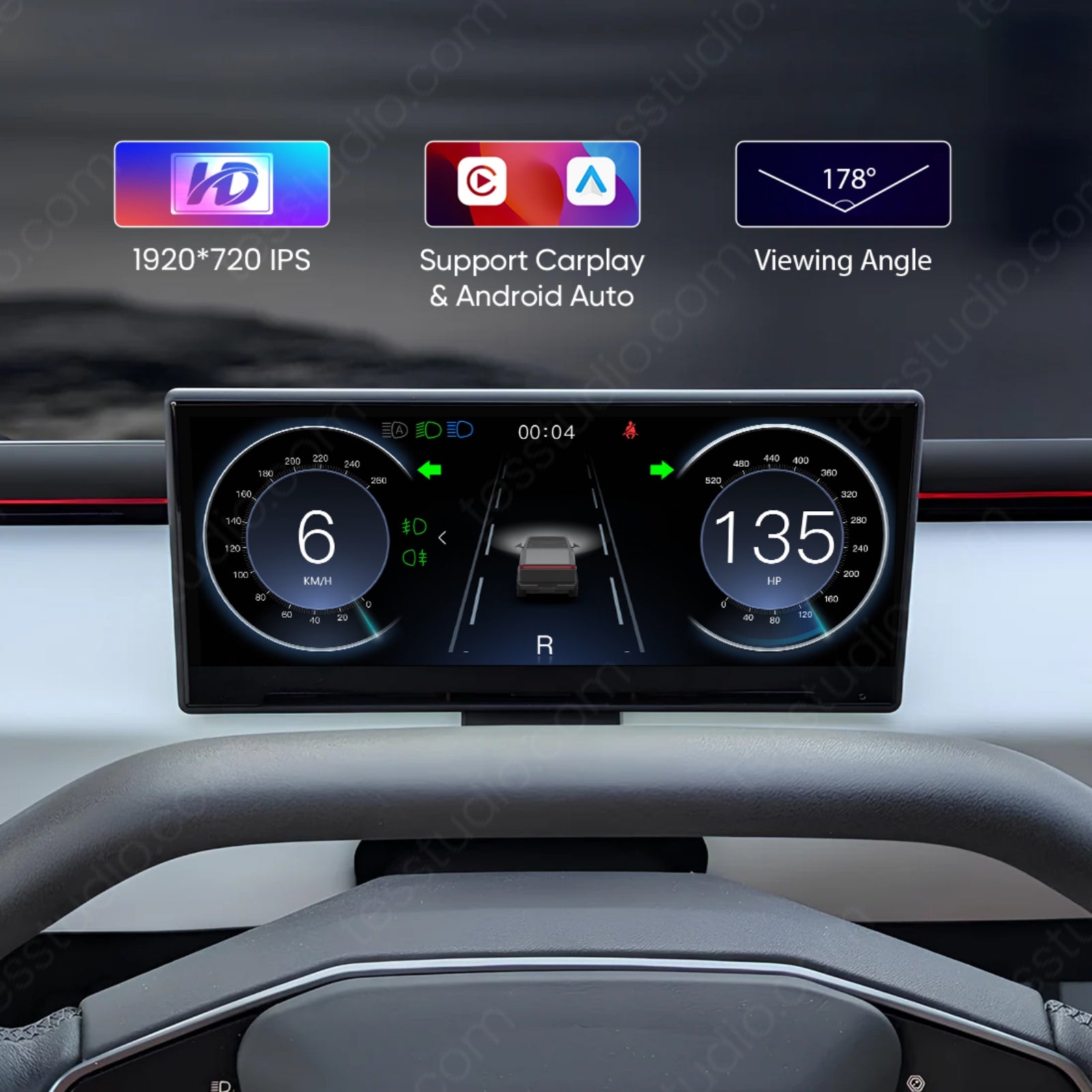
Dashscreen Dashboard Screen C9 For Cybertruck
Warranty-friendly installation

Check the selected Tesla model, model year, and option before checkout. If this product has a Car Model or Compatible Model selector, choose the option that matches your vehicle.
- Use the product images and variant name to confirm the correct version.
- If you are unsure about fitment, contact Tesstudio with your Tesla model and production year before ordering.
Tesstudio installation support is available for Tesla owners who need help choosing, installing, or troubleshooting accessories.
Most Tesstudio accessories are designed for straightforward DIY installation. For powered upgrades, wiring, lighting, or large exterior parts, professional installation may be recommended.
Local installation and technical support
- Address: 14761 Franklin Ave # G, Tustin, CA 92780
- Technical support: +1 (657) 543-9876 or +1 (657) 565-1007
- Support hours: Monday-Friday, 8:30 AM-5:30 PM
The phone numbers above are for technical installation support only. For orders, shipping, returns, or general customer service, contact:
- Email: support@tesstudio.com
- WhatsApp: +1 714 317 9647
Tesstudio checks fit, material, and daily-use durability before listing products for Tesla owners.
- Eligible products include warranty support for non-human damage issues.
- If a product arrives damaged or does not fit as expected, keep the packaging and contact us with photos so we can help quickly.
In-stock items are usually processed within 1-2 business days. Delivery time depends on destination, product size, and stock status.
- Orders over $99 qualify for free standard shipping where available.
- Oversized, remote-area, pre-order, and special-market items follow the terms shown on the product page.
- Tracking is provided after dispatch.
Need help before or after purchase?
Contact Tesstudio support:
WhatsApp
+1 714 317 9647
Optionen auswählen


Product Installation & Review
See how it fits, installs, and performs before you buy.
Cybertruck dashboard screen upgrade
C9 CarPlay Dashboard Screen and S8 Streaming Mirror for Tesla Cybertruck
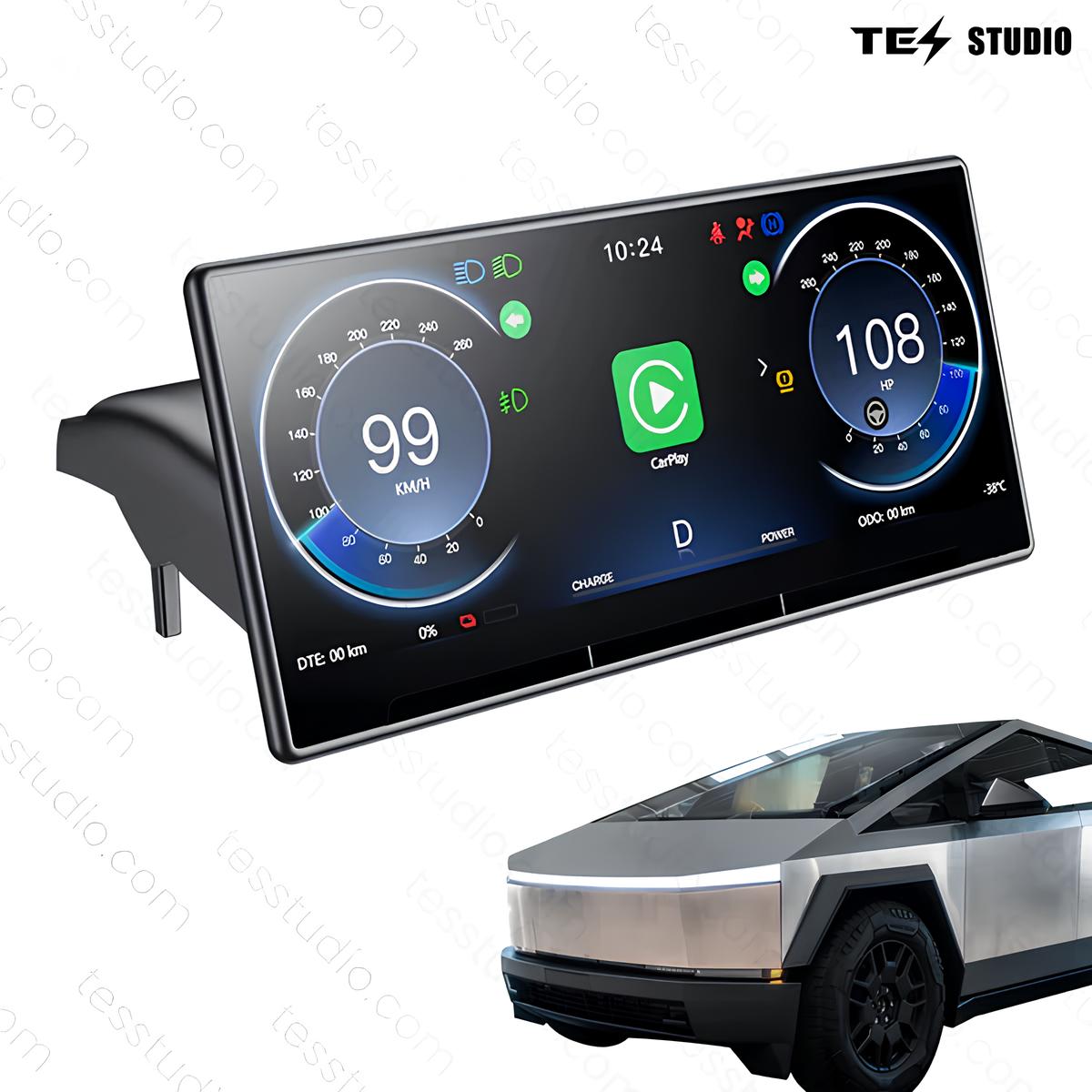
This Cybertruck screen upgrade page is for drivers who want key driving data, phone navigation, and a cleaner cockpit display setup without changing the factory center screen. Choose the C9 Carplay Dashboard or the Cybertruck Streaming Rearview Mirror - S8 from the live selector before checkout.

What this Cybertruck screen setup solves
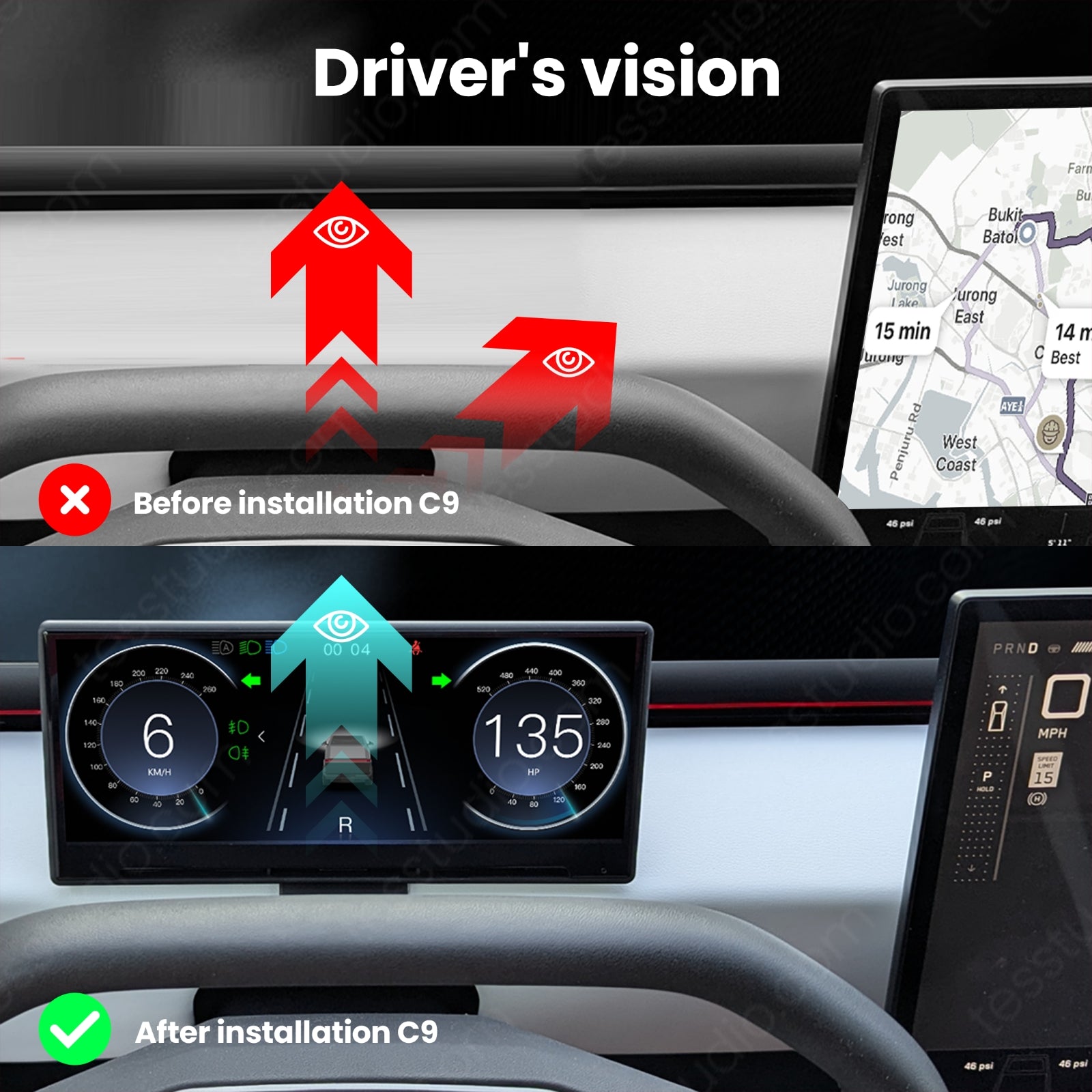
Cybertruck drivers often want more driver-facing information without crowding the cabin. This setup gives the cockpit a dedicated screen option for navigation, vehicle data, and easier daily viewing.
Less center-screen checking
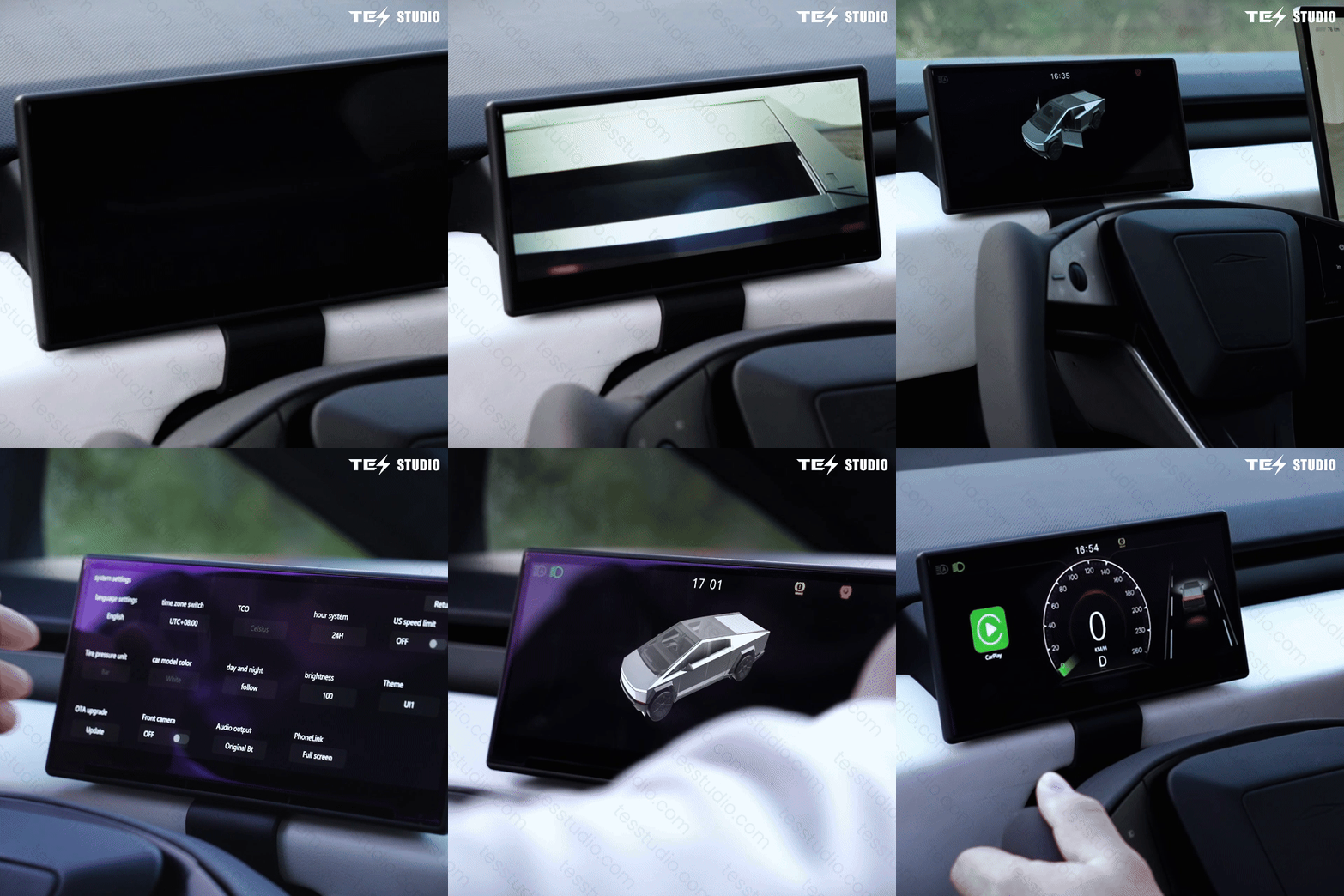
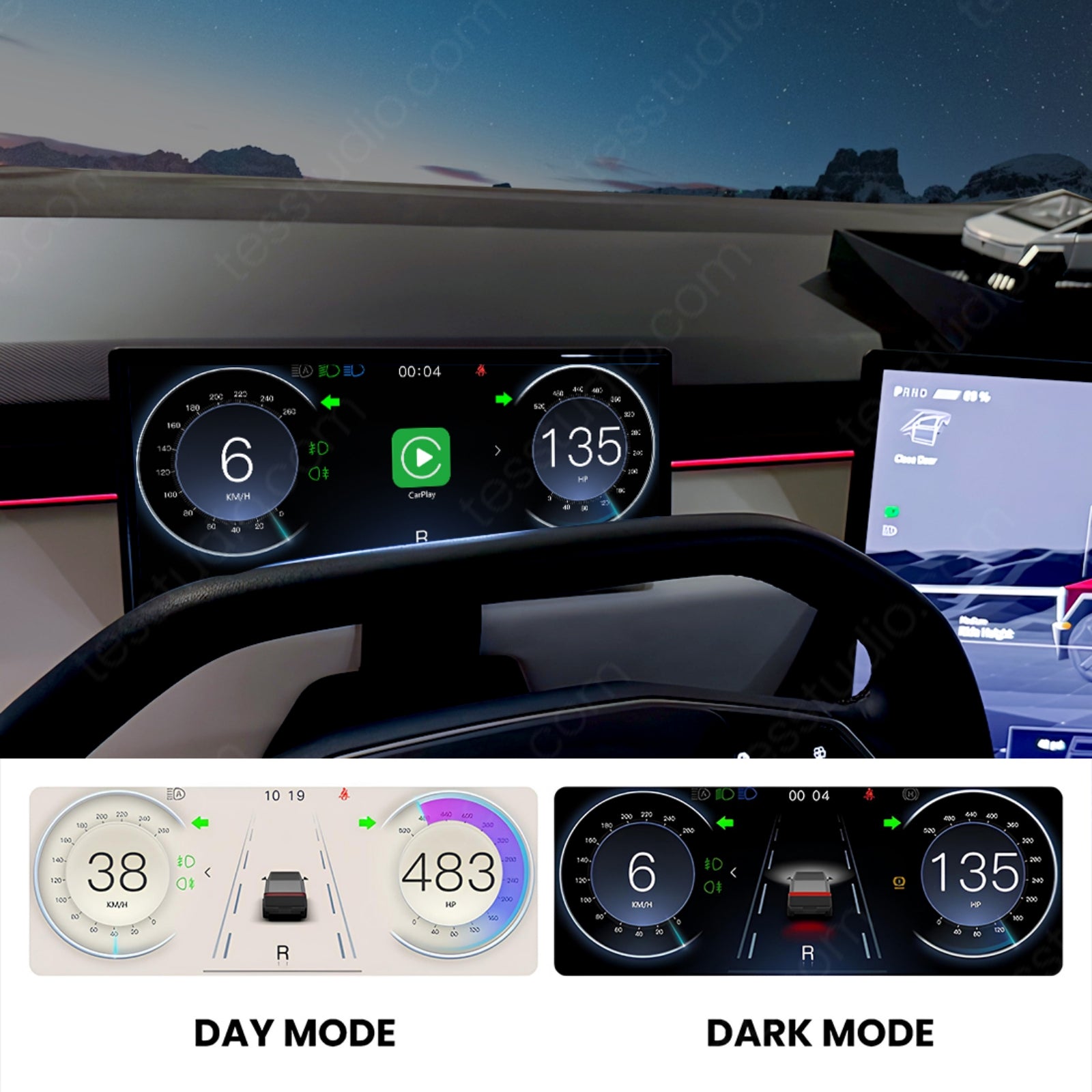
Speed, battery level, range, and tire-pressure information can sit closer to the driver instead of pulling every glance back to the center display.
Cleaner phone navigation
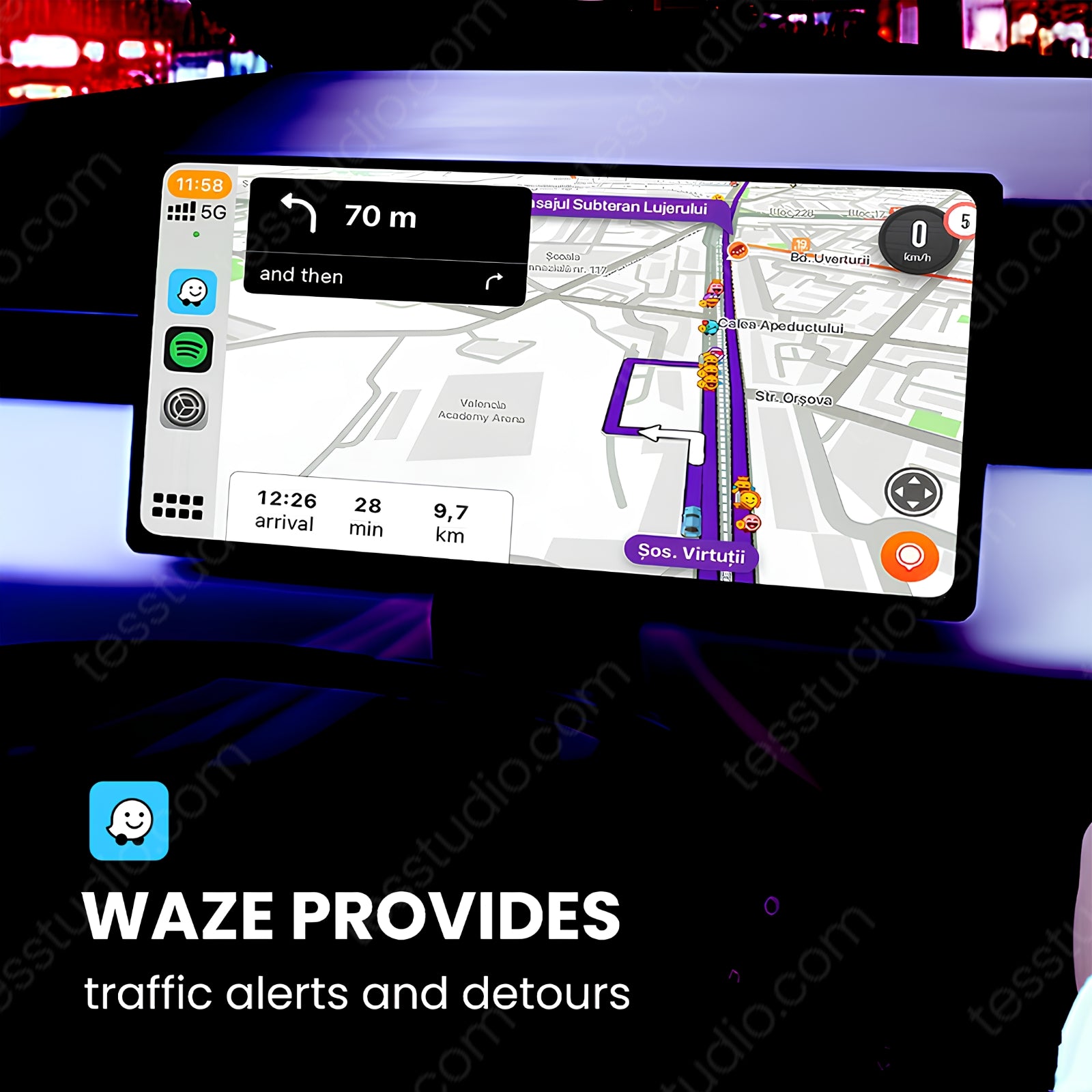
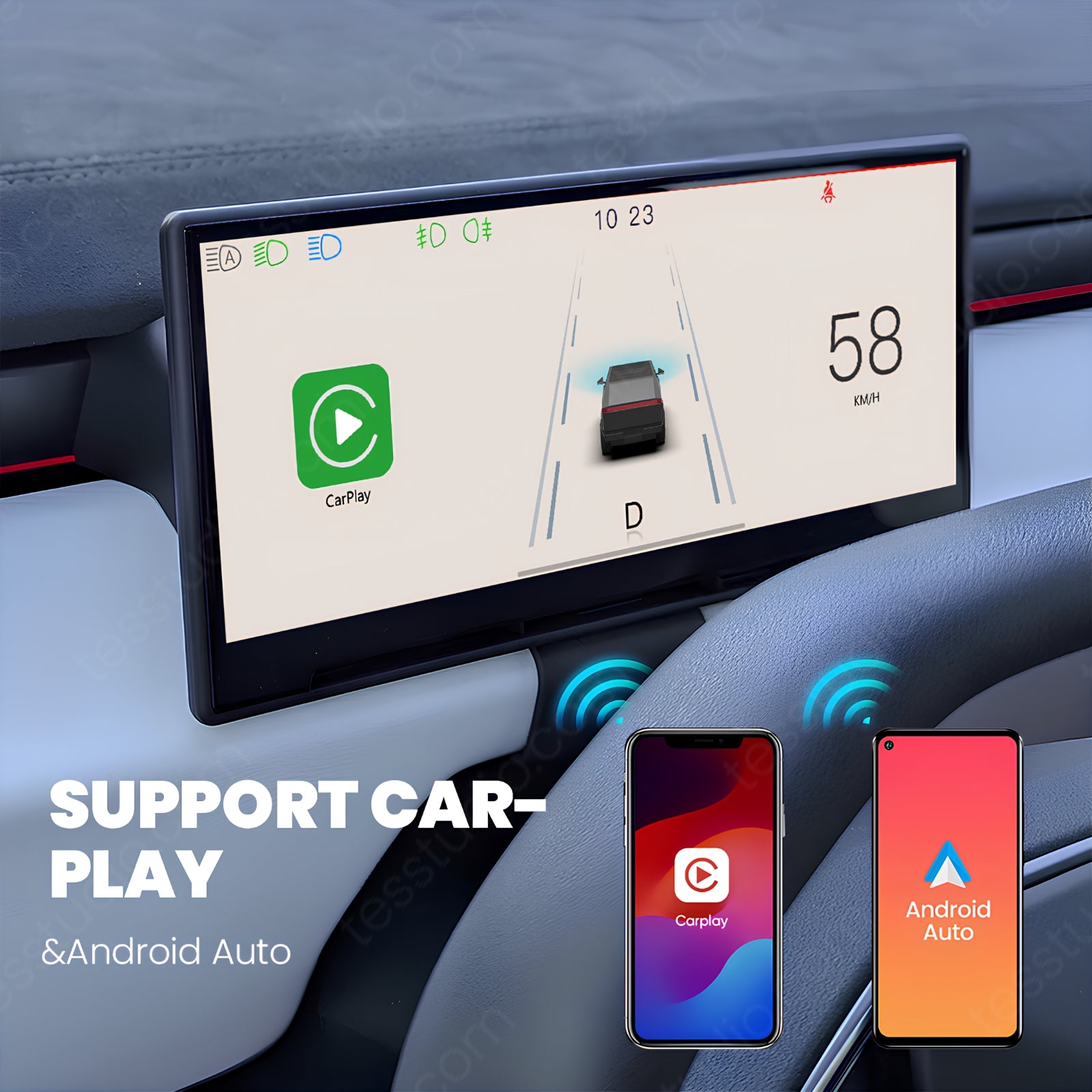
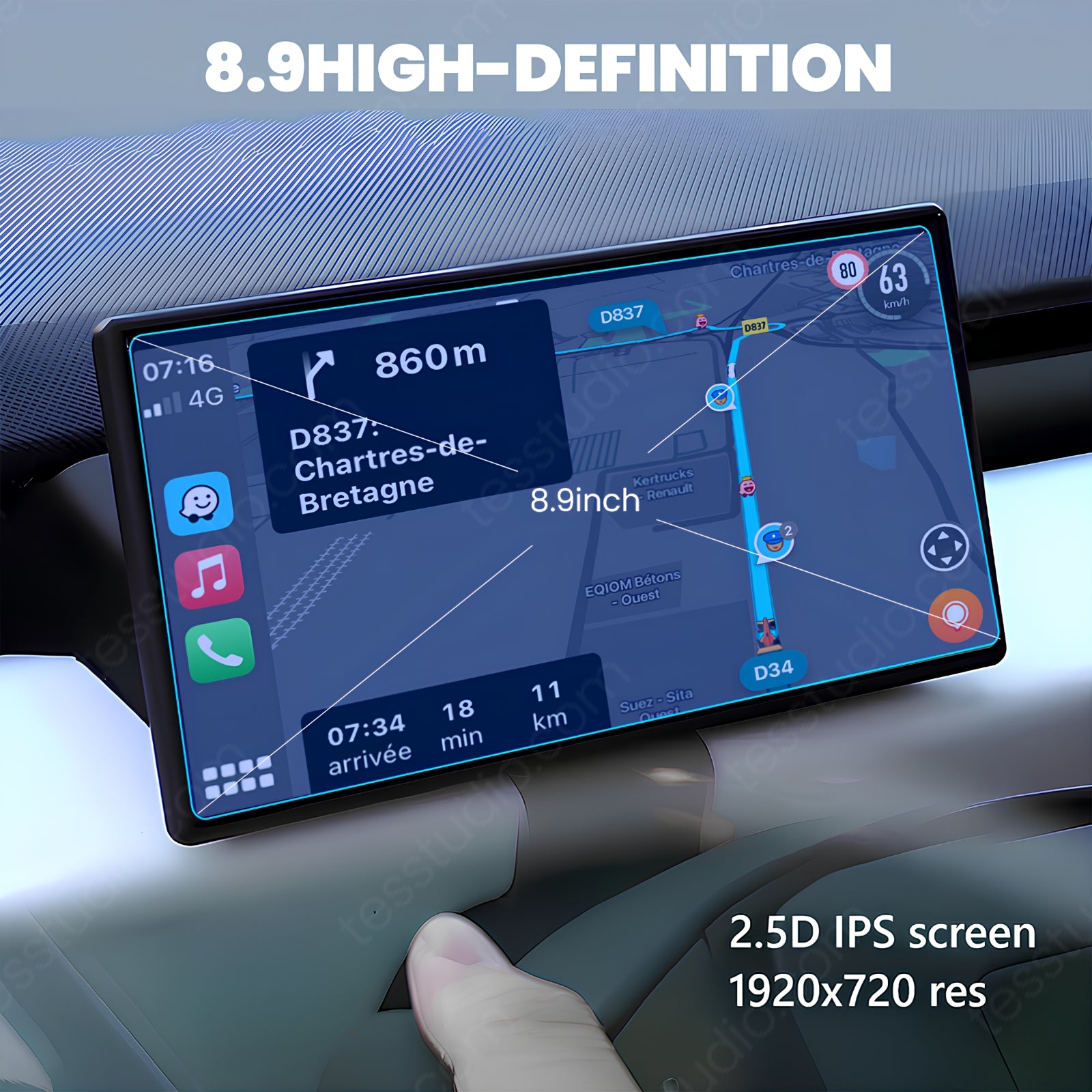
Wireless Apple CarPlay and Android Auto help keep maps, calls, music, and real-time routes in a more familiar driving layout.
More finished cockpit feel
The screen is designed for a Cybertruck-style interior upgrade while keeping factory controls and original functions in place.
Order check: choose the correct Cybertruck setup
Vehicle selection
Current live vehicle choices are Cybertruck Premium AWD 2024+ and Cybertruck Dual Motor AWD 2026.06+. Match this to your Cybertruck before checkout.
Screen selection
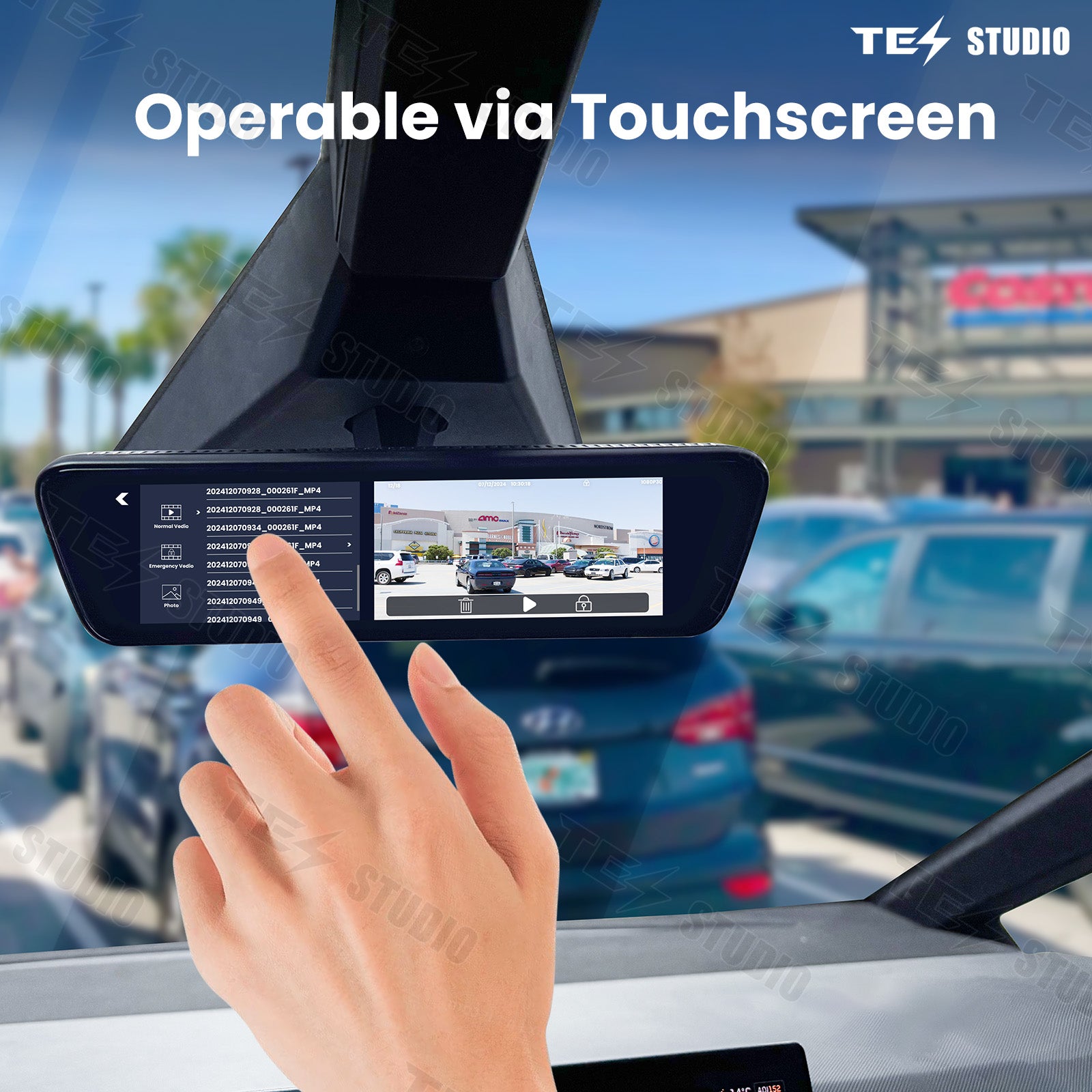
Choose C9 Carplay Dashboard or Cybertruck Streaming Rearview Mirror - S8. Use C9 for a dashboard screen upgrade, or choose S8 when you are buying the streaming rearview mirror option.


Built for safer, easier screen viewing
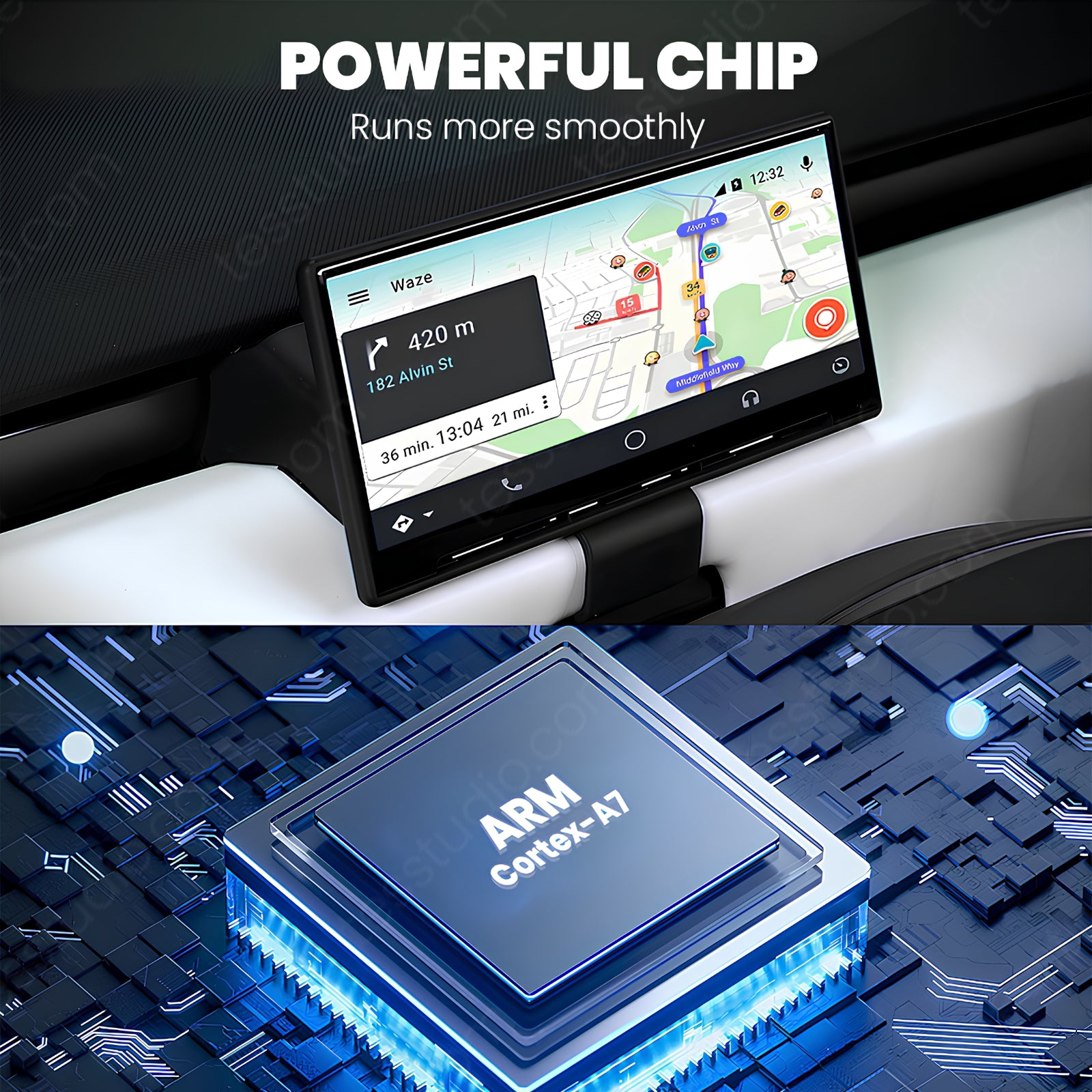
The C9 dashboard screen helps place key driving information and phone navigation where it is easier to read during daily driving. It is especially useful when you want route guidance, vehicle data, and media controls without constantly shifting attention back to the factory center screen.
- Shows speed, battery level, range, and tire-pressure information according to the current product page.
- Supports wireless Apple CarPlay and Android Auto according to the current product page.
- Plug-and-play installation is described on the current page with no wiring changes.
- Designed to retain factory controls and avoid changing original Cybertruck functions.
Fitment and product details
Install confidence
The current product page describes plug-and-play installation with no wiring changes. Review the installation manual and confirm the correct Cybertruck model and screen option before installation, especially if you are comparing the C9 dashboard screen with the S8 mirror option.
Complete your Cybertruck cockpit setup


FAQ
Ready to upgrade your Cybertruck cockpit? View this C9 dashboard screen product page.
Q&A
We provide assistance through email, live chat, and detailed installation guides. Additionally, we offer step-by-step tutorial videos featuring influencers to help you with the process.
We offer a one-year warranty (two years for some products).
Yes, the product can be removed after installation without affecting the original wiring harness of the vehicle.
We offer free returns and exchanges if there are any quality issues with the product upon receipt by the customer.