
Owner Explainer: Tesla Cabin Camera Privacy and Data Sharing
Owner Explainer · Current Tesla Primary Guidance
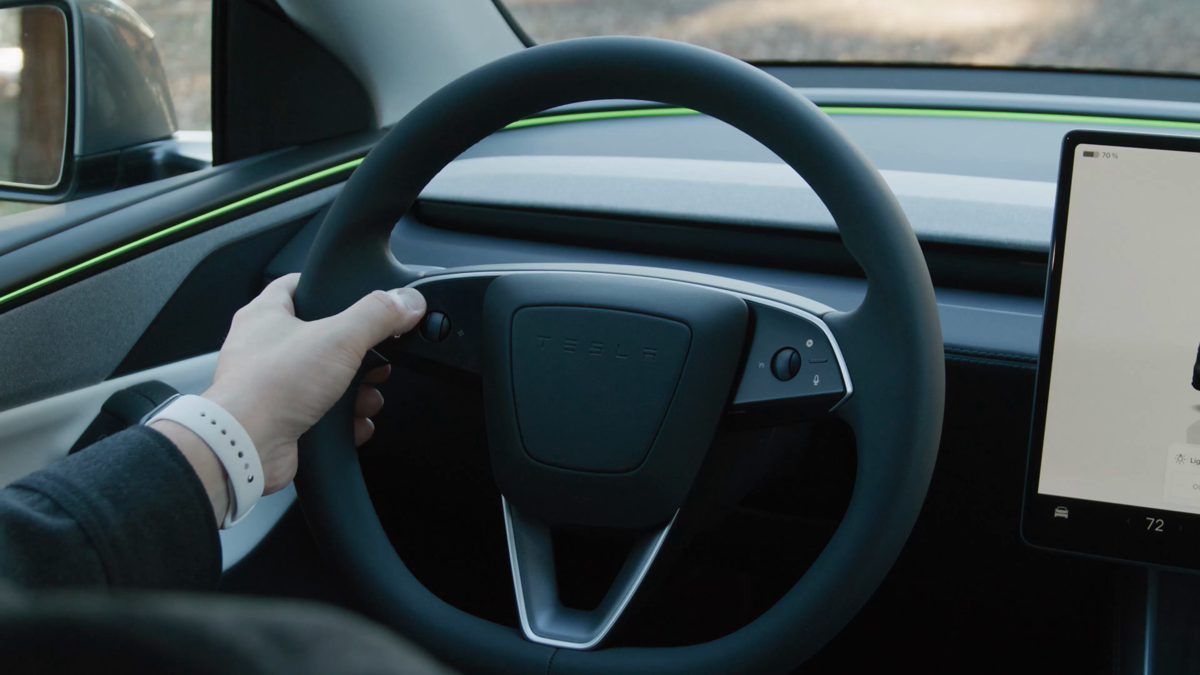
Tesla cabin camera privacy has two separate layers: the vehicle can use the camera for driver-attention features, while Cabin Camera Analytics controls optional sharing. Tesla says images and video stay in the vehicle by default; when sharing is enabled, short clips may be sent for defined safety events or camera diagnostics.
30-Second Brief
- This Owner Explainer is dated October 10, 2026 in America/Los_Angeles and summarizes current Tesla documentation; it does not claim the cabin camera changed today.
- Tesla says cabin-camera images and video do not leave the vehicle by default.
- Owners can review sharing at Controls > Software > Data Sharing > Allow Cabin Camera Analytics.
- With sharing enabled, Tesla says short clips may be transmitted for a safety-critical event; the manual also notes camera-function diagnostics as a possible route.
- Tesla says cabin-camera data is not linked to the VIN and the camera does not perform facial recognition.
What Happened
Tesla's current support, privacy and owner-manual pages separate on-vehicle camera use from optional analytics sharing. That distinction is easy to miss: turning analytics sharing off is not the same as removing every camera-assisted safety function.
This article enters the mandatory fallback ladder after more than eighteen hours without a new publication and with zero posts on the current Los Angeles day. It is a high-value owner explainer based on current primary documentation, not a same-window product announcement.
What Is Confirmed
- Default processing: Tesla says cabin-camera images and video do not leave the vehicle by default.
- Sharing control: owners can change Allow Cabin Camera Analytics under Controls > Software > Data Sharing.
- Safety-event route: when sharing is enabled and a safety-critical event occurs, short cabin-camera clips may be sent to Tesla.
- Diagnostics route: the Model 3 manual says data may also be shared when diagnostics are required for cabin-camera functionality.
- Identity boundary: Tesla says cabin-camera data is not associated with the VIN and the camera does not perform facial recognition or another identity-verification method.
- Other recordings: Tesla's privacy page says Dashcam and Sentry Mode recordings are not shared with Tesla.
What Remains Unconfirmed
The cited pages do not prove that every Tesla model, model year, market or software build exposes identical menus or uses the camera for the same feature set. Tesla expressly says availability differs by model, trim and model year.
The documentation also should not be read as a guarantee that no vehicle data ever reaches Tesla. Tesla distinguishes cabin-camera analytics from operational, diagnostic and safety-event data, and the exact data available in a privacy request can vary by jurisdiction and processing state.
Why It Matters
Owners need to know whether a feature works locally in the vehicle and whether data is transmitted. Combining those questions creates false choices: a driver can review analytics sharing without assuming that every driver-attention feature is disabled.
The distinction matters for passengers too. Tesla says the whole cabin can be captured and places responsibility on the driver to tell passengers when cabin-camera data sharing is enabled.
What Tesla Owners Should Know
- Review the current setting. Open Controls > Software > Data Sharing and inspect Allow Cabin Camera Analytics.
- Check enabled uses. Tesla directs owners to Controls > Software > Cabin Camera to view features currently using the camera.
- Inform passengers. Tesla says the entire cabin can be captured and the driver should disclose that sharing is on.
- Keep concepts separate. Cabin Camera Analytics, Dashcam and Sentry Mode have different purposes and data paths.
- Keep the lens clear. Use a clean cloth and avoid chemical or abrasive cleaners.
- Use the matched manual. Verify menus and behavior for the exact model, market and software version.
Tesstudio Analysis
Tesstudio scores this dated Owner Explainer at 73.4. Authority and owner relevance are high because the key privacy boundaries appear in three current Tesla primary records. Timeliness and event magnitude are lower because this is current guidance, not a new announcement.
The central takeaway is consent scope: analytics sharing governs whether defined cabin-camera data can leave the vehicle, while on-vehicle safety processing is a separate layer. That makes the topic suitable for fallback publication without presenting old guidance as new.
Sources & Reporting Notes
- Tesla Support: Vehicle Safety and Security Features — current camera purpose, model list, on-vehicle default and analytics-setting path.
- Tesla Model 3 Owner's Manual: Cabin Camera — primary driver-attention, data-sharing, diagnostics, identity and lens-care details.
- Tesla Support: Obtain a Copy of the Data Associated With Your Tesla Account — current privacy table and distinction among cabin camera, Dashcam and Sentry Mode records.
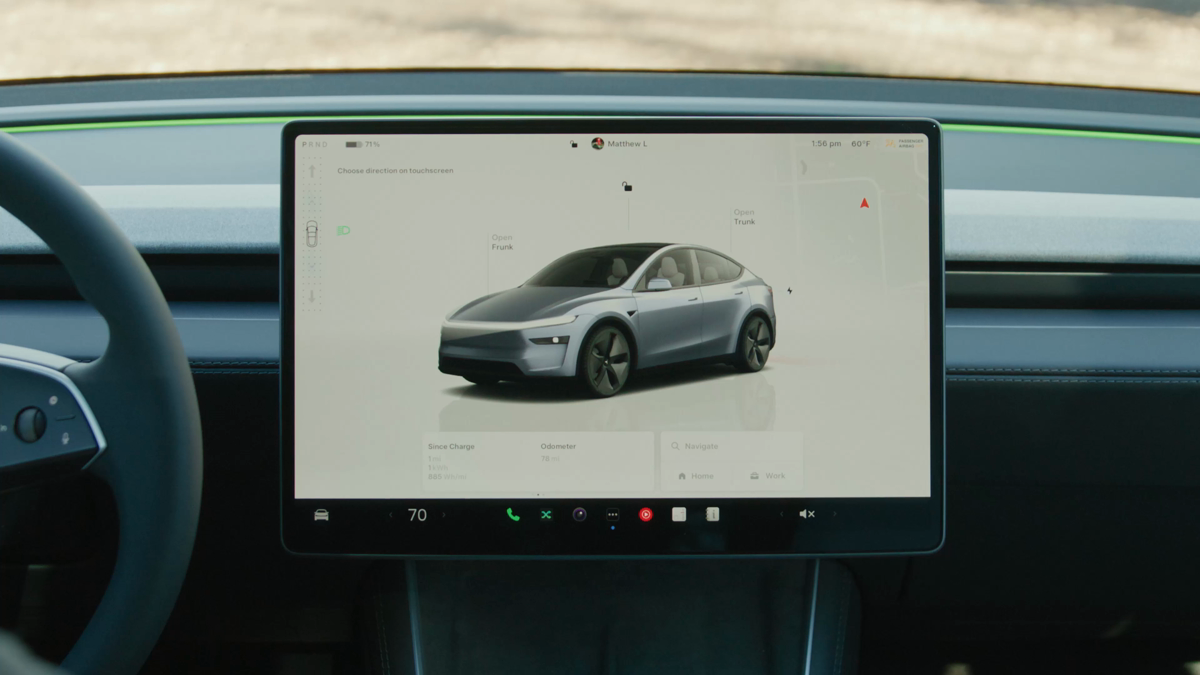
- Tesla: Driver Controls | Model Y — official video and source for both illustrative article frames.
Watch the official Tesla Driver Controls source video.
Reporting note: This mandatory-fallback Owner Explainer was published on October 10, 2026 in America/Los_Angeles after more than eighteen no-publication hours and with zero posts on the local day. Company privacy descriptions are attributed to Tesla.
Update & Correction Log
October 10, 2026: Initial publication. The article separates on-vehicle camera use from optional analytics sharing and preserves Tesla's availability and diagnostics caveats.


Leave a comment
This site is protected by hCaptcha and the hCaptcha Privacy Policy and Terms of Service apply.