
Explainer: Tesla's 2026.26 Service Mode Isolates Owner Profiles During Repairs
Dated Explainer · Tesla Service Documentation
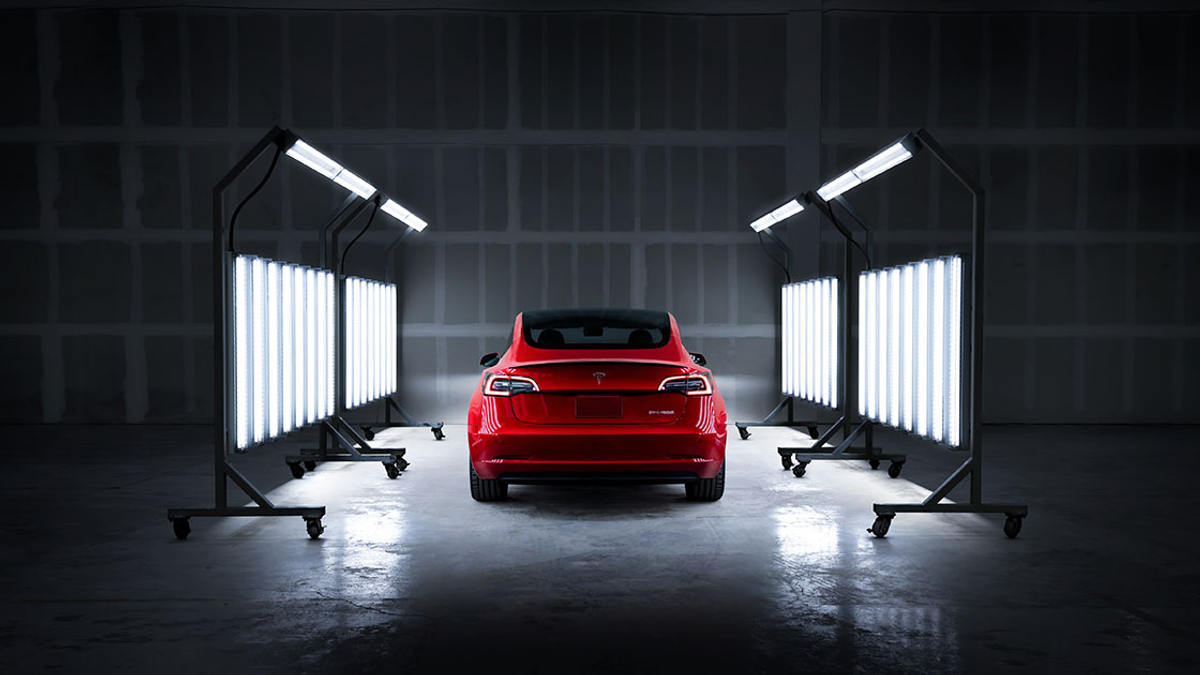
Tesla's official 2026.26 Service Mode notes say entering Service Mode now activates a default profile that helps isolate customer media accounts and settings during repair work. The same release expands Service Mode Plus Signal Viewer charts on supported vehicles. Tesla's page does not state a publication date, so this explainer uses the page's July 31 HTTP modification date and does not present the change as breaking news.
30-Second Brief
- Tesla's official Service Mode release notes list two changes under version 2026.26.
- The owner-facing change applies to all vehicles: entering Service Mode activates a default profile intended to isolate customer data from routine technician access.
- The professional diagnostic change applies only to listed vehicles and hardware: Service Mode Plus can compare multiple CAN signals on the same chart.
- The release-notes page carried an HTTP Last-Modified timestamp of July 31, 2026 when Tesstudio verified it on August 19; Tesla does not display a human-readable publication date on the page.
- Owners do not need to enter Service Mode before a normal Tesla appointment unless instructed. Independent repairers need the appropriate Tesla tools and credentials for Service Mode Plus.
What Happened
Tesla added a Customer Profile Isolation item to its 2026.26 Service Mode documentation. The company says that entering Service Mode now activates a default profile, helping prevent technicians from inadvertently opening customer media accounts or modifying customer settings while a vehicle is being serviced.
The release also updates the Service Mode Plus Signal Viewer. Supported vehicles can display multiple Controller Area Network signals on one chart, move signals between plots, reorder chart cards, pause a chart to inspect a value and resume live streaming.
What Is Confirmed
- Profile isolation applies to all vehicles: Tesla lists every vehicle under the 2026.26 customer-profile item.
- The stated purpose is narrower than data removal: Tesla says the default profile helps prevent inadvertent access to customer media accounts or changes to customer settings.
- Signal Viewer support is hardware-limited: Tesla lists Model 3 and Model Y with AMD Ryzen infotainment processors, 2021-and-later Model S and Model X, and Cybertruck.
- Service Mode Plus is a professional layer: Tesla's overview says it adds advanced functions and requires a local Toolbox connection; access can depend on diagnostic credentials or subscription.
- The documentation is current but not a same-day announcement: the release-notes response was last modified July 31, while the Service Mode overview response was last modified August 12 when Tesstudio checked both on August 19.
What Remains Unconfirmed
Tesla does not say the default profile erases personal data, logs owners out of every connected service, encrypts diagnostic information, or blocks all technicians from every owner-linked surface. It also does not say that every vehicle receiving customer software 2026.26 will show identical menus; Tesla's own user guide warns that panels can vary by model, year, software and installed hardware.
The public notes do not provide rollout percentages, VIN eligibility, regional timing or a changelog publication date. Tesstudio therefore does not claim that the feature appeared on August 19 or that every vehicle worldwide already has it.
Why It Matters
Service visits create a practical privacy problem: the same infotainment system used for diagnostics may also contain personal preferences and authenticated media services. A default service profile reduces the chance that routine repair work exposes or alters those settings by accident, according to Tesla's stated design.
For repair professionals, richer multi-signal charts can shorten diagnosis by letting related live values be compared in one view. That capability is useful, but it belongs to Service Mode Plus and should not be confused with an owner-facing repair entitlement or a promise that all procedures are safe for do-it-yourself use.
What Tesla Owners Should Know
- Leave normal appointments to the service workflow. Do not enter Service Mode or change diagnostic settings unless Tesla or a qualified repair professional instructs you.
- Treat isolation as a safeguard, not a guarantee. If a media or personal account is especially sensitive, review its sign-in state before service and follow the provider's account-security controls.
- Check the final service notes. Confirm that personal settings, driver profiles and paired devices behave as expected after the vehicle is returned.
- Verify independent-repair access. Ask whether the shop uses Tesla's Service Portal and Toolbox credentials when a procedure requires Service Mode Plus.
- Match hardware before assuming features. The Signal Viewer update has an explicit vehicle and infotainment-hardware list; it is not an all-vehicle feature.
Tesstudio Analysis
This is a meaningful owner-privacy improvement, but the evidence supports a precise statement: Service Mode now activates a default profile designed to reduce inadvertent access or changes. It does not support the broader claim that a serviced vehicle contains no personal data or that every account is automatically logged out.
Tesstudio scored this dated explainer at 77.5. Official documentation and clear vehicle scope produce high confidence and owner relevance; the score stays below the normal new-article threshold because the underlying 2026.26 documentation is not a same-window event and Tesla supplies no displayed publication date. It qualifies under the mandatory fallback policy as an official software/support change tied to a current owner need.
Sources & Reporting Notes
- Tesla Service Mode Release Notes — primary documentation for version 2026.26; HTTP Last-Modified verified as July 31, 2026.
- Tesla Service Mode overview — primary explanation of Service Mode and Service Mode Plus; HTTP Last-Modified verified as August 12, 2026.
- Tesla Service Portal — primary context for professional service information, manuals, diagnostic software and repair resources.
Reporting note: This is a dated owner explainer, not a claim that Tesla announced the feature today. Tesla's descriptions are attributed to the company. Community anecdotes were not used as evidence.
Update & Correction Log
August 19, 2026: Initial publication. The article dates the underlying documentation from HTTP metadata, separates the all-vehicle profile change from the hardware-limited Signal Viewer update, and does not claim complete data removal or a universal rollout date.



Leave a comment
This site is protected by hCaptcha and the hCaptcha Privacy Policy and Terms of Service apply.