



F9 Pro CarPlay Screen Dashboard Display for Tesla Model 3/3 Highland Model Y/Y Juniper
Need Help? Contact Tesstudio
Our support team is available via WhatsApp and text message at:
+1 (626) 412-7352
+86 191 2063 1131
+86 190 2201 1181
We’re here to help.
— Tesstudio Support Team
Tesstudio Offline Technical Support Store(Installation+Modified)
Located in : 14451 Franklin Ave, Tustin, CA 92780, USA
Technical Support: +1(657)543-9876 or
+1 (657)565-1007
(note:This phone number provides technical support only.For other services, please contact:
Email: support@tesstudio.com
WhatsApp:+17143179647)
Technical Support Time : Mon-Fri 8:30am-5:30pm
We offer a one-year warranty ( We provide one year of after-sales service for product issues not caused by human damage )
We ship all orders via trusted carriers like FedEx, USPS, UPS, or SF Express.
Enjoy free shipping on all orders! In-stock items are processed and dispatched within 1–2 business days, with domestic US delivery typically taking 3–7 business days.
For pre-orders or temporarily out-of-stock items, shipping will follow the timeframe provided on the product page.
Choose options
Product Installation & Review
Tesla dashboard CarPlay display
F9 Pro CarPlay Screen Dashboard Display for Tesla Model 3 / Model Y
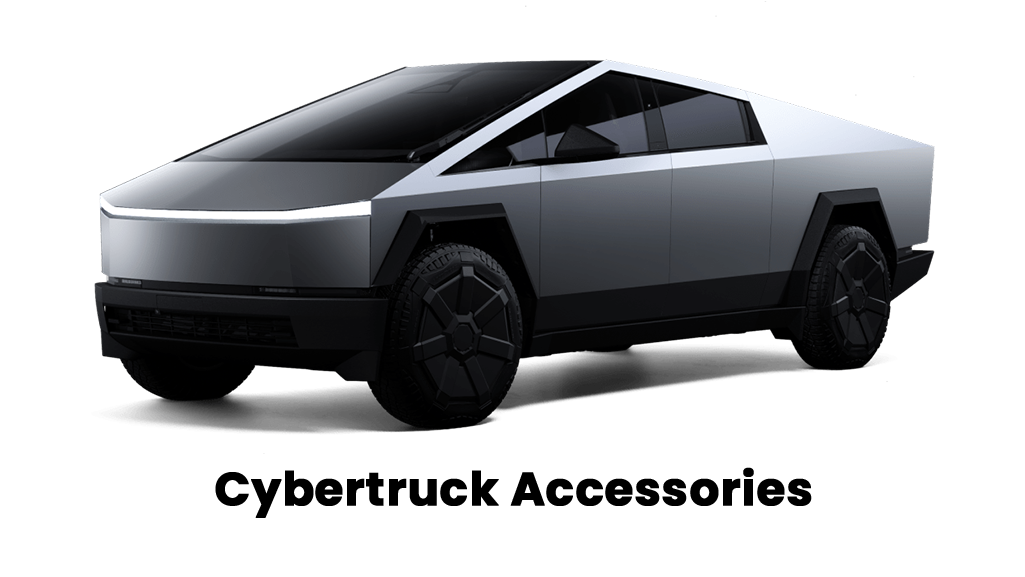
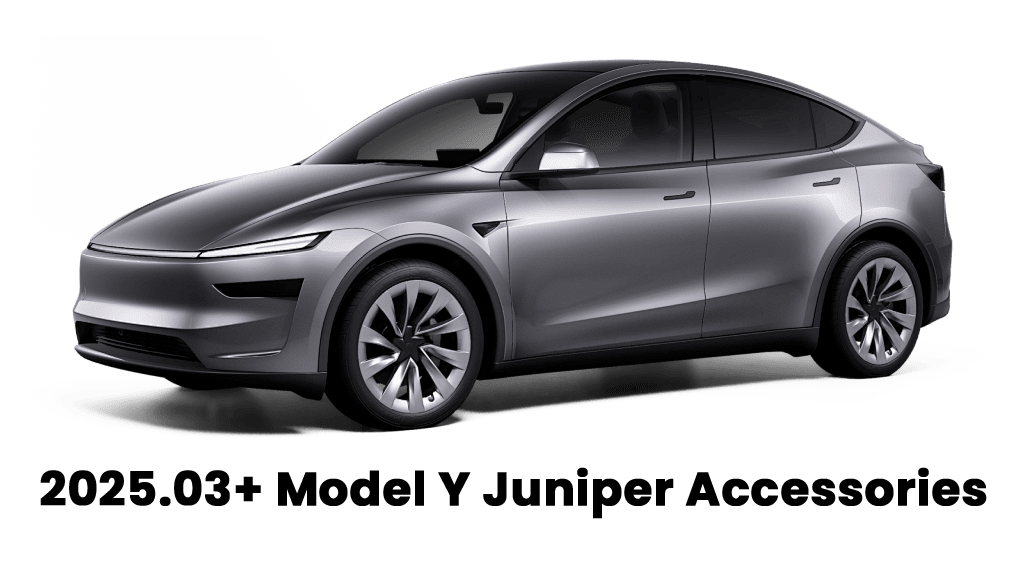
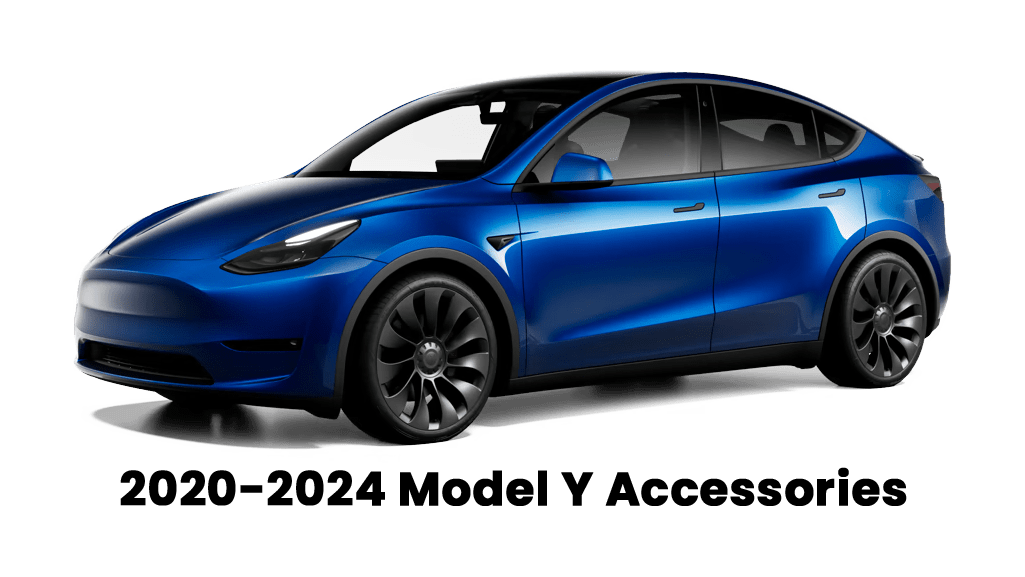
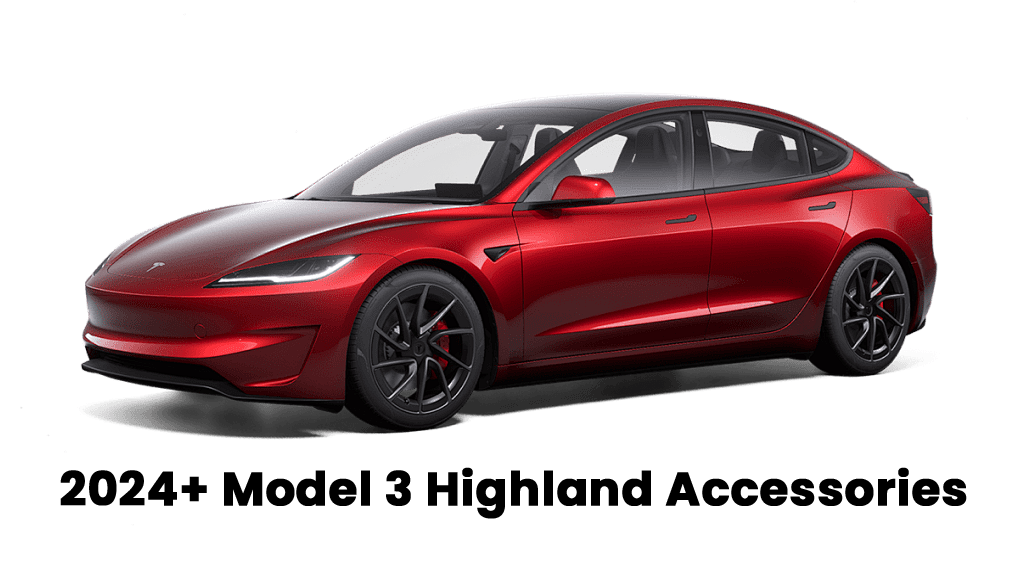
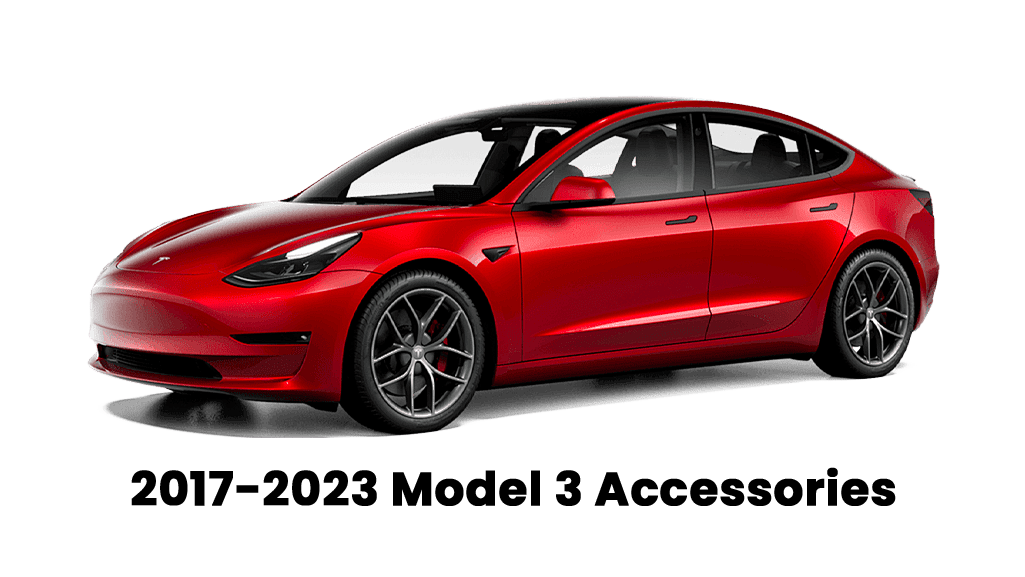
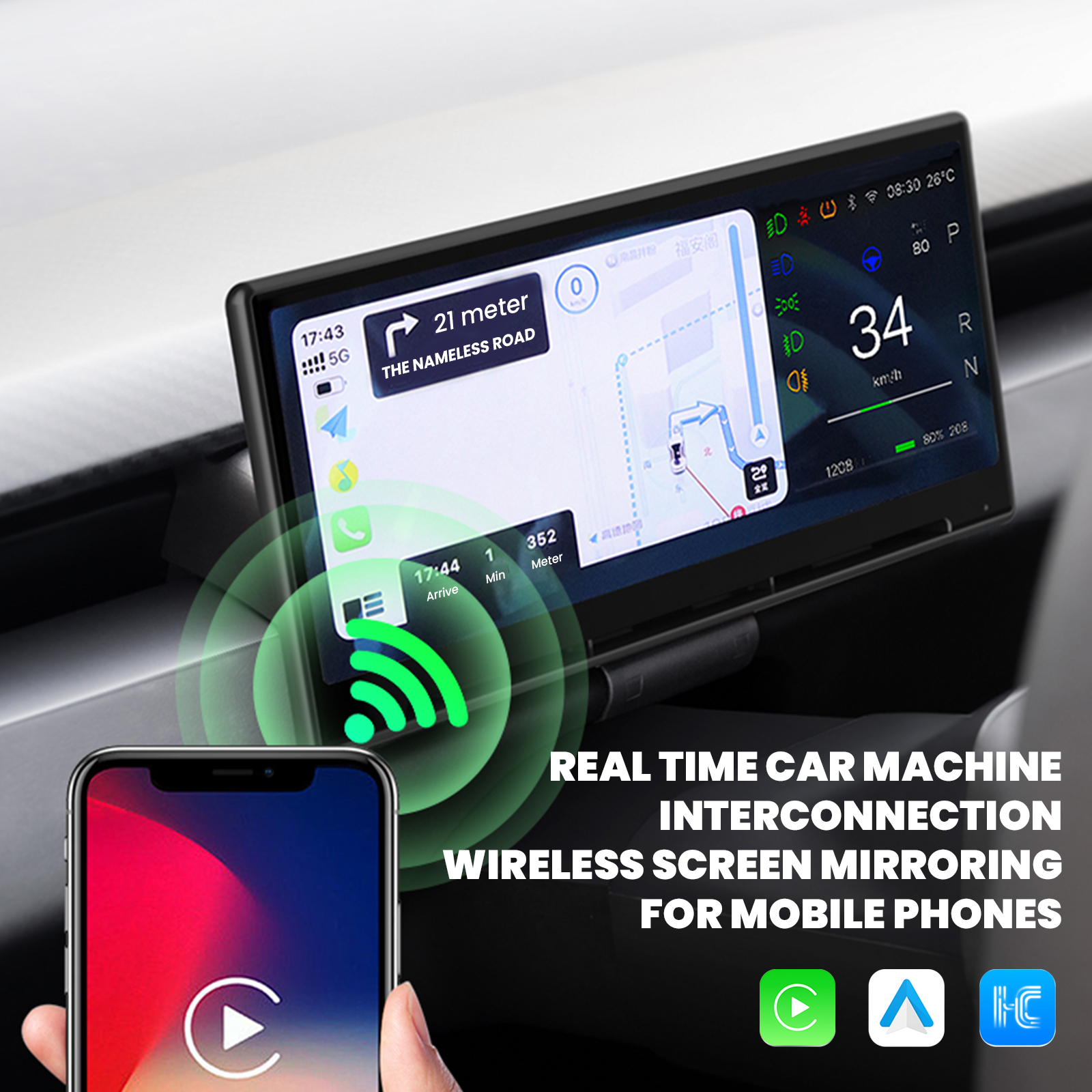
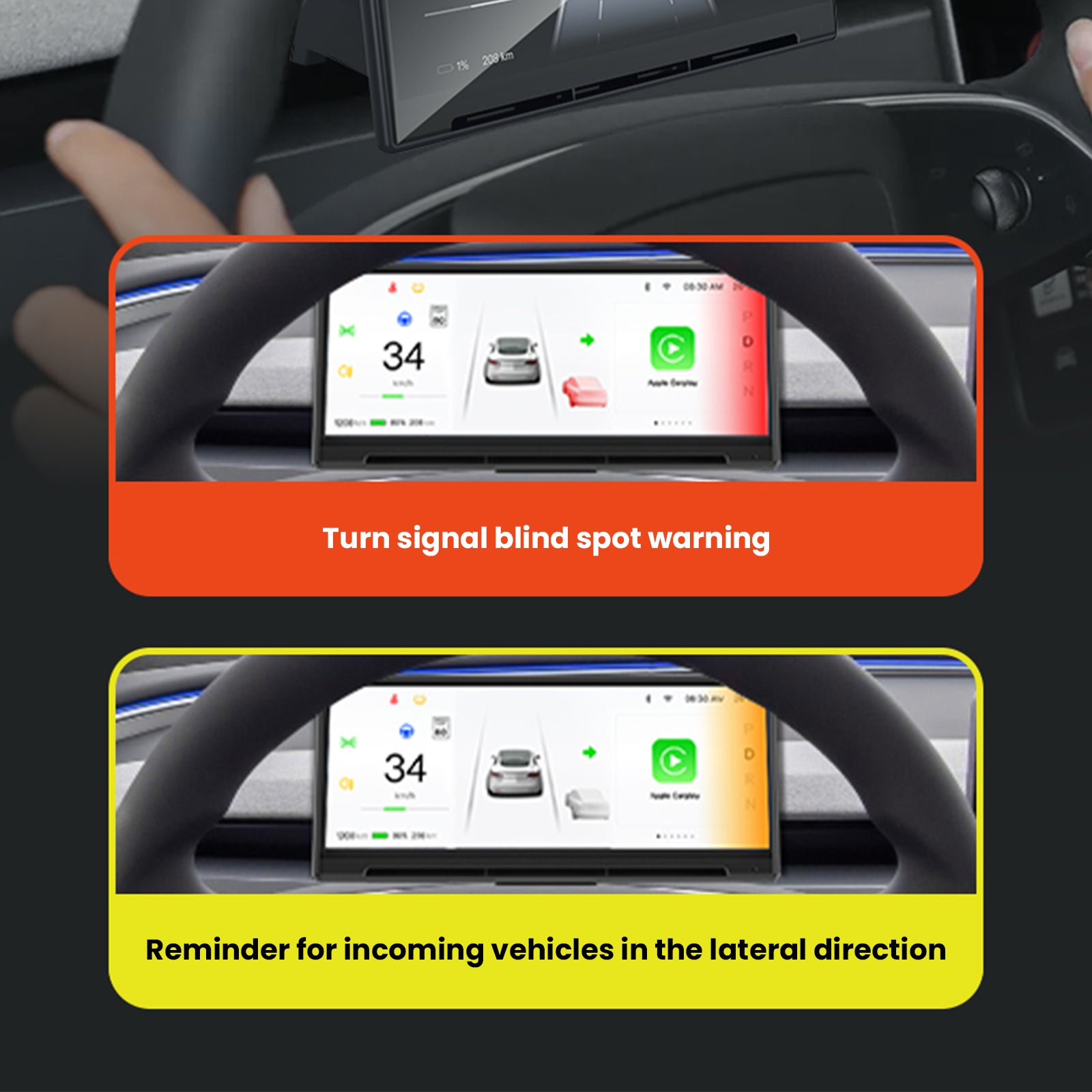
The F9 Pro helps solve a common Tesla cockpit problem: navigation, music, calls, and phone apps live mostly on the center screen, away from the driver’s direct view. This dashboard display brings wireless Apple CarPlay and Android Auto into a cleaner driver-facing setup for supported Model 3, Model 3 Highland, Model Y, and Model Y Juniper vehicles.

Installation manual
Review the installation guide before ordering and before installation. Open the F9 Pro installation manual.
Better driver visibility
Maps, music, calls, and selected driving information sit closer to the driver instead of forcing every glance back to the center screen.
Wireless CarPlay and Android Auto
The current page highlights wireless CarPlay and Android Auto for familiar navigation, messages, media, and phone controls.
8.9-inch dashboard touchscreen
The product highlight lists an 8.9-inch Tesla dashboard touchscreen for a larger, easier-to-read interface.
Built-in A/C vent design
The current highlight calls out a built-in A/C vent design, helping the display integrate with the dashboard area.
OEM-style install
The current product page describes a non-destructive, OEM-style installation approach for a cleaner Tesla interior upgrade.
Camera and driver-side options
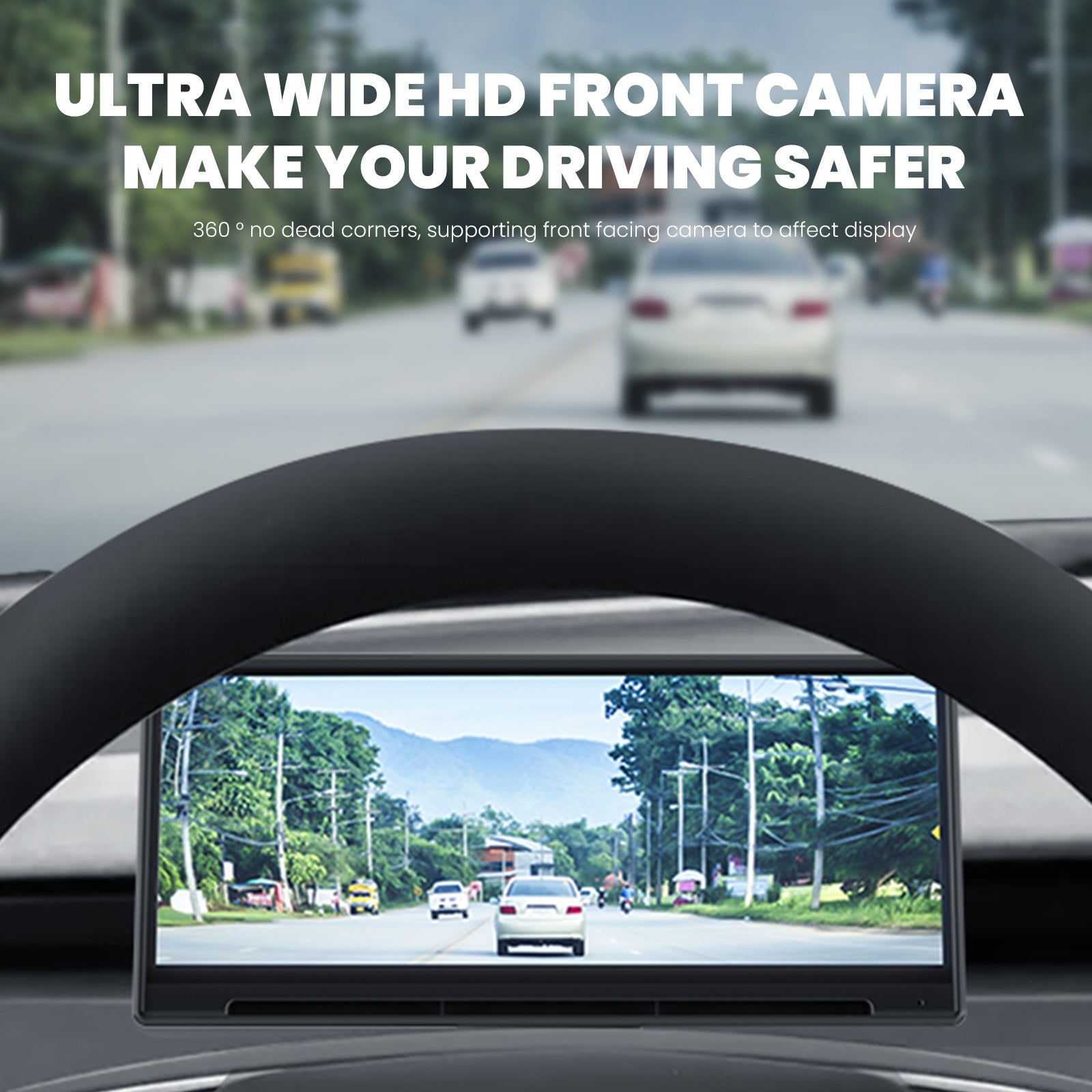
Choose the camera and driver-side configuration that matches your Tesla before checkout for a better fit and viewing angle.
Buy with confidence: confirm the right F9 Pro setup
The variant selector above already handles the exact configuration. This section helps you avoid the common buying mistakes: choosing the wrong Tesla model range, selecting the wrong camera setup, or missing the left-hand/right-hand drive option.
Fitment is selector-led
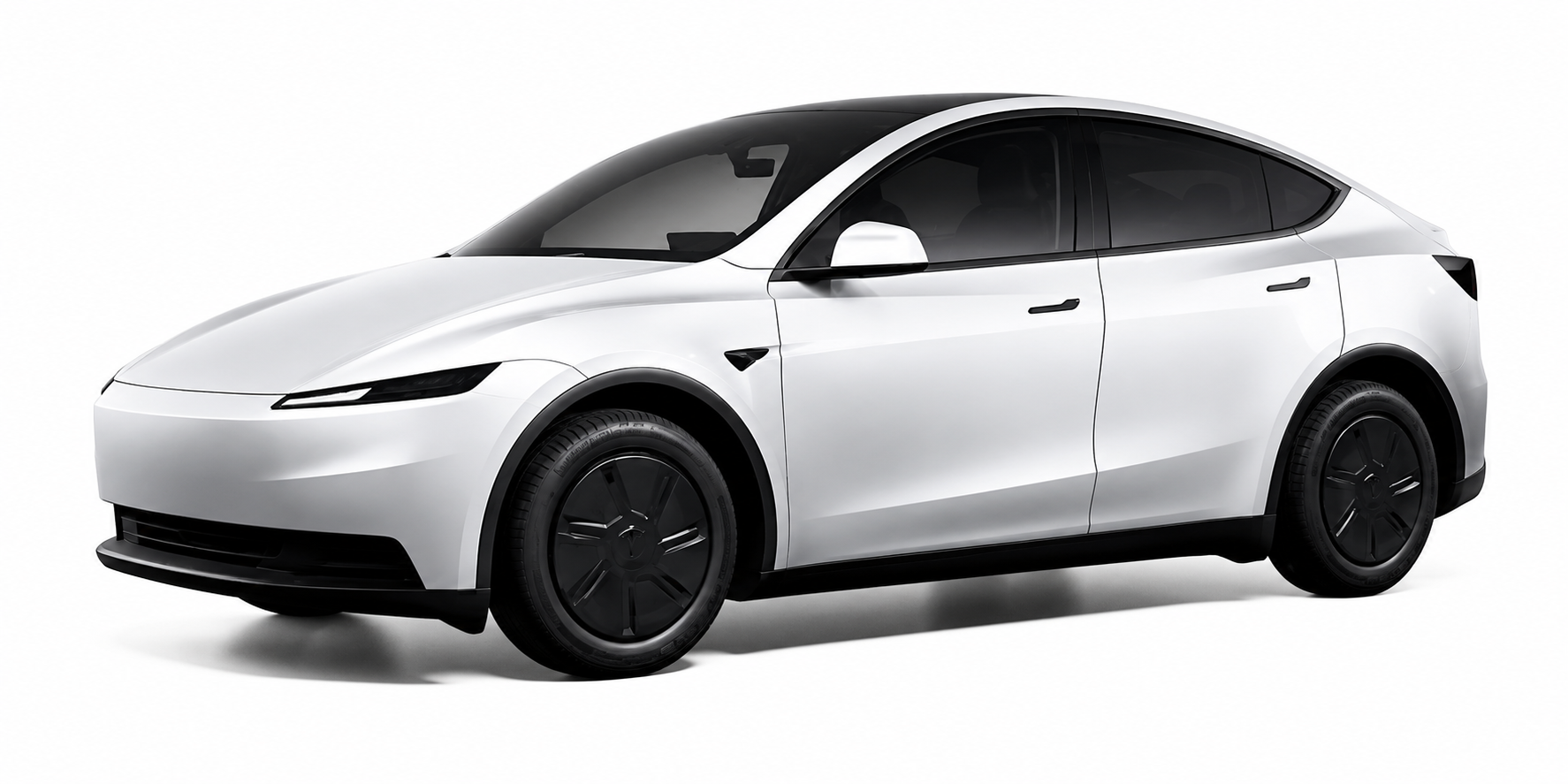
Use the option selector above for the exact Tesla model and production range. This product currently supports 4 Tesla fitment groups, so choose your vehicle first before choosing camera and driver side.
Camera choice is a real setup decision
Choose With Camera only if you want the camera-equipped configuration. Choose Without Camera if you want the cleaner non-camera setup.
Driver side matters
Select Left Hand Drive or Right Hand Drive based on your vehicle market and steering position so the dashboard display matches the driver view.
Designed to reduce center-screen-only friction
F9 Pro is for Tesla drivers who want maps, media, calls, and phone apps closer to the driver instead of relying only on the center display.
Before adding to cart
- Match your Tesla model and production date in the selector above.
- Choose With Camera or Without Camera based on the setup you want.
- Confirm Left Hand Drive or Right Hand Drive before checkout.


Why this upgrade matters in daily driving
If you use phone navigation, music apps, calls, or messages often, the stock center-screen-only layout can feel one step removed from the driver. The F9 Pro is for owners who want a more natural cockpit view: key app functions and dashboard display information closer to where the driver already looks.
- Helps reduce constant center-screen glances for common driving tasks.
- Makes maps, media, and phone controls easier to see from the driver side.
- Keeps the Tesla interior looking integrated instead of like a loose add-on screen.
- Camera-option variants help shoppers choose the setup that matches their needs.
Fitment and product details
Complete your Model Y Juniper setup


FAQ
Ready to make your Tesla cockpit more driver-focused? View this F9 Pro dashboard display product page.
Q&A
We provide assistance through email, live chat, and detailed installation guides. Additionally, we offer step-by-step tutorial videos featuring influencers to help you with the process.
We offer a one-year warranty (two years for some products).
Yes, the product can be removed after installation without affecting the original wiring harness of the vehicle.
We offer free returns and exchanges if there are any quality issues with the product upon receipt by the customer.

Subscribe
Join Us — Enjoy our latest news and exclusive discounts & gifts.