
Owner Explainer: Tesla PIN to Drive, Glovebox PIN and Speed Limit Mode
Owner Explainer · Current Tesla Primary Guidance
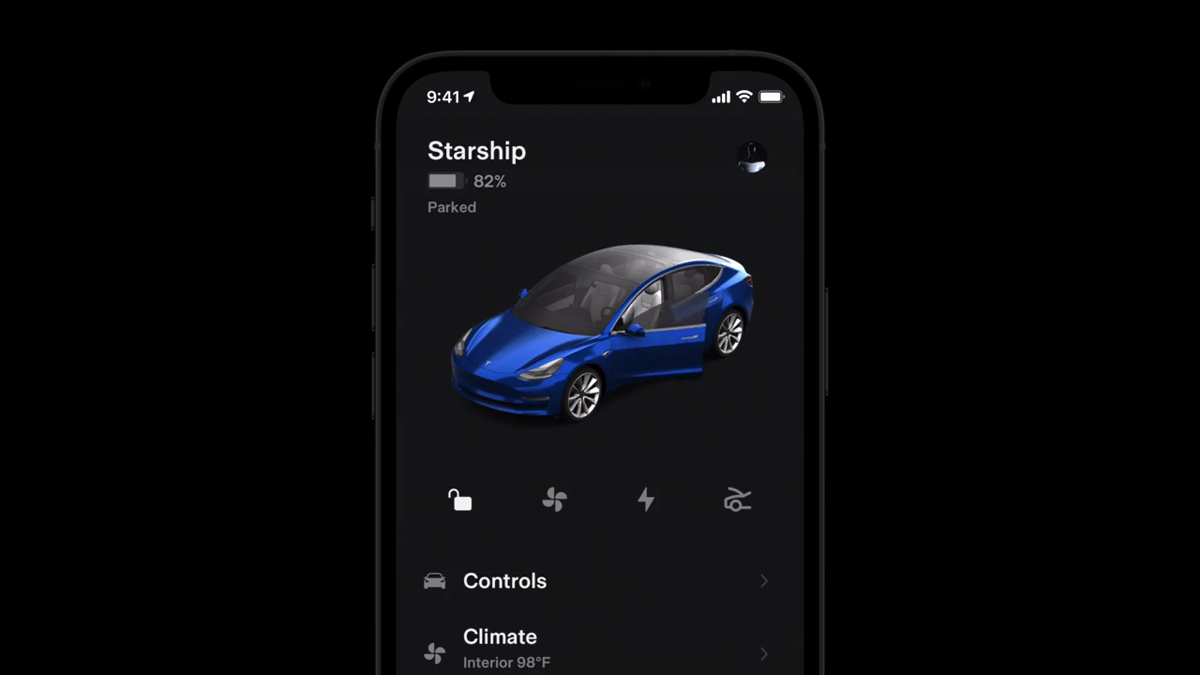
Tesla PIN to Drive adds a four-digit check before the vehicle can be driven. Glovebox PIN is a separate credential for the glovebox. Speed Limit Mode limits acceleration and a selected maximum speed, but Tesla warns that downhill driving can exceed the chosen limit and that the feature is not a substitute for safe driving.
30-Second Brief
- This September 30, 2026 Owner Explainer summarizes current Tesla documentation; it is not a new-feature announcement.
- PIN to Drive requires a four-digit PIN before driving and can be reset through Tesla-account authentication if forgotten.
- Valet mode has its own PIN, and Tesla says PIN to Drive is disabled while Valet mode is active.
- Glovebox PIN is separate from PIN to Drive and protects glovebox access.
- For Model Y, Tesla documents Speed Limit Mode from 50 to 120 mph (80 to 193 km/h), sets acceleration to Chill and warns that downhill speed can exceed the selected maximum.
What Happened
Owners often describe Tesla's PIN controls as one security feature, but the current Model Y manual separates three tools with different jobs: drive authorization, glovebox access and a speed/acceleration limit. The distinction matters when sharing a vehicle, using Valet mode or recovering a forgotten PIN.
This article enters the mandatory fallback ladder after more than five hours without a new publication and with the America/Los_Angeles daily count below four. It is a current high-value owner explainer, not a claim that Tesla released these controls today.
What Is Confirmed
- PIN to Drive: Tesla's support page says the four-digit verification must be entered before the vehicle is driven.
- Recovery: the Model Y manual directs owners who forget the PIN to authenticate with Tesla-account credentials; an owner can also clear it in the app if the touchscreen is unresponsive.
- Valet boundary: the driving PIN is used when first entering Valet mode and creating its PIN, but PIN to Drive is disabled while Valet mode is active.
- Separate glovebox credential: Tesla explicitly says Glovebox PIN is not related to PIN to Drive.
- Speed range: the current U.S. Model Y manual gives a selectable 50–120 mph range and says the acceleration setting changes to Chill.
- Warnings: Tesla says downhill travel can exceed the chosen maximum and Speed Limit Mode cannot replace good judgment or attentive driving.
What Remains Unconfirmed
These Model Y instructions do not prove that every Tesla model, trim, model year, region or software build exposes identical menus or behavior. Tesla's support page expressly says availability differs by model, trim and model year. Owners should use the in-car manual matched to the vehicle.
The documentation also does not make any PIN feature theft-proof. A PIN adds a control layer; it does not replace account security, physical key control, prompt removal of lost access or ordinary precautions. Speed Limit Mode is not a safety guarantee and does not promise the selected maximum can never be exceeded.
Why It Matters
Clear mental models prevent configuration mistakes. PIN to Drive protects drive authorization, Glovebox PIN protects stored items, and Speed Limit Mode changes driving limits. Treating them as interchangeable can leave the wrong layer unprotected.
The recovery path also ties vehicle security to the Tesla account. Owners should maintain strong account credentials and multi-factor authentication, then confirm the exact recovery steps before an urgent situation.
What Tesla Owners Should Know
- Use different PINs. Avoid reusing an easily guessed code across drive, glovebox and Valet controls.
- Test before relying on it. Enable each feature in Park and confirm the expected prompt or limit.
- Understand Valet mode. PIN to Drive is disabled while Valet mode is active; review what Valet mode does before handing over the vehicle.
- Secure the Tesla account. Recovery can require account credentials, so protect the account and keep recovery methods current.
- Do not treat Speed Limit Mode as a governor guarantee. Tesla warns downhill speed can exceed the selected maximum.
- Check the exact manual. Menus, app controls and availability may vary by model, market and software.
Tesstudio Analysis
Tesstudio scores this dated Owner Explainer at 73.1. Authority and factual confidence are high because operational claims come from current Tesla support, owner-manual and privacy records. Timeliness and event magnitude are lower because the controls were not newly announced in the current scan window.
The most useful takeaway is separation of duties: one PIN governs driving, another can protect the glovebox, and Speed Limit Mode changes vehicle behavior without removing the driver's responsibility. That makes the topic suitable for fallback publication while keeping all claims narrow and attributed.
Sources & Reporting Notes
- Tesla Model Y Owner's Manual: Safety & Security Settings — primary operating details, recovery paths, Valet boundary, Speed Limit Mode range and warnings.
- Tesla Support: Vehicle Safety and Security Features — primary feature overview and model/trim/model-year availability boundary.
- Tesla Customer Privacy Notice — current account, data and security context; updated February 2026.
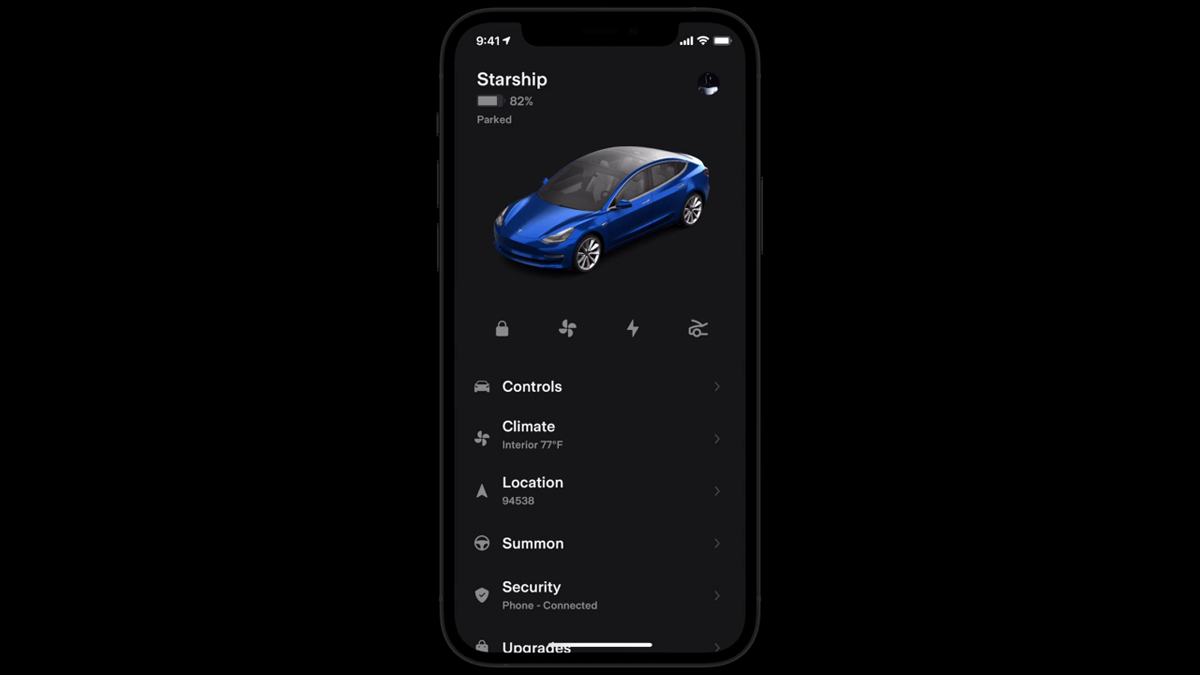
- Tesla: Vehicle Controls | Tesla App — official video and source for both illustrative article frames.
Reporting note: This mandatory-fallback Owner Explainer was published on September 30, 2026 in America/Los_Angeles after more than five complete no-publication hours and with one post on the local day. It does not present the underlying controls as new today.
Update & Correction Log
September 30, 2026: Initial publication. The article separates the three PIN-related controls and preserves Tesla's model-availability and downhill-speed warnings.


コメントを書く
このサイトはhCaptchaによって保護されており、hCaptchaプライバシーポリシーおよび利用規約が適用されます。