
Owner Explainer: How Tesla Battery Preconditioning Speeds Up Supercharging
Owner Explainer · Official Tesla Guidance
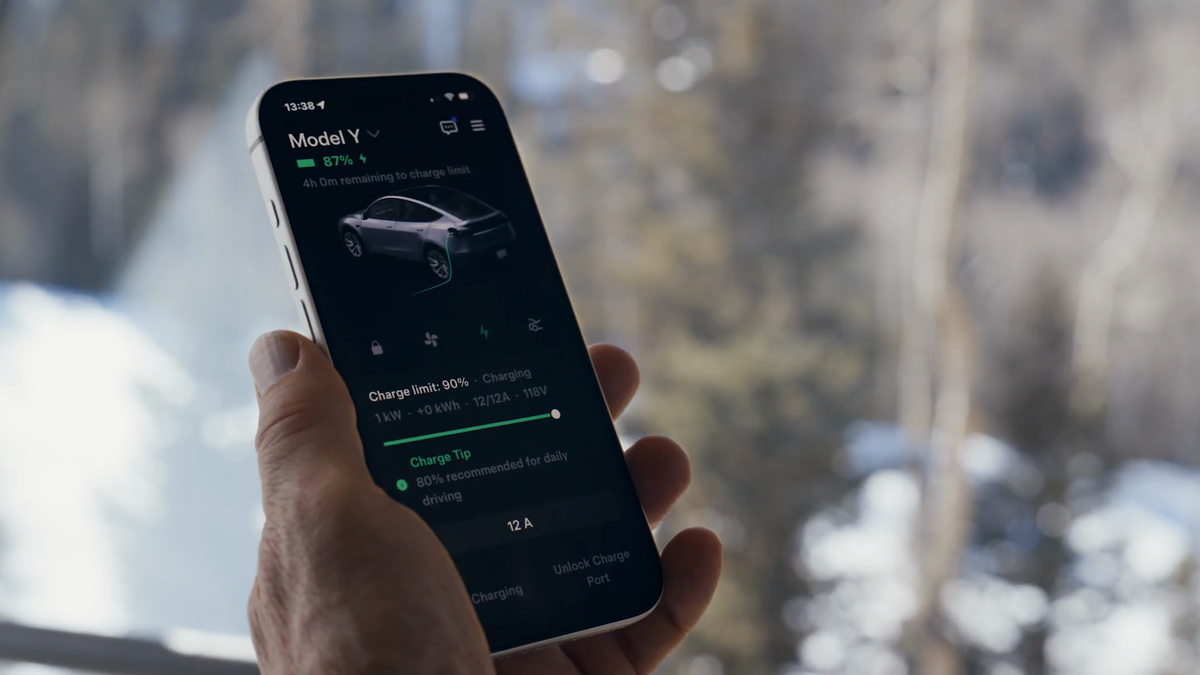
For the best chance of faster DC charging, enter a Tesla Supercharger as the destination in the vehicle's navigation system. Tesla says battery preconditioning then begins automatically and recommends navigating to a charging location about 30–45 minutes before arrival when possible. Charge speed still depends on battery temperature, state of charge and charger conditions.
30-Second Brief
- This is a dated owner explainer based on Tesla's current support pages and owner manuals, not a claim that Tesla announced a new charging feature today.
- Navigate to the fast charger in the vehicle rather than driving there without a route.
- Tesla recommends selecting a charging location roughly 30–45 minutes before arrival to help the battery reach an optimal temperature.
- In hot or cold conditions, preconditioning may run without a prominent message and can use energy.
- Automatic preparation for third-party fast chargers varies by vehicle and region; do not assume every destination triggers it.
What Happened
Battery temperature is one of the main variables owners can influence before a fast-charging stop. Tesla's current Supercharging guidance says the vehicle automatically prepares the battery when a Supercharger is selected in Trip Planner or entered as the navigation destination.
This workflow is easy to miss because plugging in is not the step that starts preparation. The useful action happens earlier: route to the charger while driving, give the system enough lead time, and arrive with the battery at a relatively low state of charge when the trip allows.
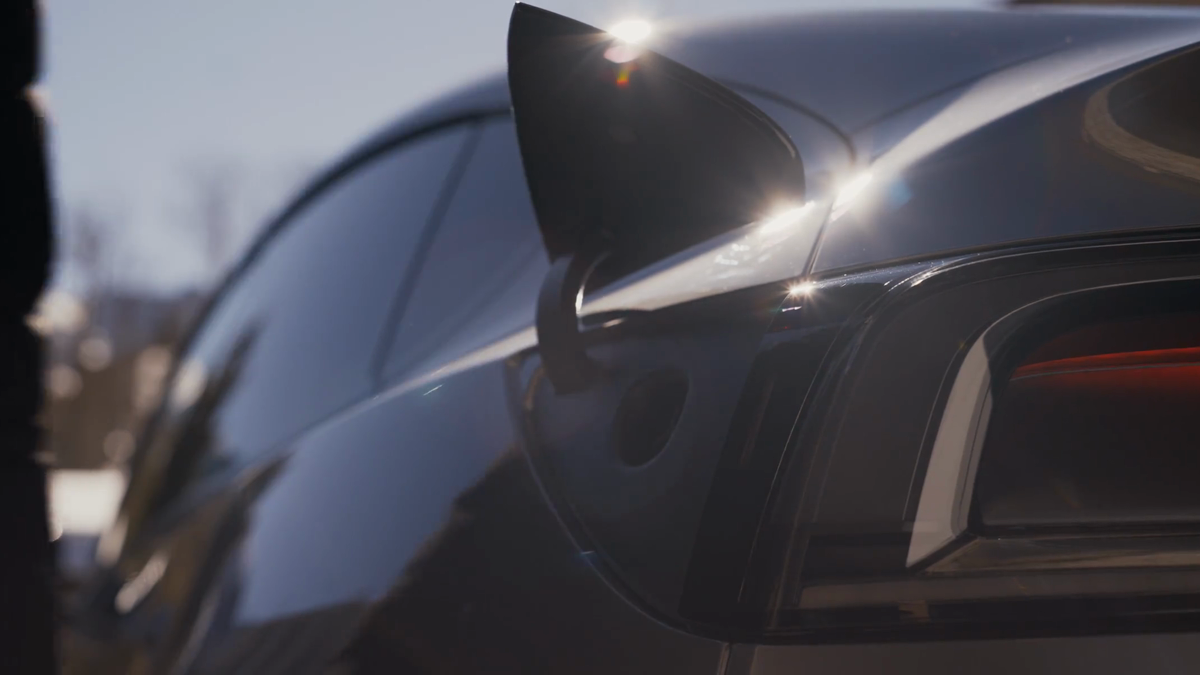
What Is Confirmed
- Navigation triggers preparation: Tesla says routing to a Supercharger automatically preconditions the battery to an optimal temperature for charging.
- Tesla gives a lead-time range: its support guidance recommends navigating to a charging location 30–45 minutes before arrival.
- Cold weather can slow charging: the Model Y manual says a cold battery may limit regenerative braking and charging performance until it warms.
- Hot weather also changes the process: Tesla's Model S manual says the vehicle may precondition while navigating to a Supercharger even when no message is visible.
- Charge speed is not fixed: Tesla identifies battery temperature and state of charge among the factors that influence charging performance.
What Remains Unconfirmed
Tesla does not promise that every vehicle will need exactly 30 minutes, nor that every session will reach the charger's advertised peak. Weather, starting temperature, battery state of charge, battery pack, charger generation and site conditions can change the result.
Automatic preconditioning for a non-Tesla fast charger is not universal. Tesla's manual says this can occur in some regions when certain third-party fast chargers are selected. Owners should not infer compatibility merely because a charger appears on a map.
Why It Matters
A cold or overheated pack can accept less power, making the early part of a charging stop slower. Using Tesla Trip Planner gives the car time to manage battery temperature before arrival and also lets the route account for available charging locations.
Preconditioning can consume energy, so the practical objective is not to maximize warm-up time at any cost. It is to follow the vehicle's route guidance, retain a sensible arrival buffer and avoid delaying departure just to chase a theoretical peak rate.
What Tesla Owners Should Know
- Choose the charger in the car. Search for the Tesla Supercharger in navigation or let Trip Planner add it to the route.
- Start the route early. Tesla's published recommendation is 30–45 minutes before arrival when possible.
- Keep navigating. Do not cancel the route merely because you already know the way; navigation is the signal used for automatic preparation.
- Watch the arrival estimate. Use the vehicle's projected state of charge and preserve a safety margin appropriate for weather and route conditions.
- Expect variation. The displayed rate can ramp and taper. A high starting state of charge commonly leaves less room for peak power than a lower one.
- Use scheduled preconditioning for departure comfort. Warming the cabin and battery before a cold departure is useful, but it is related to—not a replacement for—routing to the fast charger.
- Verify third-party behavior. For non-Tesla chargers, consult the manual for the vehicle and region instead of assuming automatic preparation.
Tesstudio Analysis
Tesstudio scores this owner explainer at 72.5. The central workflow and timing guidance are supported by multiple readable Tesla primary documents. The score remains below the normal breaking-news threshold because there is no same-window product announcement; it qualifies under the mandatory fallback policy as a current, evidence-based owner explainer.
The most useful owner habit is simple: make the charging site a navigation destination before the stop. That is more reliable than trying to infer battery readiness from outside temperature, an icon or a previous charging session.
Sources & Reporting Notes
- Tesla Supercharging Support — primary source for navigation-triggered preconditioning, recommended lead time and charging-speed factors.
- Tesla Model Y Owner's Manual: Cold Weather Best Practices — primary vehicle-manual context for cold-battery limits and preconditioning.
- Tesla Model S Owner's Manual: Hot Weather Best Practices — primary source for hot-weather behavior and the possibility of preparation without a visible message.
- Tesla Charging Support — primary overview of home, destination and Supercharging workflows.
- Tesla Convenience Features — source page for the official video frames used in this article.
Reporting note: This dated owner explainer was published on August 20, 2026 in America/Los_Angeles after the hourly fallback threshold was reached. It does not present the underlying guidance as a new announcement. The images are frames from Tesla's official convenience video and do not depict a measured charging test.
Update & Correction Log
August 20, 2026: Initial publication. The article distinguishes navigation-triggered fast-charge preparation from scheduled departure preconditioning and limits third-party-charger claims by region and vehicle.


Laisser un commentaire
Ce site est protégé par hCaptcha, et la Politique de confidentialité et les Conditions de service de hCaptcha s’appliquent.