
Owner Explainer: Tesla Lane Departure Avoidance and Emergency Steering
Owner Explainer · Current Tesla Primary Guidance
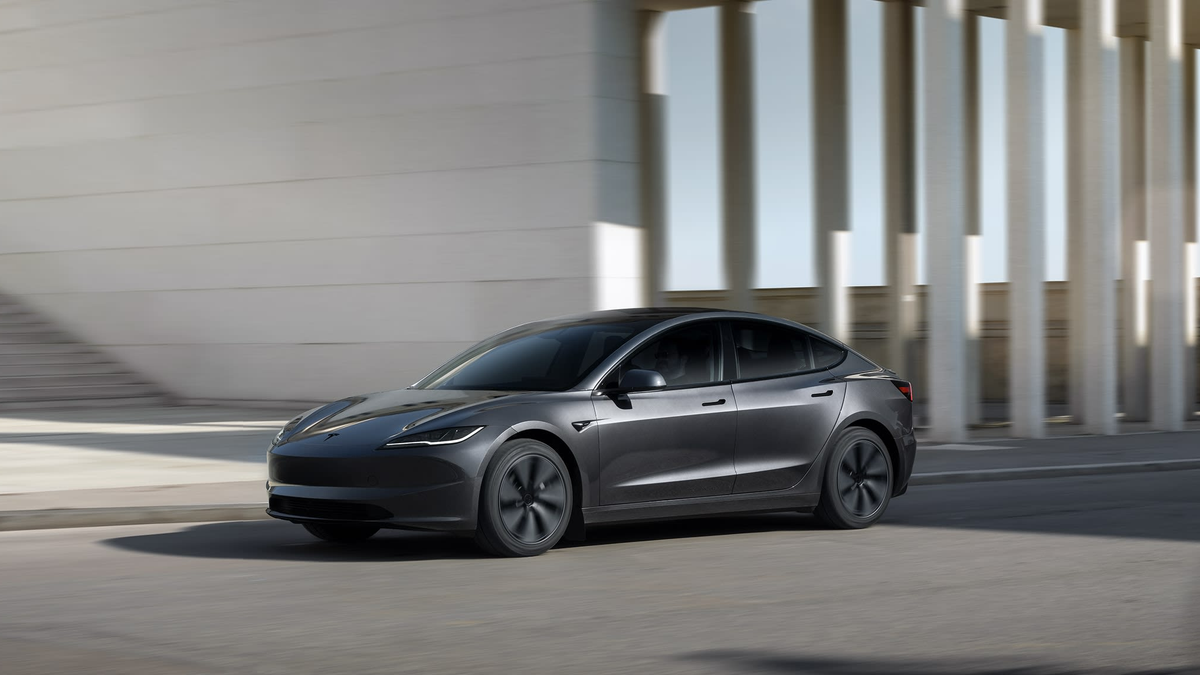
Tesla Lane Departure Avoidance can warn or apply limited steering when a vehicle drifts toward a lane edge. Emergency Lane Departure Avoidance can steer in three documented potential-collision scenarios. These are driver-assistance features, not collision guarantees: keep your eyes on the road, hands ready and cameras clean.
30-Second Brief
- This dated Owner Explainer reviews current Tesla manuals on November 5, 2026 in America/Los_Angeles; it is not a claim that Tesla announced Lane Assist today.
- The referenced U.S. Model 3 and Model Y manuals place Lane Departure Avoidance at 40–90 mph (64–145 km/h) on roads with clearly visible lane markings.
- Those manuals place Emergency Lane Departure Avoidance at 30–90 mph (48–145 km/h), with possible operation at lower speeds under some conditions.
- Emergency steering is bounded to a same-direction adjacent-vehicle risk, an oncoming-lane departure, or a road-edge departure as documented by Tesla.
- Turn signals, faded markings, rain, dirty or blocked cameras, road geometry and other conditions can change or reduce behavior.
- Tesla warns drivers to remain attentive and never depend on Emergency Lane Departure Avoidance to prevent a collision.
What Happened
Tesla's current Lane Assist documentation separates several behaviors that owners can easily confuse. Steering Interventions can nudge a vehicle away from an adjacent detected object. Lane Departure Avoidance can provide a warning or a limited corrective response. Emergency Lane Departure Avoidance is reserved for specific potential-collision situations described in the manuals.
The common boundary is driver responsibility. Tesla describes these tools as assistance under limited speed, visibility and road-marking conditions. They do not replace mirrors, shoulder checks, steering control or judgment.
What Is Confirmed
- Lane Departure Avoidance: the referenced U.S. manuals describe Off, Warning and Assist choices, with warning or corrective behavior when the vehicle drifts toward or crosses a lane boundary.
- Normal speed range: Tesla lists 40–90 mph (64–145 km/h) for Lane Departure Avoidance on roads with clearly visible lane markings.
- Emergency speed range: Tesla lists 30–90 mph (48–145 km/h) for Emergency Lane Departure Avoidance, while noting it may operate at lower speeds in some conditions.
- Three emergency scenarios: a possible collision with a same-direction adjacent vehicle, departure into an oncoming lane, or departure from the road.
- Driver feedback: an emergency intervention can produce a chime, an on-screen warning and a red-highlighted lane marking.
- Signal boundary: ordinary Lane Departure Avoidance does not warn or intervene for a lane departure when the associated turn signal indicates an intentional lane change.
- Primary limitation: Tesla says cameras, lane markings and environmental conditions can affect availability and performance.
What Remains Unconfirmed
The source pages do not establish one universal menu, default or behavior for every model, hardware package, market or software branch. Some regional manuals use different menu names or retain different settings. The touchscreen manual matched to the vehicle is the controlling reference.
The manuals do not prove that the system will detect every vehicle, curb, road edge or lane marking, or that an intervention will prevent a collision. This article does not independently measure real-world detection or steering accuracy.
Why It Matters
Owners may treat all lane-related alerts as one feature, but the trigger and purpose differ. Understanding the distinction helps explain why a vehicle may vibrate the steering wheel in one event, provide limited steering in another, and take no action in poor visibility or outside its documented operating conditions.
The most important expectation is that an intervention can be absent, late or inappropriate. Tesla's own warnings require direct visual checks and active control even when the settings are enabled.
What Tesla Owners Should Know
- Read the matched manual. Check Controls > Self-Driving, Assisted Driving or the model-specific menu shown in the touchscreen manual.
- Know which feature is active. Warning, Assist and Emergency Lane Departure Avoidance are not identical.
- Keep cameras clear. Clean camera areas and respond to any obstruction or unavailable-feature message.
- Do not test the boundary. Never drift intentionally to see whether the vehicle intervenes.
- Use signals and visual checks. Signal intentional lane changes, check mirrors and perform shoulder checks.
- Hold control. Keep hands ready to steer and eyes on the road; limited interventions are not designed to avoid every side collision.
- Expect conditions to matter. Faded markings, rain, glare, construction zones, road edges and unusual geometry can reduce performance.
Tesstudio Analysis
Tesstudio scores this dated Owner Explainer at 74.2. Source authority and factual confidence are high because the operational statements are bounded to current Tesla manuals and support documentation. Timeliness and event magnitude are lower because this is standing guidance rather than a same-window feature launch.
The practical rule is simple: treat Lane Assist as a possible backup signal, never as permission to stop watching the lane. The feature name describes what it may assist with, not a guaranteed safety outcome.
Sources & Reporting Notes
- Tesla Model 3 Owner's Manual: Lane Assist — primary source for speed ranges, warning/assist behavior, emergency scenarios and driver warnings.
- Tesla Model Y Owner's Manual: Lane Assist — primary vehicle-specific source for the same feature boundaries and limitations.
- Tesla Support: Active Safety Features and Traffic-Aware Cruise Control — company support overview of Emergency Lane Departure Avoidance.
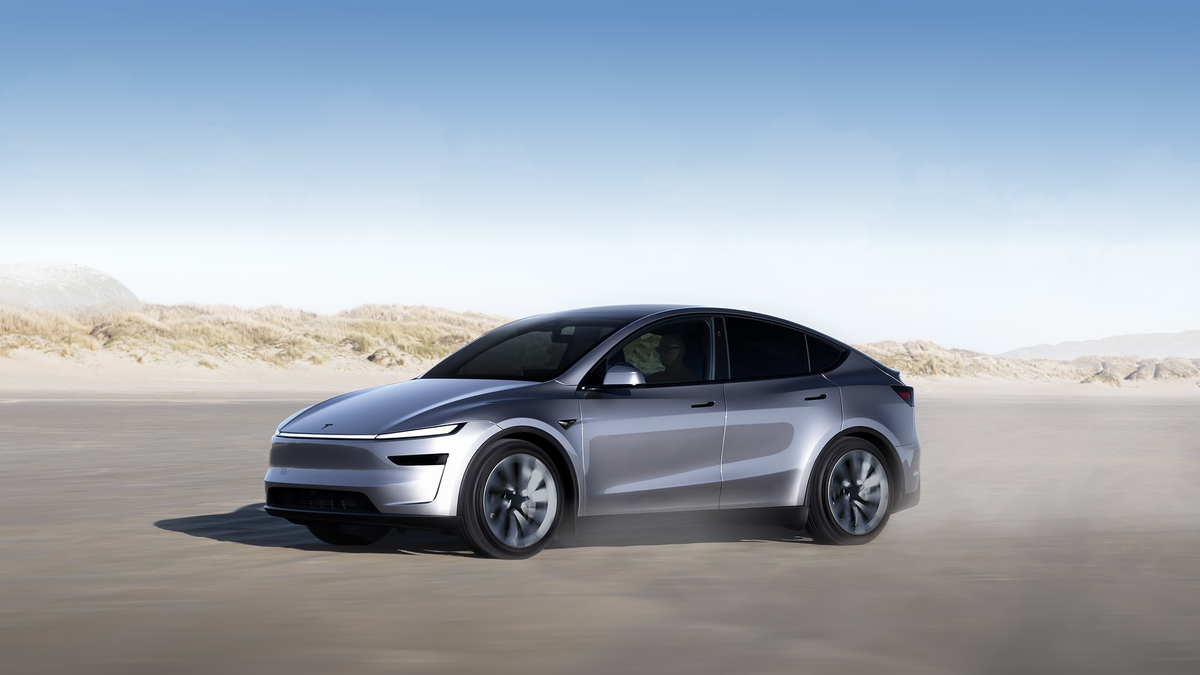
Reporting note: Tesla's manuals were readable through the current lightweight Web index; direct project HTTP requests returned pages without the required text markers in this run. Both images are official Tesla product assets and are clearly illustrative rather than UI evidence. No community anecdote is used as a factual source.
Update & Correction Log
November 5, 2026 in America/Los_Angeles: Initial fallback publication. The article keeps feature and speed-range claims model- and manual-specific and centers Tesla's instruction to remain attentive and in control.



Laisser un commentaire
Ce site est protégé par hCaptcha, et la Politique de confidentialité et les Conditions de service de hCaptcha s’appliquent.